Want PDFsam alternatives to merge, rotate or do more to organize PDF pages? Read this post to get the 6 alternatives to PDFsam that are free or economical.
This article will explain to you how to rotate and save a PDF for free permanently, with comprehensive Windows, Mac, and online methods introduced.
This article is a guide on how to add images to PDFs with offline and online programs. You can take the most effective ways to make PDFs more visually appealing
Need an Adobe Acrobat alternative to edit and do more with PDFs? Check the 10 affordable or free alternatives to Adobe Acrobat Reader, Pro, Sign, or Standard.
Discover how to print comments in PDFs with our step-by-step guide. Boost your productivity and streamline collaboration with our easy-to-follow instructions.
A PDF organizer enables you to add, delete, rearrange, split, merge PDF pages, and more. Get the top 7 PDF page organizers for Windows, Mac, and online usage.
Find out 5 ways to unlock PDF without password. You can unlock a PDF in several steps with offline and online PDF unlocker tools.
Want to have a tool read PDF files aloud? Here are 8 PDF voice readers to read PDFs on Windows, Mac, Android, iPhone, and online.
Want to know how to add photo in PDF to make your PDF files more understandable? Check this article to learn 5 ways to add photo in PDF without a hassle.
Sometimes we need to copy PDF to Word to transfer the content. Check how to copy and paste from PDF to Word easily, whether it’s image-based or protected.
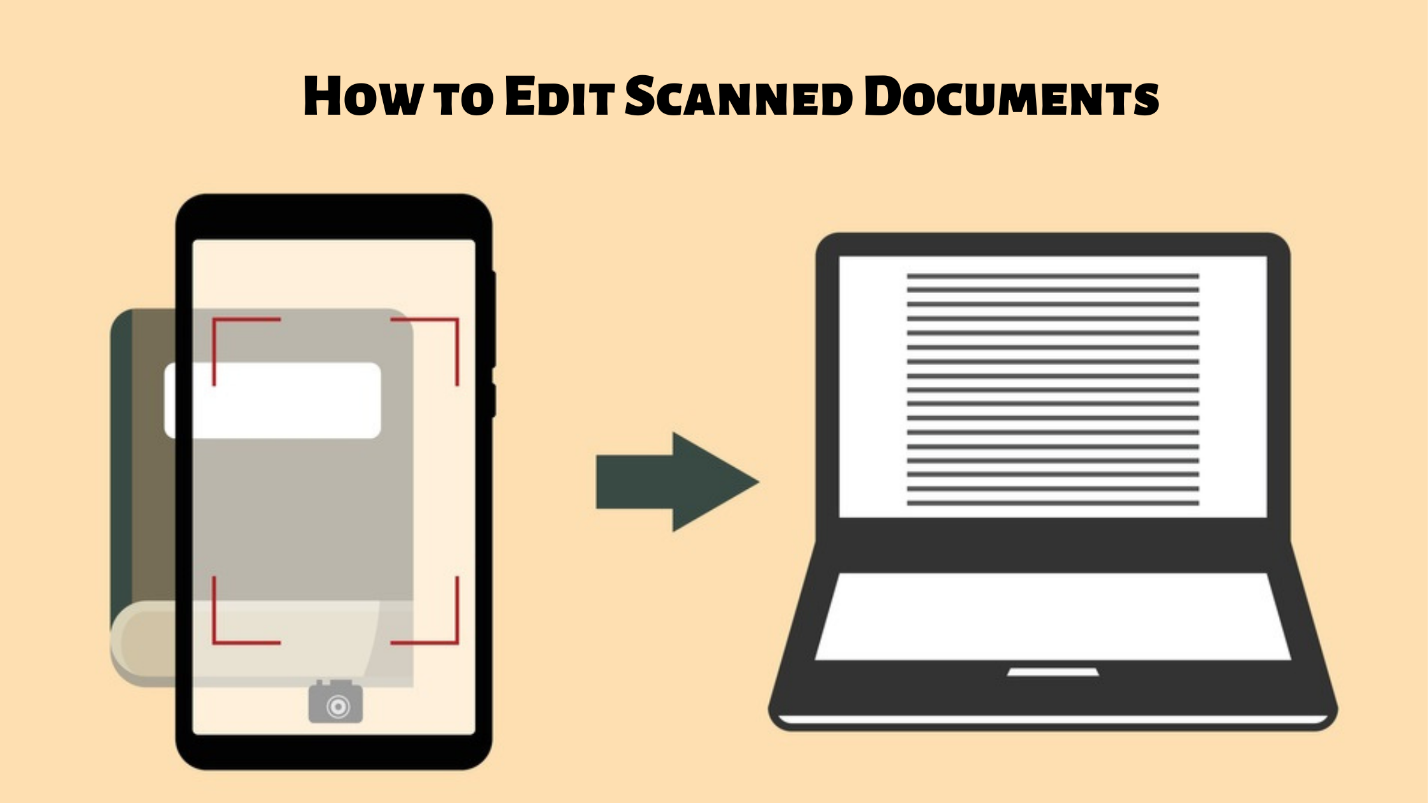
Editing scanned documents is always a headache and it is impossible to do so without a scanned document editor. Learn how to edit a scanned document easily.
Read this post to learn how to insert PDF into Google Doc in 3 ways. You can insert a PDF file into your Google Doc as a link, image, or editable content.
Wondering how to strikethrough in Excel? Keep reading this post and you’ll know 4 different ways to do a strikethrough in Excel.
You may want to save only one page of a PDF when the other pages are unnecessary. Find out how to save one page of a PDF quickly with PDF software and browsers.
Check this post now to learn how to write on a PDF. After reading, you'll find how easy it is to insert new text on a PDF document.
Read this post to find out how to make a PDF fillable easily step by step. You can turn to software applications for Windows and Mac and online PDF tools.
Want to know how to edit a PDF file? This article explains the specific solutions for editing PDF documents on macOS and Windows. Check this page to learn more.
Want to know how to edit a PDF in Chrome? The best answer is the Chrome PDF editor extension. Feel free to make any edits to PDF documents in Chrome.
In this article, we will give you a thorough explanation of how to split screens on Windows for better multitasking without breaking a sweat.
Adding new text to an existing PDF is not easy. Read this post to find out the 7 go-to methods to add text boxes to PDF for free so as to type text easily.
A good PDF splitter splits a PDF file into multiple PDFs by pages or size quickly. Get to know the 11 best PDF splitters for Windows, Mac, or a phone.
How can you get a clean background for your PDF file? This article explains how to remove background from PDF with 5 offline and online PDF background removers.
Need a PDF writer to write on your PDF documents? This post collects the 10 best free PDF writers that you can use on Windows, Mac, or other devices.
Wondering how to embed a video in a PDF? Read this post to get four ways to add videos as hyperlinks, attachments, or objects.
This post offers methods to replace PDF pages on Windows, Mac, and online. You can replace pages in a PDF straightforwardly or by adding and deleting pages.
Flattening PDF documents is a good option to protect information. Follow the instructions to figure out how to flatten a PDF in 2025.
A uniform font size in a PDF can enhance readability. Learn how to change the font size in a PDF easily.
PDF is an uneditable file format, thus making it hard to change the PDF font. Check out how to change the font in a PDF in this post.
Read the clear steps and practical methods to delete text from a PDF. This post offers offline and online PDF editors to remove unnecessary content.
A scanned PDF isn't user-friendly because you cannot copy and search for any needed text within. Check out how to make a PDF searchable in this post.