
SwifDoo PDF AI-Powered
All-in-One PDF Software
Ultimate Solution to Your PDF Documents
Manage your PDFs with ease and edit, merge, convert, compress, sign, and protect PDF files across devices.
Windows · macOS · iOS · Android
 |
4.9 Excellent .4.8K Reviews |
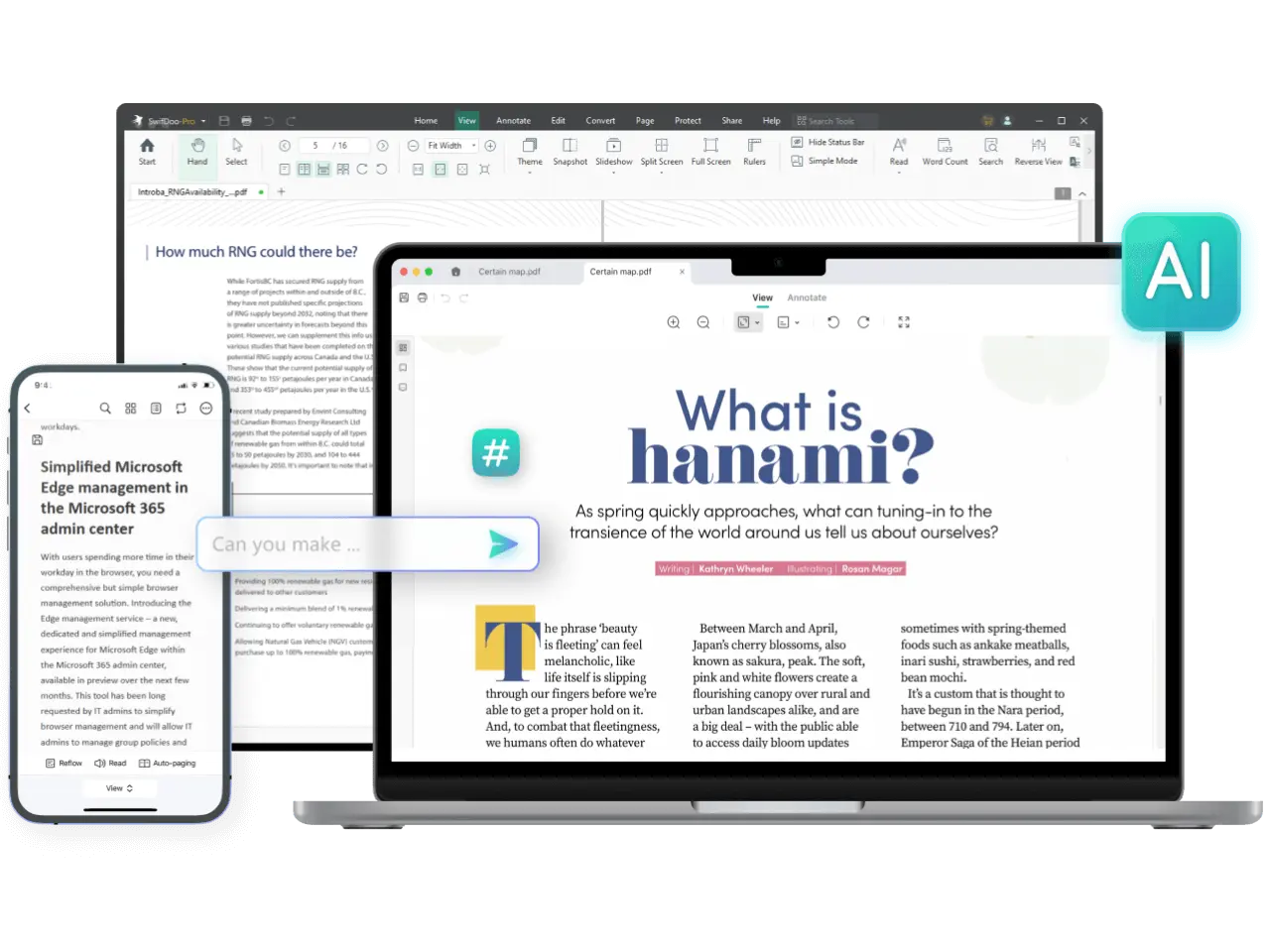
All the PDF Tools You Need
- AI
- Edit
- Convert
- View
- Compress
- Merge
- E-sign
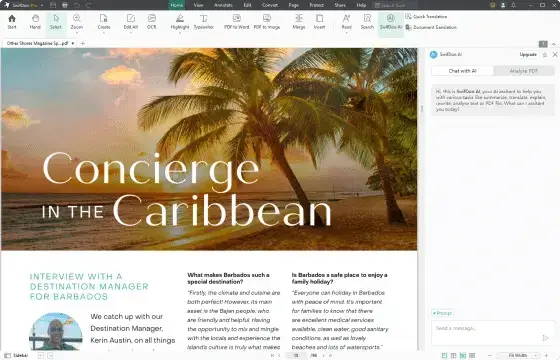
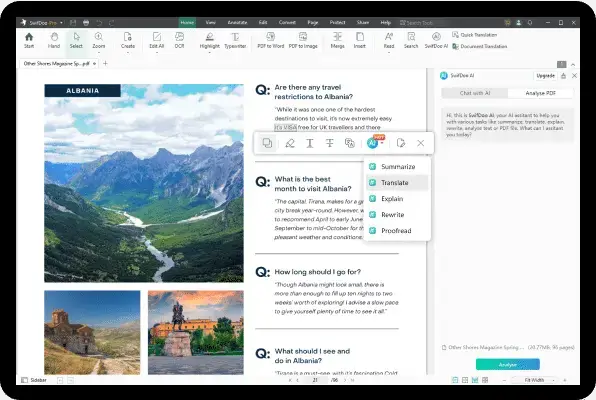
- Summarize long PDF files with AI.
- Translate PDF documents into any language.
- Chat with PDF files for instant explanations.
- Proofread and rewrite PDFs.
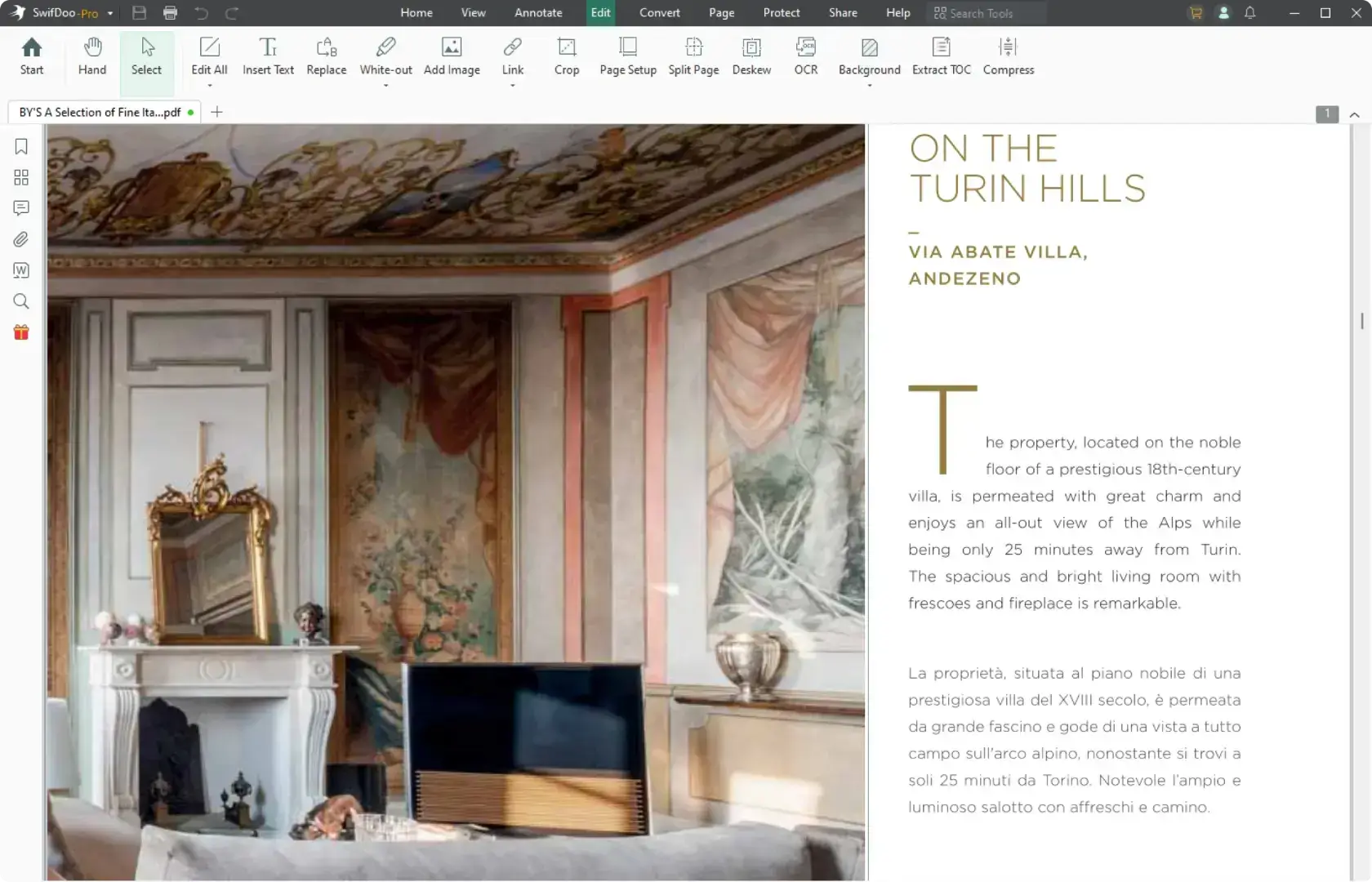
- Add or delete text from PDFs.
- Change the font size, style, and color of the text.
- Add, replace, or adjust images in PDFs.
- Insert hyperlinks and images into your PDFs.
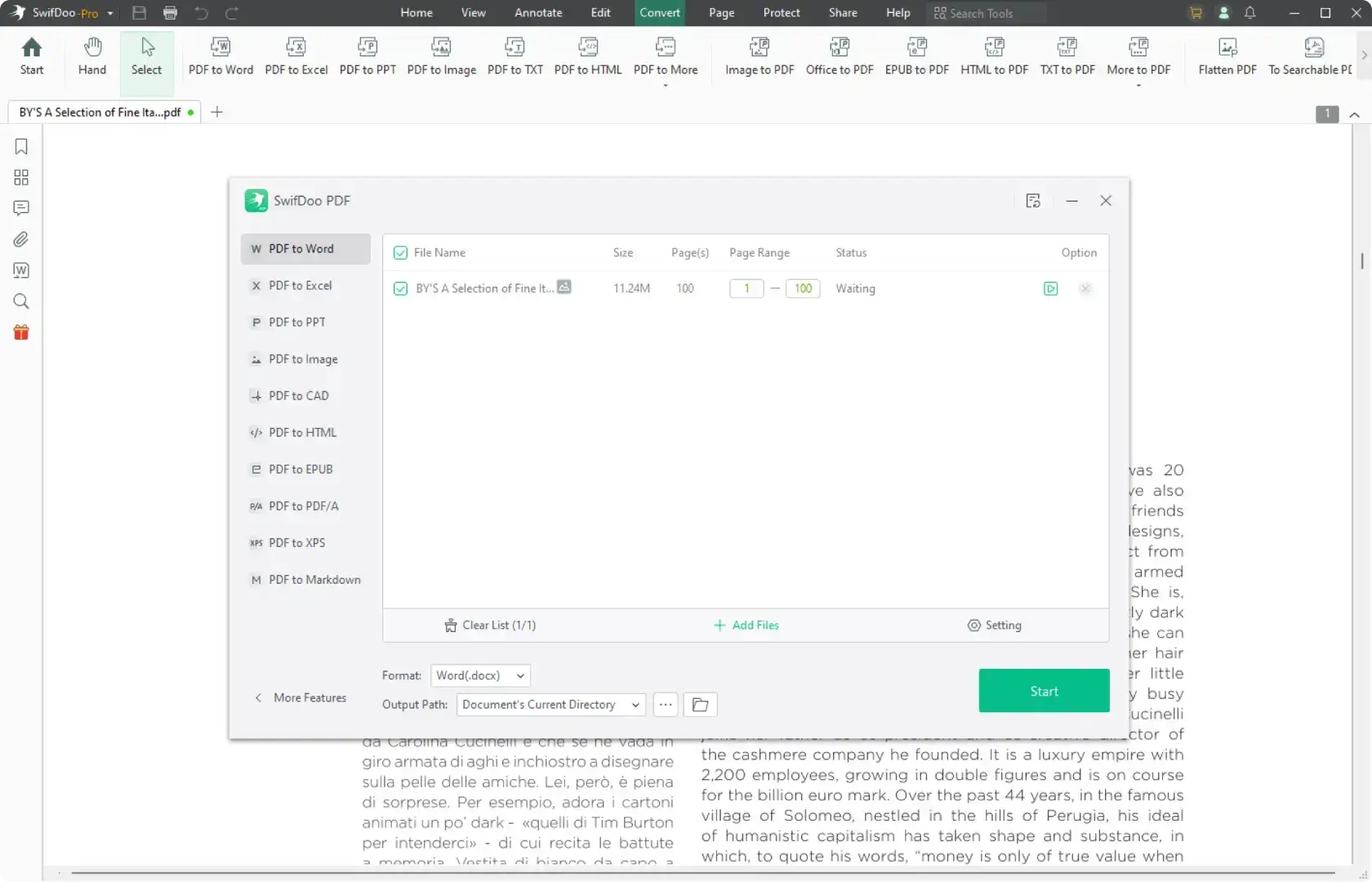
- PDF from/to Word, Excel, and PowerPoint;
- PDF from/to JPG, PNG, TIFF, CAD (DXF and DWG);
- Convert between images and documents
- Batch PDF conversion quickly and easily.
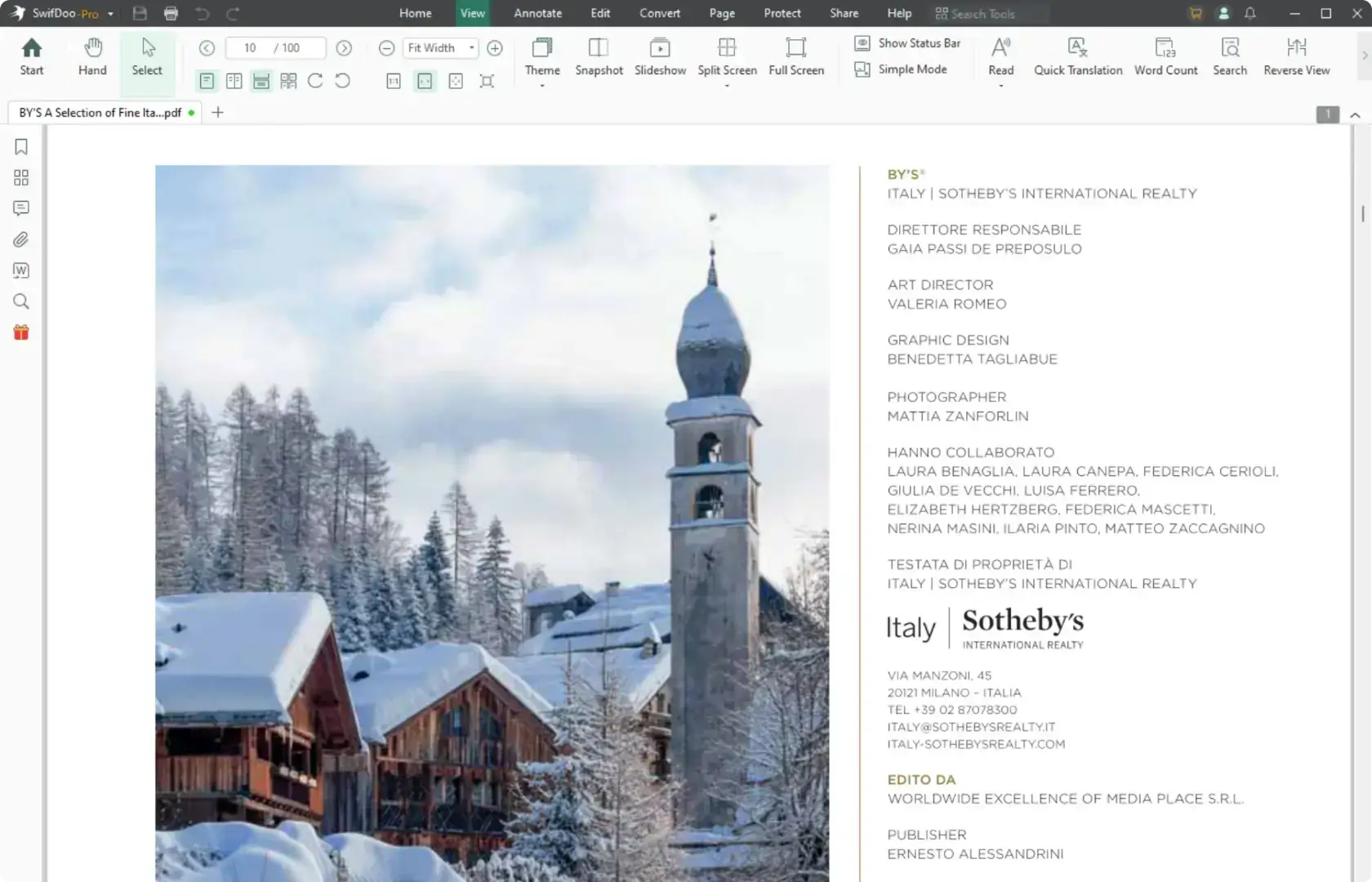
- Change the themes and PDF display modes.
- Read PDF aloud.
- Tap to translate the current PDF document.
- Find and search to replace PDF text.
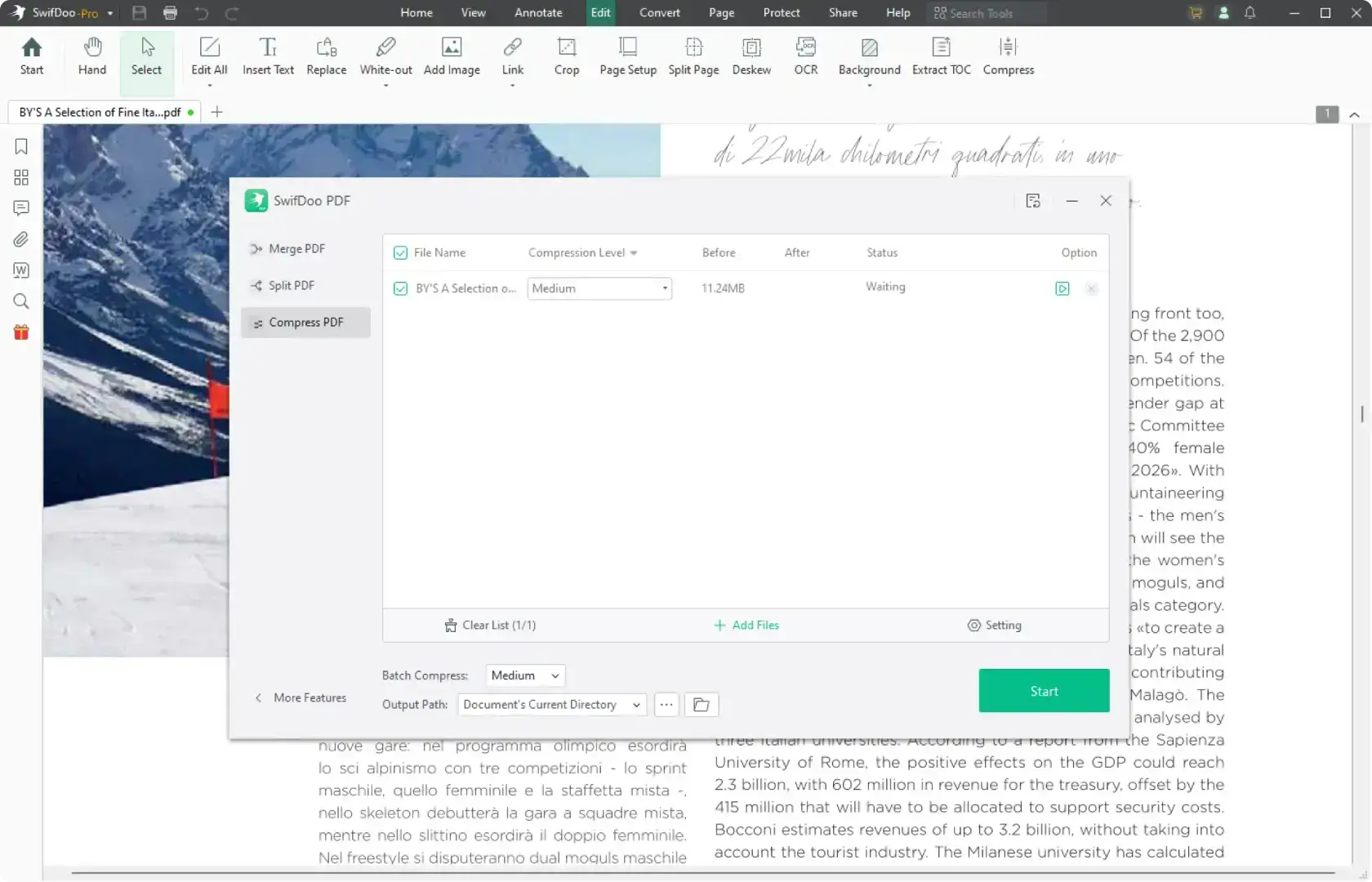
- Reduce PDF file size without losing quality.
- Choose low, medium, or high compression.
- Compress multiple PDFs at once.
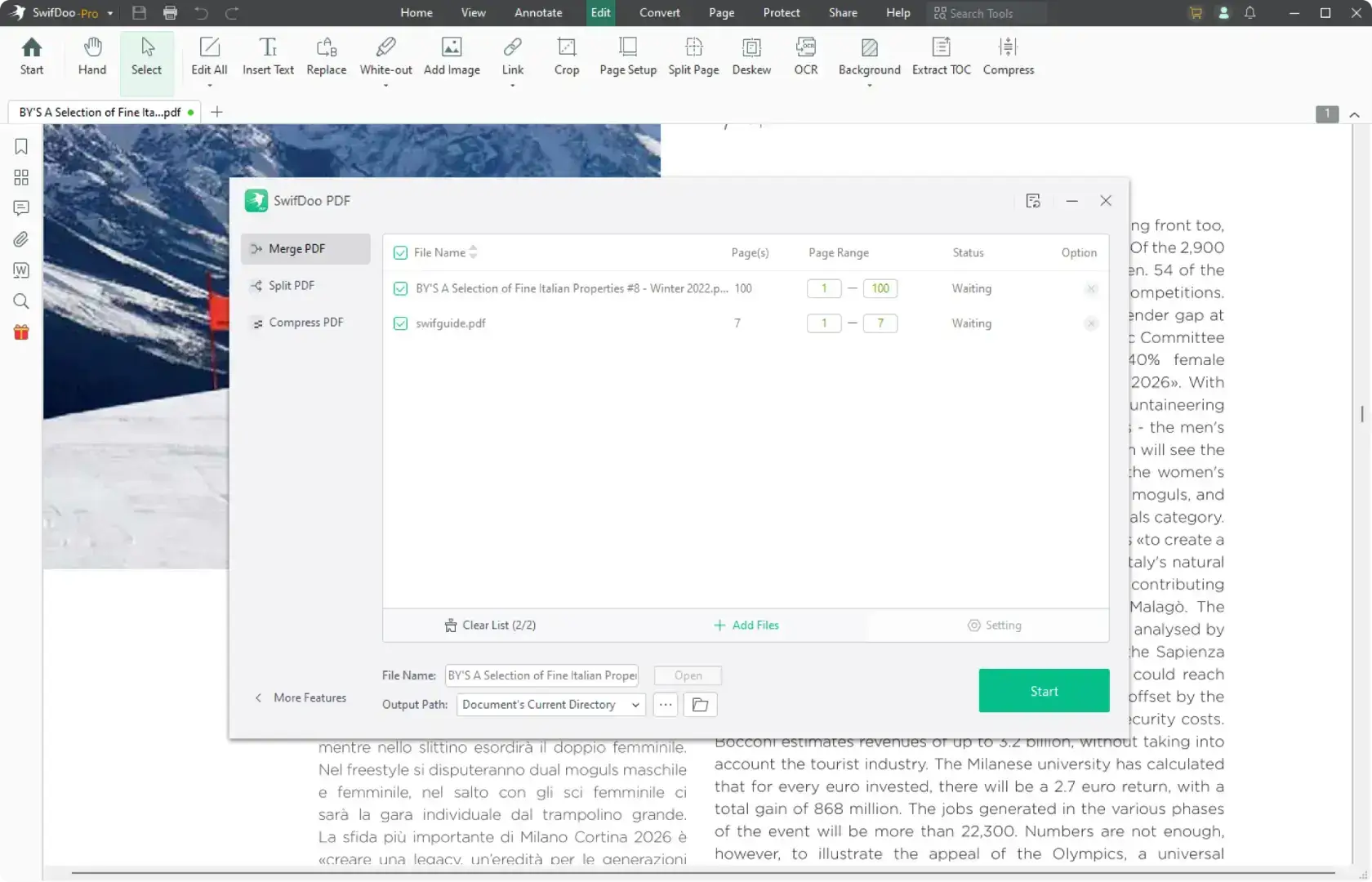
- Merge and split PDFs to manage files better.
- Combine multiple PDFs into one file.
- Split PDFs into pages or smaller files.
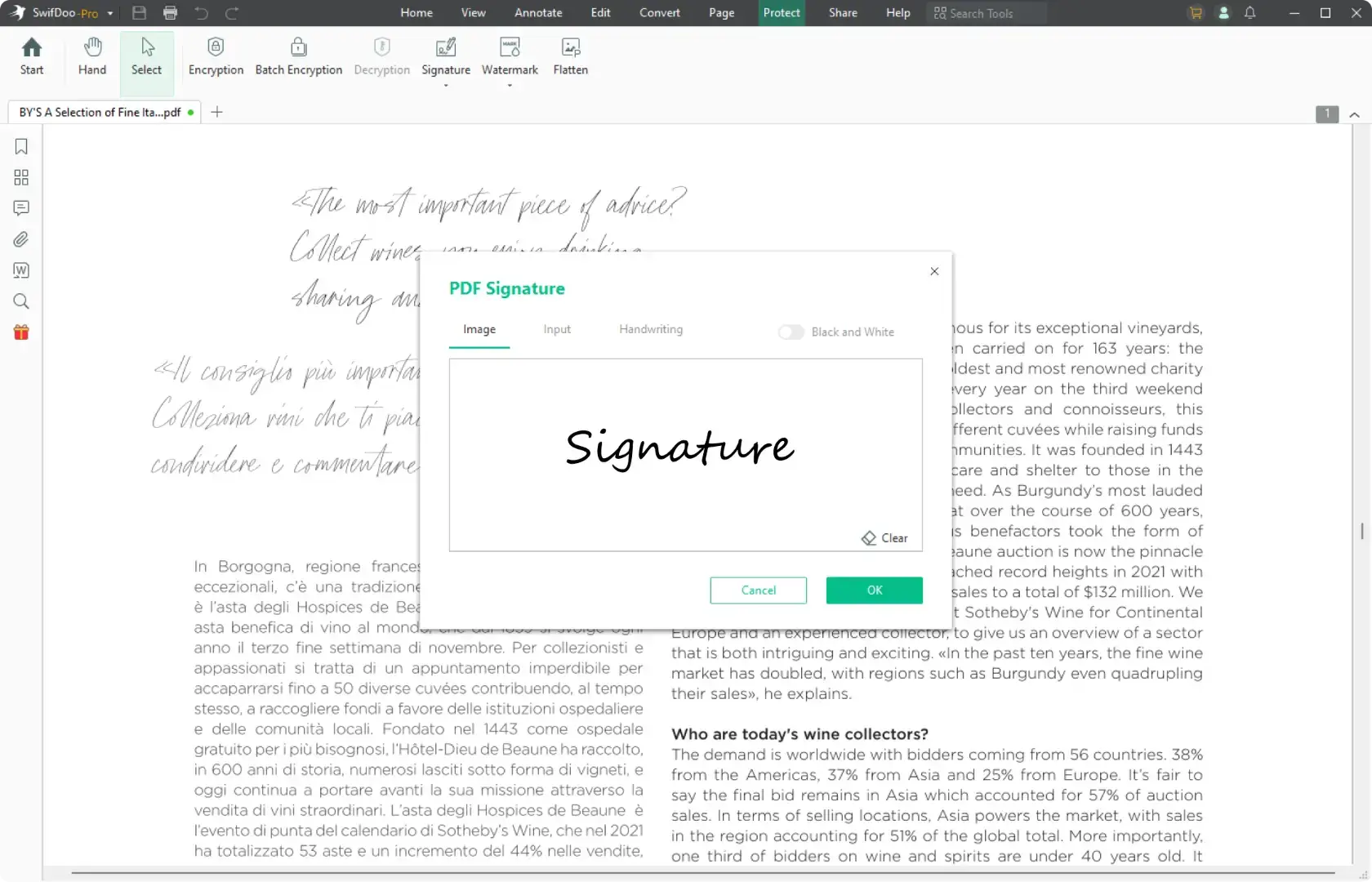
- Create e-signatures by drawing, typing, or adding images.
- Support digital signatures for secure and legal signing.
- Add your signature to PDFs quickly.
What Exactly Is SwifDoo PDF
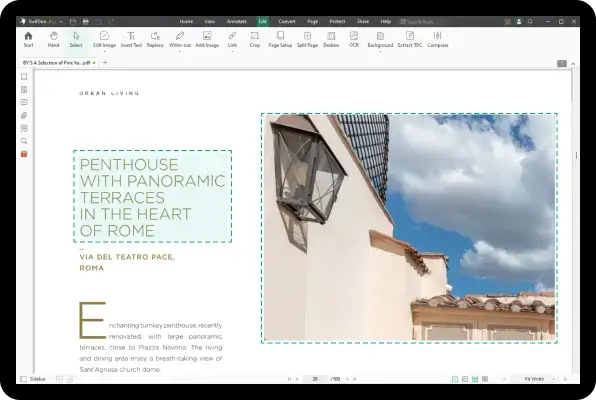
Edit a PDF as Easily as You Think
PDF editing is not as complicated as you think with SwifDoo PDF. Easily edit text, images, and links directly in your PDF, or add and fill out forms with ease. You can also move, resize, or replace content, and use Find & Replace to quickly update text throughout your document.
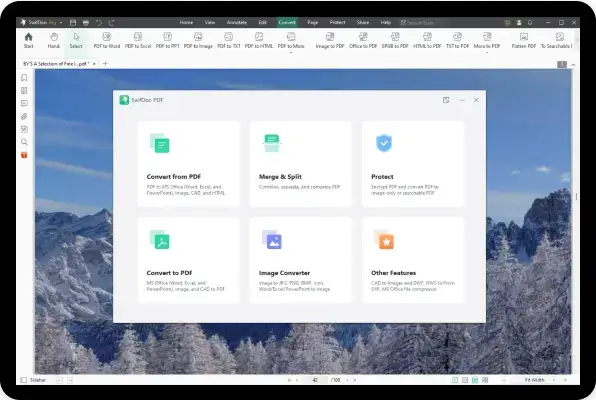
Convert Your PDFs with Original Formatting
SwifDoo PDF is a feature-rich PDF converter. You can make a PDF from a CAD drawing (.dwg and .dxf), Microsoft Office file (.doc, .docx, .rtf, .xlsx, .pptx ), image (. png, .jpg, .bmp, .tif) or vice versa. Additionally, it is able to create a new blank PDF from scratch or scan paper files to digital PDF files. No information lost and formatting changed.
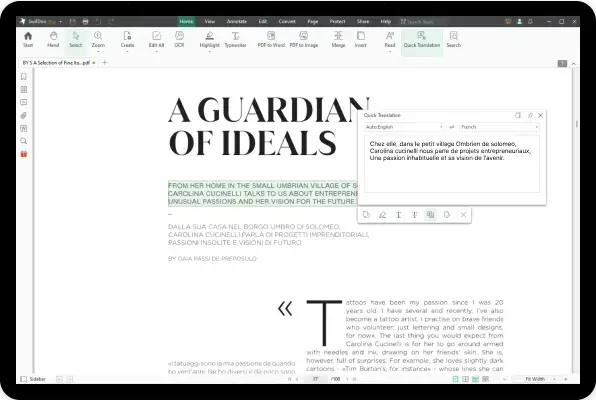
Tap to Translate a PDF or The Selected Text
PDF translation comes in handy when your recipients speak different languages. Now you don’t need to spend time scouting for a PDF translator. SwifDoo PDF enables you to directly translate the selected words or sentences with a single tap of your finger.
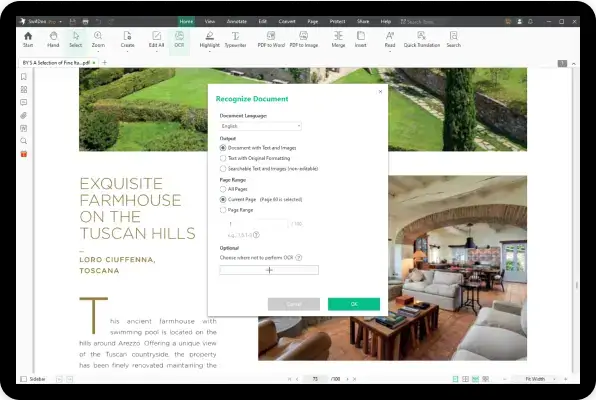
PDF to OCR Converter to Recognize Text Within
Ever wondered how to edit a scanned PDF? No worries,now you can rely on this PDF to OCR converter to recognize text in a PDF. Moreover, this OCR engine can convert an image-only PDF to a searchable PDF, so you can copy, paste, and search throughout the document.
Streamline PDF Processing Efficiently with AI
Tired of handling large volumes of PDFs? Analyze and summarize PDF content structurally in seconds with the AI-powered tool. It can extract insights from disorganized information and rewrite them naturally like a human. Translating and proofreading PDFs are also supported to improve your comprehension and file quality.
 Awards & Recognition
Work with PDFs Across All Devices
Windows
Edit text and images, annotate PDFs, merge, split, convert, and compress files with full features on your Windows computer.
Free Download Learn More >Mac
Quickly edit, view, annotate, encrypt, and organize PDF files on macOS to improve your PDF workflow.
Free Download Learn More >Web
Easily convert PDFs to Word, Excel, HTML, DWG, images, and more—free and accessible from any device.
Learn More >iOS
Read, convert, annotate, and manage PDFs anytime, and access your files on iPhone and iPad with ease.
Free Download Learn More > Scan to Download
Android
Handle PDFs on the go—read, annotate, convert, and organize on your Android phone or tablet.
Free Download Learn More > Scan to Download
Why SwifDoo PDF
-
Efficient & UsefulSwifDoo PDF’s intuitive design and useful editing tools are the solution to your time and work problems. It simplifies the process of making changes to PDF documents, and helps convert PDFs into commonly-used Microsoft Office formats.
-
Lightweight & PowerfulCompared with other PDF software, SwifDoo PDF only takes up 30 MB disk space, which enjoys a faster download speed.
-
Quick ResponseOpening PDF files with SwifDoo PDF is quick as a flash. By incorporating a Microsoft Office-like interface, SwifDoo PDF wants you to feel at ease when processing PDF document. Hence, you are free of troubles caused by PDF-related tasks.
-
Secure & ReliableGuarantee your PDF security with two-level password protection, differentiated permissions, and legally binding electronic signature. No more worries about information and data leak.


- How to
- PDF Editing
- PDF Converting
- ChatGPT
- News
-
CliffsNotes Downloader: How to Download CliffsNotes as PDFNovember 6, 2026
-
OK.ru Downloader: 6 Best Tools to Download Videos from OK.ruNovember 5, 2026
-
Keeping 13 Free PDF Download: Where to Read or Download the Book LegallyNovember 5, 2026
-
6 Trusted PDF Editors with OCR in 2026 [Full Review and Comparison]September 21, 2026
-
Full Guide on How to Write on a PDF Form [5 Free & Proven Ways]September 17, 2026
-
How to Fix Fillable PDF Not Working QuicklyJune 30, 2026
-
How to Convert XLSM to PDF with or Without Microsoft ExcelSeptember 9, 2026
-
3 Proven and Free Methods to Convert PDF to XLSM in 2026September 4, 2026
-
4 Free & Easy Methods to Convert ODS to PDF [Step-by-Step Guide]August 14, 2026
-
Top 6 Claude Alternatives in 2026 (Never Miss)July 24, 2026
-
6 Must-Know Copilot Alternatives in 2026 [Full Review]July 22, 2026
-
Spotlight on Claude vs Copilot: Feature-by-Feature ComparisonJuly 16, 2026