


Why Look for a Sejda Alternative?
Before we dive into the options, let's talk about why you might be searching for a Sejda alternative in the first place.
-
Daily task limits. The Sejda free limits cap how many edits, conversions, or compressions you can perform each day. When deadlines pile up, waiting for tomorrow's quota isn't an option.
-
File size restrictions. Upload a PDF beyond Sejda's threshold and you're blocked before you start. Contracts, presentations, and scanned books often exceed online tool limits.
-
No offline access. Sejda lives in your browser. Lose your connection, lose your workflow. There's no desktop fallback.
-
Feature gates. OCR, batch processing, and unlimited conversions sit behind the paid tier. Free users get a taste, not the full tool.
-
Upload privacy tradeoffs. Every file you process passes through Sejda's servers. For sensitive legal, medical, or financial documents, that's a genuine concern.
If any of these friction points sound familiar, the Sejda PDF editor alternative options below address them directly.
Latest | Sejda PDF Editor Review and Its Best Alternative
Sejda PDF editor is one of the best PDF editors in the market. This post has listed every detail about Sejda PDF and offered you an alternative. Check it out!
READ MORE >Best Sejda Alternatives at a Glance
|
Tool |
Type |
Best For |
Starting Price |
|---|---|---|---|
|
SwifDoo PDF |
Online/Desktop |
Full offline editing + AI + unlimited use |
One-time fee |
|
SmallPDF |
Online |
Quick single-page tasks |
Subscription |
|
iLovePDF
|
Online |
Multi-file batch jobs |
Free tier available |
|
PDFescape
|
Online |
Free basic form editing |
Free tier available |
|
Nitro PDF Pro
|
Desktop |
Enterprise-grade document workflows |
Subscription |
|
PDF-XChange Editor
|
Desktop |
Lightweight markup and annotation |
One-time fee |
|
Foxit PDF Editor
|
Desktop |
Team collaboration and compliance |
Subscription |
|
Wondershare PDFelement
|
Desktop |
Cross-platform polished editing |
Subscription |
Whether you need a lightweight online tool or a heavyweight offline PDF editor, this list has a fit. If you're looking for a free Sejda alternative, you have plenty of great options. Some work entirely in your browser, while others offer desktop versions for offline use.
Sejda PDF to Word: How to Use It Efficiently
Master Sejda PDF to Word with our step-by-step guide. Click on this page to uncover the mystery of Sejda PDF editor and convert PDFs hassle-free.
READ MORE >SwifDoo PDF – The Best Sejda Alternative for Unrestricted Desktop Work
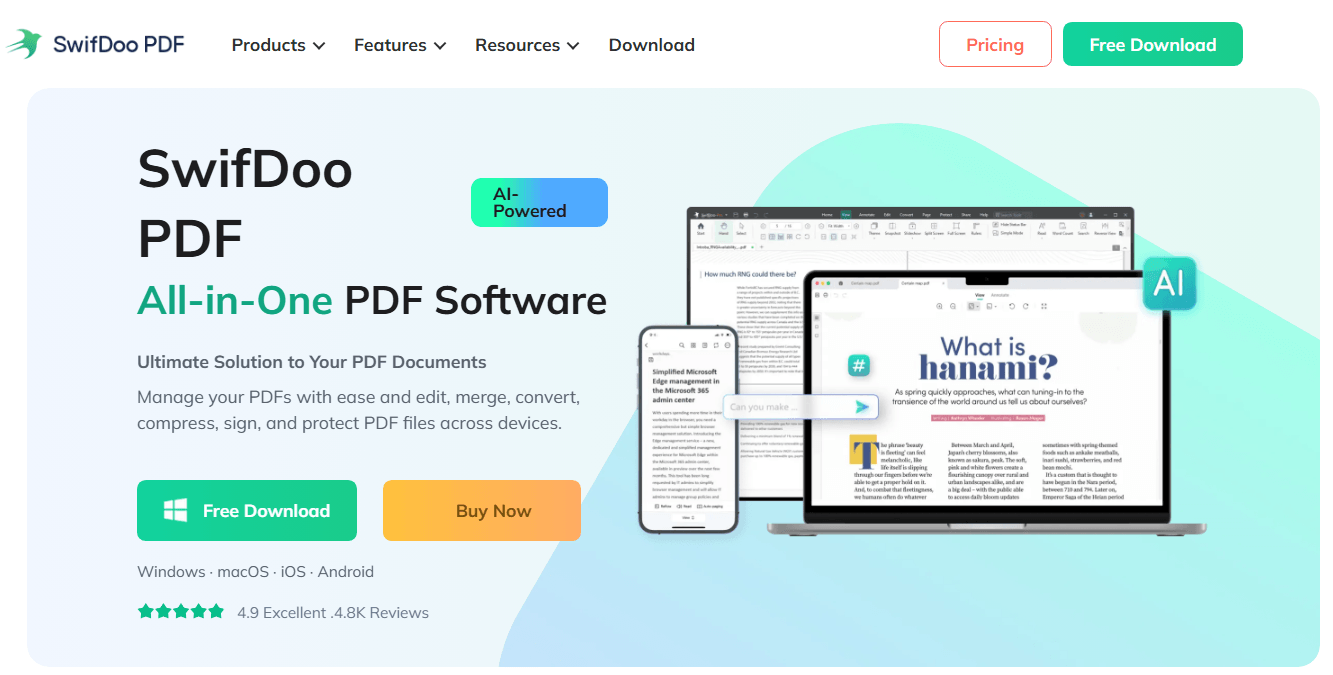
SwifDoo PDF is a comprehensive Sejda alternative that combines essential PDF tools with AI-powered features. It's available across Windows, macOS, iOS, Android, and web, making it one of the most flexible options on the market.
Key features:
SwifDoo PDF isn't just a Sejda alternative that removes limits. It expands what you can actually do with a PDF.
-
The AI assistant summarizes dense reports, answers questions about document content, and translates passages, all without opening a browser tab or paying for a separate AI subscription.
-
Electronic signatures are fully integrated: create a signature, apply it to a document, and send it for others to sign, all within the same interface.
Pros:
-
Works across all major platforms (Windows, Mac, iOS, Android, web)
-
AI features save significant time on document processing
-
Lightweight and fast (only 30 MB)
-
Strong security with two-level password protection
Cons:
-
Some advanced AI features require Pro plan
-
Web version has more limited features compared to desktop
Why we like it: SwifDoo PDF offers a clean, modern interface that's easy to navigate. The AI features save significant time on document processing, and the cross-platform support means you can work from anywhere.
Platform support: Windows, macOS, iOS, Android, web
Pricing: SwifDoo PDF offers a one-time purchase option. Pay once, install on your PC, and use it indefinitely. For anyone who's tallied up months of Sejda's paid plan or juggled multiple online tool subscriptions, that model speaks for itself. A free trial lets you test every feature before committing.
Ideal For: Users who've hit Sejda's limits more than once and want a permanent, offline, all-in-one solution that grows with their workload rather than capping it.
PDF24 Creator – Best Completely Free Sejda Alternative
PDF24 Creator is the ultimate free Sejda alternative for users who want no limits, no watermarks, and no hidden costs. It offers both an online toolbox and a downloadable desktop application, so you can work online or offline.
Key features:
-
100% free with no hourly task limits or file size caps
-
Full suite of tools: merge, split, compress, convert, and edit PDFs
-
Desktop version keeps your data private and secure
-
Simple, no-nonsense interface
Pros:
-
Completely free with no hidden costs
-
No need to create an account
-
Has both online and offline versions
-
Great for editing, merging, and other common PDF tasks
Cons:
-
Can't fully edit or rewrite text in a PDF
-
Website design is plain compared to others
-
It may not work well on mobile devices
-
Lacks smart or AI-powered editing features
Why we like it: PDF24 Creator doesn't play the "freemium" game. Everything is truly free, making it one of the best Sejda alternatives for budget-conscious users.
Platform support: Windows, web-based
Pricing: Completely free
SmallPDF – Best Free Online Sejda Alternative
SmallPDF is one of the most popular online Sejda alternatives, offering over 20 PDF tools in a clean, drag-and-drop interface. It works directly in your browser and integrates with Google Drive and Dropbox. Its minimalist interface makes converting, compressing, and signing PDFs feel effortless.
Key features:
-
20+ PDF tools: edit, convert, compress, merge, split, and sign
-
Beautiful, user-friendly interface
-
eSign capabilities for requesting signatures
-
256-bit TLS encryption for security
Pros:
-
Uses 256-bit TLS encryption
-
Smallpdf's design philosophy centers on speed.
-
Its e-signature tool is clean and legally compliant, and the platform covers the full spectrum of everyday PDF tasks.
-
Integration with Google Drive and Dropbox streamlines cloud-based workflows.
Cons:
-
The free tier limits you to just two tasks per day, even stricter than Sejda's caps.
-
Advanced features for signing PDFs digitally require a separate service.
-
File processing depends on internet speed, and large documents can time out during upload.
-
All files route through Smallpdf's servers, which may conflict with internal data policies.
-
Advanced tools like OCR and batch processing require the Pro subscription.
Why we like it: SmallPDF feels polished and professional. The free plan has daily limits, but the Pro version unlocks unlimited access.
Platform support: Web-based, Windows, Mac, mobile
Pricing: Free with daily limits, Pro from $10/month (annual)
Ideal For: Occasional users who handle non-sensitive, small PDFs and prefer a polished online interface over installing software.
Quick Guide: Edit PDF with Smallpdf and an Alternative Editor
Unveil the ultimate method to edit a PDF with Smallpdf. Learn about the Smallpdf PDF editor and how to improve the process with an alternative.
READ MORE >iLovePDF – Best for Quick Conversions
iLovePDF is another excellent Sejda alternative online that focuses on speed and simplicity. It's ideal when you need to convert files quickly or perform one-off PDF tasks. iLovePDF has built its reputation on handling volume. If you need to merge 20 invoices or compress an entire folder of reports at once, it's one of the few online tools that handles multi-file jobs without complaining.
Key features:
-
Batch operations are iLovePDF's core strength
-
Tool for repairing corrupted PDF files
-
Mobile and desktop apps available
-
Over 30 million users worldwide
Pros:
-
The free tier is more generous than most online alternatives, supporting a reasonable number of daily tasks
-
Basic OCR is included, which isn't always the case with browser-based tools
-
Clean and intuitive UI
-
Consistently high customer satisfaction ratings
Cons:
-
File size limits still apply, though they're higher than Sejda's caps
-
The free version includes ads and prompts to upgrade
-
Power features like unlimited OCR and advanced compression profiles sit behind the Premium subscription
-
There's no offline desktop client for users who want to decouple from the browser
Why we like it: iLovePDF is lightning-fast and handles basic PDF tasks really well. The free version includes ads, but the Premium tier removes them.
Platform support: Web-based, Windows, Mac, mobile
Pricing: Free with ads, Premium plans available
Ideal For: Users who frequently batch-process PDFs online and can accept the tradeoffs of cloud-based tools.
PDFescape – Best for Basic Annotation
PDFescape is a barebones tool that focuses on annotation, form creation, and page management. It's not the prettiest or most powerful option, but it gets the job done for basic needs. It qualifies as a genuine free Sejda alternative because core features don't even require account registration.
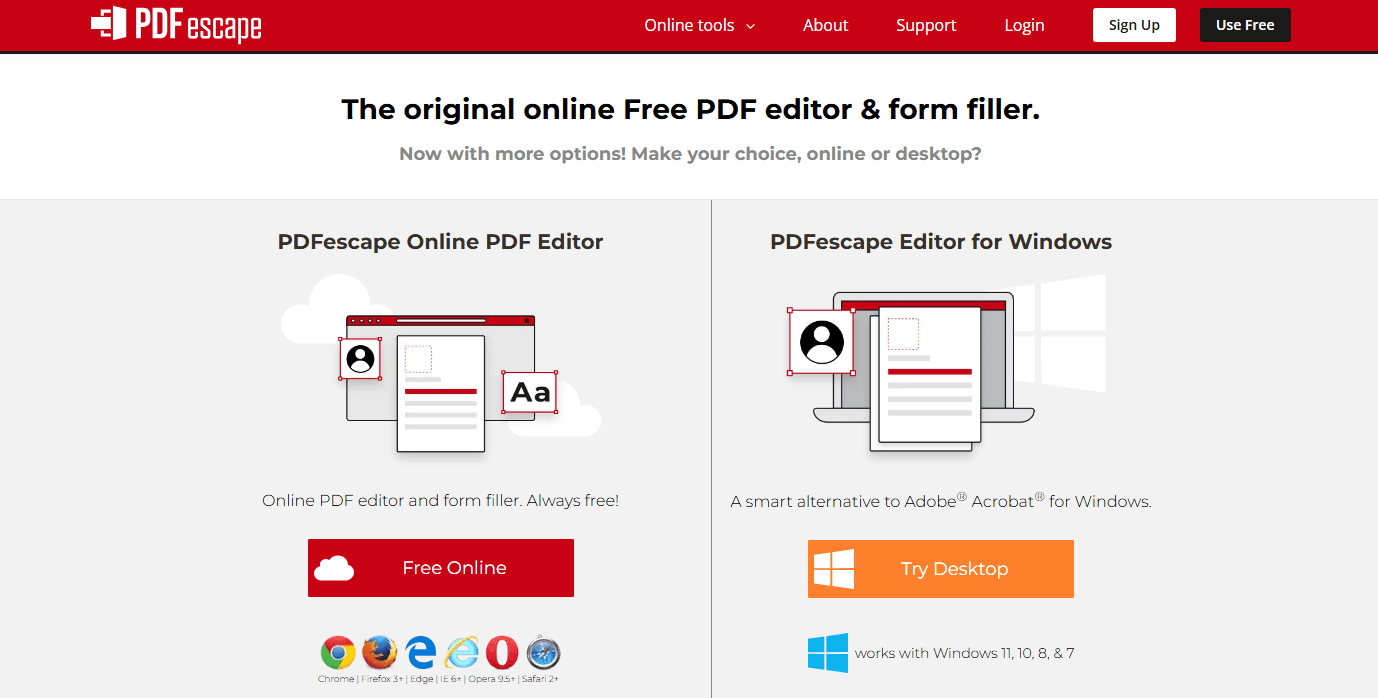
Key features:
-
PDF annotation: highlight, underline, add notes, and draw
-
Form filling and creation
-
Page management: merge, split, rotate, delete pages
-
No installation required
Pros:
-
Mature product with a loyal user base
-
Runs entirely online without installation
Cons:
-
Outdated interface that hasn't been refreshed
-
Limited features compared to modern alternatives
-
No OCR or advanced editing capabilities
Why we like it: PDFescape has been around since 2007 and has a loyal user base. It's a solid choice if you need a Sejda alternative for simple document markup.
Platform support: Web-based
Pricing: Free with limitations, Pro plans available. If you need advanced features and are willing to invest, PDFescapecan be the best paid Sejda alternative that offers exceptional value for power users.
Ideal For: Individuals who occasionally edit short, non-sensitive PDFs and don't want to install anything or create an account.
PDFelement – Best Overall Sejda Alternative
Wondershare PDFelement is widely considered the best Sejda PDF editor alternative for users who need desktop-grade features. It bridges the gap between lightweight online tools and overly complex enterprise software.
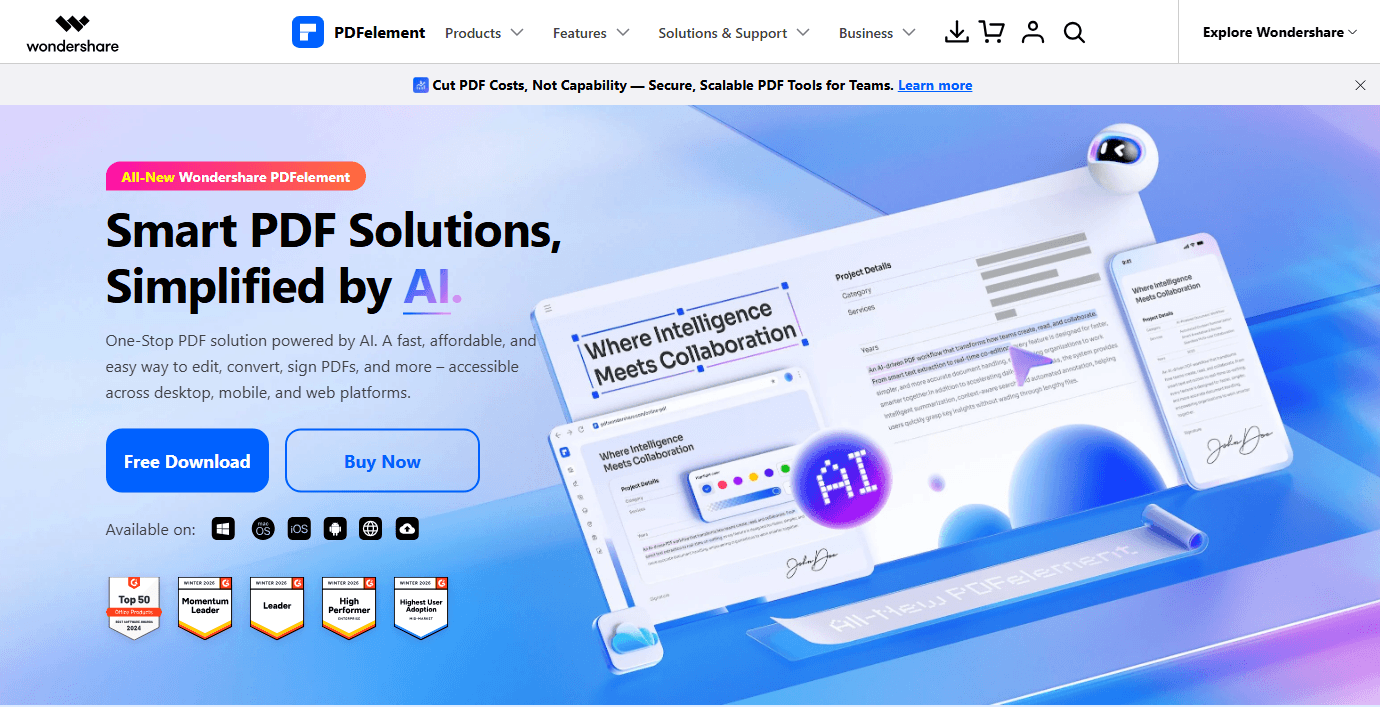
Key features:
-
Microsoft Office-style interface that's intuitive and easy to use
-
Full text, image, and link editing with advanced text reflow
-
Industry-leading OCR for over 20 languages
-
AI-powered tools: summarize, translate, proofread, and generate content
-
Batch processing for watermarking, conversion, and encryption
-
Cross-platform availability (Windows, Mac, iOS, Android)
Pros:
-
Among the best PDF readers available
-
A range of AI tools for document processing
-
Perpetual plan available (no ongoing subscription)
-
Intuitive, Word-like interface
Cons:
-
Some features are only available with higher-tier plans
-
Occasional lag with large PDF files
-
AI features use a credit-based system
Why we like it: PDFelement gives you unrestricted desktop editing with no hourly limits. The AI features are particularly useful for processing long documents.
Platform support: Windows, Mac, iOS, Android
Pricing: Watermarked free trial available, Yearly plan from $79.99 as one of the top paid Sejda alternatives.
Adobe Acrobat Pro – Industry Standard
Adobe Acrobat Pro is the industry standard for PDF editing. It offers the richest feature set available, making it the go-to Sejda alternative for professionals who need flawless document rendering.
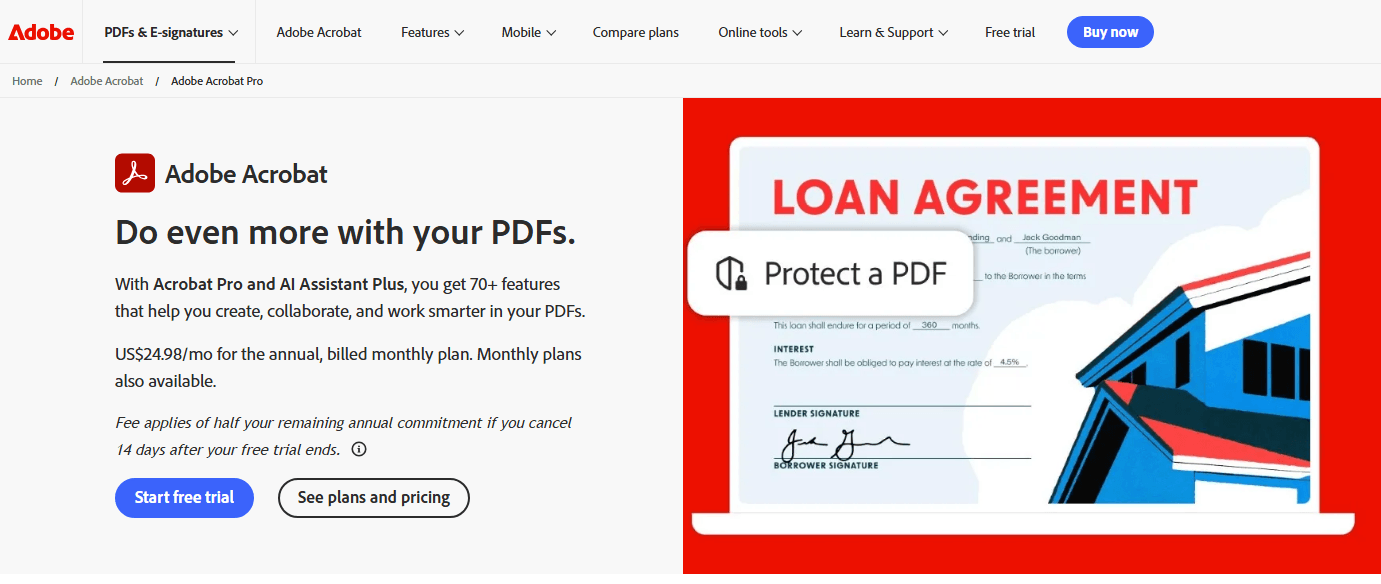
Key features:
-
Flawless document conversion and formatting preservation
-
Action Wizard for automating complex workflows
-
Advanced preflight tools for professional printing
-
Integration with Adobe Sign and Creative Cloud
-
Redaction and advanced security features
Pros:
-
Industry-standard PDF software
-
Works across Windows, Mac, and mobile devices
-
Strong cloud and collaboration features
-
Most comprehensive feature set available
Cons:
-
Steep learning curve
-
Some tools may be unnecessary for casual users
-
High subscription costs
-
Interface feels dated compared to modern alternatives
Why we like it: Adobe created the PDF format, so compatibility is never an issue. But this power comes with a steep learning curve and high cost.
Platform support: Windows, Mac, web
Pricing: Free trial available, Pro from $19.99/month
Foxit PDF Editor – Best for Business Use
Foxit PDF Editor is designed for professional environments where document security, collaboration, and complex form creation are priorities. It's a strong Sejda competitor for enterprise teams.
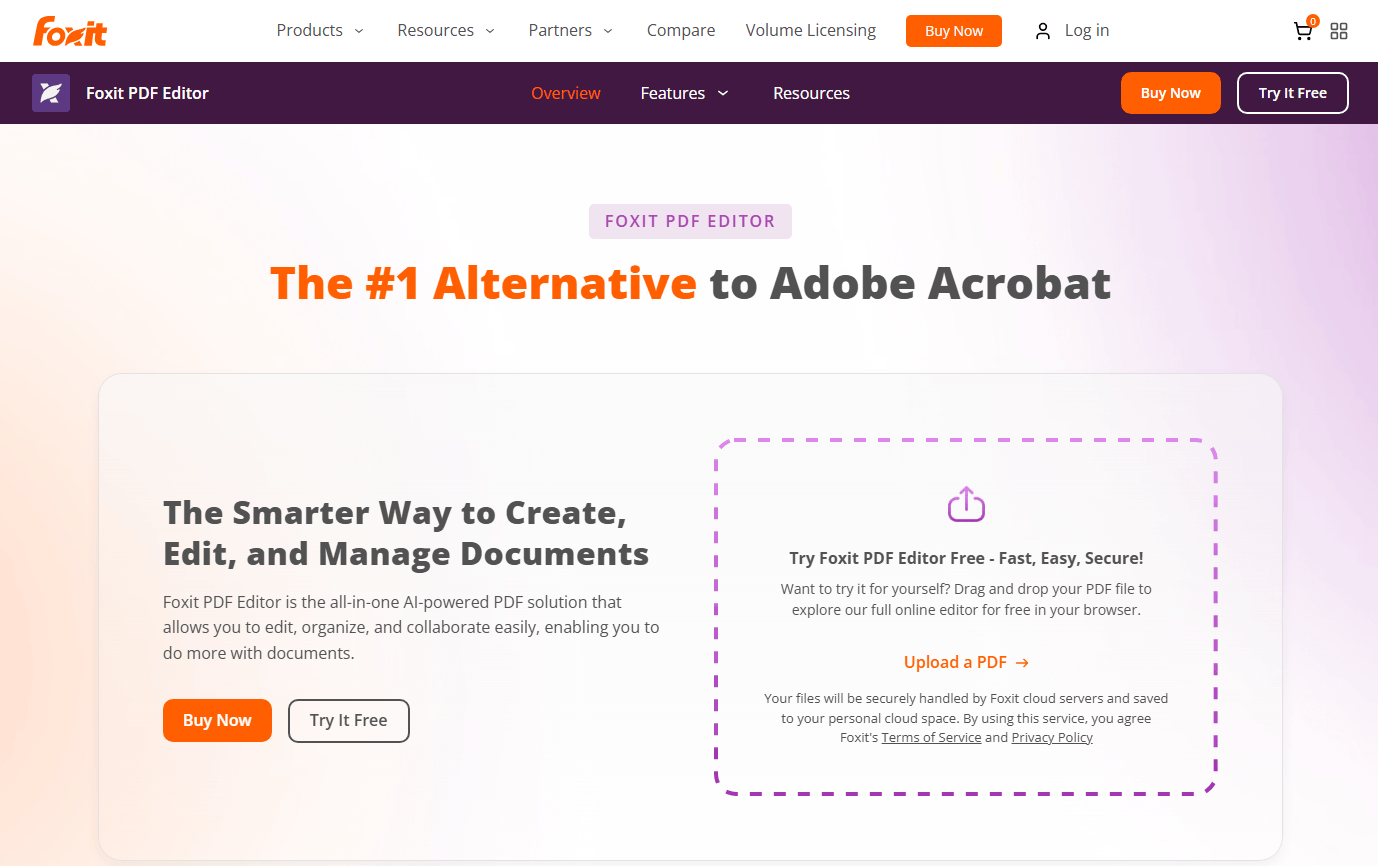
Key features:
-
Advanced text reflow and layout editing
-
Comprehensive form creation and data collection
-
High-level security, including redaction and Microsoft RMS
-
Shared review features for team collaboration
Pros:
-
Handles large, complex files with ease
-
Smooth, fast rendering performance
-
Strong security and compliance features
-
Collaborative review capabilities
Cons:
-
Pricing can be higher than that of some competitors
-
Interface may feel overwhelming for beginners
-
Some advanced features locked behind higher tiers
Why we like it: Foxit handles large, complex files with ease and offers smooth, fast rendering.
Platform support: Windows, Mac, web
Pricing: Free trial available, Pro plans from $129.99/year
PDF-XChange Editor – Best for Windows
PDF-XChange Editor is a fast, lightweight desktop editor for Windows users who need advanced tools without a subscription. It offers a freemium model with lifetime license options.
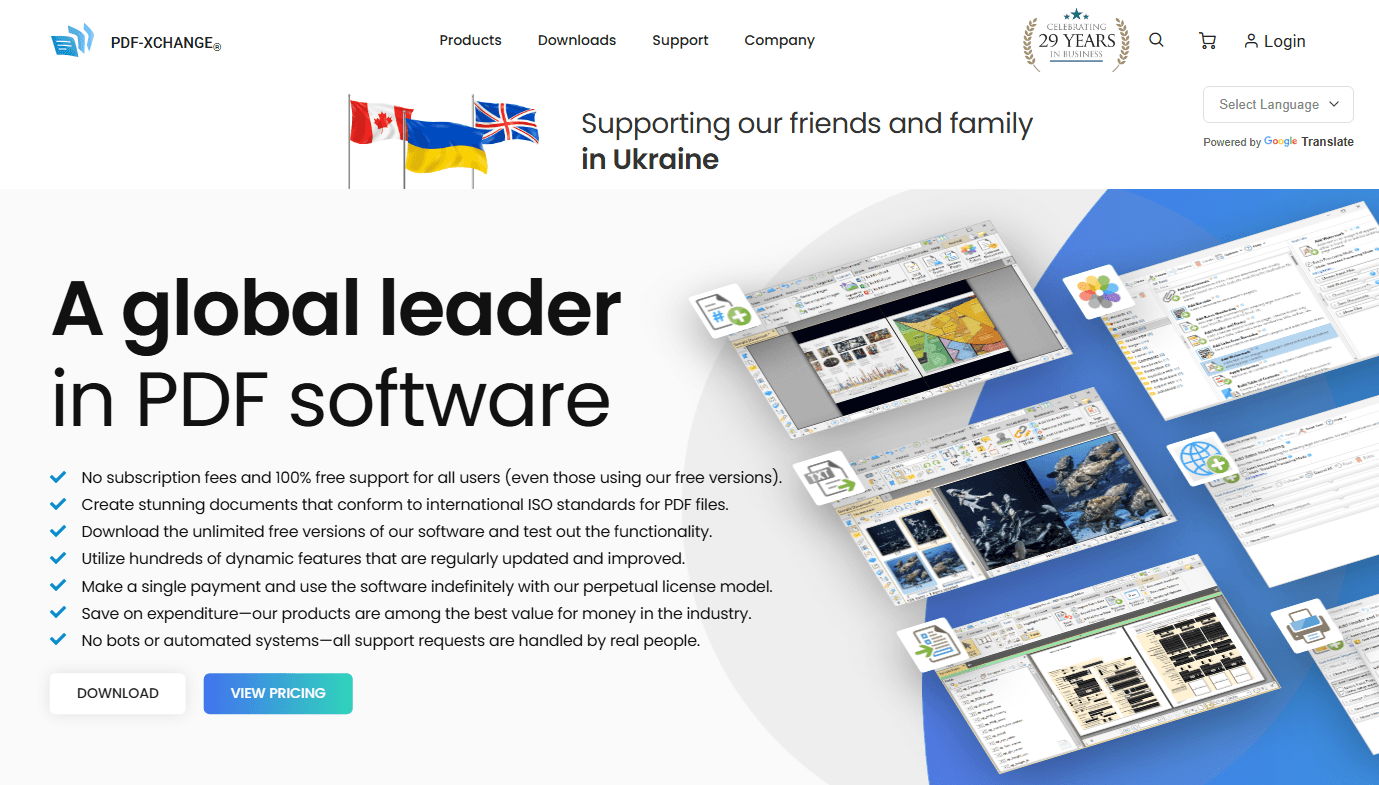
Key features:
-
Edit text and images with precise control
-
OCR for scanning and text extraction
-
Redaction and document sanitization
-
Side-by-side document comparison
-
Stamp creation for fast markup
Pros:
-
Has been around since 1997
-
Packed with PDF editing tools
-
Has a knowledge base, help manuals, forums, and email support
-
Affordable lifetime license option
Cons:
-
Supports Windows only
-
Interface can feel complex for beginners due to the large number of tools
-
Limited mobile support
Why we like it: PDF-XChange Editor is incredibly fast and offers a huge range of tools at a fair price.
Platform support: Windows only
Pricing: Free version available, Paid from $62 (lifetime license)
Online vs Desktop: How to Choose Your Sejda Alternative
The eight tools above split cleanly into two categories, and the right choice depends on how you answer a few questions.
Choose an online tool if: Your PDF needs are occasional, your files are small and non-sensitive, you have reliable internet, and you're fine working within daily task caps. Smallpdf and iLovePDF are solid options in this camp.
Choose a desktop tool if: You edit PDFs daily, handle large or confidential files, need guaranteed offline access, or refuse to let a task counter dictate your workflow. Here, SwifDoo PDF is the standout for unlimited all-in-one editing, PDF-XChange Editor for lightweight annotation specialists, and Nitro or Foxit for enterprise environments.
Key factors to weigh:
-
Privacy: Desktop tools keep files local. Online tools don't.
-
Throughput: No daily caps on desktop. Sejda free limits vanish as a concern.
-
Cost structure: One-time purchases (SwifDoo PDF, PDF-XChange Editor) versus recurring subscriptions.
-
Feature depth: Do you need OCR, AI, batch processing, and signatures in one place, or just one specific capability?
Conclusion
Sejda is a solid tool for basic PDF tasks, but its strict limits make it impractical for consistent use. There are many excellent Sejda alternatives that give you more flexibility, better features, and no frustrating caps.
SwifDoo PDF offers the best balance for most users. It combines a clean interface with AI tools, OCR, and cross-platform support at an affordable price. For a free option, PDF24 Creator is your best bet with no hidden limits. Power users should consider PDFelement for advanced desktop editing.
Take advantage of free trials, think about your document volume and features, and you'll find a Sejda alternative that works better than Sejda ever could.


