


Why Look for a Foxit Alternative?
Before we dive into the options, let's talk about why you might be searching for a Foxit alternative in the first place. Understanding these pain points helps you figure out what you actually need.
The main reasons teams and individuals switch include:
-
Pricing concerns. While Foxit is often marketed as an affordable alternative to Adobe Acrobat, many useful features sit behind paid tiers. If you only edit PDFs occasionally, paying for features you rarely use may not make sense.
-
Performance issues. Some users report that Foxit can be slow and prone to crashing, especially when working with larger documents.
-
Complex interface. Foxit includes many tools in one platform, which can make the interface feel crowded. If you mainly work with straightforward documents, navigating through menus and toolbars may slow down tasks that should be simple.
-
Feature overload. You might only need tomerge files, add comments, or convert documents occasionally. In these cases, a simpler tool can often handle the same tasks without the extra complexity.
-
Better compatibility needed. If Foxit doesn't connect easily with the platforms in your workflow, like Google Drive, Microsoft Office, or cloud storage, finding an alternative can make sharing, editing, and managing PDFs much more convenient.
Best Free Foxit Alternatives (Including Top Picks for Windows & Mac)
If you're looking for a free Foxit alternative, you're in luck. Several excellent options offer robust features without any cost. We've also included top picks specifically for Windows and Mac users.
SwifDoo PDF – Best All-in-One PDF Solution (Windows & Mac)
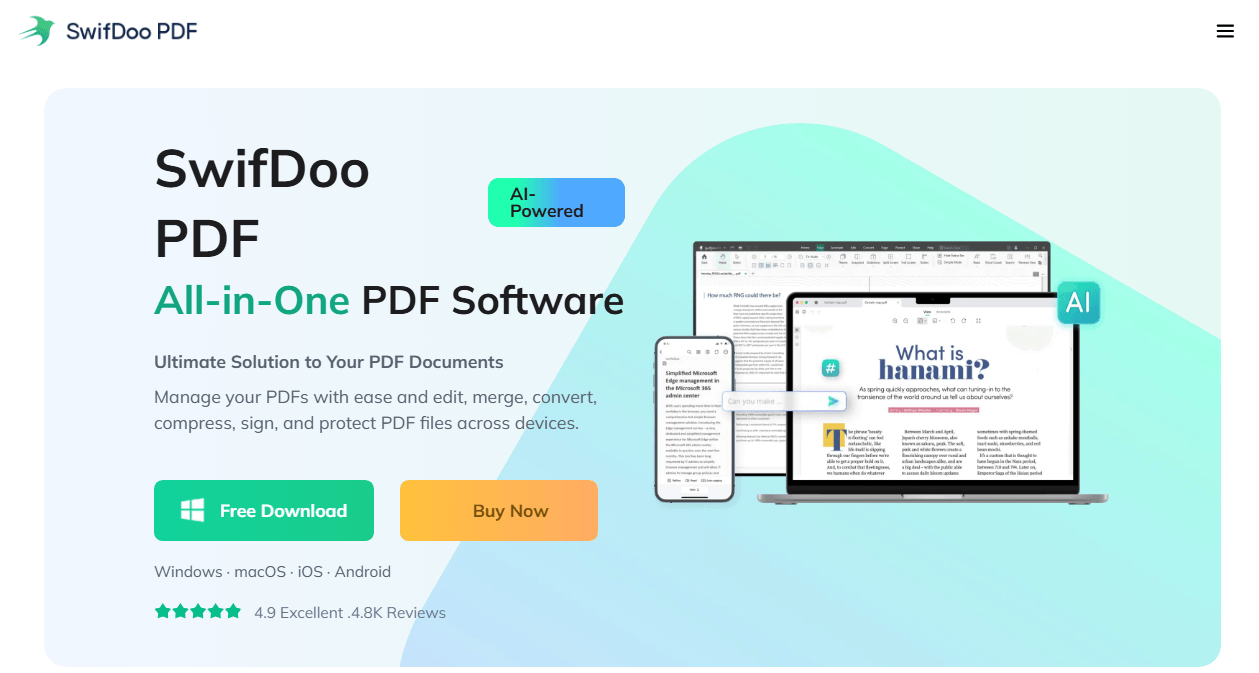
SwifDoo PDF is a powerful Foxit alternative that combines essential PDF tools with AI-powered features. It's designed for users who need a complete document workflow solution without the complexity or high cost of traditional PDF editors.
Key features:
-
PDF editing tools that let you edit text and images like you would in Word
-
Fast PDF converter supporting conversion to and from Word, Excel, PowerPoint, images, and CAD formats
-
AI-powered features including summarize, translate, proofread, and chat with your PDFs
-
Smart PDF compressor that reduces file size without losing quality
-
E-signature support with draw, type, or image upload options
-
OCR converter to recognize text in scanned PDFs
-
Two-level password protection for document security
Why we like it: SwifDoo PDF is lightweight (only 30 MB disk space) and works across all major platforms. It offers a Microsoft Office-like interface that feels familiar and easy to use. Plus, it's available on Windows, macOS, iOS, Android, and web, so you can work on your documents anywhere.
Platform support: Windows, macOS, iOS, Android, and web
Pricing: Free download available.
PDFgear – Best Completely Free Foxit Alternative (Windows & Mac)
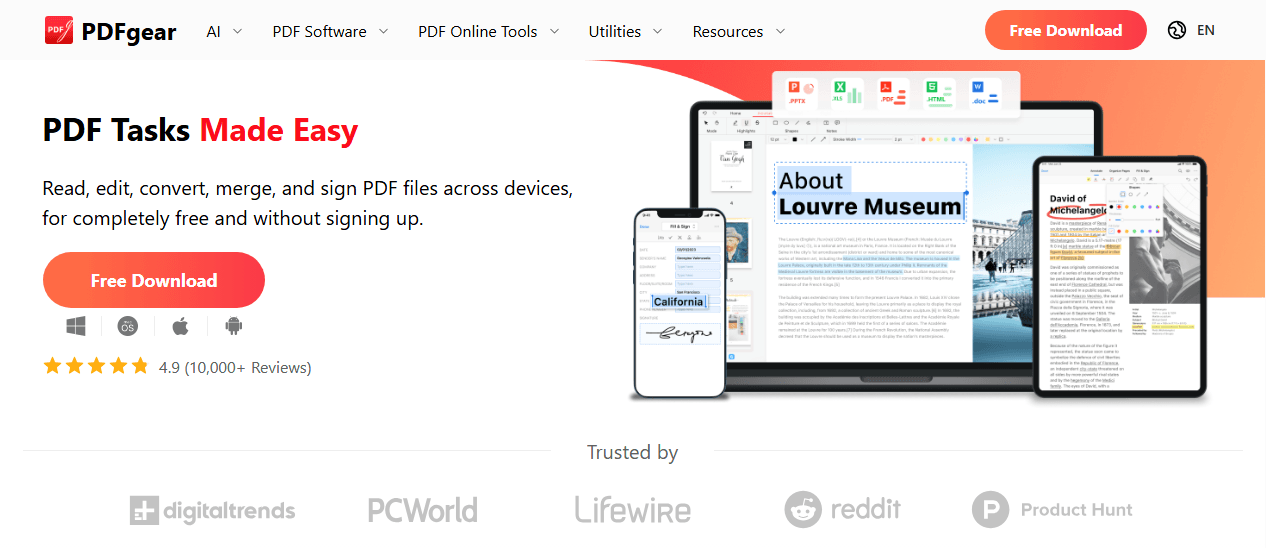
PDFgear is the most extensive free Foxit alternative currently available in our opinion. It offers a full suite of tools for reading, editing, converting, merging, and signing PDF files across Windows, Mac, iOS, Android, and online.
Key features:
-
PDF reader with single and double-page view options and an auto-scroll tool
-
PDF editing tools for text, fonts, color, and size adjustments
-
Annotation features including highlight, underline, strikethrough, notes, shapes, and text boxes
-
Page organization allowing you to extract, delete, insert, rotate, and drag-and-drop pages
-
PDF conversion to and from Microsoft Word, images, and other formats
-
OCR technology to extract text from scanned documents
-
Password protection for controlling who can open your PDF files
-
AI co-pilot that lets you chat with your PDFs, ask questions, and give commands like "protect this PDF with a password"
Why we like it: PDFgear gives you access to essential tools without any cost. You can even use commands with the AI co-pilot, making your workflows more efficient.
Platform support: Windows, Mac, iOS, Android, and online
Pricing: Completely free
PDF-XChange Editor – Best Lightweight Free Option for Windows
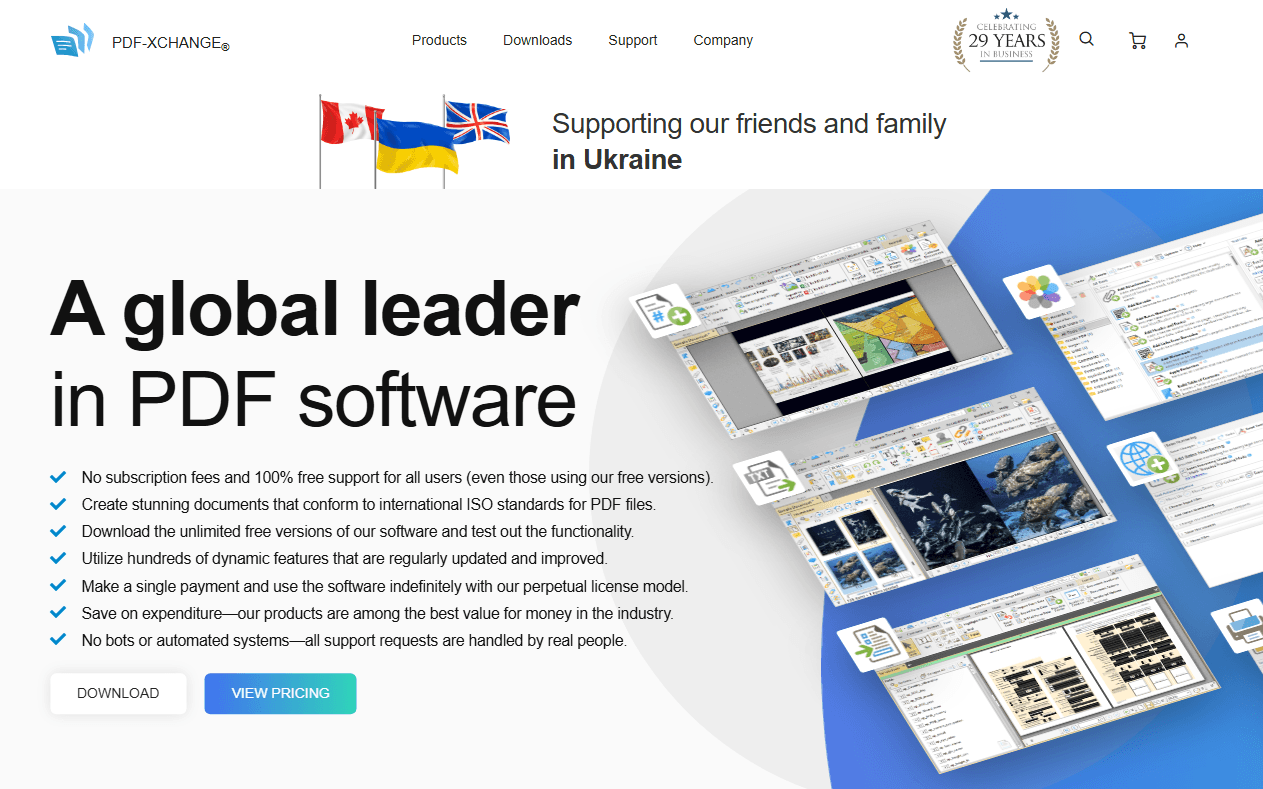
If you're looking for a Foxit alternative for Windows, PDF-XChange Editor is an excellent choice. It's a fast and lightweight desktop-based PDF editor known for its packed feature set and freemium pricing model.
Key features:
-
Edit text and images with precise control
-
Stamp creation for fast markup
-
Snapshot tool for quick image capture and markup precision
-
Redaction and document sanitization tools (Editor Plus version)
-
Enhanced OCR with selectable regions and batch processing (Editor Plus only)
-
Side-by-side document comparison (Editor Plus only)
Why we like it: The free version gives you access to about 70% of the Editor toolset at no cost. Some features add a watermark unless you upgrade, but for users who only need lightweight markup or text tweaks, it's an excellent starting point.
Platform support: Windows only
Pricing: Free version available (with watermarks for certain features), Editor from $62 per lifetime license
PDF Expert – Best Free Option for Mac Users
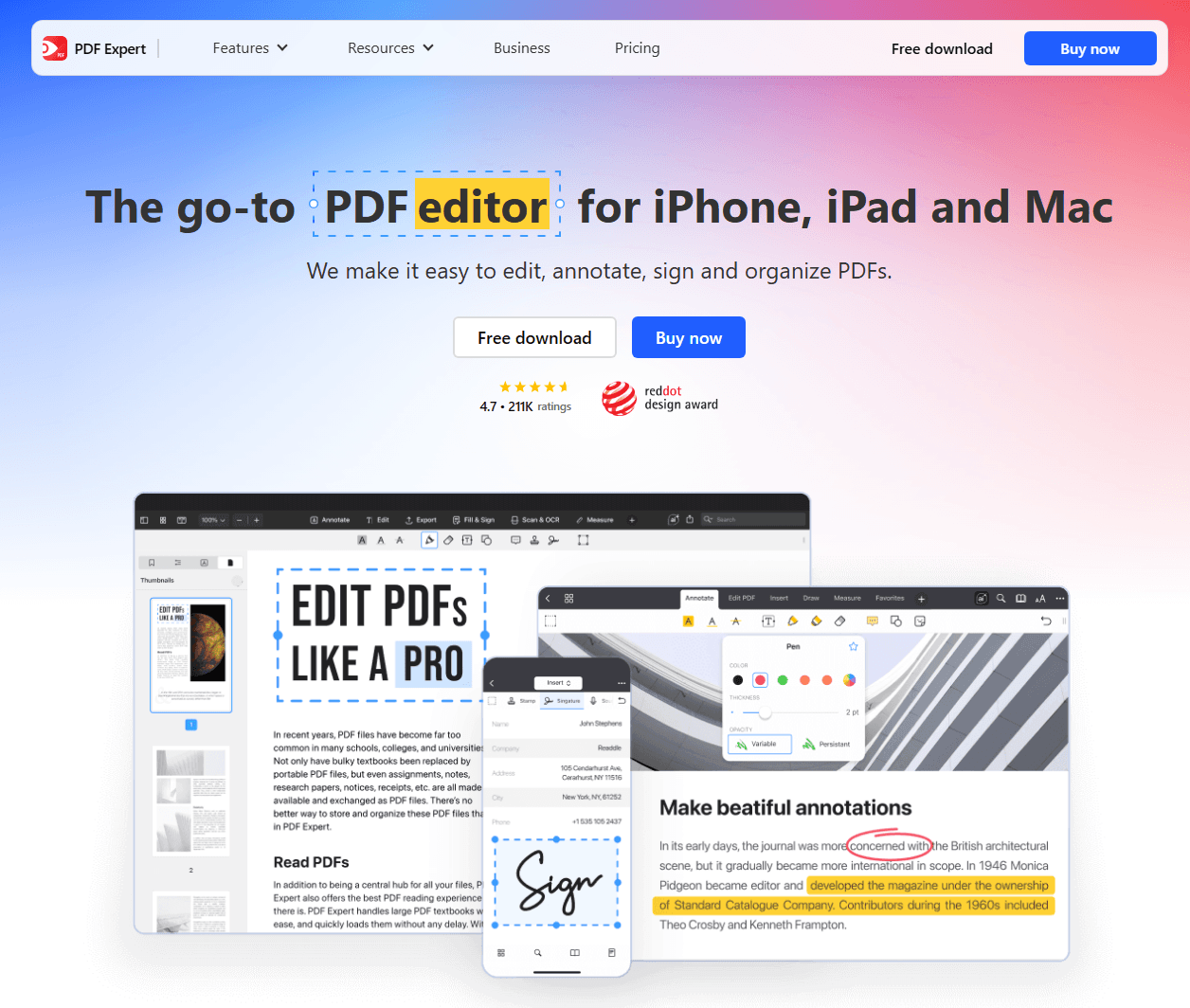
For Mac users, PDF Expert is arguably the best Foxit alternative for Mac. It's a fast, straightforward, and reliable PDF reader and editor designed specifically for Apple devices.
Key features:
-
PDF reader with one-page or two-page layouts and day, night, or sepia themes for eye comfort
-
PDF editing tools for adding, replacing, and resizing images and text boxes
-
Annotation tools including highlight, insert comments, draw, stickers, shapes, and even audio comments
-
Page organization allowing you to rotate, add, reorder, and remove pages
-
PDF forms and signatures management with text boxes, number fields, checkboxes, and e-signatures
-
PDF conversion to and from Word, Excel, PowerPoint, JPG, PNG, and more
-
OCR technology that recognizes font types and inserts new text in the same format
-
AI assistant for generating summaries and listing main points
Why we like it: PDF Expert is lightweight, fast, and offers a pleasant reading experience with different themes. The paid version offers fair pricing compared to other PDF editors on the market.
Platform support: Mac and iOS
Pricing: Free version available. Annual subscription from €63.74 for the first year, lifetime purchase from €149.99
Smallpdf – Best Free Online Foxit Alternative (All Platforms)
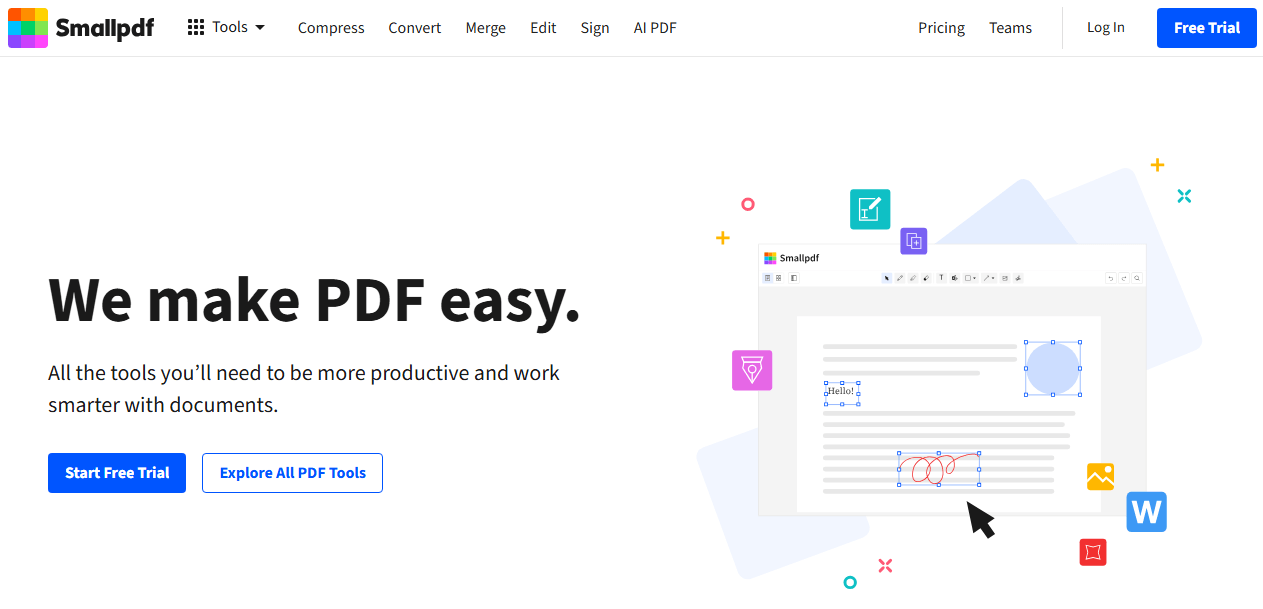
If you prefer working in your browser, Smallpdf is an excellent online Foxit alternative for all platforms. It offers a free plan with over 30 tools for basic PDF tasks.
Key features:
-
PDF editing with drag-and-drop functionality for text and images
-
Annotation tools for adding text, drawings, shapes, highlights, underlining, strikethrough, and squiggle
-
Page organization including merge, split, rotate, delete, and extract pages
-
Electronic signatures with draw, type, or upload options
-
PDF conversion to and from Excel, images, PowerPoint, and Word files
-
OCR tools for converting scanned documents and images into editable and searchable text
-
Password protection and unlock features
-
AI features including chat, summarize, translate, and generate questions
Why we like it: Smallpdf is incredibly intuitive and works on any device with an internet connection. It uses 256-bit TLS encryption for security.
Platform support: Windows, iOS, Android, and online
Pricing: Free plan with limited daily downloads. Pro plan from $10/month (annual)
Best Paid Foxit Alternatives for Power Users
If you need more advanced features and are willing to invest in a premium solution, these paid Foxit alternatives offer exceptional value for power users.
Wondershare PDFelement – Best Overall Foxit Alternative
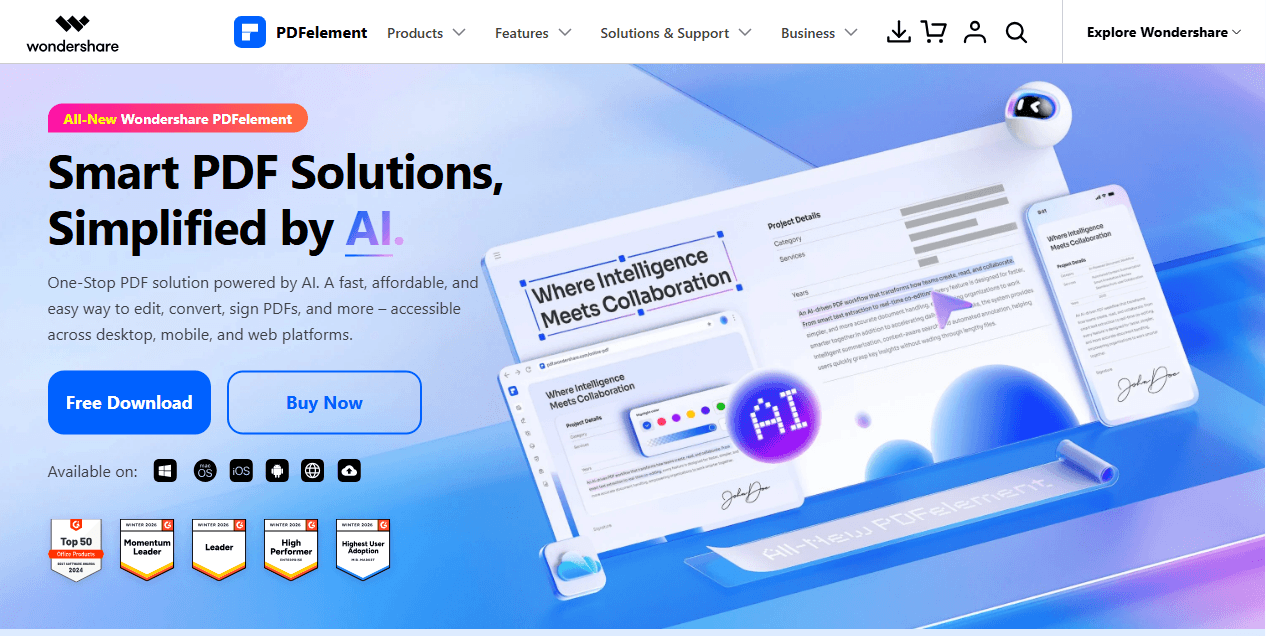
Wondershare PDFelement is often considered the best overall Foxit alternative for users who want the same capabilities as Foxit but with a simpler, more approachable interface. It's available as software on Windows and Mac, and you can also use it on iOS and Android devices.
Key features:
-
Word-style interface that makes editing, converting, annotating, and organizing PDFs feel familiar and efficient
-
AI Sidebar to summarize, rewrite, translate, or interact with your PDFs using natural language
-
OCR technology to extract and edit text from scanned documents
-
Create and fill interactive PDF forms, including from scanned PDFs
-
Convert PDFs to and from Word, Excel, PowerPoint, and images
-
Request eSignatures and track status (limited sends included)
-
Cloud syncing via Wondershare Cloud
Why we like it: PDFelement offers a modern, all-in-one PDF editor built for users who want advanced tools without a steep learning curve. It suits freelancers and small to medium businesses that don't need the heavier enterprise features found in more expensive tools.
Platform support: Windows, Mac, iOS, Android
Pricing: Watermarked free trial available. Yearly plan starts at $79.99 (Windows). Perpetual plan from $129.99
Adobe Acrobat Pro – Industry Standard for Professionals
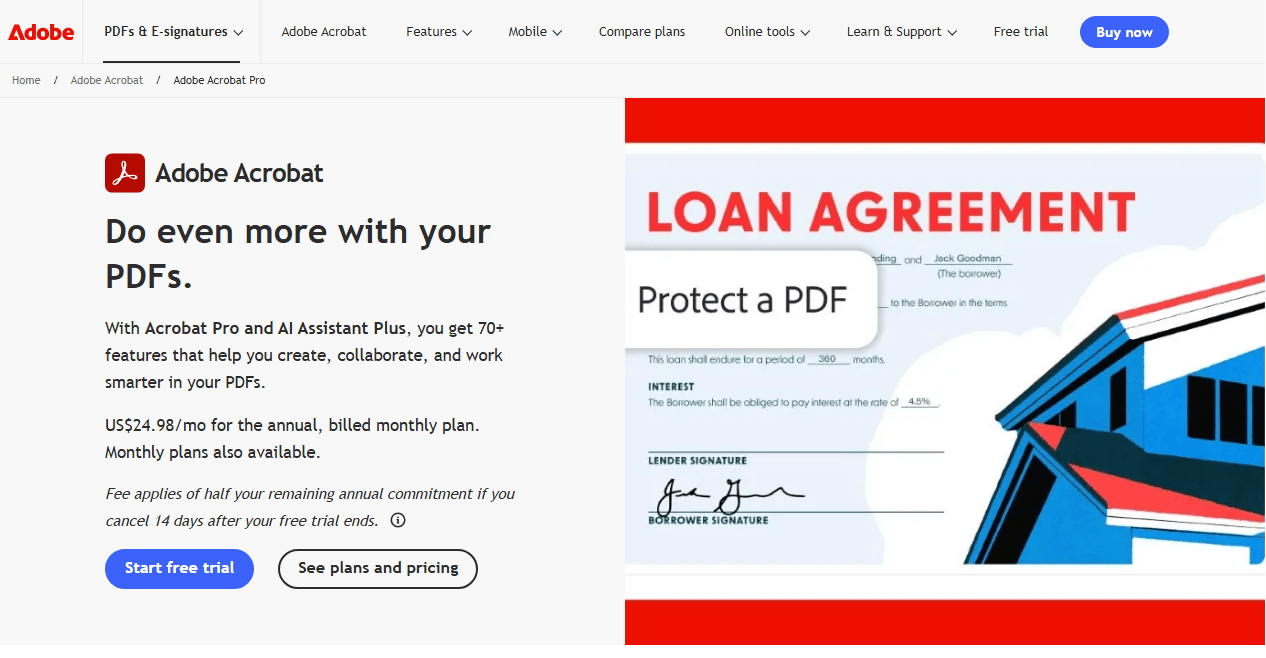
Adobe Acrobat Pro is the industry standard for PDF editing, offering a comprehensive set of tools for creating, editing, signing, and sharing PDFs. It's a strong Foxit PDF editor alternative for businesses and professionals who work with high volumes of documents regularly.
Key features:
-
Edit text and images directly in PDFs
-
Convert scans into searchable, editable files with OCR (Pro)
-
Fill out forms and collect e-signatures
-
Compare versions and track revisions (Pro)
-
Redact sensitive information securely (Pro)
Why we like it: Adobe Acrobat is the most recognized name in PDF software. It's trusted by millions of users and offers the deepest compliance coverage and integrations in the industry. However, some users find the interface less intuitive than newer tools.
Platform support: Windows, Mac, and mobile devices
Pricing: Free plan for viewing and basic comments. Pro starts at $19.99/month (billed annually). AI Assistant available for $4.99/month extra
Nitro PDF – Best for Business and Microsoft Office Users
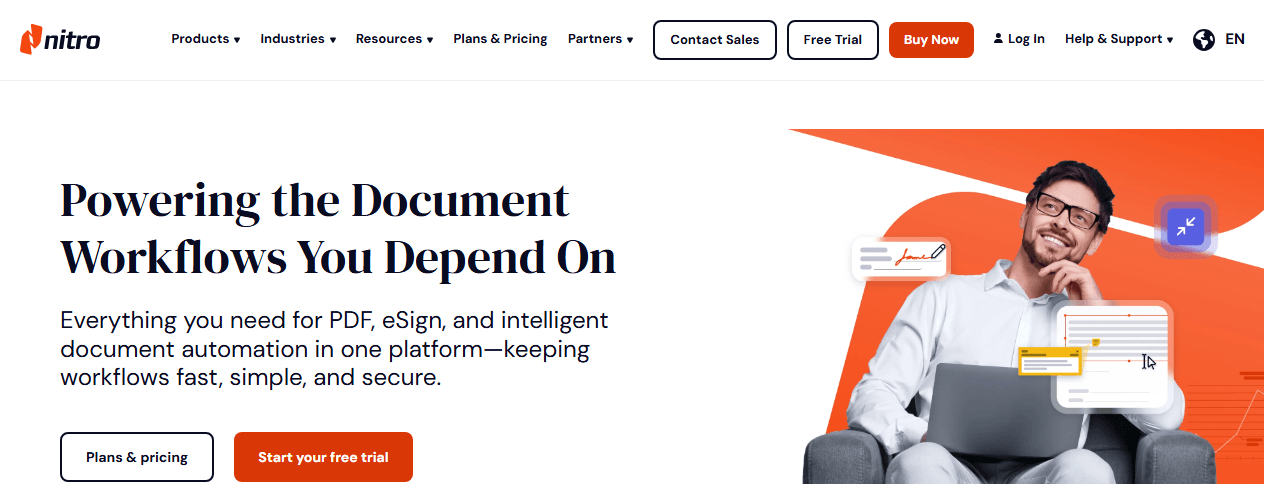
Nitro PDF is a business-focused PDF editor with a clean, Microsoft Office-style interface that helps teams quickly get up to speed. It's widely used across industries for document editing, file conversion, and form handling.
Key features:
-
Edit text, images, and pages
-
Convert to/from Microsoft Office formats
-
Merge, annotate, and organize PDFs
-
Create and fill forms
-
OCR and text extraction (Standard+)
-
SSO, iManage integration, AI tools (Plus only)
Why we like it: Nitro PDF works well as a Foxit alternative if your team already uses Microsoft Office daily. Its security controls and compliance certifications can be valuable if your business is in healthcare or finance.
Platform support: Windows (Mac version also available)
Pricing: 14-day trial available. Pro: $250 per license (one-time fee). Standard: $15 per month, per user
How to Choose the Right Foxit Alternative for Your Needs?
Selecting the best Foxit alternative depends on your specific requirements. Here's a framework to help you decide.
Define Your Document Volume and Complexity
-
Casual use (0-10 documents/month): Stick with free Foxit alternatives like PDFgear or Smallpdf
-
Moderate use (10-50 documents/month): Consider SwifDoo PDF, PDF-XChange Editor (Windows) or PDF Expert (Mac)
-
Heavy use (50+ documents/month): Look at Wondershare PDFelement, Adobe Acrobat Pro, or Nitro PDF
Evaluate Your Platform Needs
-
Windows only: PDF-XChange Editor is lightweight and affordable
-
Mac only: PDF Expert offers the best native experience
-
Cross-platform: SwifDoo PDF, PDFgear (free), Wondershare PDFelement, or Adobe Acrobat Pro
-
Browser-based: Smallpdf works anywhere with an internet connection
Consider Your Feature Requirements
-
Basic editing and annotation: Free options like SwifDoo PDF, PDFgear, or Smallpdf are sufficient
-
OCR for scanned documents: PDFgear, SwifDoo PDF, PDF-XChange Editor Plus, or Wondershare PDFelement
-
E-signatures and forms: Most paid options, plus PDFgear and Smallpdf free plans
-
AI-powered tools: PDFgear (free), Wondershare PDFelement, or Adobe Acrobat Pro with AI Assistant
Budget Considerations
-
$0 budget: Free Foxit alternatives like PDFgear or Smallpdf's free plan
-
Under $50/year: PDF-XChange Editor ($62 one-time) or PDF Expert (various plans)
-
Under $100/year: Wondershare PDFelement (from $79.99/year) or Smallpdf Pro ($120/year)
-
Enterprise budget: Adobe Acrobat Pro or Nitro PDF with team plans
Conclusion
Finding the right Foxit alternative comes down to your needs, platform, and budget. For a completely free solution, PDFgear offers impressive features at no cost. Windows users will appreciate PDF-XChange Editor, while Mac users can turn to PDF Expert. For a browser-based experience, Smallpdf works well.
If you need a complete document workflow solution, SwifDoo PDF handles editing, conversion, compression, OCR, and signatures across all platforms. Power users may prefer Wondershare PDFelement for its advanced features or Adobe Acrobat Pro for industry-standard capabilities.
Start with a free trial, think about your document volume, and you'll find a Foxit alternative that works better for you than Foxit ever did.


