


Why the Foxit vs Adobe Debate Matters for Businesses
PDF editors are essential tools for modern businesses. Whether you need to edit contracts, convert documents, or request signatures, the right tool can save time and money. Many organizations are now evaluating the Foxit vs Adobe question to find the best fit for their workflows.
When comparing Adobe Acrobat vs Foxit, you need to consider several factors:
-
Budget: What is your annual or per-user budget for PDF software?
-
Feature needs: Do you need basic editing or advanced features like AI-powered redaction?
-
Team size: Are you an individual, a small team, or a large enterprise?
-
Ecosystem: Are you already invested in the Adobe suite of products?
SwifDoo PDF vs Adobe Acrobat: A Side-by-Side Comparison
Wondering which software is best for your PDF handling needs? Here, we have thoroughly compared SwifDoo PDF vs Adobe Acrobat to help you choose the best one.
READ MORE >Foxit vs Adobe: Key Differences at a Glance
When we look at Foxit vs Adobe Acrobat, some clear differences stand out. The table below summarizes the main distinctions in this Adobe Acrobat vs Foxit comparison.
|
Feature |
Foxit PDF Editor |
Adobe Acrobat |
SwifDoo PDF |
|---|---|---|---|
|
Price (starting) |
~$10.99/user/month |
~$14.99/user/month |
~$2.88/month |
|
Lifetime license option |
Yes (PDF Editor only) |
No (discontinued) |
Yes |
|
Cross-platform |
Windows, Mac, iOS, Android |
Windows, Mac, iOS, Android |
Windows, Mac, iOS, Android |
|
User Interface |
Microsoft Office-style ribbon |
Adobe ecosystem style |
Clean, modern interface |
|
AI Assistant |
Yes (credit-based) |
Yes (add-on or higher-tier) |
Yes (summarize, translate, chat) |
|
OCR |
Yes |
Yes |
Yes |
|
eSignatures included |
150/year in PDF Editor+ |
Separate Acrobat Sign add-on |
Yes |
|
Learning curve |
Moderate |
Steep |
Low |
Foxit PDF Editor – Overview and Key Features
Foxit PDF Editor has emerged as a strong alternative to Adobe. According to industry analysis, many companies have chosen Foxit as their preferred PDF solution. In the Foxit PDF editor vs Adobe debate, Foxit offers several compelling advantages.
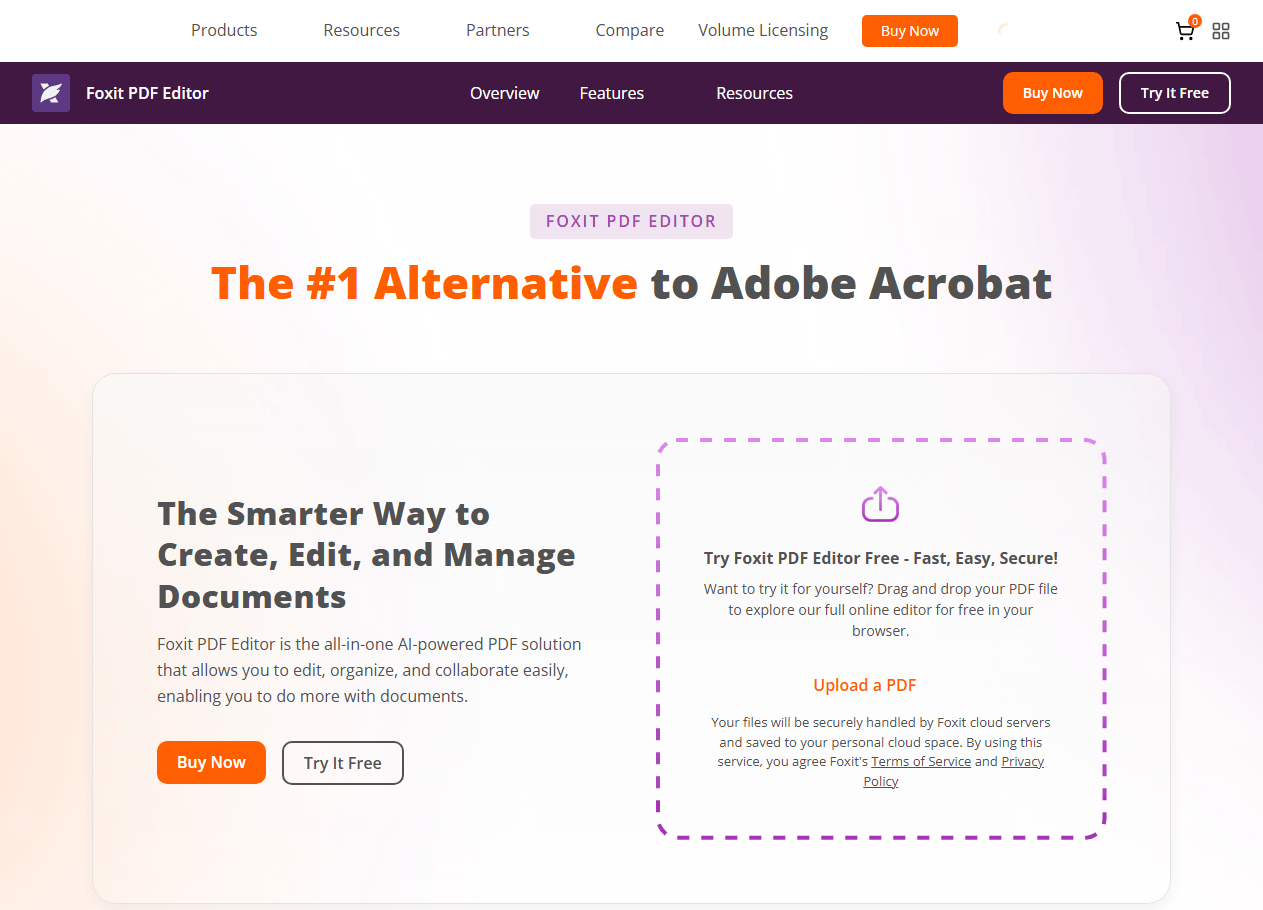
Foxit User Interface and Usability
Foxit uses a ribbon-style interface similar to Microsoft Office. This design choice means your team can start using the tool with minimal training. Most people are productive within their first session.
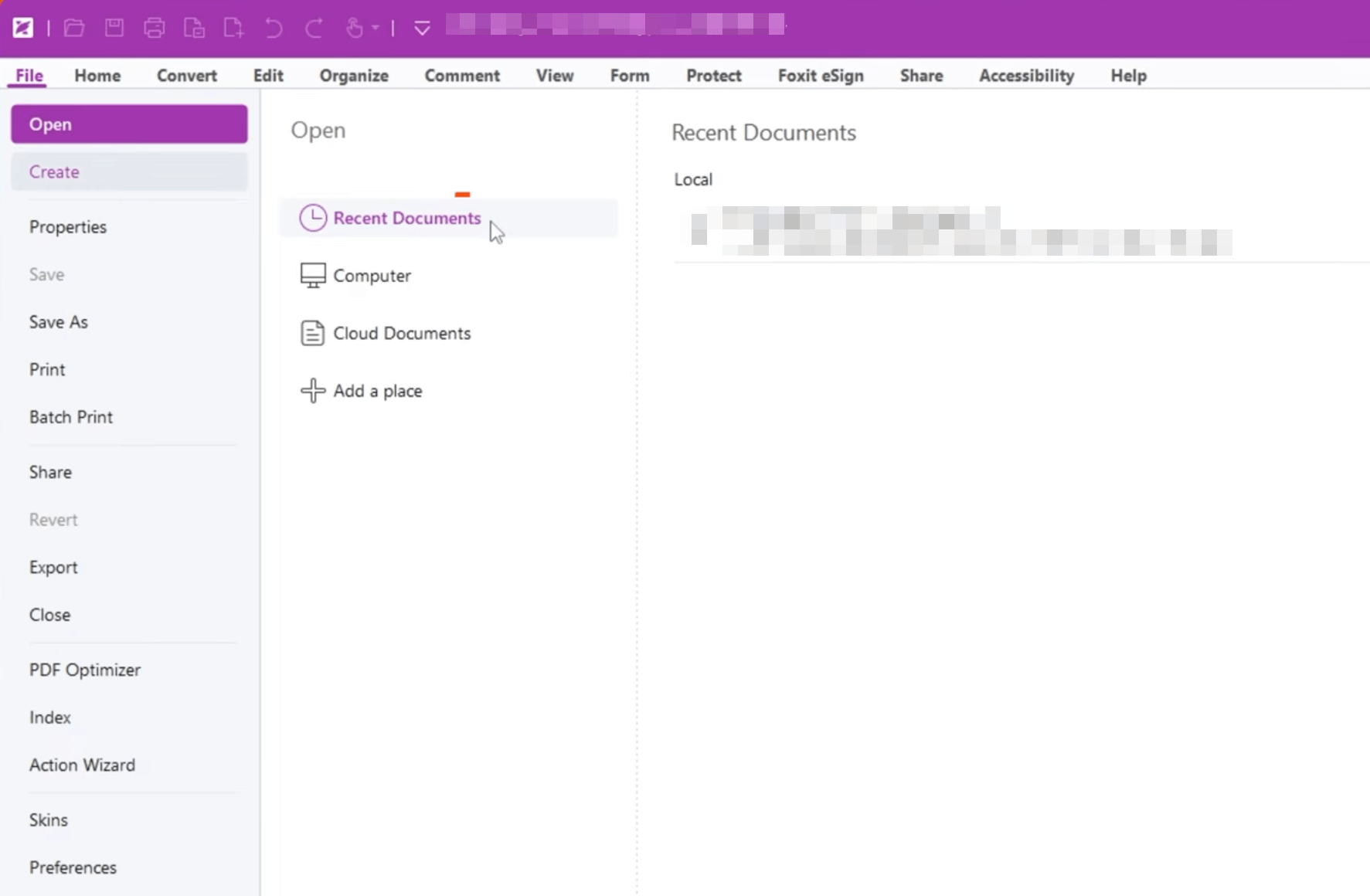
Key Features of Foxit PDF Editor
-
Document Management System (DMS): Foxit now offers an integrated DMS directly in the PDF editor and eSign features, enabling centralized document management, version history, and check-in/check-out capabilities.
-
AI Assistant: Available in both tiers with 20 free credits per month. The paid upgrade provides 2,000 credits monthly for summarizing, translating, and rewriting documents.
-
Smart Redact: This AI-powered feature automatically identifies and permanently removes personally identifiable information (PII) across documents in batch. For law firms, healthcare practices, or financial services, this alone can save hours of manual work.
-
eSignatures: 150 legally binding eSignatures per user per year included in PDF Editor+.
-
Cross-Platform: Works on Windows, Mac, web, iOS, and Android.
-
Third-Party Integrations: Integrates with Microsoft 365, SharePoint, OneDrive, and Google Workspace.
Pricing for Foxit
Foxit offers two main tiers:
|
Plan |
Price (Annual) |
Key Features |
|---|---|---|
|
PDF Editor |
$129.99/user/year |
Desktop editing, OCR, forms, AI Assistant (20 credits/month), DMS |
|
PDF Editor+ |
$159.99/user/year |
Everything in Editor + 150 eSignatures/year, Smart Redact, mobile apps |
Foxit also offers month-to-month billing with no annual commitment. For larger teams (30+ licenses), volume discounts are available.
Adobe Acrobat – Overview and Key Features
Adobe Acrobat is the industry standard for PDF editing. As the creator of the PDF format, Adobe offers the most comprehensive feature set. Understanding the Foxit PDF editor vs Adobe Acrobat differences is essential for making an informed decision.
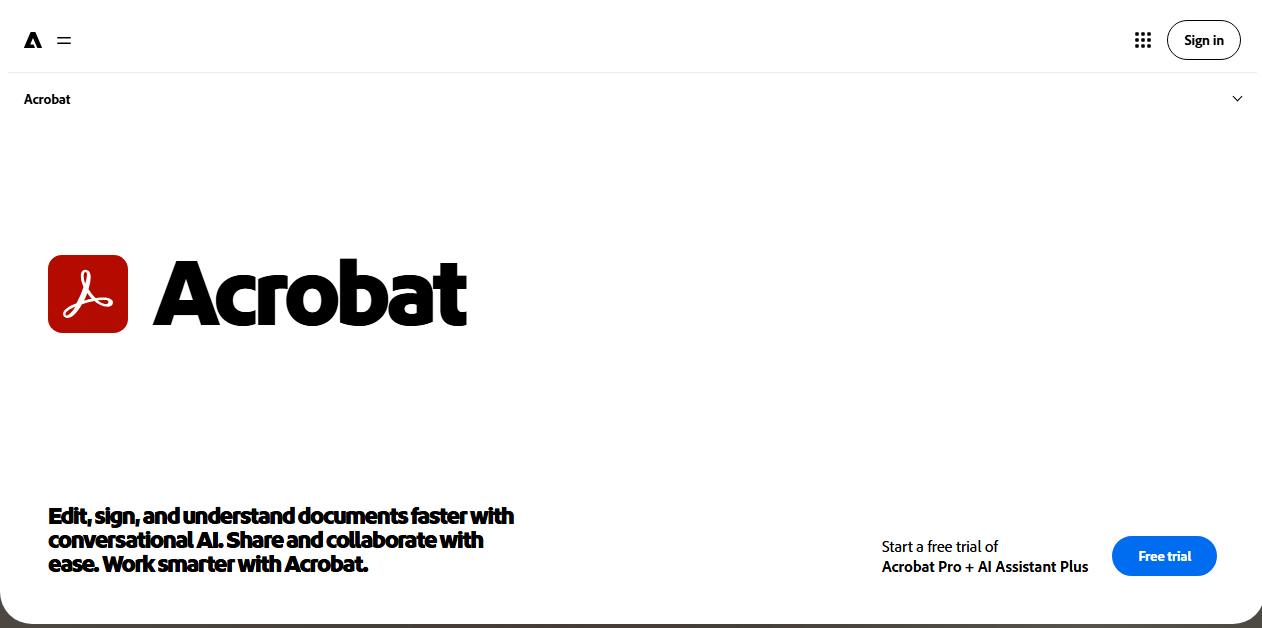
User Interface and Usability
Adobe's interface is more complex than Foxit's. While it offers powerful tools, they can be harder to find, especially for new users. This can result in a steeper learning curve.
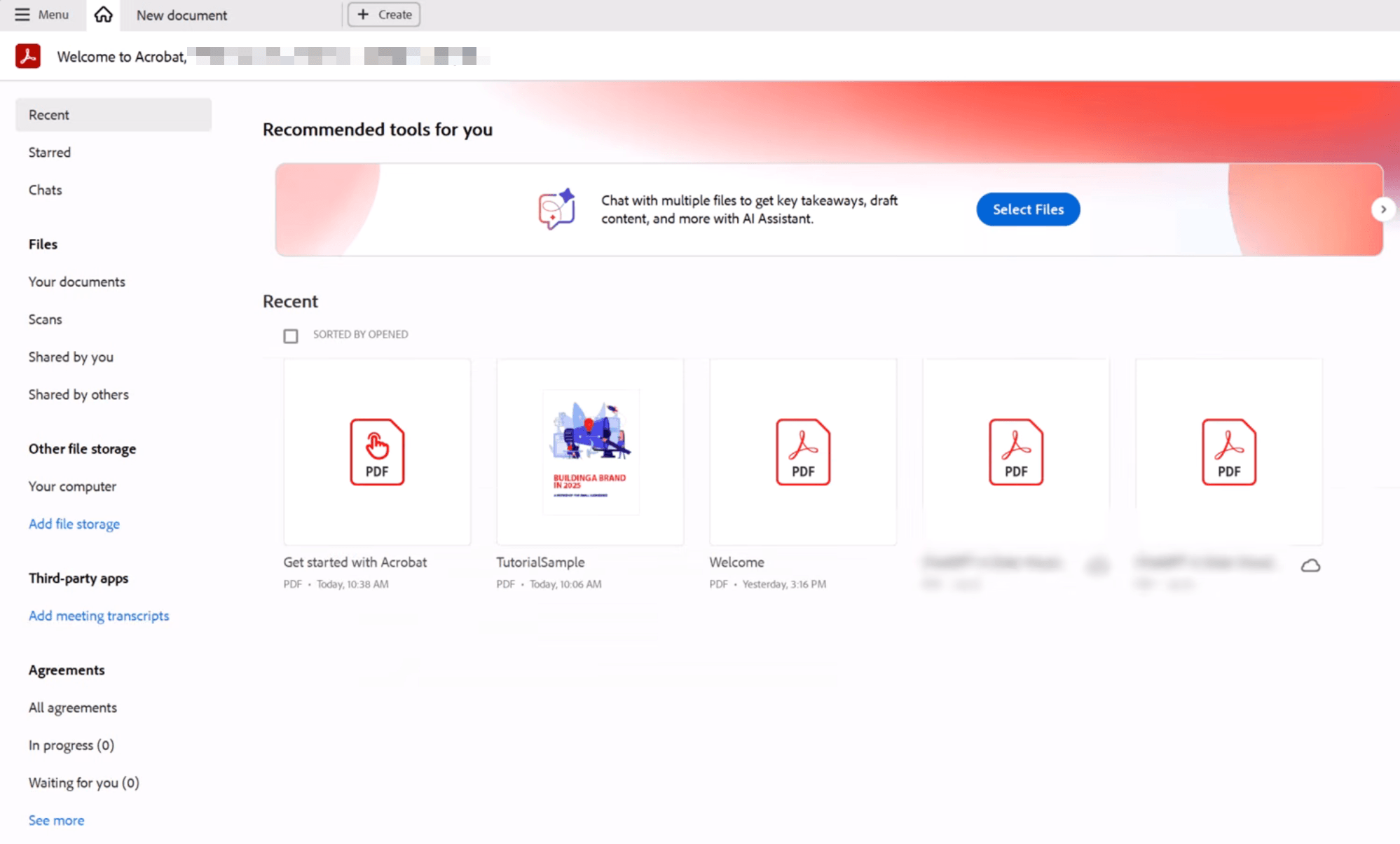
Key Features of Adobe Acrobat
-
Comprehensive Editing: Deep editing capabilities for text, images, and complex layouts.
-
Adobe Ecosystem: Seamless integration with other Adobe tools like Photoshop, Illustrator, and Creative Cloud.
-
AI Assistant: Available in higher-tier plans (Studio) or as an add-on. Can chat with PDFs, generate summaries, and provide insights.
-
PDF Spaces: AI-powered workspaces for collaborative document analysis.
-
Adobe Express Integration: Design tools for creating content from templates.
-
Advanced Security: Granular permissions, encryption, and redaction tools.
-
Cross-Platform: Desktop, web, and mobile apps.
Adobe PDF Compare: Compare Two PDFs with Adobe Acrobat
How can I compare two PDF files with Adobe? If you're also wondering. Read this blog, it'll show you how you can do Adobe PDF compare with a step-by-step guide.
READ MORE >Pricing for Adobe
Adobe has shifted to a subscription-only model for most plans:
|
Plan |
Price (Annual, monthly billing) |
Key Features |
|---|---|---|
|
Acrobat Standard |
$14.99/user/month |
Basic editing and conversion |
|
Acrobat Pro |
$19.99/user/month |
Advanced editing, OCR, redaction, e-signatures |
|
Acrobat Studio |
$24.99/user/month |
Everything in Pro + AI Assistant, PDF Spaces, Adobe Express |
For teams, Acrobat Pro for teams costs approximately $23.99/user/month. Adobe also discontinued selling perpetual (lifetime) licenses after Acrobat 2020. A one-time purchase option (Acrobat Pro 2024) is available but provides only three years of access with security updates only, no new features.
Adobe Reader vs. Adobe Acrobat – Differences
Adobe Reader vs. Adobe Acrobat, what’s the difference between them? Check the detailed analysis in this post.
READ MORE >SwifDoo PDF – Overview and Key Features
If you are still weighing your options in the Foxit vs Adobe debate, you might also consider SwifDoo PDF. It offers a compelling balance of features, usability, and affordability. For users seeking a reliable Adobe alternative or a fresh Foxit alternative, SwifDoo PDF deserves attention.
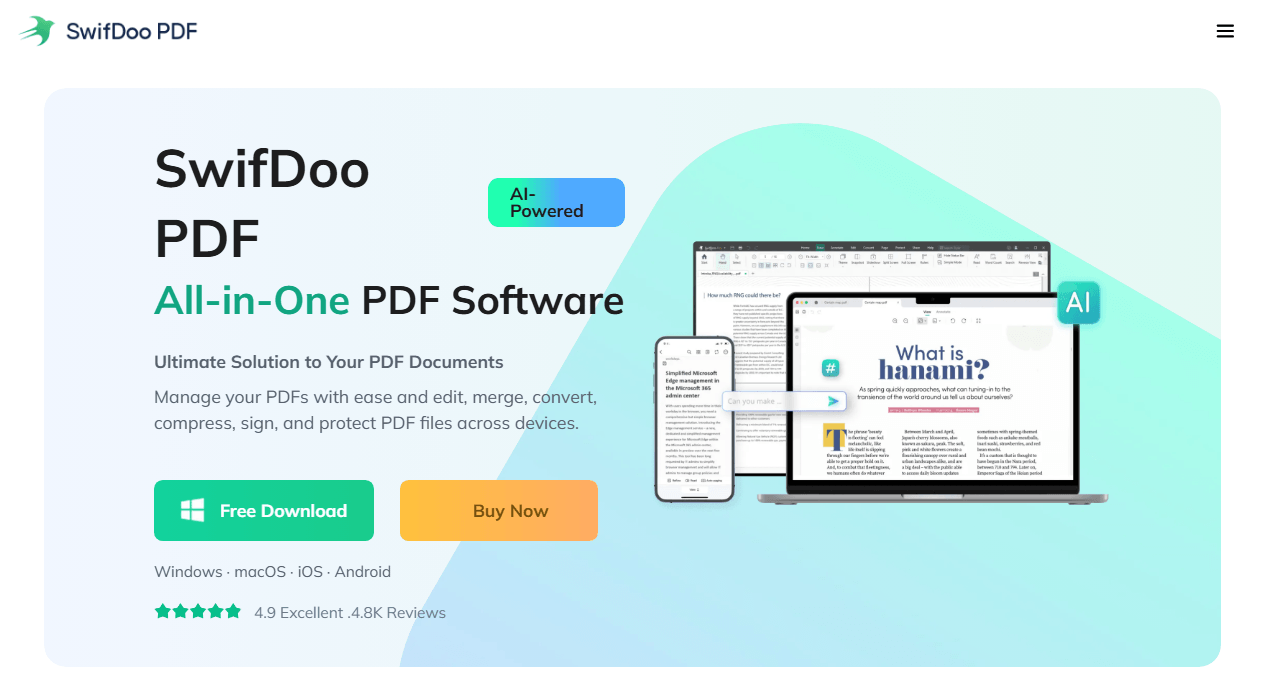
SwifDoo PDF is a comprehensive PDF editor and document management tool designed for users who need a flexible, all-in-one solution for handling PDFs. It is available across Windows, macOS, iOS, Android, and web platforms, making it a strong cross-platform option.
User Interface and Usability
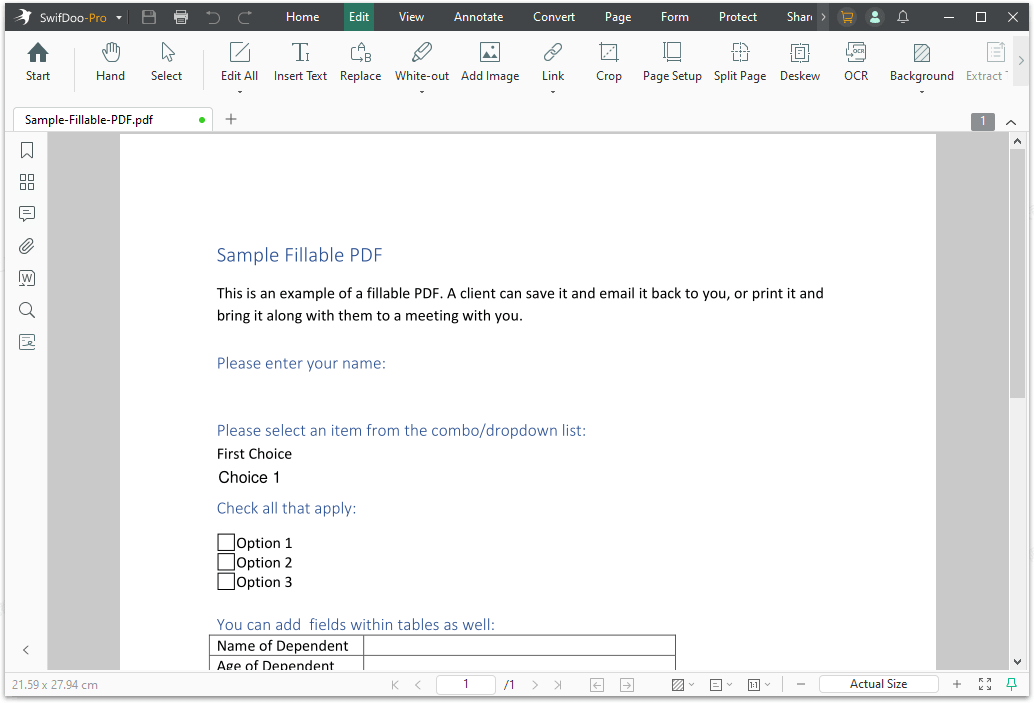
SwifDoo PDF features a clean, modern, and intuitive user interface. The design remains accessible while still offering a wide range of tools, making it suitable for both everyday tasks and more advanced workflows. According to user reviews, the interface is easy to navigate and requires little to no learning curve. As one Capterra reviewer noted, it is a "nice alternative to Adobe" with a very lightweight application.
Key Features of SwifDoo PDF
-
AI-Powered Assistant: SwifDoo AI allows you to summarize long documents, translate content, rewrite text, proofread, and even chat directly with PDFs. This can significantly reduce the time needed to extract insights from complex documents.
-
Full PDF Editing: You can modify text, adjust formatting, insert images or links, and use a complete set of annotation tools including highlighting, notes, and shapes.
-
Format Conversion: Supports conversion to and from formats like Word, Excel, PowerPoint, images, and even CAD files.
-
OCR: Recognizes text in scanned documents, turning them into editable and searchable PDFs.
-
eSignatures: Supports creating and adding electronic signatures to documents.
-
Document Management: Includes merging, splitting, compressing, and batch processing capabilities.
-
Security: Offers password protection and encryption to safeguard sensitive information.
-
Cross-Platform: Works on Windows, Mac, iOS, Android, and web.
What sets SwifDoo apart is its balance between simplicity and power. It combines essential tools with advanced features like AI and OCR, making it suitable for a wide range of use cases, from students reviewing materials to professionals handling reports. User reviews on Trustpilot and Capterra highlight its lightweight nature, ease of use, and strong feature set as key strengths.
Online vs Offline PDF Editing: A Complete Comparison for Speed, Security & Cost
Struggle between online vs offline PDF editing? This guide compares speed, security, accessibility, and cost to help you pick the right approach for every task.
READ MORE >Feature-by-Feature Comparison: Foxit vs Adobe
Let us break down the Foxit vs Adobe comparison across key categories and see how SwifDoo PDF fits in. This PDF editor comparison will help you see which tool fits your workflow better.
Pricing and Value
Foxit is considerably more affordable. For a 25-person team, Adobe Acrobat Pro costs around $7,200 annually, while Foxit PDF Editor+ costs about $4,600—a savings of over $2,600 per year. Foxit also includes eSignatures and AI tools that Adobe charges extra for. When considering Adobe vs Foxit, the price difference is significant.
Ease of Use
-
Foxit: Office-style ribbon interface. Familiar to Microsoft users.
-
Adobe: Complex, feature-heavy interface. Steeper learning curve.
-
SwifDoo PDF: Clean, modern interface. Low learning curve.
Security Features
-
Foxit: Smart Redact for AI-powered redaction. Strong encryption and compliance focus.
-
Adobe: Granular permission controls, password protection, standard redaction.
-
SwifDoo PDF: Password protection, encryption, and redaction capabilities.
AI Capabilities
-
Foxit: AI Assistant for summarizing/translating. Smart Redact for automatic removal of sensitive data.
-
Adobe: AI Assistant for document insights. Wider AI ecosystem but often requires an add-on subscription.
-
SwifDoo PDF: AI-powered features for summarizing, translating, chatting with PDFs, and proofreading.
eSignatures
-
Foxit: 150 legally binding eSignatures per user per year included in PDF Editor+.
-
Adobe: eSignature functionality is separate (Acrobat Sign) and requires additional payment.
-
SwifDoo PDF: eSignature functions well across all platforms.
Mobile Support
-
Foxit: Full mobile editing (iOS and Android) included in PDF Editor+.
-
Adobe: Acrobat Reader mobile app is more focused on viewing and signing, with editing requiring higher-tier plans.
-
SwifDoo PDF: Windows, Mac, web, iOS, Android.
Security and Compliance: Which Tool Offers Better Protection?
When comparing Foxit PDF Editor vs. Adobe Acrobat for security, both tools offer robust protection, but they approach it differently.
Foxit PDF Editor stands out with its AI-powered Smart Redact feature, which automatically identifies and permanently removes sensitive information across documents in batch. For organizations in heavily regulated industries like healthcare, legal, and finance, this can be a major advantage. Foxit also offers strong encryption and compliance with GDPR and HIPAA.
Adobe Acrobat provides granular permission controls, password protection, and standard redaction tools. While it does not have AI-powered redaction like Foxit, it offers the Sanitize and Remove Hidden Information feature, which removes metadata and other sensitive data.
SwifDoo PDF offers password protection and encryption to secure sensitive files. It also includes redaction tools to permanently remove sensitive content.
Verdict: For organizations with strict compliance needs, Foxit's Smart Redact is a compelling feature. SwifDoo offers solid security features at a competitive price point.
Pros and Cons in Foxit vs Adobe vs SwifDoo PDF
Foxit PDF Editor Pros and Cons
When reviewing Foxit PDF editor pros and cons, several points stand out.
Pros:
-
More affordable pricing with flexible licensing options.
-
User-friendly Microsoft Office-style interface.
-
Faster performance and lightweight resource usage.
-
AI-powered Smart Redact for automatic PII removal.
-
Includes eSignatures and AI tools at no extra cost.
-
No annual commitment required for team plans.
Cons:
-
Feature depth may not match Adobe for the most demanding professional workflows.
-
Some advanced features are locked behind the higher-tier plan.
Adobe Acrobat Pros and Cons
When evaluating Adobe Acrobat pros and cons, these are the key points to consider.
Pros:
-
Industry standard with the most comprehensive feature set.
-
Deep integration with the Adobe ecosystem.
-
Powerful and precise editing capabilities.
-
Robust enterprise deployment and management tools.
Cons:
-
High cost, especially for teams.
-
Steeper learning curve due to complex interface.
-
Can be slow and resource-heavy.
-
Subscription-only model with no lifetime license option.
-
eSignatures and AI tools are often add-ons with additional cost.
SwifDoo PDF Pros and Cons
Pros:
-
Comprehensive all-in-one PDF toolkit with AI features.
-
Clean and easy-to-use interface with low learning curve.
-
Cross-platform support with seamless device switching.
-
Competitive pricing with lifetime license option.
-
Strong OCR and file conversion capabilities.
Cons:
-
AI features may feel restricted without a subscription.
-
Some Mac-specific features are less robust than the Windows version.
-
Free version has usage limitations.
Which PDF Editor Should You Choose?
Here is our recommendation for who should choose each.
Choose Foxit PDF Editor if:
-
You are looking for a cost-effective solution.
-
You prefer a familiar, easy-to-use interface.
-
Your organization requires strong security features like Smart Redact.
-
You need fast performance, even with large documents.
-
You want eSignatures and AI tools included at no extra cost.
Choose Adobe Acrobat if:
-
You require the most advanced PDF editing features on the market.
-
You are already invested in the Adobe ecosystem.
-
You need deep integration with other Adobe tools like Photoshop and Illustrator.
-
Budget is less of a concern than feature depth and industry-standard compatibility.
Choose SwifDoo PDF if:
-
You want a comprehensive, all-in-one toolkit with modern AI features.
-
You prefer a clean, user-friendly interface with a low learning curve.
-
You want cross-platform support with a lifetime license option.
-
You are looking for a strong balance between functionality and affordability.
What Do Real Users Say About Foxit and Adobe?
Looking at user reviews can help you decide which is better, Foxit or Adobe. Across platforms like G2 and Trustpilot, feedback tells an interesting story.
Foxit PDF Editor Review highlights often mention:
-
The user-friendly Microsoft Office-style interface is a major plus
-
Performance is fast and reliable
-
Smart Redact is a game-changer for security-conscious organizations
-
Some users report issues with customer support response times
Adobe Acrobat Review feedback commonly notes:
-
The advanced features are unmatched in power
-
Integration with Creative Cloud is seamless
-
The software can be slow and resource-heavy
-
The cost is a major drawback for smaller teams
According to G2, Foxit PDF Editor scores 4.2 out of 5, while Adobe Acrobat scores 4.3 out of 5—a close race that suggests both tools are well-regarded. A Foxit PDF editor review also shows high marks for value and ease of use.
Final Thoughts
The Foxit vs Adobe comparison ultimately comes down to your priorities. Foxit offers a fantastic balance of features, performance, and affordability, making it a top choice for budget-conscious teams and those needing strong security. Adobe Acrobat remains the gold standard for power users who need the most advanced features and integration with the Adobe ecosystem.
However, if you are looking for an alternative that combines the best of both worlds, consider SwifDoo PDF. It provides a comprehensive, user-friendly, and cost-effective solution for all your document management needs.
We hope this Foxit vs Adobe comparison has helped clarify your decision.


