


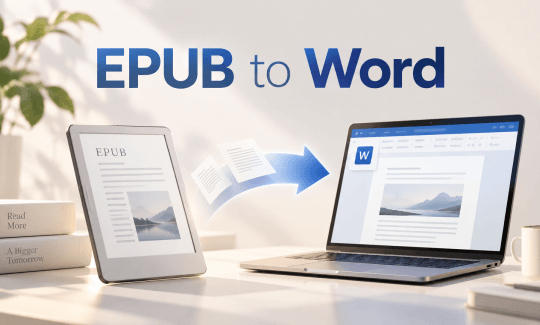
Why EPUB Doesn’t Open in Word?
First, you need to know what EPUB and Word are.
- EPUB is a reflowable eBook format built from HTML, CSS, and images packaged into a single file. It adapts to different screen sizes, which is why it's the standard for digital books.
- Word (DOCX) is Microsoft's document format for editable, page-based text. It's designed for writing and revision, not for the fixed or adaptive layouts that eBooks rely on.
When you open an EPUB file in Word, Word doesn't have that assembly layer built in and, therefore, fails to open EPUB.
Adobe Stock Downloader: Download Stock Images Without Watermarks
Use an Adobe Stock downloader to download HD images and videos without watermarks. Compare different Adobe Stock free download methods and follow the steps.
READ MORE >Method 1: Use Online EPUB to Word Converters
To convert EPUB to Word, online converters are the fastest option if you don’t want to install anything. They're suitable for single books, non-sensitive content, and one-off jobs. The trade-offs are file size limits, upload privacy, and inconsistent handling of complex layouts.
There are three online EPUB to Word converter tools that have been proven useful:
Tool 1: FreeConvert
FreeConvert is an online converter that handles EPUB to DOCX with a generous 1GB file limit on the free tier, plus advanced options like base font size adjustment. It supports uploads from your device, Dropbox, Google Drive, or a URL, and deletes files automatically after a few hours.
How to Convert EPUB to Word Online with FreeConvert?
Step 1: Go to FreeConvert’s online EPUB to DOCX converter.
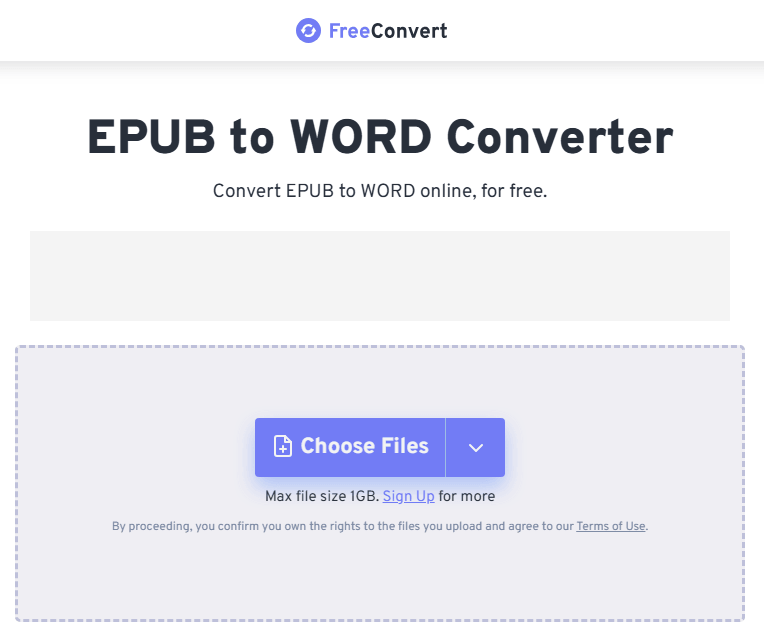
Step 2: Upload your EPUB file and click Convert. Make sure the output type is Word.
11 Best Offline & Online EPUB to PDF Converters [Comparison Table]
Here are the 11 best EPUB to PDF converters you can compare. Learn about their ability to convert EPUB files to PDFs offline or online easily and do more.
READ MORE >Tool 2: Convertio
Convertio is a browser-based converter covering 108+ formats, including EPUB to DOCX, and claims to preserve chapter structure, embedded images, and text formatting. The free tier caps file size at around 100MB and limits daily conversions, making it best for occasional, non-sensitive books.
How to Convert EPUB to Word Online with Convertio?
Step 1: Open Convertio's EPUB to DOCX converter page in your browser.
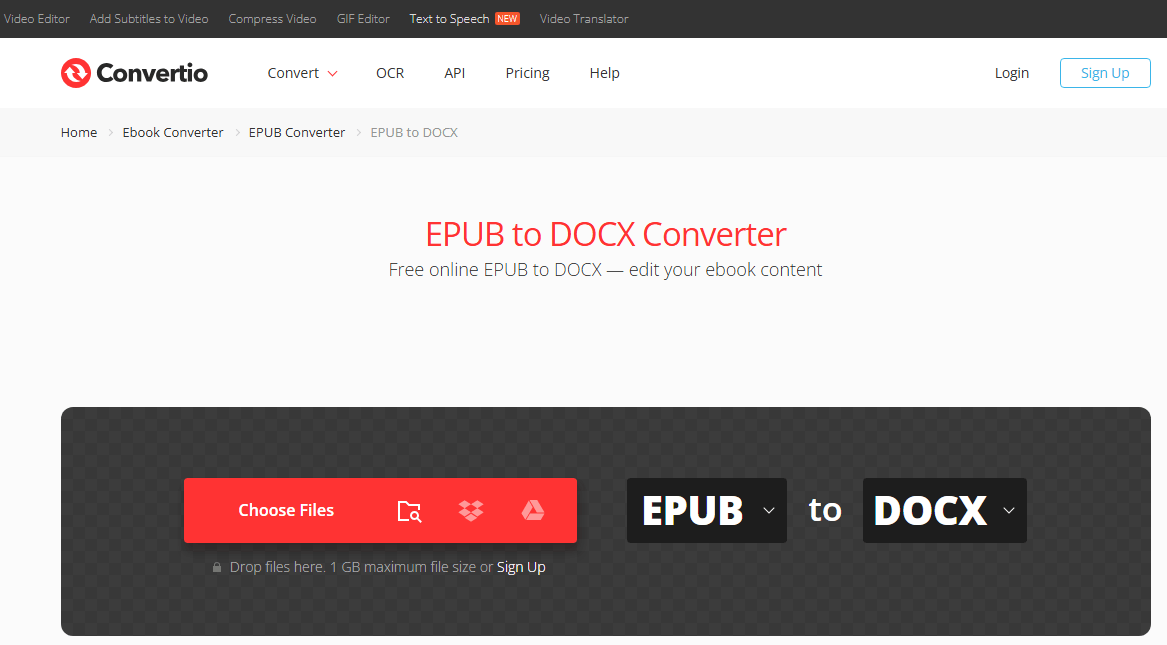
Step 2: Click Choose Files to upload your file. Next to the button, you can also choose a different file type to convert.
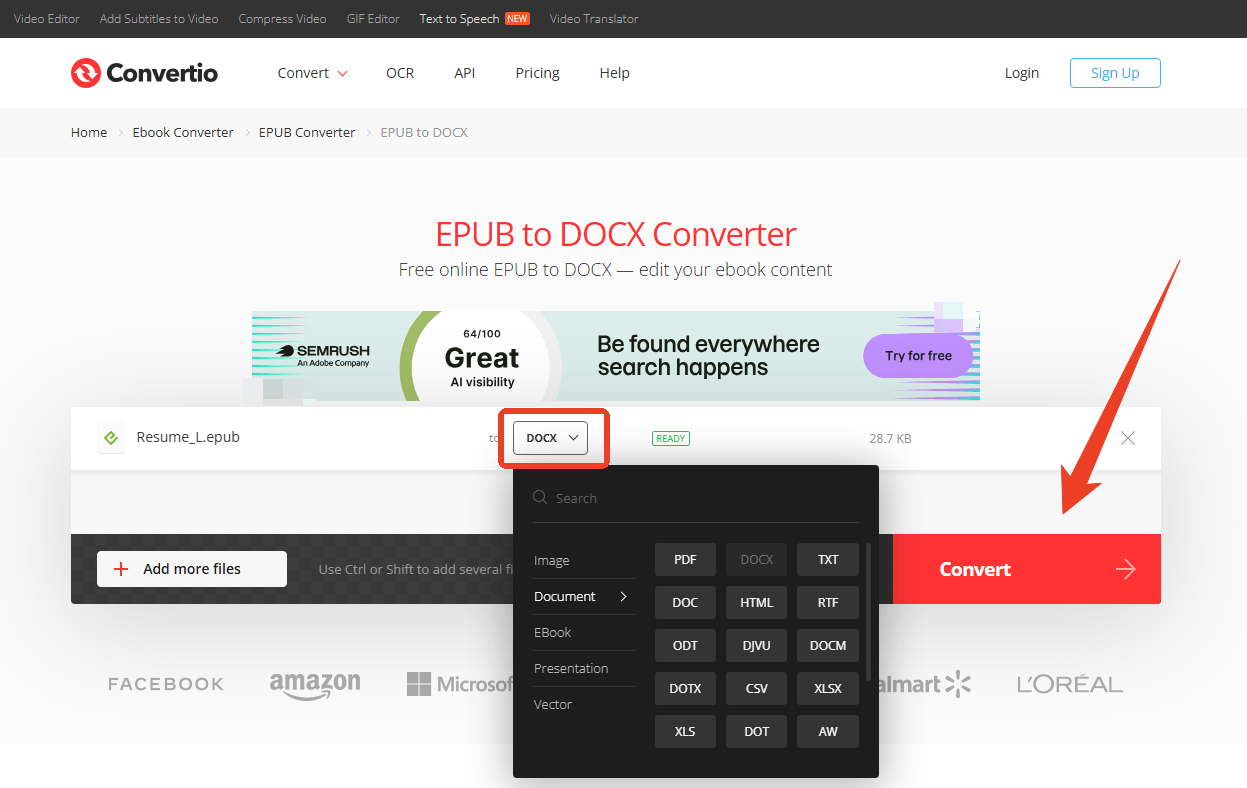
Step 3: Click the Convert button to start the EPUB to Word conversion.
The 8 Best Free Ebook Download Sites in 2026
The best free ebook download site provides quick and safe free ebook downloads. Read this post to find which free ebook download sites are best to use.
READ MORE >Method 2: Use Calibre for EPUB to DOCX
Calibre is the open-source standard for eBook management and conversion. It runs locally, and its conversion engine is more sophisticated than most online tools. For EPUB-to-Word Calibre conversions, it's the most capable free option.
The feature that matters here is Heuristic Processing. Calibre can automatically detect and fix common EPUB issues, such as broken line breaks, stray spaces, and incorrectly merged paragraphs, before writing the DOCX. That's why it handles complex books better than online converters that just extract text and hope for the best. If you're looking for the best EPUB to DOCX converter that doesn't cost anything, Calibre is usually the answer.
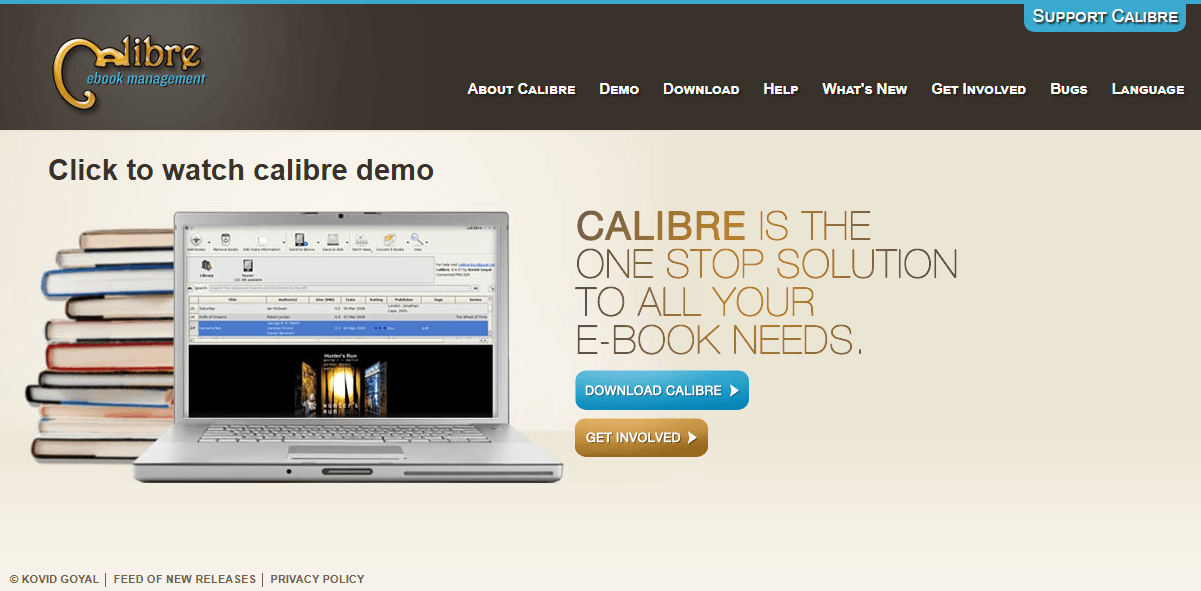
How to Convert EPUB to Word Online with Calibre?
Step 1: Download and install Calibre and open it.
Step 2: Click Add books and choose your EPUB file.
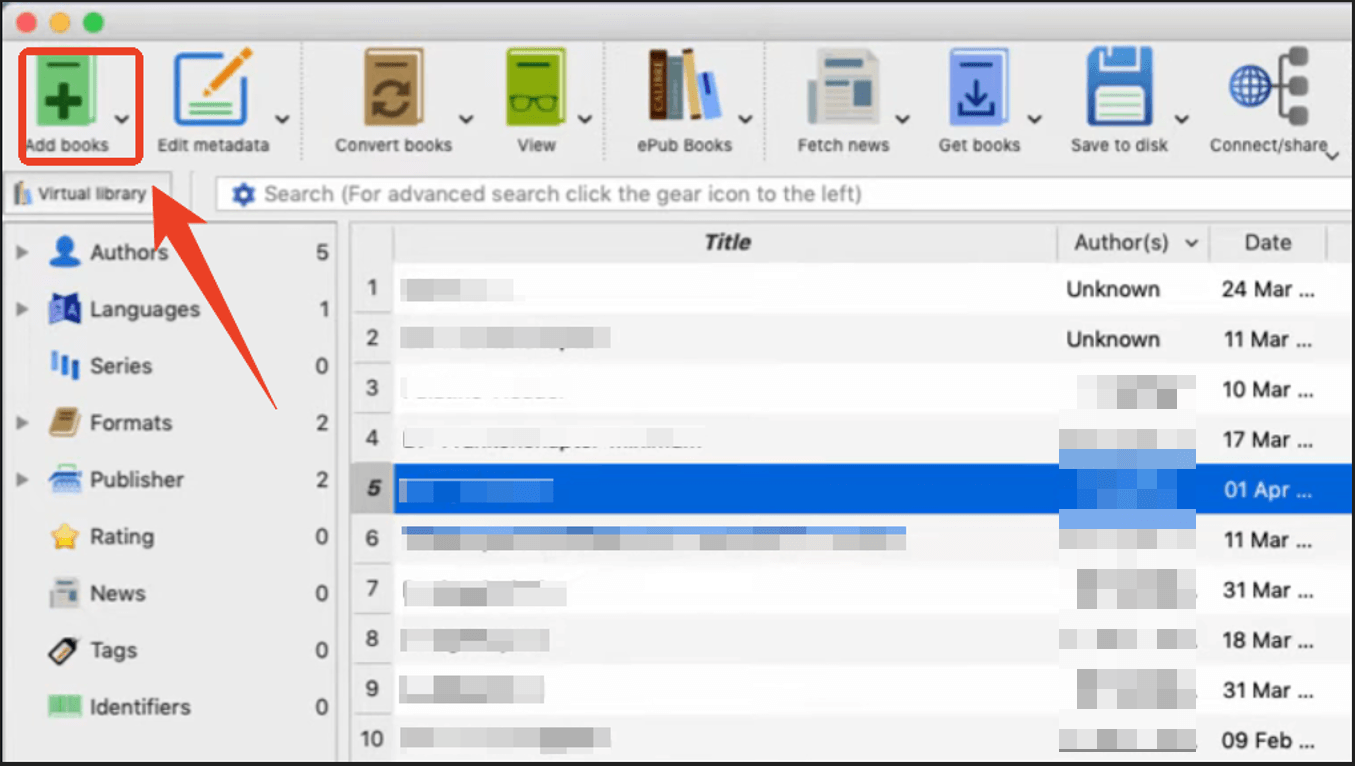
Step 3: In the output format dropdown, choose DOCX and enable the Heuristic processing option to clean up the text.
Step 4: Click OK and wait for the conversion.
Method 3: Use a Desktop EPUB to Word Converter
Desktop EPUB to Word converter tools have more comprehensive and advanced features than online tools. If you want to convert books regularly and are willing to pay for convenience, choose a desktop converter,
Tool 1: SysInfo EPUB to DOCX Converter
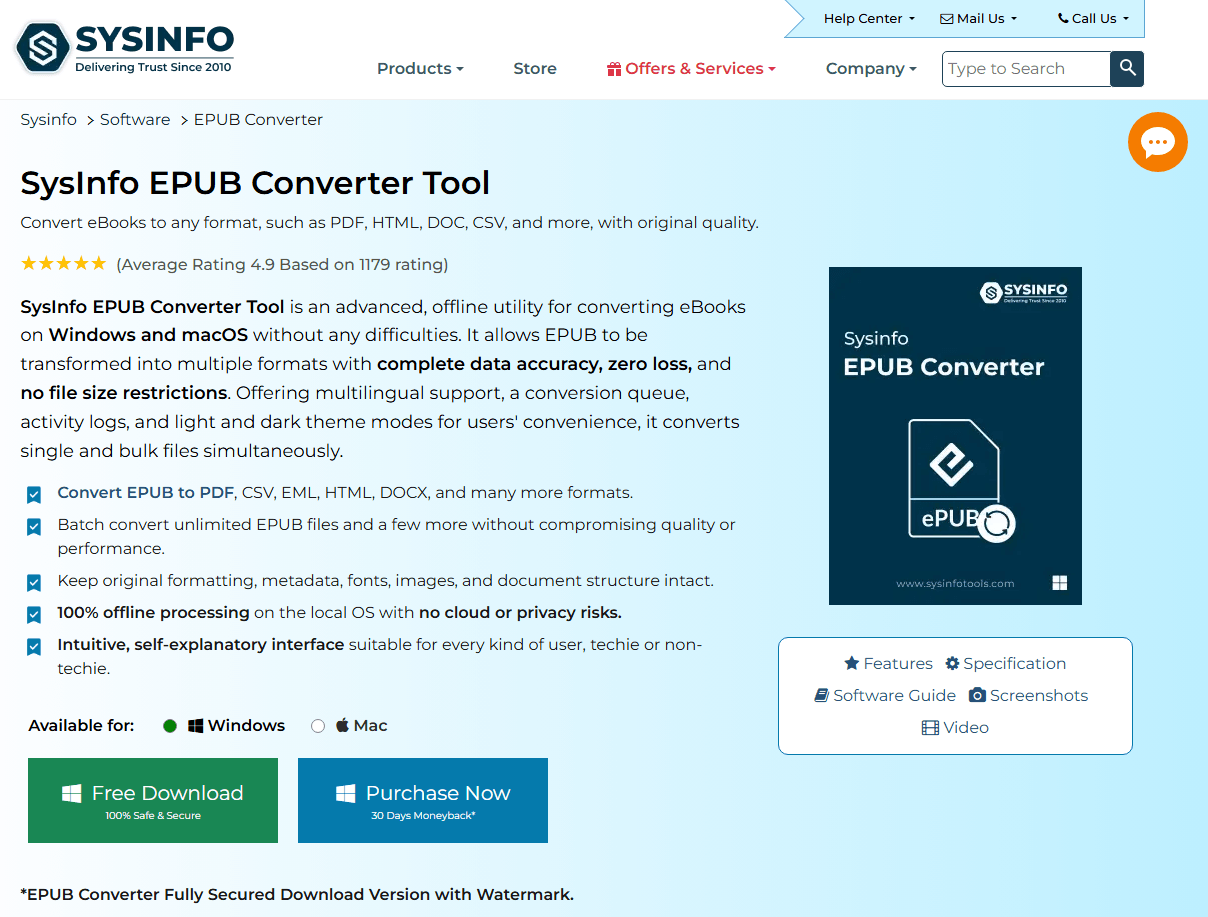
SysInfo EPUB to DOCX Converter is a Windows desktop tool available in online and offline versions. Its free trial converts only the first 2 pages of each file and adds a watermark to the output; full functionality requires a paid license. It supports batch conversion and can repair partially corrupted EPUB files.
How to Convert EPUB to Docx with SysInfo Converter?
Step 1: Open SysInfo EPUB Converter and choose Single File Conversion from the left panel.
Step 2: Upload the EPUB you want to convert or drag and drop it into the interface.
Step 3: Open the Output Format dropdown and choose DOCX. SysInfo also supports PDF, HTML, and TXT.
Step 4: Set other configurations and click Start Conversion. The status bar at the bottom switches from Ready to Converting and shows a progress bar and log.
Step 5: When conversion finishes, click View next to the file in the Conversion Queue panel to open the output folder and access your DOCX file.
Tool 2: Epubor eBook Converter
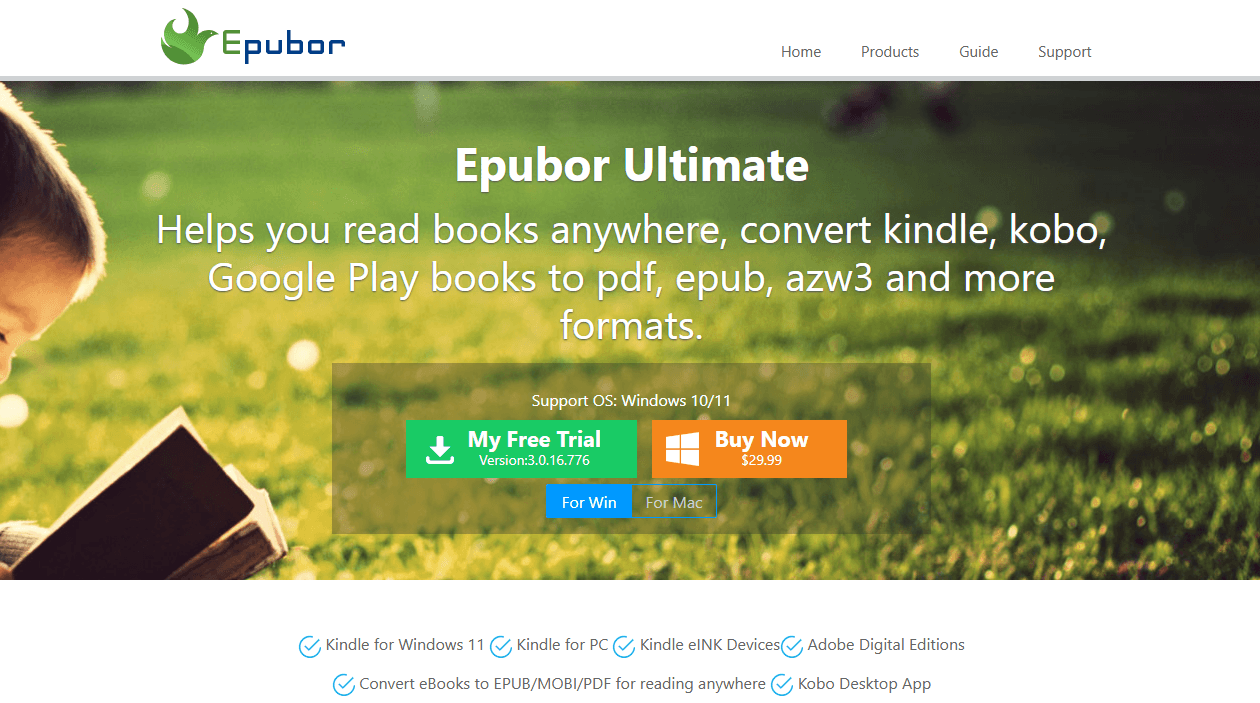
Epubor is a commercial tool with a 4.6 rating on G2, offering EPUB to DOCX and PDF conversion with a focus on speed. It's paid software, but the interface is polished and the conversion is reliable. If you convert books regularly and want an EPUB to Word converter that doesn't require wrestling with Calibre's settings, Epubor is worth considering.
Method 4: Try SwifDoo PDF Converter
Sometimes, your EPUB contains scanned pages, image-heavy content, or formatting that direct converters tend to mangle. As a result, standard EPUB-to-Word converters may fail to work. In this way, PDF may be a better choice. It allows you to edit, annotate, or add content like Word and is even suitable for printing.
If you need to convert EPUB to PDF, try SwifDoo PDF converter. It can help you finish PDF conversion to different file types, including EPUB. Also, after the EPUB to PDF conversion, you can use SwifDoo PDF's PDF to Word conversion with advanced OCR to get a DOCX file.

Spotlight on EPUB vs PDF and Way to Convert Between Them
Do you know what EPUB and PDF are? Is EPUB better than PDF? EPUB vs PDF: What are the differences between EPUB and PDF? How to convert between EPUB and PDF?
READ MORE >What SwifDoo PDF brings to this workflow:
- PDF to Word with OCR: Converts PDFs into editable DOCX files, including scanned or image-based pages. The OCR engine recognizes text and rebuilds it as editable content, not just an image wrapper.
- Local processing: Files stay on your machine. For books you've purchased or documents you'd rather not upload to a random converter site, that matters.
- Post-conversion tools: After the Word file is created, you can merge, compress, or adjust page sizes, useful if you're assembling multiple chapters or preparing the document for print.
How to Convert EPUB to PDF with SwifDoo PDF?
Step 1: Open SwifDoo PDF and click Batch Process > Convert to PDF.
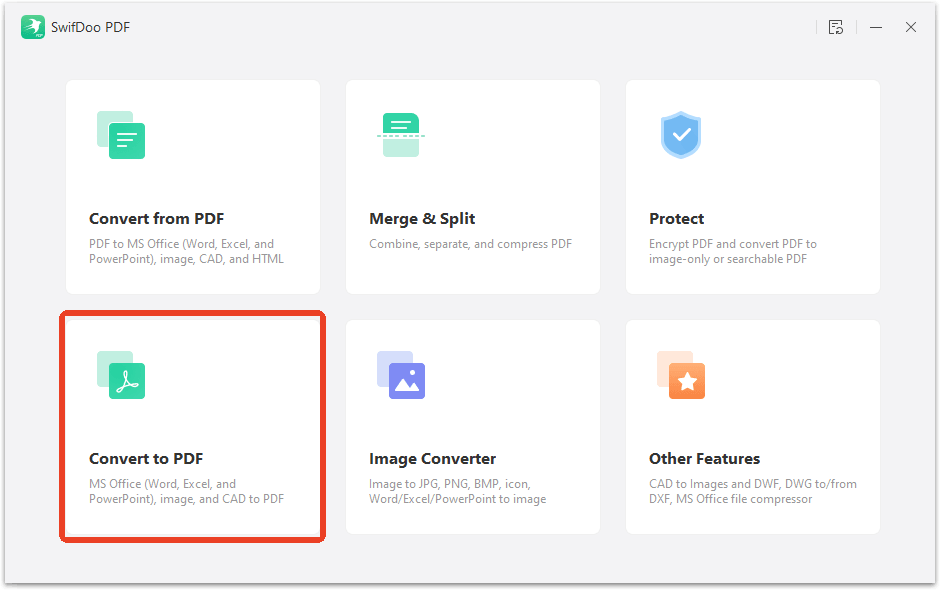
Step 2: Click the EPUB to PDF option from the left pane and upload the EPUB file.
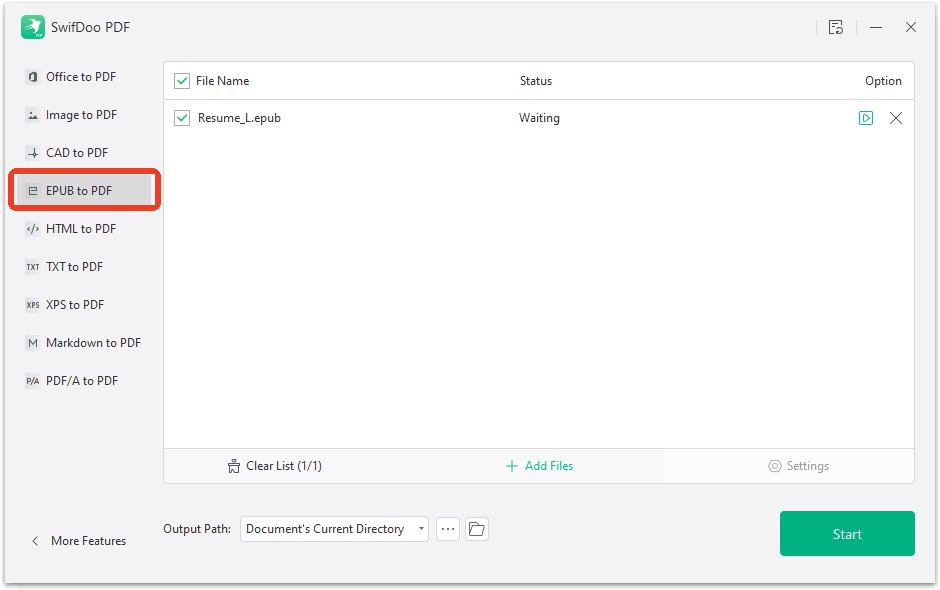
Step 3: Click Start to finish the conversion.
How to Convert PDF to Word with SwifDoo PDF?
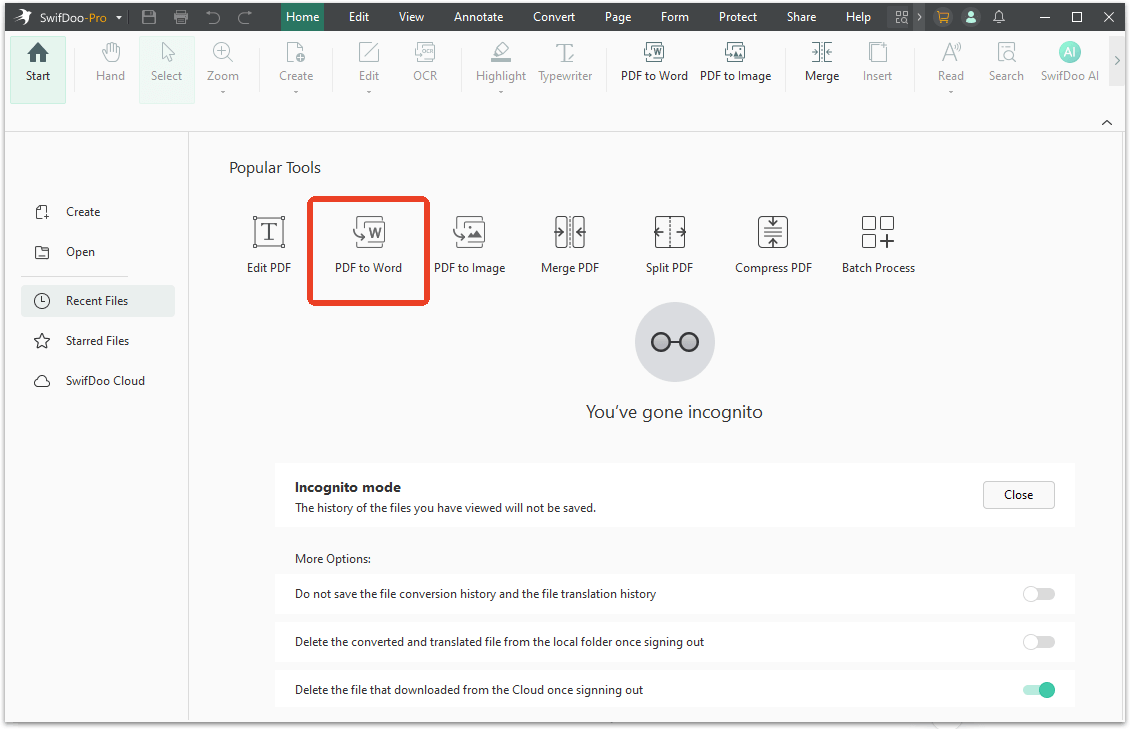
Step 1: On the main page, choose PDF to Word under Popular Tools.
Step 2: Upload the PDF file and choose the Word format.
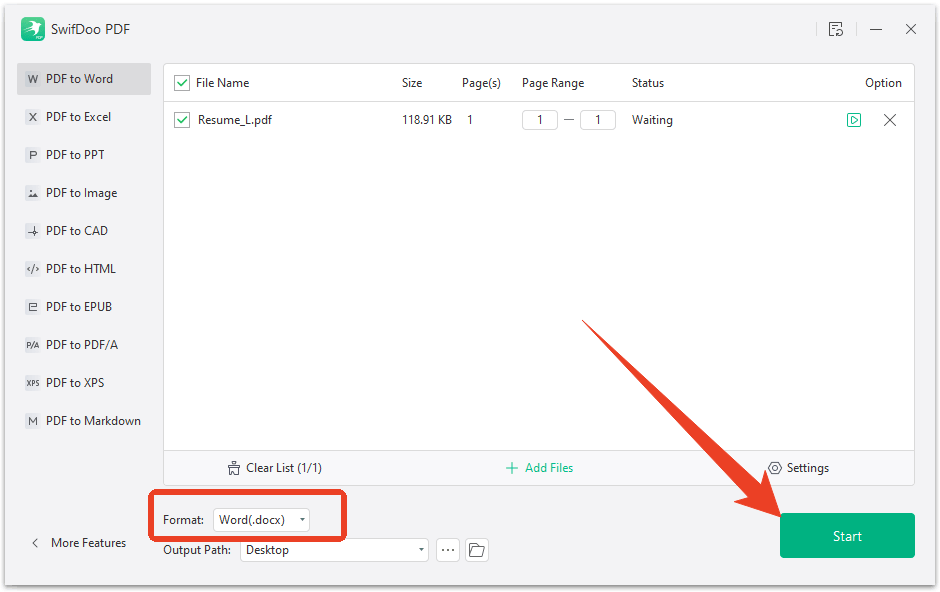
Step 3: Choose the output path and click Start to finish the last step in the EPUB to Word conversion.
Conclusion
How to convert EPUB to Word? First, you need an effective converter; there are six useful EPUB to DOCX converter tools, including online and desktop options. Online tools are fast to upload, and desktop apps offer convenience at a good price. Choose the one that can resolve your problem, and if the book has scanned pages or you want a local workflow with post-conversion editing, SwifDoo PDF is the tool that fills the gap.


