


Why Are So Many Teams Looking for DocuSign Alternatives?
DocuSign built its platform around enterprise-scale organizations. For freelancers, startups, agencies, and growing service businesses, that enterprise-oriented pricing structure doesn't always align with smaller team requirements.
Common pain points that drive teams to look for DocuSign alternatives include:
-
Envelope limits that cap how many documents you can send each month—DocuSign's Personal plan gives you just five envelopes for $10
-
Per-user pricing that gets expensive as your team grows
-
Extra charges for features like bulk send, custom branding, and workflow automation
-
Data sovereignty concerns for teams that need to keep documents in specific regions
-
Clunky interfaces that make signing feel slower than it should be
If any of this sounds familiar, you're not alone. The search for free DocuSign alternatives reddit and other forums shows just how many teams are looking for a better way.
Desktop DocuSign Alternatives: E-Sign + Full PDF Editing
These DocuSign alternatives share a philosophy: signing a document is one step in a larger workflow, not a separate product category. They combine electronic signatures with full PDF editing, OCR, and conversion in a single application. They work offline. They process files locally. And they don't charge per user.
SwifDoo PDF – The Complete DocuSign Alternative for Desktop Users
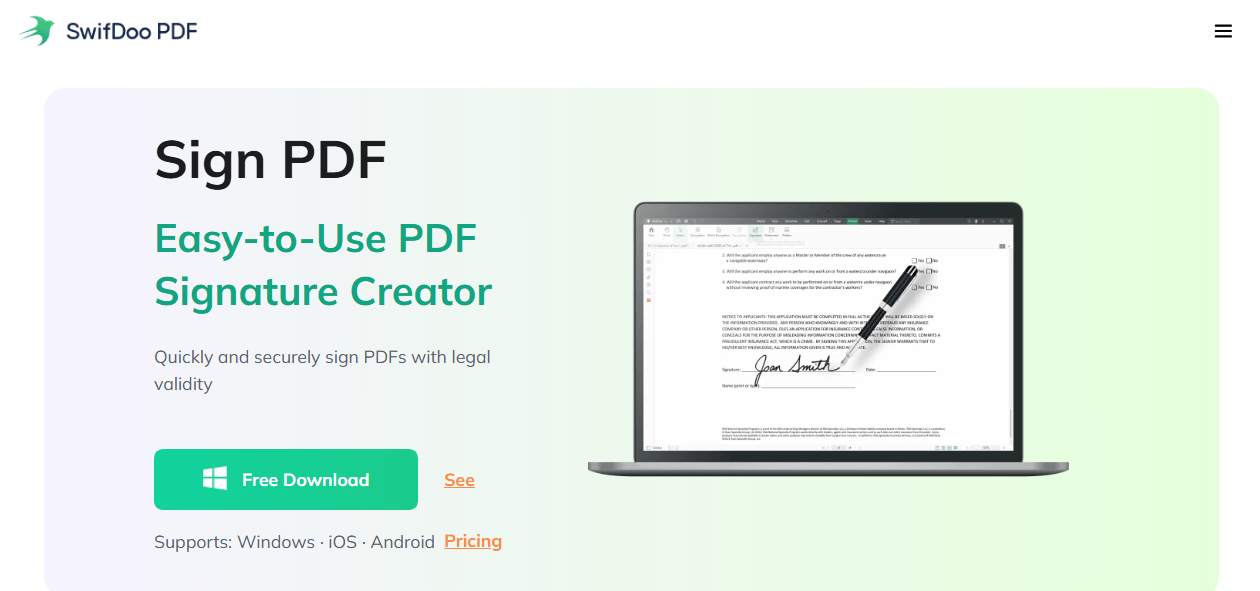
SwifDoo PDF takes a fundamentally different approach from most DocuSign Alternatives. Instead of treating e-signatures as a standalone service, it builds them directly into a complete PDF editing workspace. You modify the contract, drop in your signature field, and send it without switching applications or uploading files to a different platform.
SwifDoo PDF Features
The signing tools cover the full cycle: create handwritten or typed signatures, place signature fields anywhere on a document. Everything stays on your local machine. No signature limits, no recipient caps, no cloud upload required.
But the real difference is what happens around the signature.
-
Edit contract text directly without exporting to Word and back; you can change clauses, update figures, correct typos.
-
Use the built-in AI assistant to summarize a lengthy agreement or extract key terms before you add your signature.
-
Convert the signed PDF to Word, Excel, or an image format for downstream processing.
-
Apply Bates numbering, watermarks, or headers for document control.
Pricing Model
SwifDoo PDF uses device-based licensing with a one-time purchase option. One license covers one PC, regardless of how many people share that machine or how many documents pass through it. There is no per-user multiplier, no per-signature fee, and no annual renewal requirement unless you choose the subscription path for ongoing updates. This makes it a compelling affordable e signature solution for teams watching their software budgets.
Ideal For
Freelancers, small to mid-sized businesses, legal professionals, and anyone who edits PDFs as often as they sign them and who wants a complete DocuSign replacement without per-user fees.
Nitro Sign – Enterprise Document Workflow with E-Sign
Nitro Sign comes from the same company behind Nitro PDF Pro, a well-established desktop PDF editor. It combines enterprise-grade document control with integrated signing, designed for organizations that need more than basic tools.
Nitro Sign Features
-
Nitro Sign connects directly with Nitro PDF Pro, so editing and signing share the same document engine.
-
Compliance certifications cover regulated industries that need audit-grade document trails.
-
Teams can choose between cloud deployment and on-premise hosting, depending on internal security policies.
-
Real-time document activity tracking shows exactly when recipients open, view, and sign, useful for time-sensitive agreements and service-level monitoring.
-
Shared review tools allow multiple stakeholders to annotate and comment without creating conflicting file versions.
Pricing Model
Nitro Sign uses subscription-based pricing aimed at mid-sized and enterprise organizations. Costs scale with deployment size and feature requirements.
Ideal For
Organizations already using or considering the Nitro ecosystem, particularly those in regulated industries that need compliance documentation and team-based PDF workflows.
PDF-XChange Editor – Lightweight PDF Editing with Signature Support
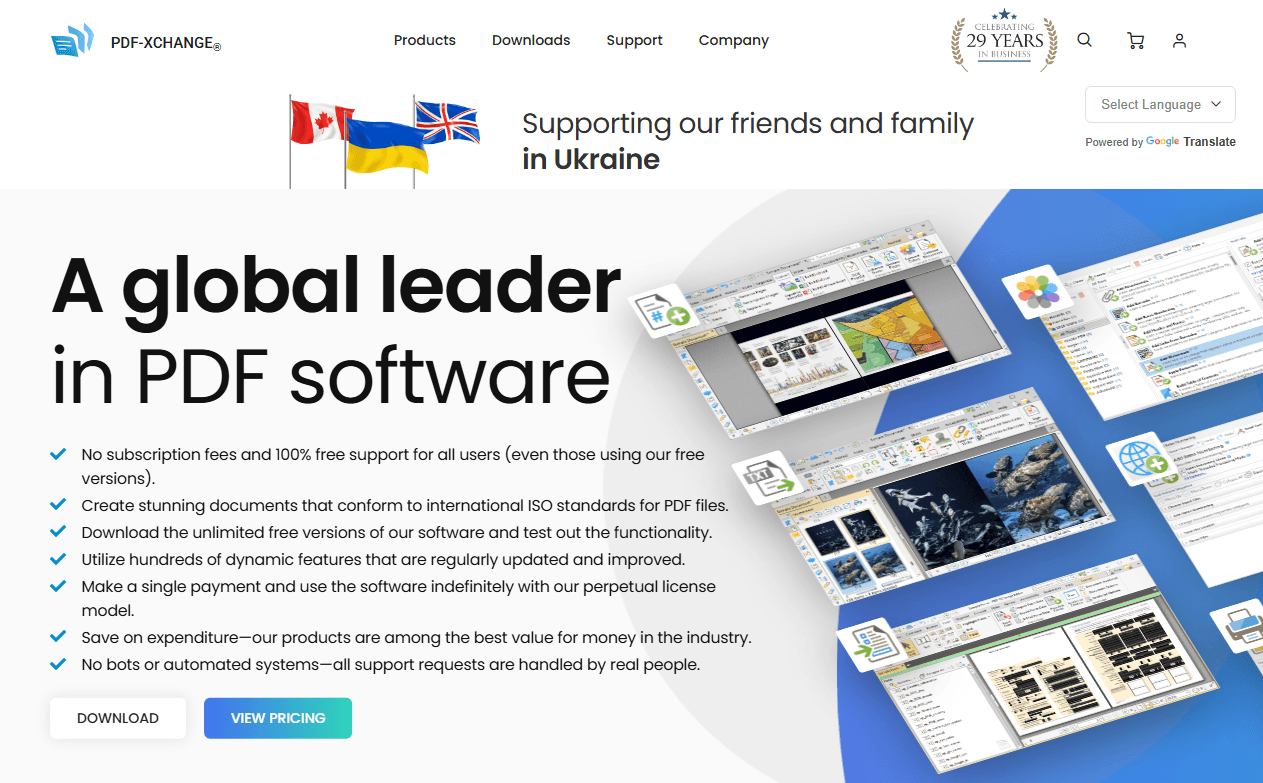
PDF-XChange Editor takes a different path from most DocuSign Alternatives: instead of chasing feature count, it prioritizes speed and efficiency. The application is notably lightweight, launching almost instantly even on older hardware.
PDF-XChange Editor Features
-
Signature tools are part of the annotation suite, which apply handwritten signatures, stamp digital certificates, and place signature fields within documents.
-
The broader annotation toolkit is genuinely comprehensive: highlighting, underlining, sticky notes, measurement tools for distance and area, and custom stamps.
-
The free version includes basic editing and signature capabilities, which makes it a practical entry point for users with modest needs.
-
A one-time purchase provides a perpetual license, avoiding subscription fatigue entirely.
Pricing Model
One-time purchase available with perpetual license. The free version offers generous functionality for basic tasks.
Ideal For
Windows users who want a fast, lightweight PDF tool with reliable annotation and occasional signing without committing to a subscription.
Online DocuSign Alternatives for E-Signature: Best-in-Class Signing
These DocuSign alternatives focus on doing one thing exceptionally well: getting documents signed. They prioritize ease of use, recipient experience, and integration with cloud ecosystems. If your PDF editing needs are minimal and your signature needs are frequent, this category is built for you.
SignNow – Affordable E-Signature at Scale
SignNow has earned its place among DocuSign competitors by delivering core signing features at a price point that doesn't escalate aggressively with team size.
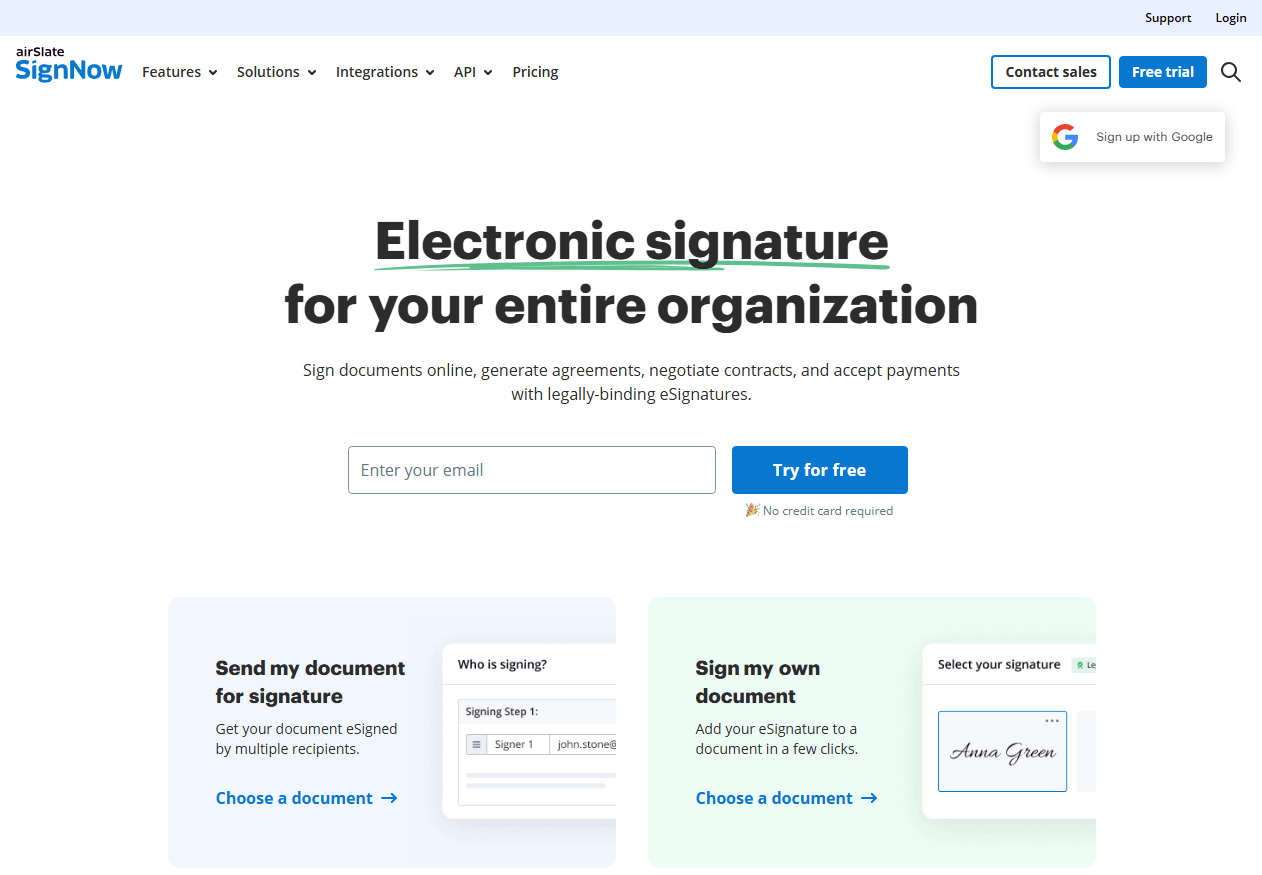
SignNow Features
-
Bulk send capabilities allow you to dispatch signature requests to multiple recipients simultaneously, useful for policy acknowledgments, waiver forms, and mass contract renewals.
-
Conditional document routing adjusts the signing workflow based on recipient input, so different answers lead to different signature paths.
-
Payment collection integrates directly into the signing process, allowing customers to sign and pay in a single step.
-
The mobile app is well-designed, letting recipients sign on any device without installing software.
-
Templates store preset signature fields for documents you send repeatedly.
Pricing Model
Subscription-based, priced lower than DocuSign for comparable features.
Ideal For
Budget-conscious small businesses, sales teams that need mobile signing with payment collection, and organizations that send documents in batches.
SignRequest – The Free DocuSign Alternative
SignRequest stands out as one of the few genuine free DocuSign alternative options available. Its free tier is notably generous compared to competitors that cap users at two or three documents per month.
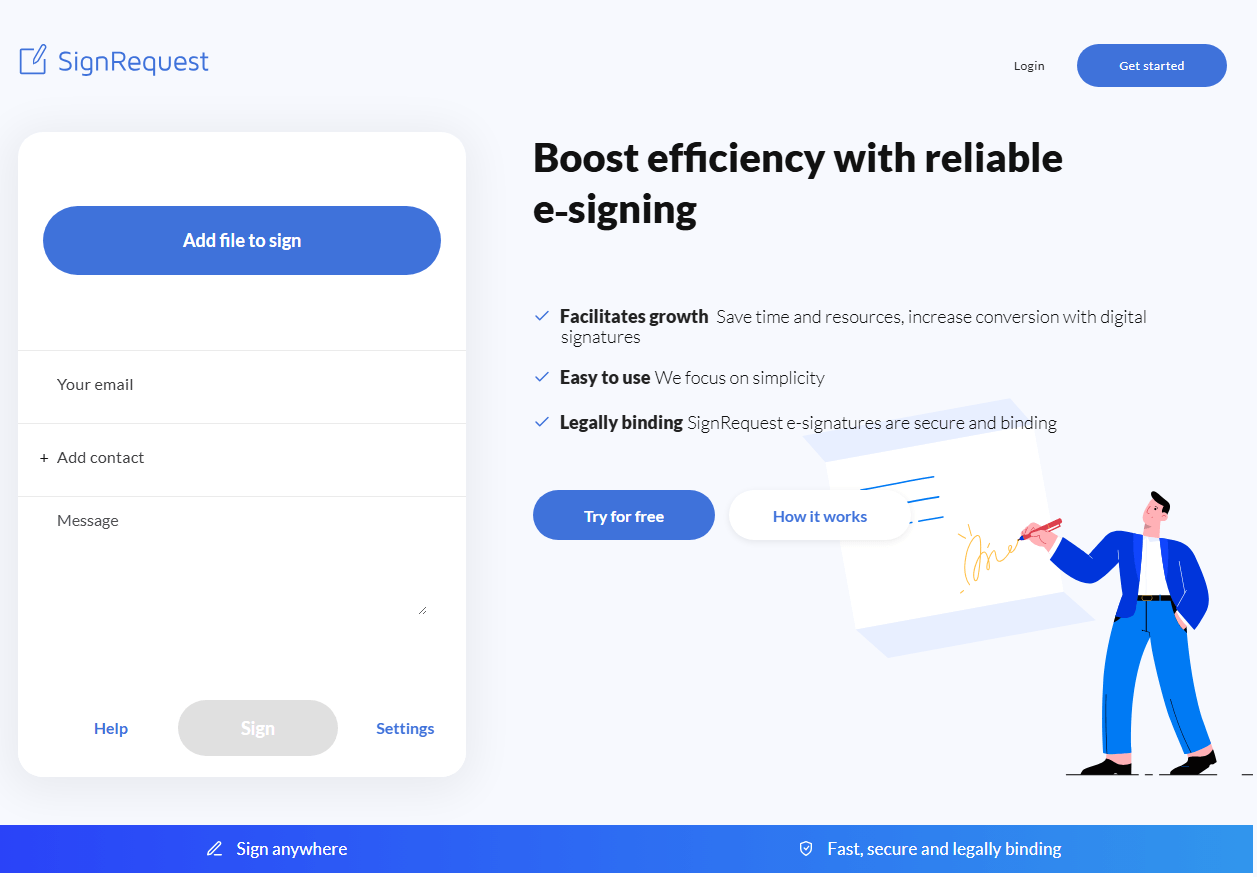
SignRequest Features
-
The free plan allows unlimited document sends; no credit card required to start, no expiration on the free tier.
-
The interface is intentionally minimal, keeping the signing process straightforward for both senders and recipients.
-
Google Workspace integration lets you initiate signature requests directly from Gmail.
-
Audit trails and automatic reminders come standard, features that often sit behind paywalls on other platforms.
-
API documentation is well-maintained for developers embedding signing into custom applications.
Pricing Model
Generous free tier. Paid plans unlock custom branding, advanced templates, and team management features.
Ideal For
Individuals, nonprofits, startups, and anyone seeking a DocuSign replacement that covers basic signing without introducing a subscription.
HelloSign (Dropbox Sign) – Streamlined Signing for Dropbox Users
HelloSign, now branded as Dropbox Sign, is the native signing tool for the Dropbox ecosystem. Its design philosophy centers on removing every unnecessary step from the signing process.
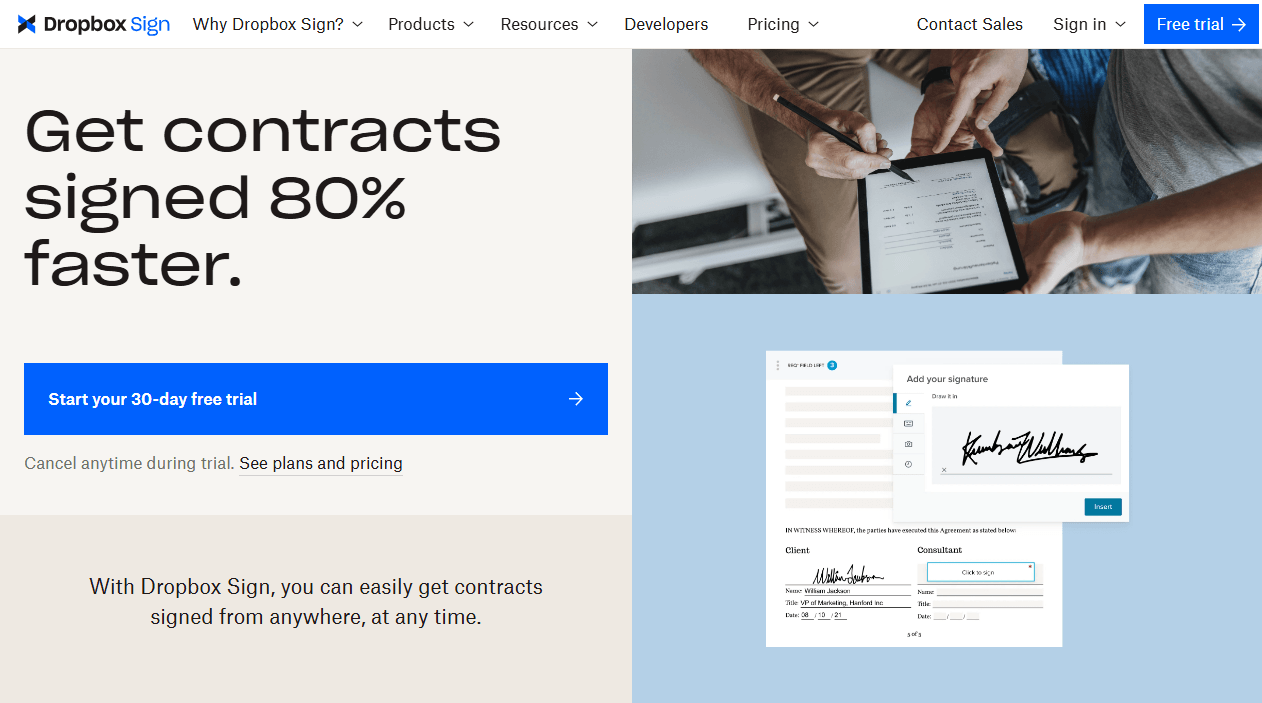
HelloSign Features
-
Dropbox integration is seamless - documents stored in Dropbox can be sent for signature without leaving the platform.
-
The interface is among the cleanest in the category, with virtually no learning curve.
-
Template linking allows preset signature fields on recurring documents, so repeat forms go out instantly.
-
API documentation is excellent, making HelloSign a popular choice for development teams embedding signature collection into their own products.
-
Recipients encounter a simple, recognizable signing flow that inspires confidence.
Pricing Model
Subscription-based with a limited free tier available.
Ideal For
Teams already invested in Dropbox who want the simplest possible signing experience with minimal setup.
![8 Free Document Signing Apps You Should Use [2026 Version]](https://img.swifdoo.com/image/free-document-signing.png)
8 Free Document Signing Apps You Should Use [2026 Version]
E-signature is the current trend to save printouts, time, and money. You will get the top 8 free document signing software to serve your purpose.
READ MORE >DocuSign Alternatives for Small Business
Small businesses operate on tight margins. Software that charges per user per month quietly becomes one of the largest line items as the team grows. DocuSign alternatives for small business address this with pricing models that don't penalize headcount.
-
SwifDoo PDF uses device-based licensing with a one-time purchase option. A team of ten sharing five workstations pays for five licenses once. The built-in PDF editor means no second subscription for contract revisions, and the AI assistant handles document summarization that would otherwise require a separate tool.
-
SignNow offers tiered subscription pricing significantly lower than DocuSign's equivalent plans. Bulk sending, mobile signing, and payment collection come standard, useful for service businesses that need signed agreements and deposits in one step.
-
SignRequest provides a free tier with unlimited document sends. For a small business with straightforward signing needs, it covers the essentials without adding to the monthly software bill.
All three qualify as an affordable e-signature solution for teams that need legally binding signatures without enterprise overhead.
DocuSign Alternatives for Nonprofits
Nonprofits face a unique combination of constraints: limited budgets, frequent volunteer and donor documentation, and strict confidentiality requirements for sensitive records. DocuSign alternatives for nonprofits need to check all three boxes.
-
SwifDoo PDF processes files on the local machine. Grant agreements, donor records, and board resolutions never touch an external server. The one-time purchase model avoids recurring subscription costs that eat into program budgets. OCR capabilities turn scanned paper documents into searchable digital records without additional software.
-
SignRequest is widely adopted by nonprofits for its unlimited free tier. Volunteer waivers, event liability forms, and board meeting minutes can be signed and archived without any cost. Google Workspace integration fits organizations already using Google's nonprofit tools.
-
PDF-XChange Editor offers a perpetual license at a low one-time cost with a generous free version. For nonprofits that need basic PDF editing alongside occasional signatures, it provides a budget-friendly, offline-capable toolset.
Each of these serves as a practical docusign replacement for organizations where every dollar saved on software is a dollar redirected to the mission.
DocuSign vs SwifDoo PDF: Which One Fits Your Workflow?
When evaluating DocuSign Alternatives, the comparison that matters most isn't feature checklist against feature checklist. In a DocuSign vs SwifDoo PDF comparison, the two tools optimize for different things.
Where DocuSign Excels
DocuSign is built for signature orchestration at scale. If your signing process originates inside a CRM like Salesforce, requires complex conditional routing rules, or needs to integrate with a dozen other enterprise platforms through APIs, DocuSign's ecosystem depth is hard to match. It's the right tool when signature automation is the central function and the document itself is secondary.
Where SwifDoo PDF Excels
SwifDoo PDF is built for the document-first workflow. When you need to revise a contract before signing it, extract text from a scanned agreement, summarize a lengthy document with AI before sending it out, or keep everything offline for confidentiality, the tool handles the entire document lifecycle, not just the signature moment. There's no switching between an editor and a signing platform. There's no uploading sensitive files to a cloud service for processing.
The Pricing Divide
DocuSign charges per user per month. As your team grows, costs grow linearly. SwifDoo PDF charges per device with a one-time purchase option. Five users sharing two machines pay for two licenses once. For businesses that process hundreds of documents annually, this single difference can shift thousands of dollars back into the operating budget.
The Verdict
Choose DocuSign if signature automation and CRM integration define your workflow. Choose SwifDoo PDF if the document itself - editing, reviewing, signing, archiving - is the main event.
Final Verdict
DocuSign set the standard for electronic signatures, and for enterprise teams deeply embedded in CRM-driven contract automation, it remains a strong choice. But standard doesn't mean universal. The alternatives to DocuSign in this guide prove that you can have legally binding signatures without per-user pricing, and desktop-class PDF editing without a second subscription.
The six tools I've covered split naturally into two camps. The online platforms - SignNow, SignRequest, HelloSign - excel when signing is the main event and simplicity matters most. The desktop solutions - SwifDoo PDF, Nitro Sign, PDF-XChange Editor - shine when signing is one part of a document workflow that includes editing, OCR, conversion, and AI-assisted review.
For most small businesses, freelancers, and professional service providers, SwifDoo PDF hits the intersection that matters: full PDF control, integrated signing, local privacy, and a pricing model that doesn't grow with your team. Choose the tool that matches how you actually work, not the one that asks you to adapt.


