


What Is Adobe Acrobat
Adobe Acrobat, developed by Adobe, is a PDF software suite that allows users to create, edit, annotate, sign, compress, and convert PDF files. Here are three versions for you to choose from:
- Adobe Acrobat Reader: Acrobat Reader is the free version that allows you to open, view, print, and annotate PDFs. However, advanced editing features are limited.
- Adobe Acrobat Pro: Adobe Acrobat Pro is a full-featured paid version for editing PDFs, converting files, advanced OCR, e-signatures, form creation, and AI tools.
- Adobe Acrobat Standard: Acrobat Standard is a lighter paid version.
As a professional PDF editor for students, Adobe Acrobat is widely used for online classes, assignment submissions, group projects, digital textbooks, and other PDF files. Is Adobe Acrobat worth it for students? Is Adobe Acrobat Pro free for students? Does Adobe offer a student discount? Please read on and find out the answers.
Is Adobe Acrobat Free for Students?
Is Adobe Acrobat free for students? Adobe Acrobat Reader is completely free and can meet your needs for basic viewing, highlighting, commenting, and e-signing PDFs. However, Adobe doesn’t offer Acrobat Pro completely free indefinitely to students. Fortunately, as a student, you can access Adobe Acrobat Pro affordably through the Creative Cloud Pro plan for students and teachers.
Surprisingly, in 2026, Adobe offers Student Spaces in Acrobat, a completely free AI-powered study tool. It is one of the best new free tools for students. You can use it to convert PDFs to flashcards. Additionally, it enables you to upload PDFs, notes, links, or handwritten documents to generate flashcards, quizzes, study guides, summaries, or mind maps.
Adobe Student Discounts & Creative Cloud Plans
From the above, we know that Adobe offers student discounts. You can access Adobe Acrobat for students through the Creative Cloud Pro for students and teachers plan. Here, I’ll show you the detailed information.
- First year: $19.99 per month (billed annually)
- Renewal (while eligible): $39.99 per month
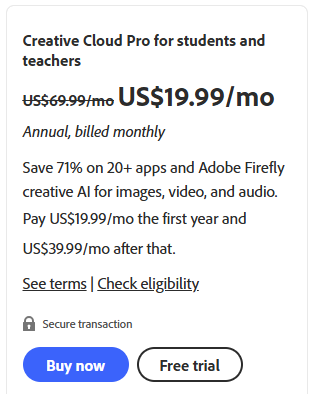
In addition to getting full Adobe Acrobat Pro, you can access Photoshop, Illustrator, and most Creative Cloud apps.
To access Adobe student discounts, you need to have the eligibility as follows:
- At least 13 years old
- Enrolled in an accredited primary or secondary school, college, university, or homeschool.
How to Get Adobe Acrobat as a Student
How to get the student discount for Adobe Acrobat? Below are the step-by-step instructions.
Step 1. Open your browser and visit the Adobe Creative Cloud for Students page.
Step 2. Click Buy Now or Free Trial.
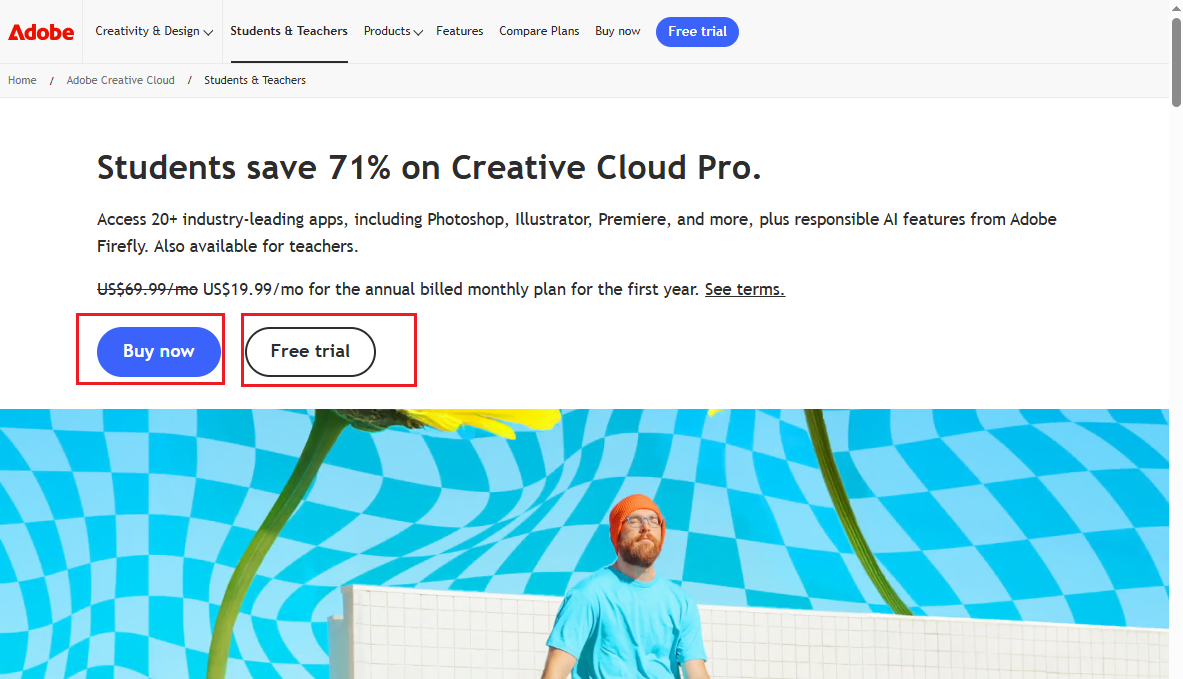
Step 3. Next, sign in with your school email. If you don’t have an account, create an Adobe ID with your school-issued email. Then, complete verification.
Step 4. Now, download and install the Creative Cloud desktop app on your PC. Next, install Adobe Acrobat Pro.
Limitations and Things to Know
- The discount requires ongoing eligibility verification.
- Subscription model (no perpetual license).
- One computer per subscription at a time (though you can install on multiple computers and sign in/out).
- Advanced AI features may have usage limits.
- Some schools restrict or manage their own licenses.
Best Free and Affordable Alternatives to Adobe Acrobat
If Adobe Acrobat doesn’t fit your budget or needs, you can consider the following Adobe Acrobat alternatives.
#1. SwifDoo PDF
SwifDoo PDF is a lightweight PDF editor that is available on Windows and Mac. Working as a cost-effective alternative to Adobe Acrobat, it offers most of the PDF features that Acrobat has. With its various editing features, you can edit and modify PDF content effectively. Additionally, it allows you to OCR PDFs, making scanned or image-based PDFs editable and searchable. What’s more, it enables you to fill out PDF forms.
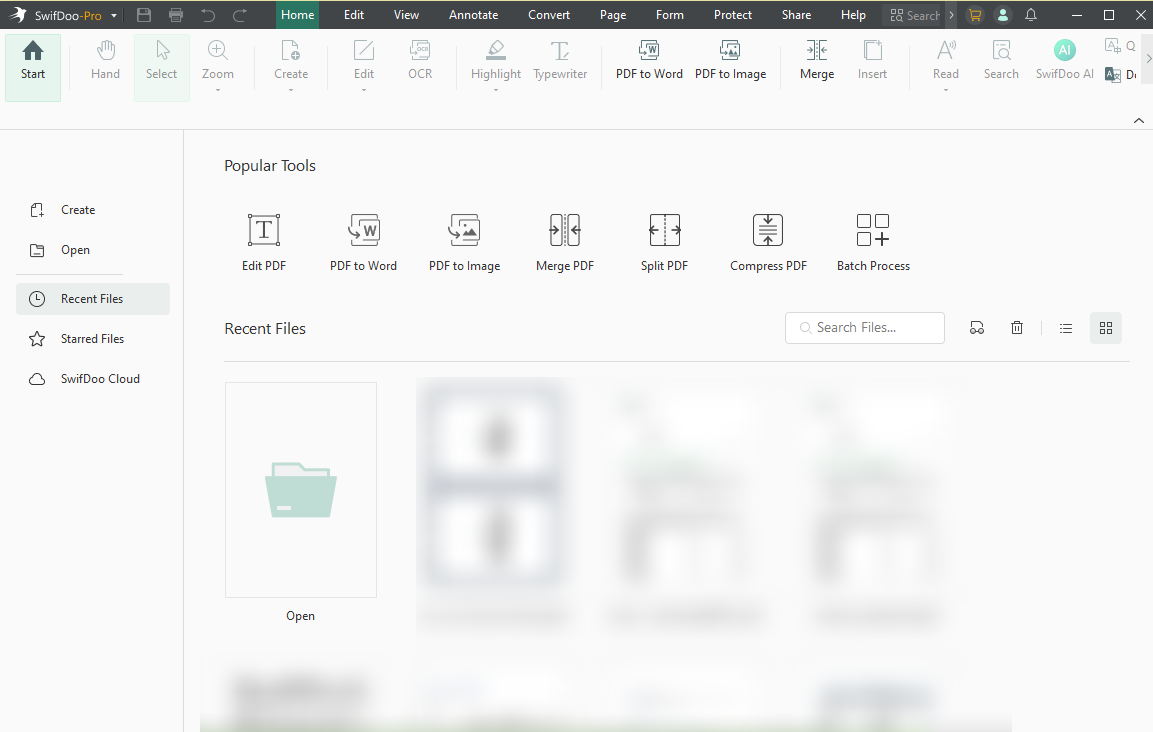
SwifDoo PDF vs Adobe Acrobat: Which PDF editor should you choose? If you have a limited budget, SwifDoo PDF can meet your needs. You can download it and explore its various useful features.
#2. JOPDF
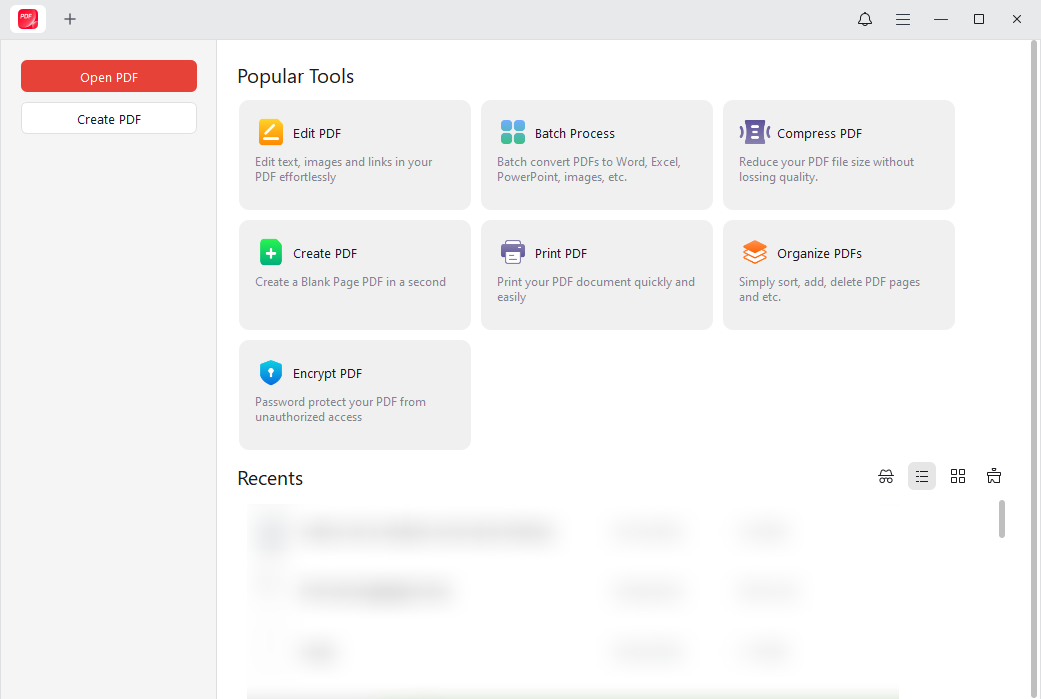
Do you need a completely free PDF editor? If so, never miss JOPDF! JOPDF is a 100% free PDF tool that includes features for editing, annotating, converting, and protecting PDFs. You can use it on Windows, Mac, and Linux.
#3. Foxit PDF
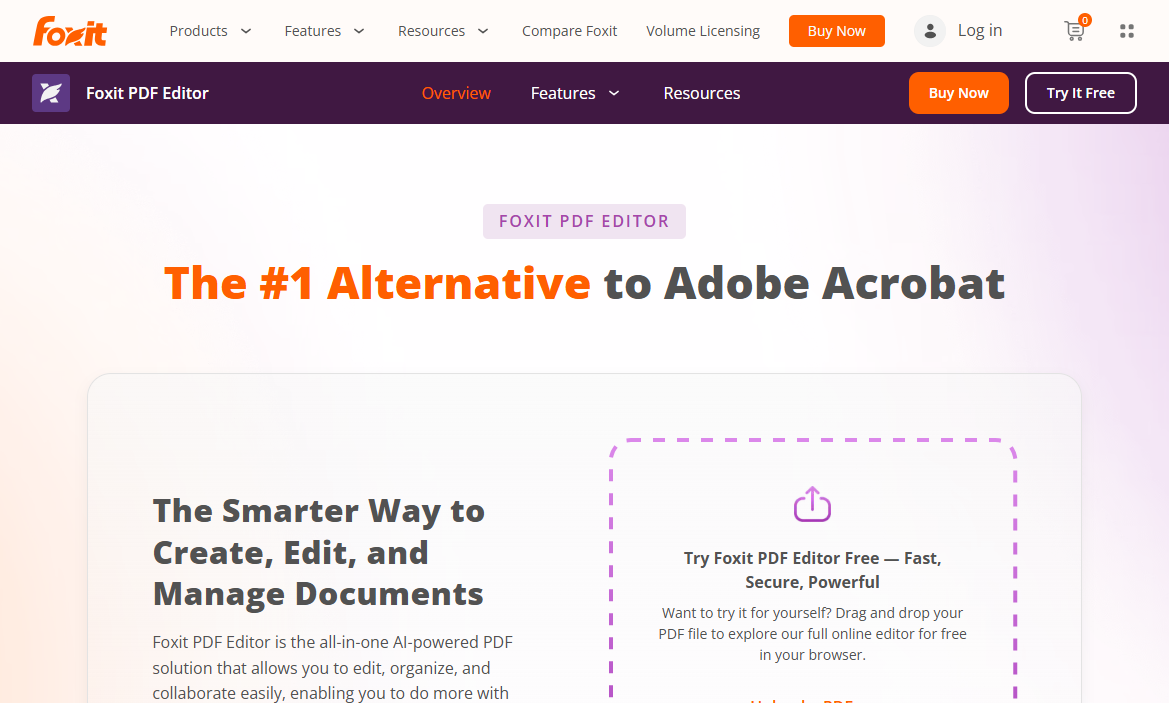
Foxit PDF is a lightweight alternative to Adobe Acrobat, offering similar capabilities for viewing, editing, and converting PDF files. Compared to Adobe Acrobat, Foxit PDF Editor is more affordable. In addition, it offers a free trial to experience its editing features. With its paid version, you can fill and sign PDFs and access its AI-powered tools.
#4. PDF24 Creator
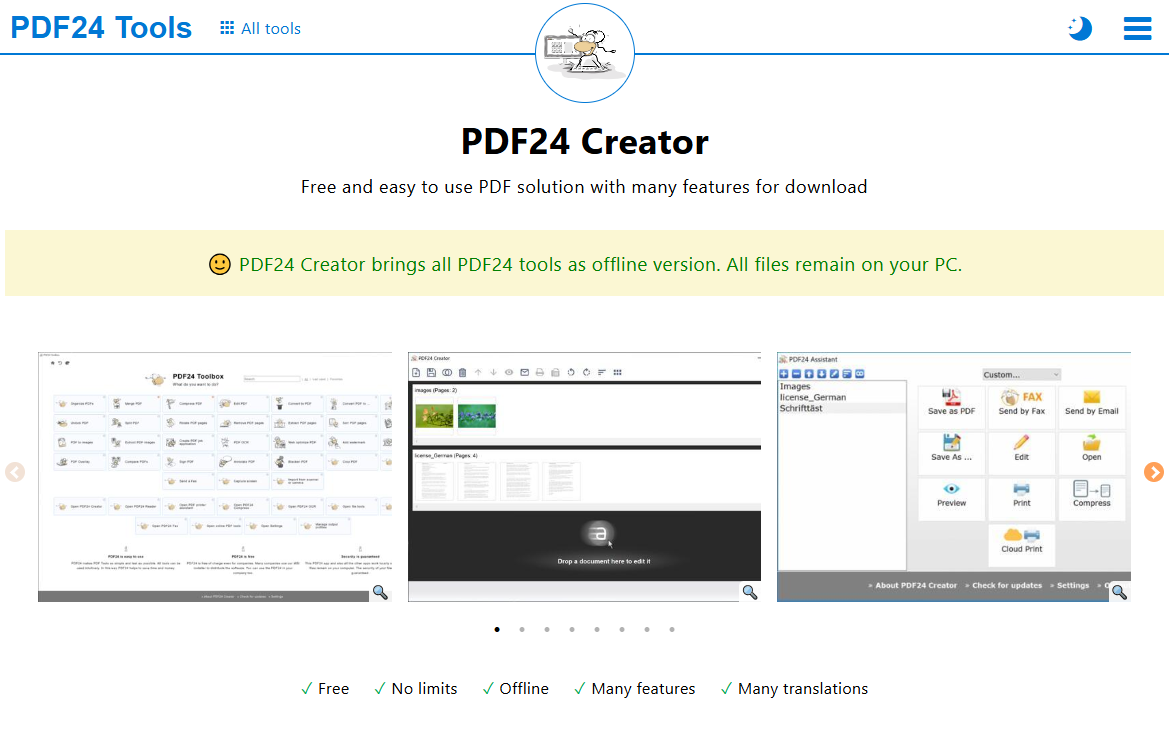
PDF24 Creator is a free PDF application for Windows. With its comprehensive toolbox, you can view, create, edit, annotate, convert, compress, and secure PDFs as needed. Like Adobe Acrobat, it allows you to recognize text in PDFs with OCR.
Here’s a quick comparison table for your reference.
|
Tools |
Platforms |
Best for Students |
Student Value |
|
SwifDoo PDF |
Windows/Mac/iOS/Android |
Heavy editing + AI study help on a budget |
High (perpetual license deals) |
|
JOPDF |
Windows/Mac/Linux |
Completely free cross-platform editing |
Highest (totally free) |
|
Foxit PDF |
Windows/Mac/iOS/Android |
Feature-rich with an education discount |
High with edu discount |
|
PDF24 Creator |
Windows |
Simple everyday tasks, no learning curve |
Highest for basic free needs |
Final Verdict
Is Adobe Acrobat free for students? From the content above, we get the conclusion that only Adobe Acrobat Reader is free with limited features. Fortunately, you can get Adobe Acrobat Pro with student discounts. With Adobe Acrobat for students, you can handle PDFs efficiently at a more affordable price. Alternatively, you can try Adobe Acrobat alternatives, such as SwifDoo PDF or JOPDF.



