


Overview of Jotform
Jotform is a versatile online form builder and PDF form creator that helps individuals and businesses design forms, collect data, and automate workflows with ease. It allows you to make PDFs fillable, improving collaboration and document handling. Wondering, “Is Jotform free?” The platform includes a free plan with key features, with paid tiers available for more advanced needs.
Main Features of Jotform:
- Easily produce professional-looking forms through a simple drag-and-drop interface.
- Offers more than 10K+ free premade online form templates.
- Supports file uploads, integrates with file storage services, and allows embedding forms anywhere.
- Create automated emails and notifications, and publish your online form using a QR code.
- Automatically send form submissions to email marketing services, project management boards, CRMs, cloud storage apps, and more.
- Turn form submissions into PDFs effortlessly and get real-time alerts to respond quickly.
Why Look for Alternatives for Jotform
Many users migrate to other platforms once Jotform no longer fully supports their workflow or budget. While effective, its limitations might lead users to consider options that are easier to adapt or less expensive. For this reason, recognizing the key motivations for using Jotform alternatives is important.
Here are some reasons to look for Jotform alternatives.
- Pricing constraints.
Higher-tier plans can feel expensive for growing teams.
- Submission limits.
Monthly caps may restrict heavy form usage.
- Storage limitations.
Large file uploads quickly consume allotted space.
- Challenges with advanced functionality.
Some automations and widgets require extra time to master.
- Branding restrictions.
Free plans come with visible Jotform branding, which may not be acceptable for professional use.
Top 8 Jotform Alternatives
When Jotform no longer fits your needs, looking at alternatives may offer tailored features, better value, and a smoother user experience. These tools offer powerful form-building, automation, and data-collection capabilities suited for different workflows.
Below is a list of the eight best alternatives to Jotform for choosing the right tool.
Quick Shortlist: Who to Try First
Before exploring the platforms, this quick summary helps you identify the best tool for your current needs. Each tool stands out in a way that speeds up and simplifies your choice.
- Typeform: Best for UX-forward layouts with intuitive and conversational interactions.
- Google Forms: Free, simple, perfect for basic surveys and casual data collection tasks.
- Paperform: Great for landing-page-style forms that allow extensive design customization.
- Formstack: Great for robust workflows, secure data handling, and enterprise-level automation.
- Wufoo: Suitable for users who need simple yet fast form creation with straightforward templates.
- Tally: Ideal for creators who want unlimited forms with a Notion-style editor.
- Microsoft Forms: Ideal for teams in the Microsoft 365 ecosystem needing seamless collaboration.
- WPForms: Ideal for WordPress users wanting drag-and-drop form building directly on their sites.
Top 1. Typeform
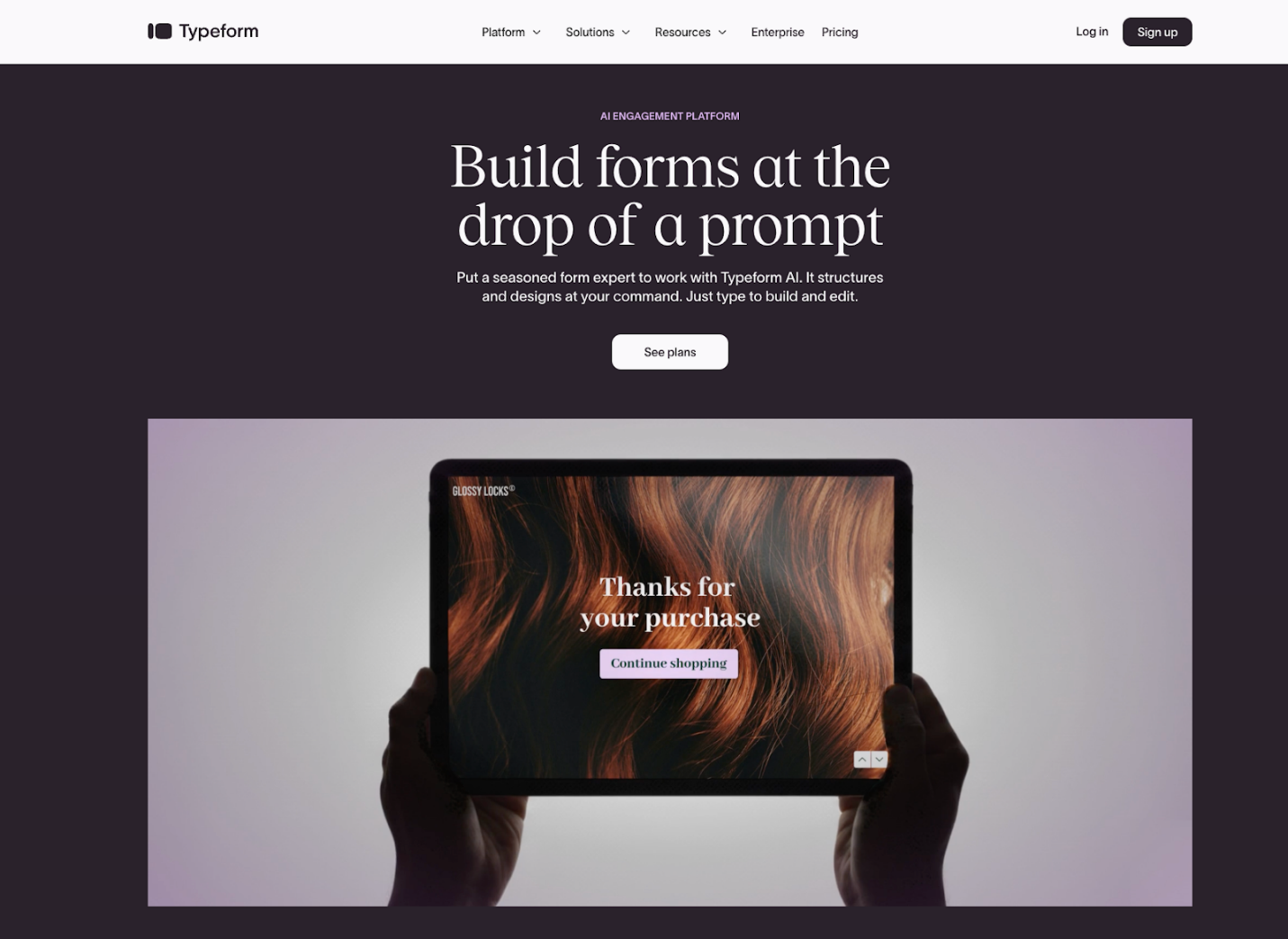
Typeform is one of the best alternatives to Jotform, supported by over a decade of expertise. Typeform AI helps you build expertly designed, best-practice forms that drive more responses. With a clean, simple interface, the tool helps collect and act on customer contact data. With each new submission, automatic segmentation and follow-up emails kick in to accelerate conversions.
Pros:
- Quickly create and configure forms, including those with advanced logic, using the intuitive builder.
- Easily create beautiful, professional, mobile-responsive forms with customizable themes.
Cons:
- Perceived as pricey, particularly for higher-volume submissions or premium features.
- Lacks deep analytics, advanced formatting, and robust logic/branching for very complex needs.
When to Use Typeform
Typeform is ideal when you want highly engaging, visually appealing forms that feel more like conversations than questionnaires. Use it for surveys, quizzes, feedback forms, or lead-generation flows where user experience and completion rates matter most. Its easy-to-use design and interactive format are great for marketing, UX, and customer experience projects.
Top 2. Google Forms
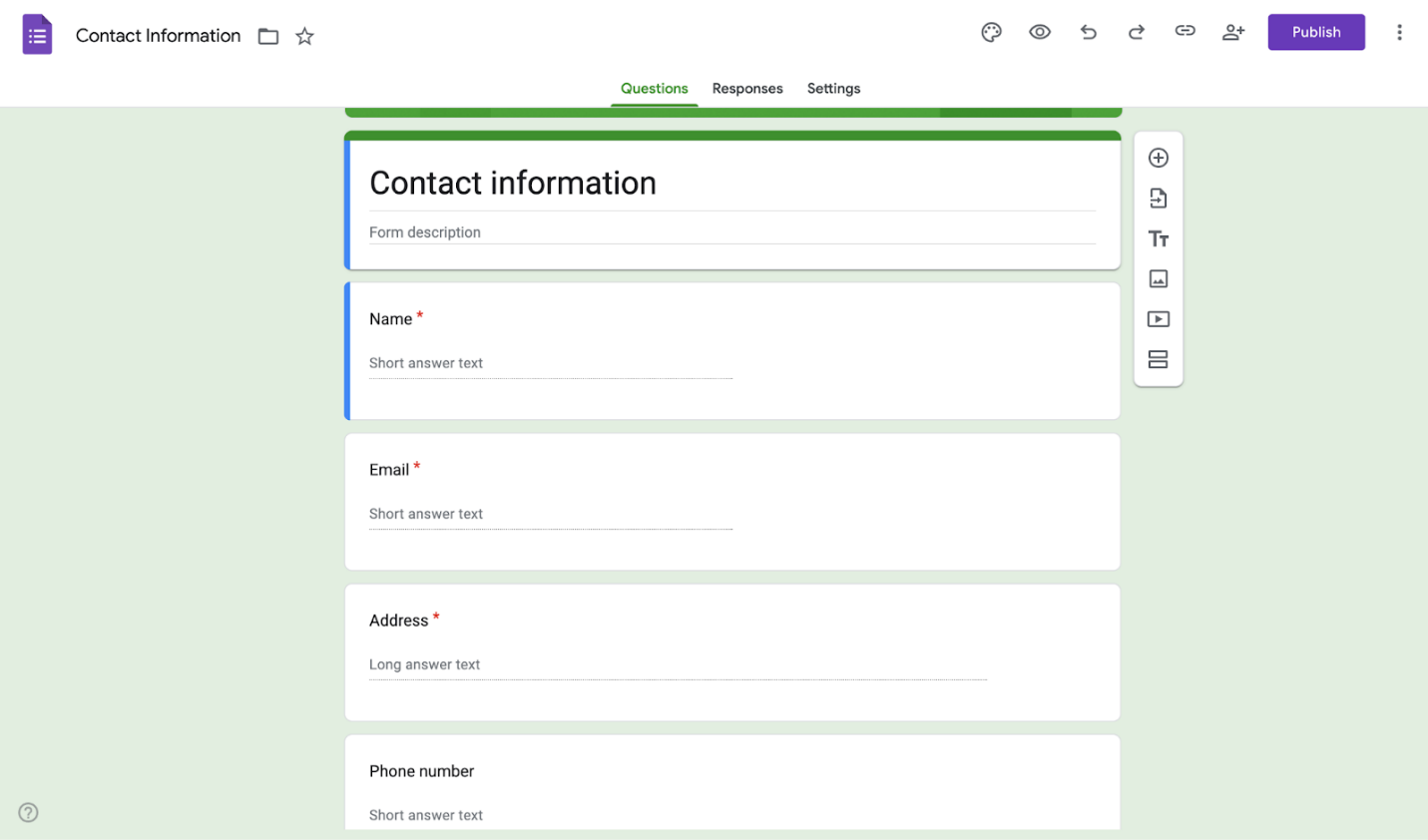
As a free Jotform alternative, Google Forms helps you quickly build forms and surveys to gather data and insights wherever you are. It allows you to choose from multiple question types and arrange them using a drag-and-drop interface. Google Forms lets you quickly customize each form to your needs, then share it via email, social media, or embed it on your website.
Pros:
- Cost-effective and highly intuitive user interface with an easy form-sharing facility.
- Offers several customization options to adjust the color scheme, structure, and content.
Cons:
- Limited in analytics, reporting, and complex conditional logic functionality.
- Minimal customization; Google branding cannot be removed easily.
When to Use Google Forms
Google Forms is perfect for simple, free, and quick data collection tasks without extra customization. This tool is perfect for simple surveys, short polls, classroom projects, and team feedback. If you value ease of use and instant sharing over design-heavy features, Google Forms is a good fit.
Top 3. Paperform
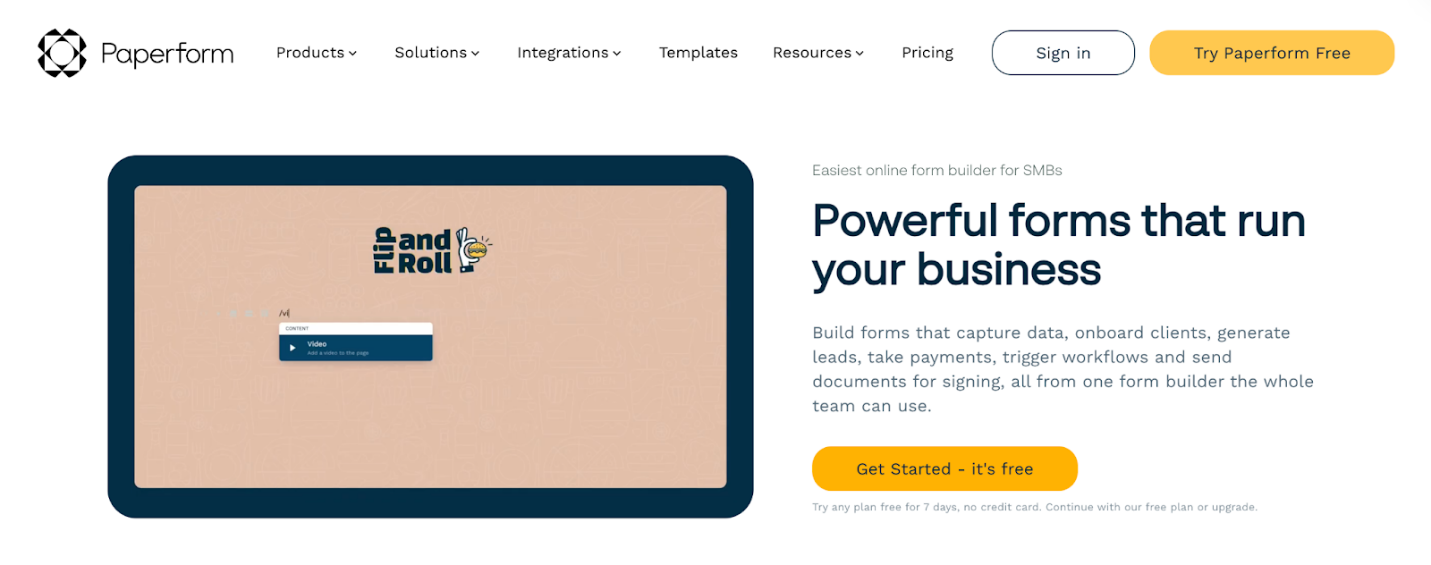
As a popular Jotform alternative, Paperform offers a simple, versatile doc-style form builder with a free all-in-one platform. With Paperform, you can create forms and surveys, take payments, automate workflows, and send documents for signing. This ideal and versatile online form builder combines thoughtful design with serious digital smarts. Paperform also offers over 650 customizable templates, 27+ question types, and 1300+ payment integrations.
Pros:
- Presentation, customization, and numerous templates to choose from that make it easy to create a professional-looking survey.
- Create branded, visually engaging forms using CSS, custom fonts, layouts, and conditional logic that feel more like landing pages.
Cons:
- Steep learning curve and offers extremely limited submission data retention.
- Lets you attach just one file when sending an email after submitting the form.
When to Use Paperform
Paperform is best when you want forms that look and feel like beautifully designed landing pages. Its strong customization and formatting tools make it ideal for businesses that prioritize branding, bookings, and product-style forms. Choose Paperform when presentation, aesthetics, and flexible content structure matter most.
Top 4. Formstack
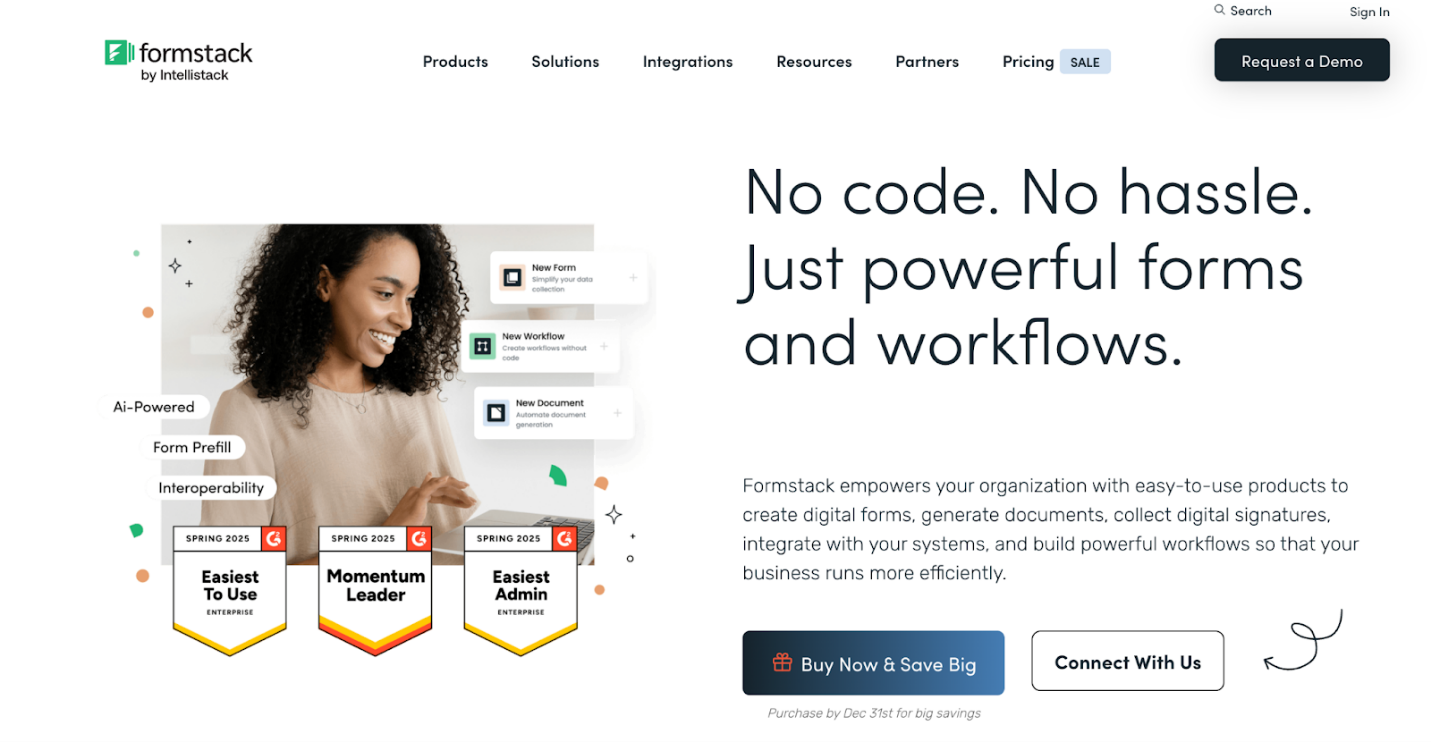
Formstack is another reliable alternative to Typeform and Jotform. It empowers your organizations with easy-to-use products to create digital forms and generate documents. In addition, Formstack collects digital signatures, connects with your systems, and builds efficient workflows to enhance business operations. You can save hours with this easy-to-use form builder.
Pros:
- Uses advanced AI technology and an intuitive no-code builder to build online forms quickly.
- Helps organizations prioritize data integrity by minimizing data errors and discrepancies caused by manual entry.
Cons:
- Costs can be high, particularly for users requiring more forms or documents, due to steep tiered pricing.
- CSS needed for full styling; logos may revert customizations.
When to Use Formstack
Formstack is perfect for businesses and teams seeking advanced workflows, automation, and secure data handling. This tool works well for complex forms, approvals, and connecting with CRM or payment platforms. Use Formstack when efficiency, compliance, and enterprise-level functionality are top priorities.
Top 5. Wufoo

Wufoo, as a Jotform alternative, helps you create a custom form in minutes. It is a cloud-based form builder that makes it easy to create registration, application, survey, contact, and payment forms, among others. Its smooth interface and easy customization, templates, and reporting further enhance your experience with Wufoo.
Pros:
- Design visually appealing forms that reflect your brand or website, whether or not you use CSS.
- Allows you to easily create forms for collecting data, files, and payments—no coding required.
Cons:
- Lacks robust advanced conditional logic and in-depth reporting/analytics found in other tools.
- The free plan has restrictions, and customer support is frequently slow, unhelpful, and email-only.
When to Use Wufoo
Wufoo is best for users who want to create forms quickly using ready-made templates without a steep learning curve. It works well for simple surveys, event registrations, and basic data collection. Choose Wufoo when speed and ease of setup are more critical than advanced customization.
Top 6. Tally
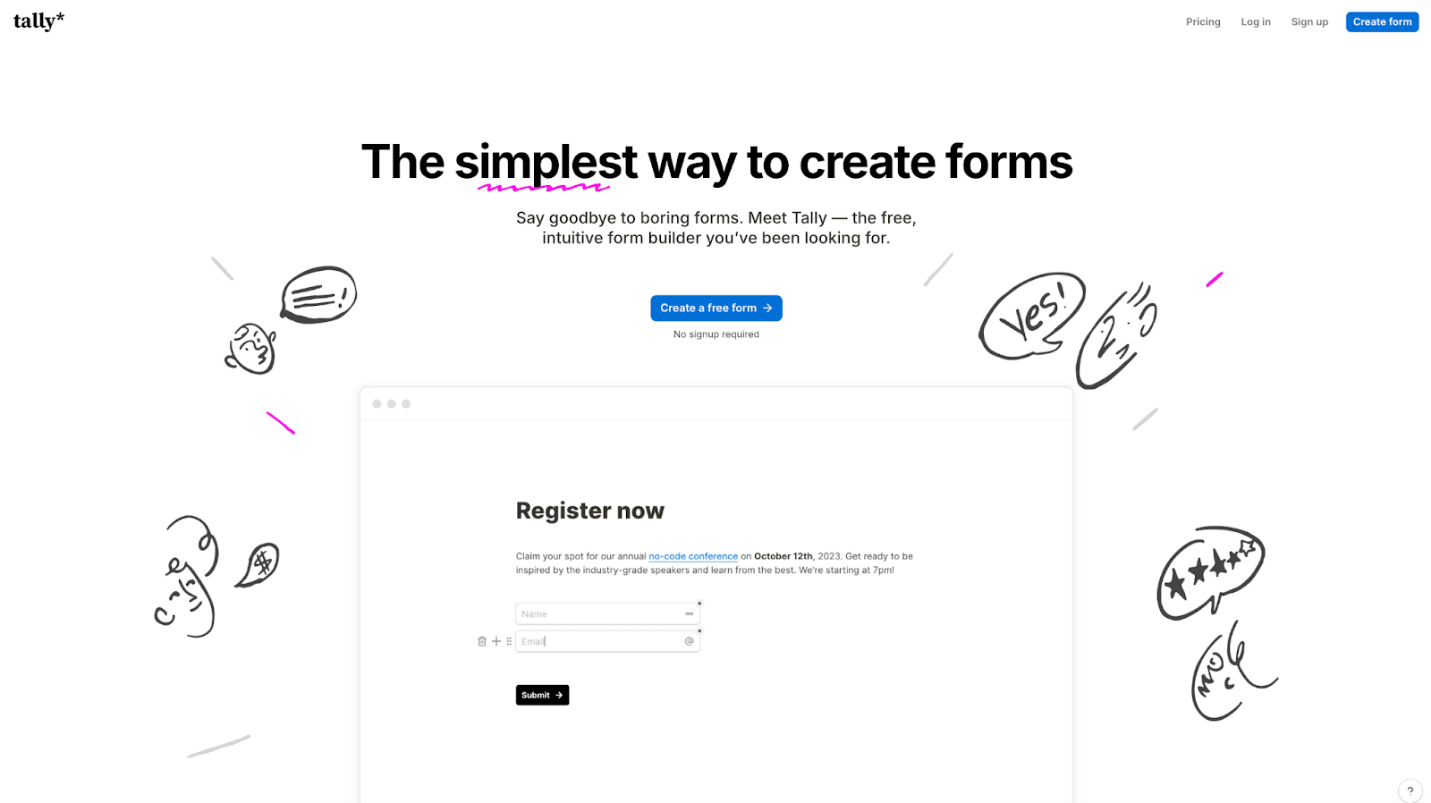
Tally is yet another simple way to create forms. This free, online, intuitive form builder works like a text document and lets you create forms without any coding. Type questions as you would in a document, and Tally does the rest, while giving priority to your data privacy and security.
Pros:
- Block-based, Notion-style editing makes it fast and familiar, with real-time previews.
- Minimalist, mobile-responsive forms that look professional out of the box.
Cons:
- Free themes are few; deep styling needs custom CSS (paid), and organization issues.
- The conditional logic curve and the embed tool can be finicky with sizing/positioning.
When to Use Tally
Tally works well for small teams and creators who want unlimited forms and a clean, Notion-inspired interface. It works well for surveys, sign-ups, and interactive forms, offering simple pricing and full flexibility. Choose Tally when simplicity, flexibility, and a clean interface matter most.
Top 7. Microsoft Forms
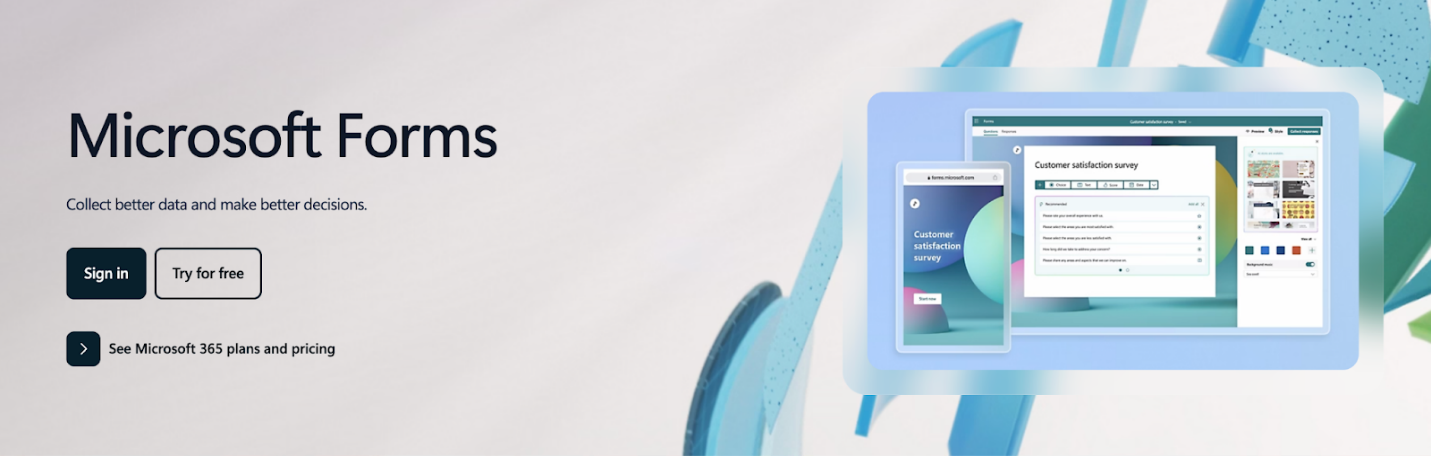
Microsoft Forms is a reputable Jotform alternative that lets you easily create online surveys, forms, quizzes, and questionnaires. With built-in AI and smart recommendations, you can quickly turn insights into action. Microsoft Forms enables you to visualize data with powerful, real-time charts and automatically generated reports.
Pros:
- Intuitive interface, drag-and-drop functionality, and templates make creating forms and quizzes very fast, requiring no coding.
- Tracks responses instantly, provides immediate insights, and offers basic charting for quick understanding.
Cons:
- Restricted design flexibility; no deep visual branding.
- Branching is somewhat awkward, and features such as complex calculations and advanced survey logic are limited.
When to Use Microsoft Forms
Microsoft Forms is ideal for users and teams already within the Microsoft 365 ecosystem who need seamless collaboration and integration. This tool works well for quizzes, surveys, and collecting internal feedback. Choose Microsoft Forms when you want a straightforward, reliable tool that syncs effortlessly with Excel and other Microsoft apps.
Top 8. WPForms
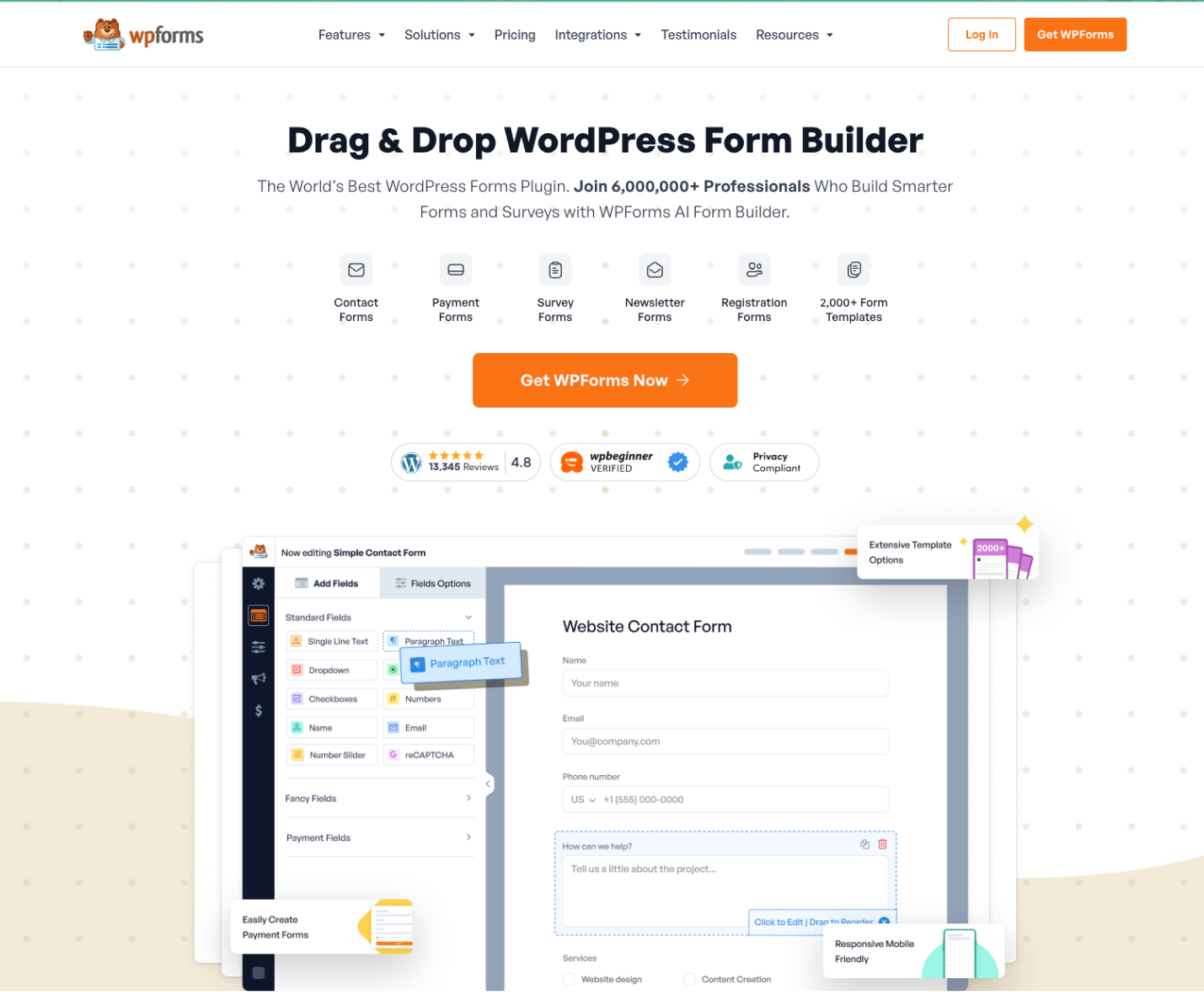
WPForms is the top choice among WordPress plugins for creating smarter forms and surveys. You can access over 2,000 online form templates to speed up form creation and improve workflow. Easily design stunning online forms in just a few minutes using WPForms AI and the drag-and-drop WordPress builder.
Pros:
- Customize forms with smart conditional logic.
- Access all your leads, payments, and form information in one place for easier workflow management.
Cons:
- Beginners might find features such as conditional logic and integrations complicated.
- The free plan lacks advanced tools and integrations, which are included in premium versions.
When to Use WPForms
Perfect for WordPress users, WPForms lets you build forms easily with drag-and-drop right on your website. It’s ideal for contact, payment, and lead-generation forms. Use WPForms for seamless WordPress integration, customization, and user-friendly form management.
Bonus Tips: How to Fill and Sign a PDF Form
After reviewing the top Jotform alternatives, elevate your PDF workflow with SwifDoo PDF. This versatile tool lets you easily fill and sign a PDF.
You can type on a PDF form in SwifDoo PDF and handle documents all in one place. Whether for work or personal use, SwifDoo PDF blends convenience and efficiency in one platform.
Final Words
Exploring Jotform alternatives helps you find tools that meet your workflow, budget, and design needs. Knowing what are good alternatives for Jotform allows you to pick the right solution for everything from basic surveys to complex form automation. With these options, creating, sharing, and managing forms has never been easier.



