


How to Choose the Best PDF Merger for Large Files
Not all PDF mergers are built to handle large files. Many free online tools struggle with size limits, while some software lacks speed or stability. Here’s what actually matters when choosing the best PDF merging software:
-
File size support: If you’re dealing with merge large size PDF files, check whether the tool has upload limits. Many online tools cap files at 50–100MB.
-
Processing speed: Large files require more memory and processing power. Desktop-based PDF merge software usually performs better than browser tools.
-
Output quality: A good tool should combine multiple PDF files without compressing images or breaking formatting.
-
Batch merging capability: If you frequently handle multiple documents, look for tools that can combine multiple PDF files in one go.
-
Security & privacy: For sensitive documents, offline tools are safer than online PDF mergers.
Seven Best PDF Mergers for Large Files
Below are the tools we tested specifically for big PDF merge scenarios. First of all, we'll give you a basic comparison table for the seven best PDF merger for large files.
|
Tool |
File Size Support |
Speed (Large Files) |
Ease of Use
|
Platform
|
Best For
|
|---|---|---|---|---|---|
|
SwifDoo PDF |
No limit |
Very Fast |
Easy |
Desktop |
Large file merging |
|
Adobe Acrobat
|
High |
Medium |
Moderate |
Both |
Professional use |
|
iLovePDF
|
Limited |
Slow |
Easy |
Online |
Quick tasks |
|
Smallpdf
|
Limited |
Slow |
Very Easy |
Online |
Beginners |
|
Sejda
|
Medium |
Medium |
Easy |
Both |
Balanced use |
|
PDFsam
|
No limit |
Fast |
Moderate |
Desktop |
Technical users |
|
PDFSimpli
|
Limited |
Slow |
Easy |
Online |
Small files |
SwifDoo PDF
When it comes to handling large files, SwifDoo PDF feels less like a basic tool and more like a purpose-built solution. Instead of struggling with file limits or slow uploads, it processes everything easily in big PDF merge tasks.
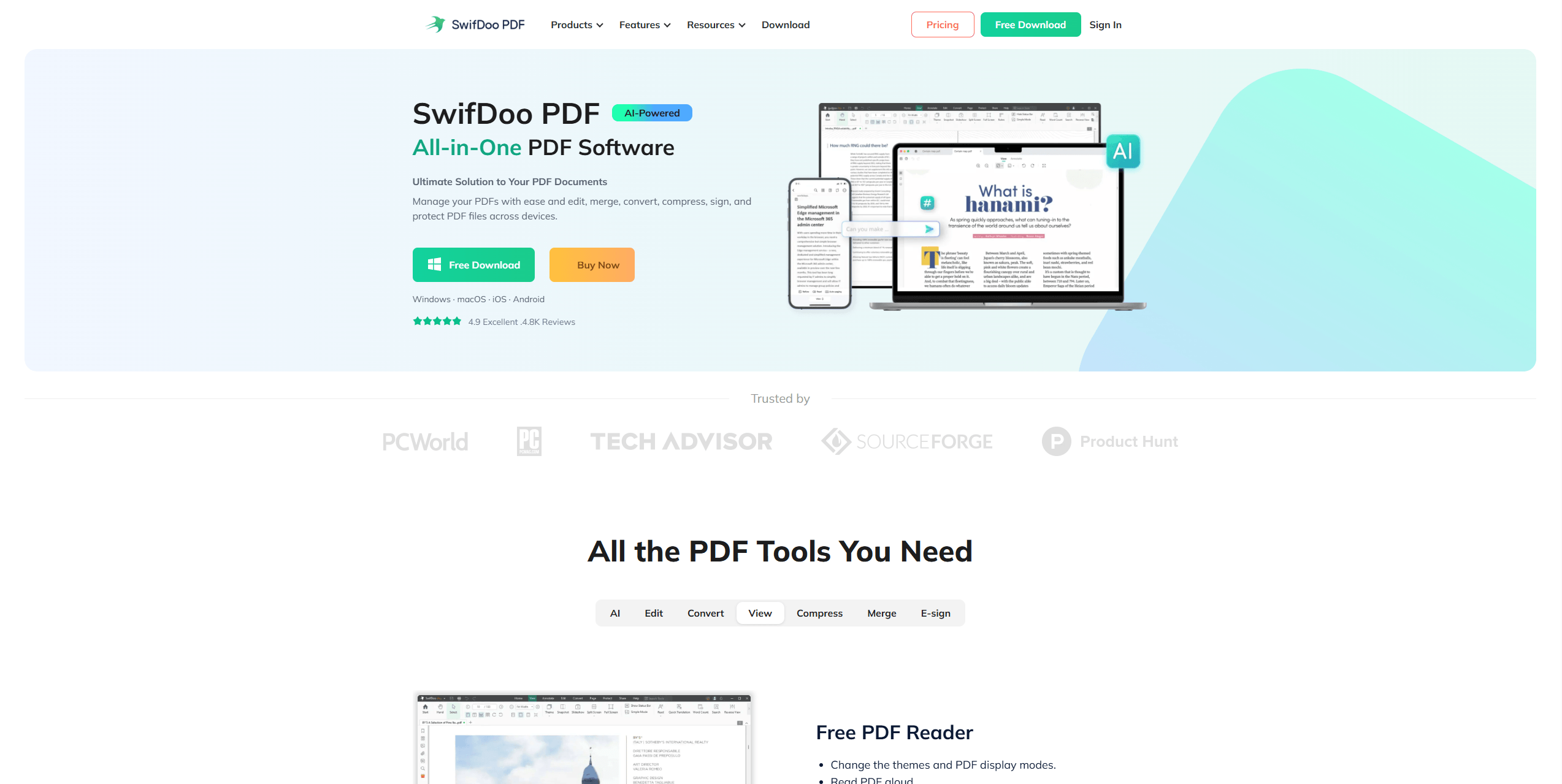
What stands out is how smooth the experience feels when working with large documents. For example, merging several scanned PDFs (each over 100MB) is usually where many tools start to lag. With SwifDoo PDF, the process remains stable and surprisingly fast.
To begin with, the merging process itself is straightforward. You simply import multiple files, arrange them in order, and click merge. But behind that simplicity, the tool handles memory usage efficiently, which is why it performs well even when you merge large PDF files repeatedly.
Another strength is batch processing. Instead of merging files one by one, you can combine multiple PDF files in a single workflow. This is especially useful for users dealing with reports, invoices, or document archives.
In addition, SwifDoo PDF doesn’t compromise output quality. Some tools compress images or slightly alter formatting during merging, but here the original structure remains intact. This makes it reliable for professional use.
Key Features:
-
No file size limits when merging
-
Batch merging for large workflows
-
No upload delays
-
Additional tools: edit, compress, convert PDFs
Pros:
-
Best performance to merge large-sized PDF files
-
Stable even with 300MB–500MB files
-
Clean, beginner-friendly interface
-
Reliable output quality
Cons:
-
Some advanced tools require upgrade
When merging 15 large PDFs (totaling over 400MB), SwifDoo PDF completed the task in seconds, while most online tools either slowed down or failed entirely.
Adobe Acrobat
Adobe Acrobat approaches PDF merging from a professional standpoint. When using Acrobat to combine large PDF files, the process feels precise and controlled. You can reorder pages, preview content, and adjust settings before finalizing the merge.
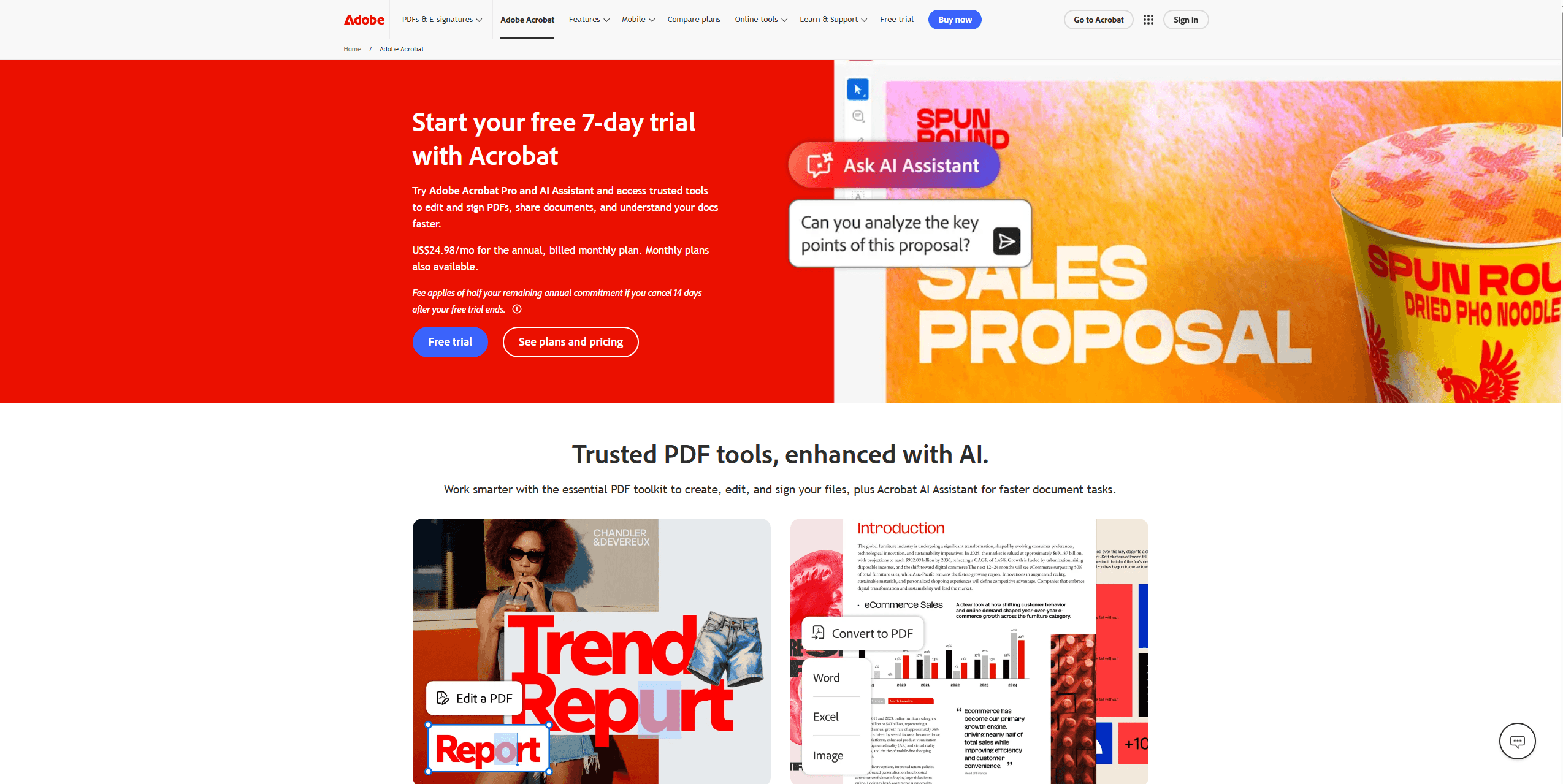
One noticeable advantage is consistency. Even when working with mixed file types or heavily formatted documents, Acrobat maintains structure better than most tools.
Key Features:
-
Advanced merging and document control
-
Cloud and desktop integration
-
Page-level editing before merging
Pros:
-
High accuracy for complex documents
-
Trusted professional-grade software
-
Strong compatibility
Cons:
-
Subscription required
-
Slower for bulk merging compared to lighter tools
![The 10 Best Adobe Acrobat Alternatives [2025 Updated]](https://img.swifdoo.com/image/adobe-acrobat-alternative.png)
The 10 Best Adobe Acrobat Alternatives [2025 Updated]
Need an Adobe Acrobat alternative to edit and do more with PDFs? Check the 10 affordable or free alternatives to Adobe Acrobat Reader, Pro, Sign, or Standard.
READ MORE >iLovePDF
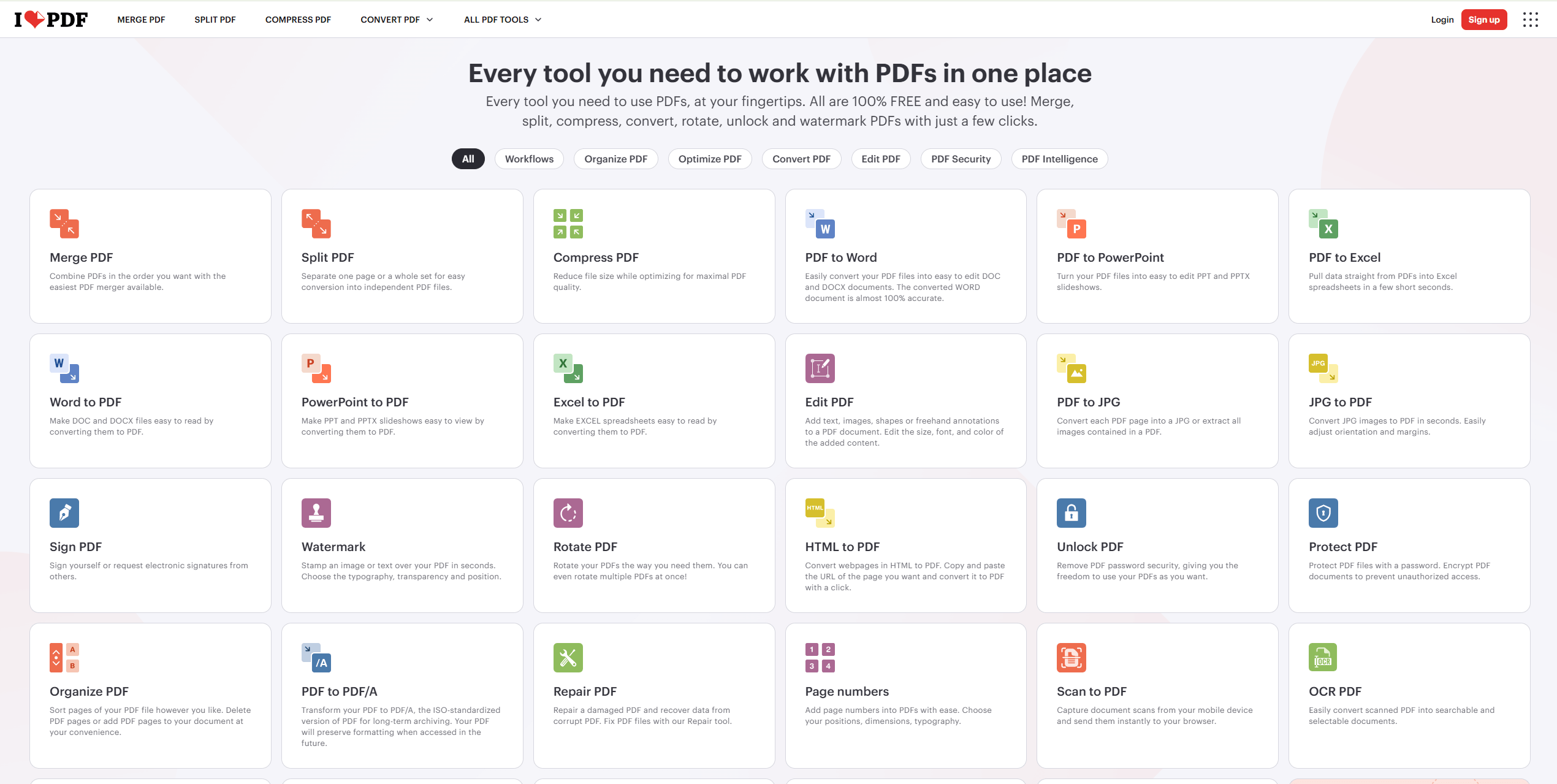
iLovePDF is one of the most accessible online PDF mergers for large files, especially for quick, one-time tasks. The appeal lies in its simplicity. You upload files, arrange them, and merge. For small to medium PDFs, the process is smooth. However, when trying to merge large PDF files, limitations become noticeable. Upload speed, file size caps, and browser performance all start to affect usability.
Key Features:
-
Browser-based PDF merging
-
Drag-and-drop interface
-
Multiple file support
Pros:
-
Easy to use
-
No installation needed
-
Good for occasional use
Cons:
-
File size limitations
-
Slower performance for large PDFs
PDFsam
PDFsam is a desktop-based PDF merge software available on Windows, Mac, and Linux, designed specifically for users who need a reliable way to merge large PDF files without restrictions. It focuses heavily on user experience, offering one of the cleanest interfaces among online PDF mergers for large files.
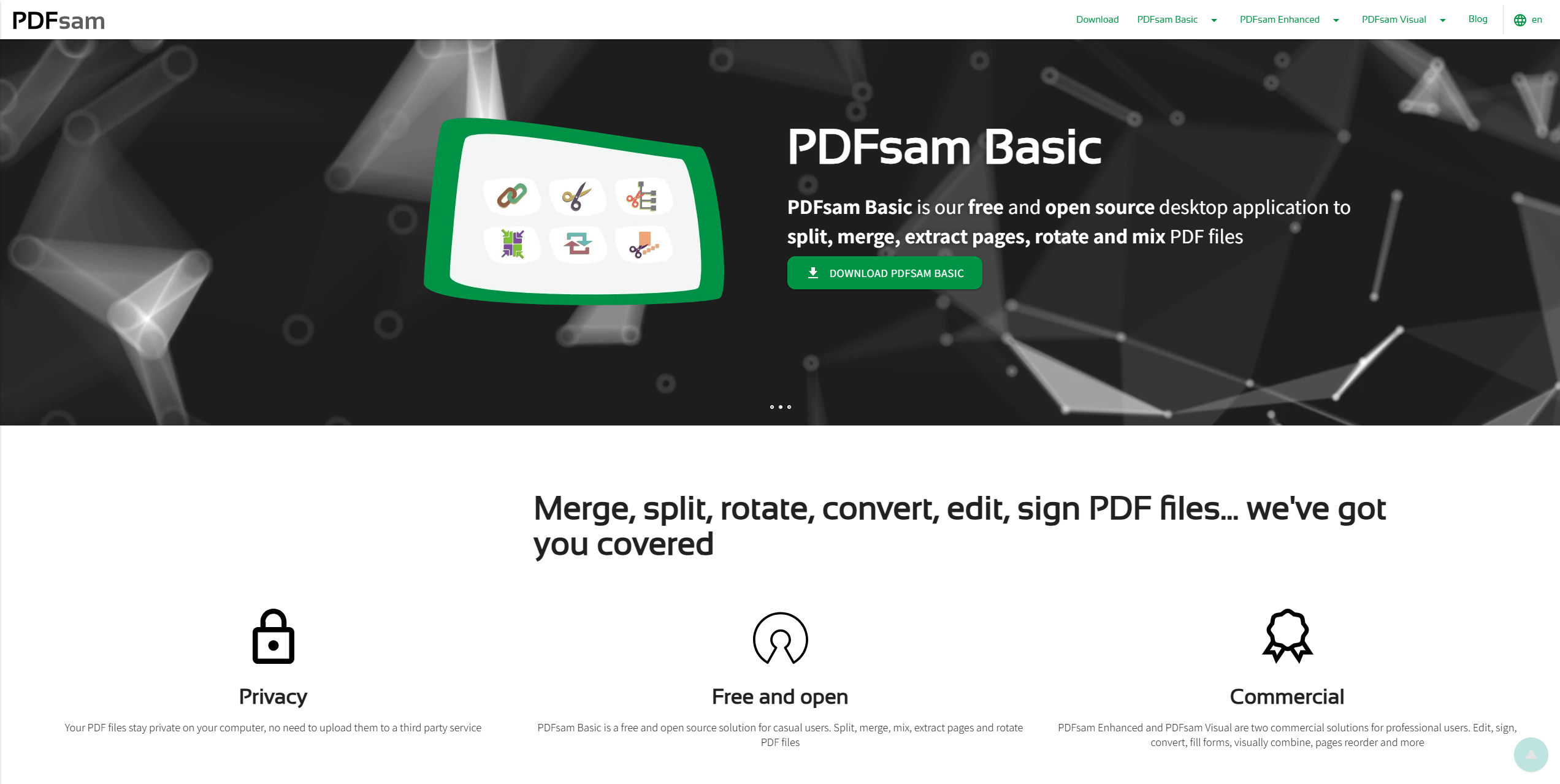
That said, the simplicity of PDFsam is both its strength and its limitation. The interface is fairly basic and focused almost entirely on splitting and merging functions. You won’t find advanced features like cloud integration, file conversion, or built-in editing tools.
It also supports batch processing, allowing you to combine multiple PDF files in one workflow rather than repeating the same steps over and over. If your goal is strictly to combine large PDF files, it does the job well.
Key Features:
-
Online PDF merging
-
Cloud-based workflow
-
Simple UI
Pros:
-
Very easy to use
-
Clean design
-
Reliable for small tasks
Cons:
-
Limited free usage
-
Not ideal for large file merging
How to Batch Convert PDF to PNG Online & Offline
Unlock efficiency with our guide on batch converting PDF to PNG effortlessly. Save time and streamline your image conversion process today!
READ MORE >Sejda
Sejda offers a hybrid approach with both online and desktop versions, which gives users more flexibility. As one of the more balanced online PDF mergers for large files, it allows you to merge large PDF files with a relatively smooth workflow, especially when compared to simpler browser tools. The interface is clean, and the merging process is straightforward.
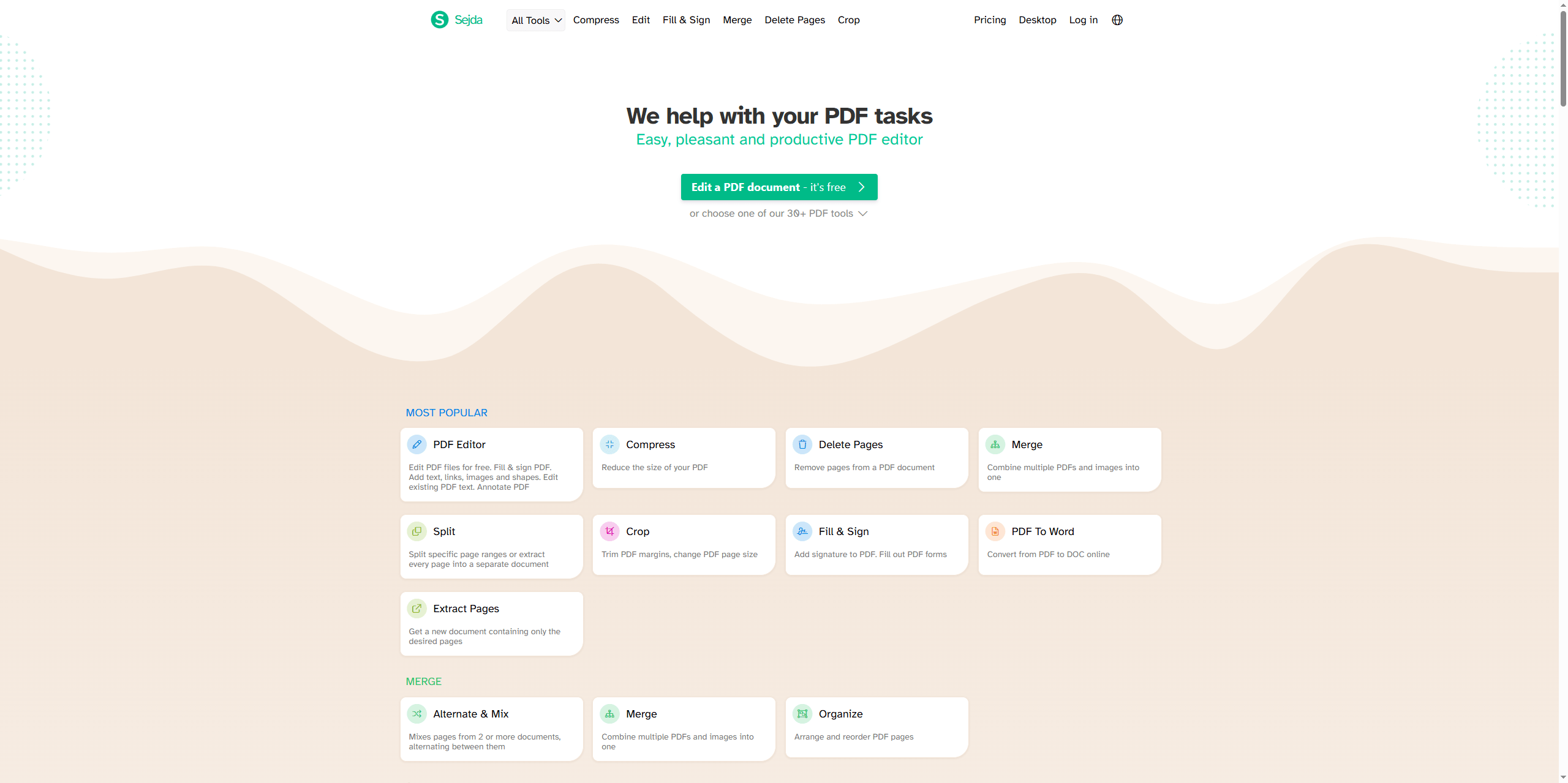
However, Sejda does come with certain limitations. The free version restricts daily usage and file size, which can become a bottleneck if you frequently need to combine multiple PDF files. While the desktop version performs better with larger documents, it still isn’t as fast or stable as more dedicated pdf merge software. In short, Sejda works well for occasional use, but may fall short for heavy-duty merge large PDF files tasks.
Key Features:
-
Online and offline merging
-
Page organization tools
-
Simple editing options
Pros:
-
No watermark
-
Flexible usage options
Cons:
-
Daily limits
-
Slower with very large files
Smallpdf
Smallpdf is one of the most user-friendly online PDF mergers for large files, known for its clean interface and simple workflow. It’s designed for convenience, allowing users to quickly upload documents and combine multiple PDF files without needing any technical knowledge. For small to medium-sized files, the process feels smooth and intuitive, making it a popular choice for beginners.
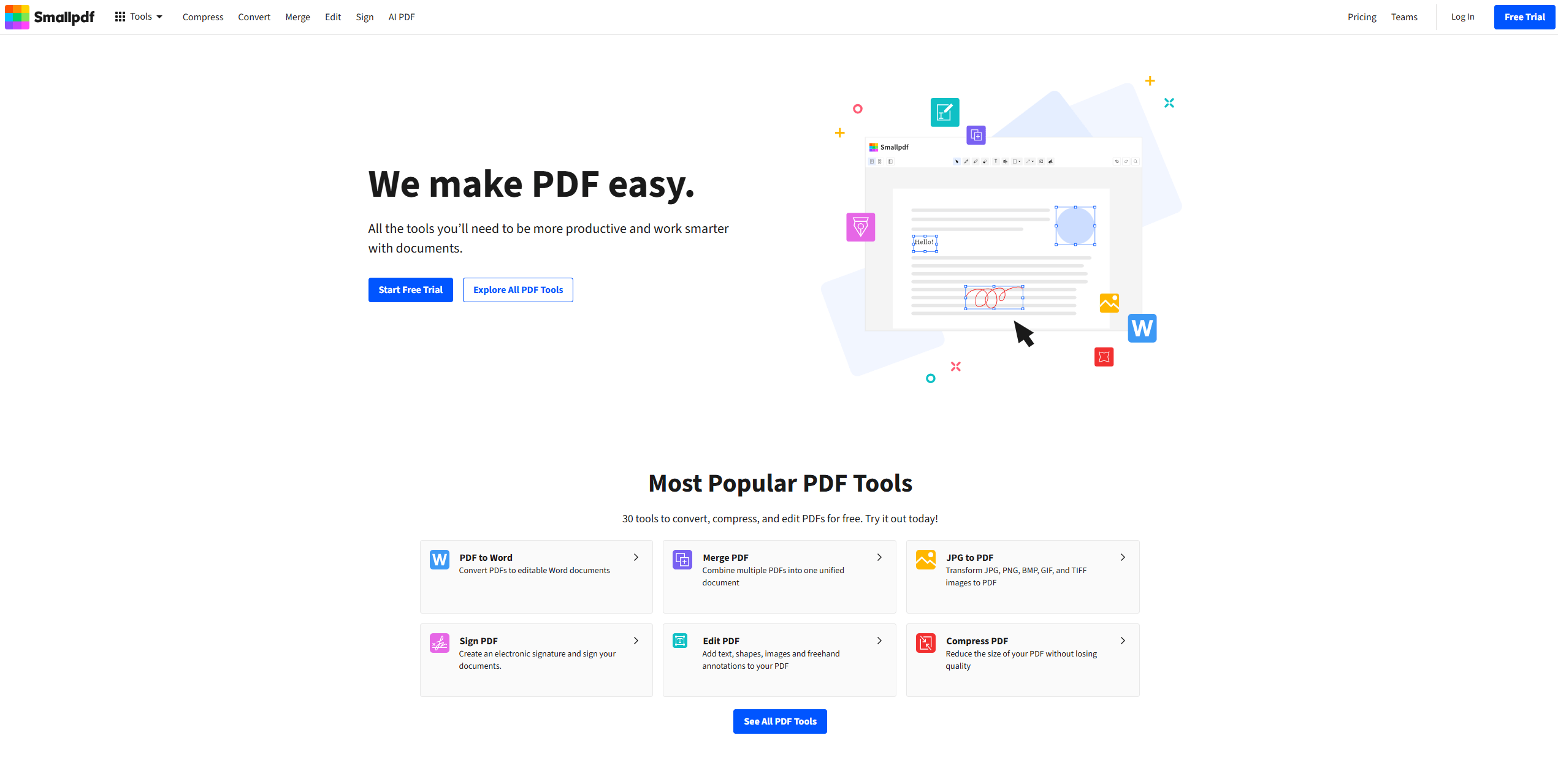
While Smallpdf can technically merge large PDF files, performance tends to slow down as file sizes increase, and free users may encounter usage limits. It also relies on cloud processing, which means upload speed can affect the overall experience. As a result, it’s best suited for light tasks rather than frequent big PDF merge workflows.
Key Features:
-
Dedicated merging engine
-
Offline processing
-
Custom merge settings
Pros:
-
Strong performance for large files
-
Free and open-source version
Cons:
-
Outdated interface
-
Limited additional features
-
Java-based, so a bit heavier on RAM
PDFSimpli
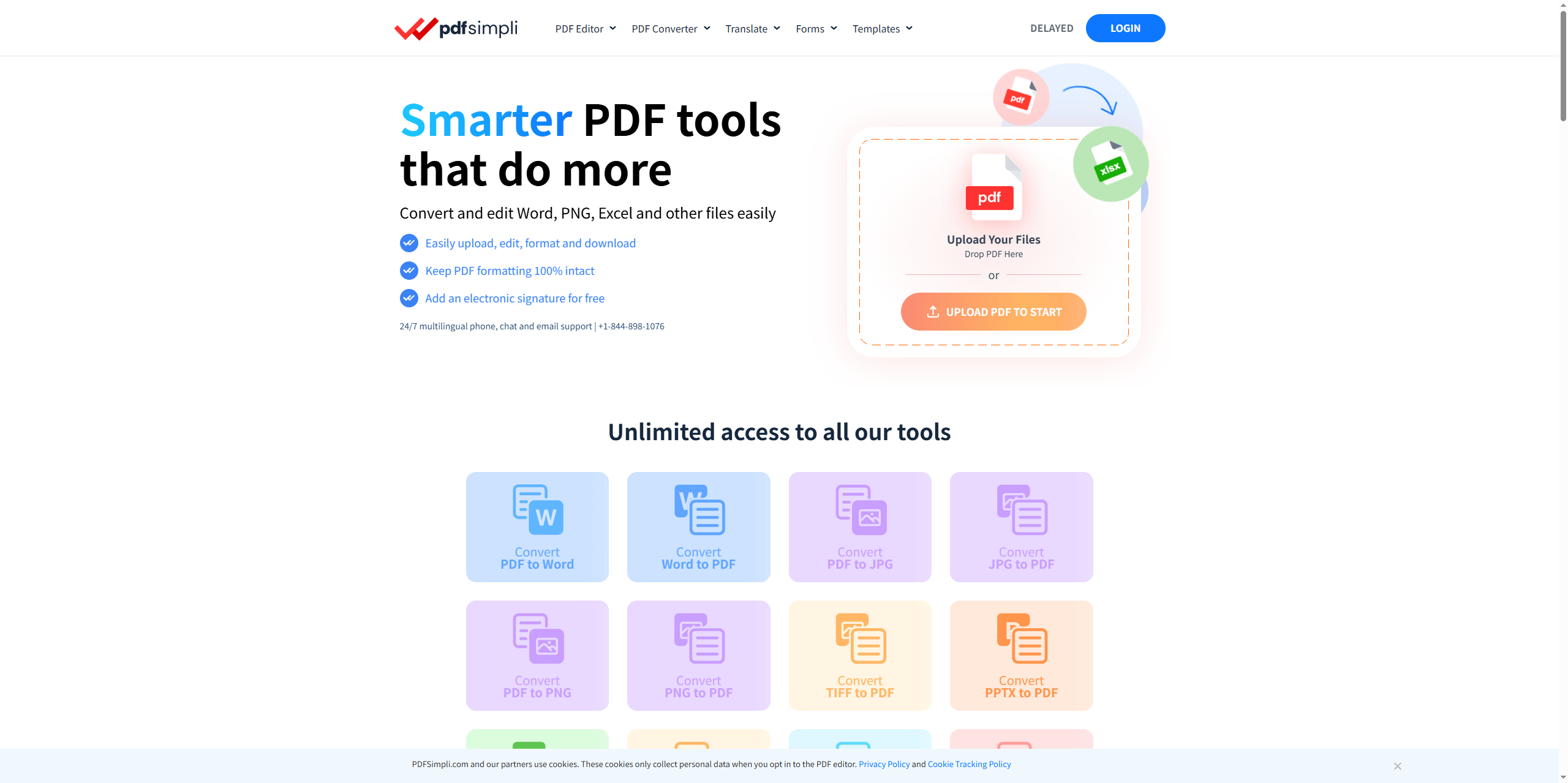
PDFSimpli is designed for quick, browser-based editing and merging. It works well when you need fast access without installing software. However, like most browser tools, it struggles with larger files.
Key Features:
-
Online merging
-
Simple interface
-
Quick processing
Pros:
-
Easy to access
-
Fast for small files
Cons:
-
Limited performance
-
Not ideal for large PDFs
How We Tested These PDF Mergers (And What Actually Matters)
Choosing the best PDF merger for large files is not easy. To make this guide genuinely useful, we tested each tool using real-world scenarios instead of relying on feature lists alone. The goal was simple: find out which tools can reliably merge large PDF files without slowing down, crashing, or compromising quality.
In the testing approach, we focused on tasks that reflect how people actually use these tools:
-
Merging 5–15 large PDFs
-
Combining scanned documents with heavy image content
-
Testing both online PDF mergers for large files and desktop software
-
Running repeated merges to check stability over time
This allowed us to evaluate not just whether a tool works but how well it performs when pushed beyond basic usage. The following questions is what we care most about when handling big PDF merge tasks:
-
Can the tool reliably merge large-sized PDF files without failing?
-
Does it process smoothly or freeze halfway?
-
Are pages preserved exactly after you combine multiple PDF files?
-
Can you complete the task quickly without a learning curve?
-
Does it support batch processing or require repetitive steps?
One clear pattern emerged during testing. Most online PDF mergers for large files work well for small to medium documents, but struggle as file sizes increase. On the other hand, dedicated PDF merge software, especially desktop tools, consistently handled large files better. They process documents locally, avoid upload delays, and offer more stable performance when you need to combine large PDF files regularly.
Conclusion
From hands-on testing of the best PDF merger for large files, SwifDoo PDF stands out as the most reliable option. It merges large PDF files effortlessly, avoids upload limits, and delivers consistent results. If your workflow involves frequent big PDF merge tasks or you need to combine multiple PDF files efficiently, a dedicated desktop tool like SwifDoo PDF will save you time and frustration.


