


What Makes the Best Free PDF Compressor
The right software can help you reduce PDF file sizes effectively without losing quality or formatting. These important criteria simplify the process of evaluating and comparing:
- High Quality Compression: The tool should significantly reduce file size while preserving clear text, sharp images, and proper formatting.
- Batch Compress PDF Files: Compressing several PDFs at once helps save time, which is especially useful for work or school.
- No Watermark: The best free compression tools keep your documents watermark-free.
- Online and Offline Options: Users can choose the safety of a desktop version or the ease of using a browser.
- Ease of Use: With a user-friendly design, compressing files is fast and easy for all users.
- Security and Privacy: Your data stays safe when you compress files securely or locally.
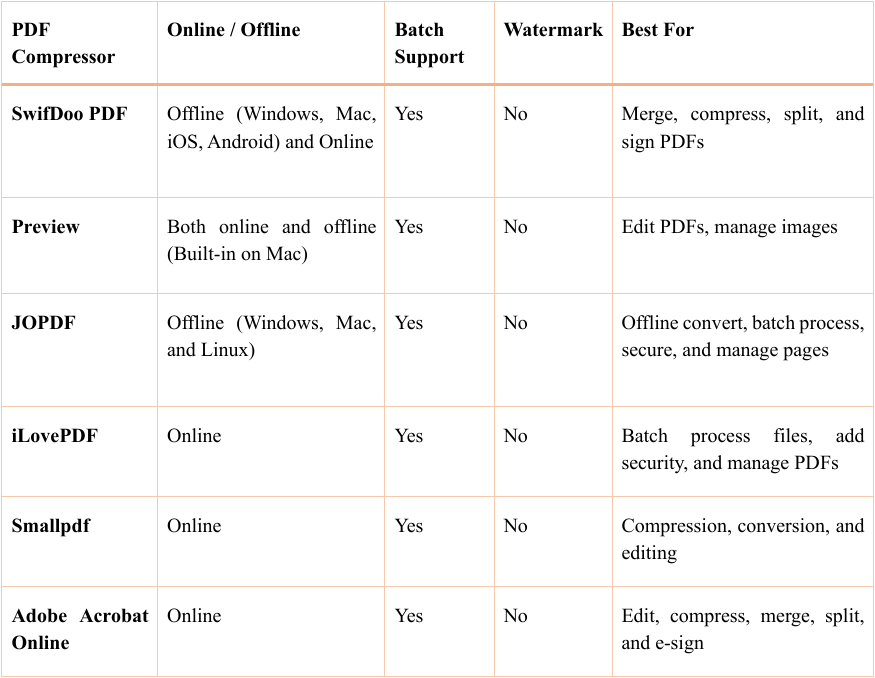
A Comparison Table for the Best Free PDF Compressors
SwifDoo PDF – Best Overall Free PDF Compressor for Windows
SwifDoo PDF is a lightweight, versatile tool that delivers fast, efficient PDF compression. Recognized for fast and stable operation, it is the best free PDF compressor for Windows. Easily reduce PDF size without losing quality, keeping text clear and images sharp. This tool lets you batch compress PDF files quickly, so you can handle multiple documents with ease. With support for multiple compression levels, SwifDoo PDF helps you balance quality and file size.
Learn how to quickly compress a PDF with SwifDoo PDF.
Step 1: Get SwifDoo PDF on your computer and start the app.
Step 2: Click Compress PDF from the main interface.
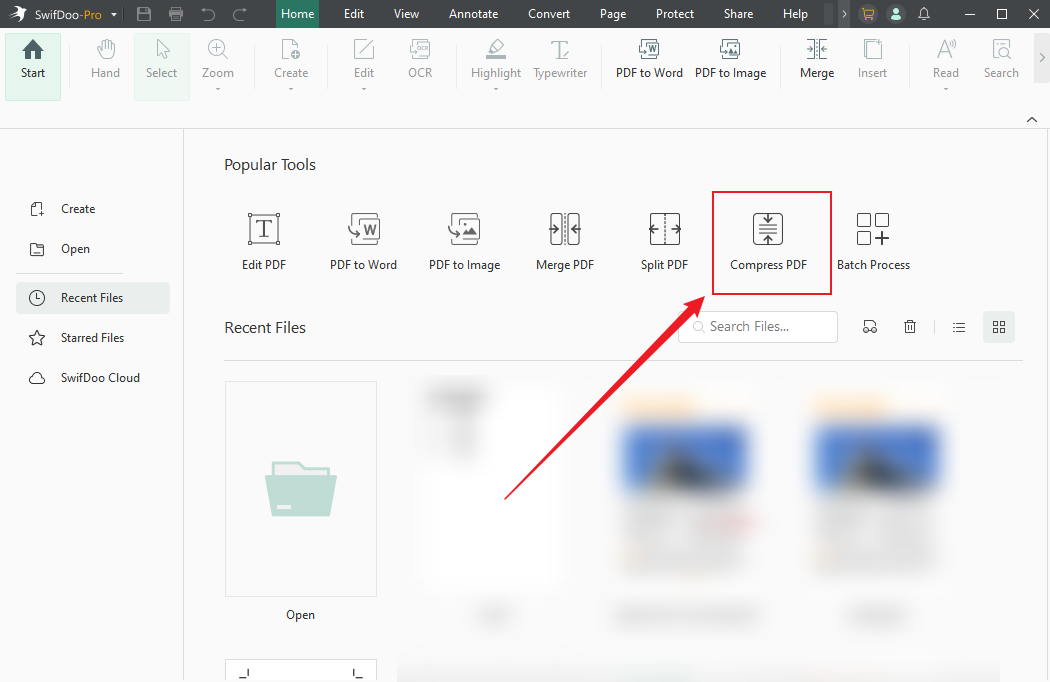
Step 3: Click +Add Files at your workstation to upload PDFs, and choose the desired compression setting—High, Medium, or Low.
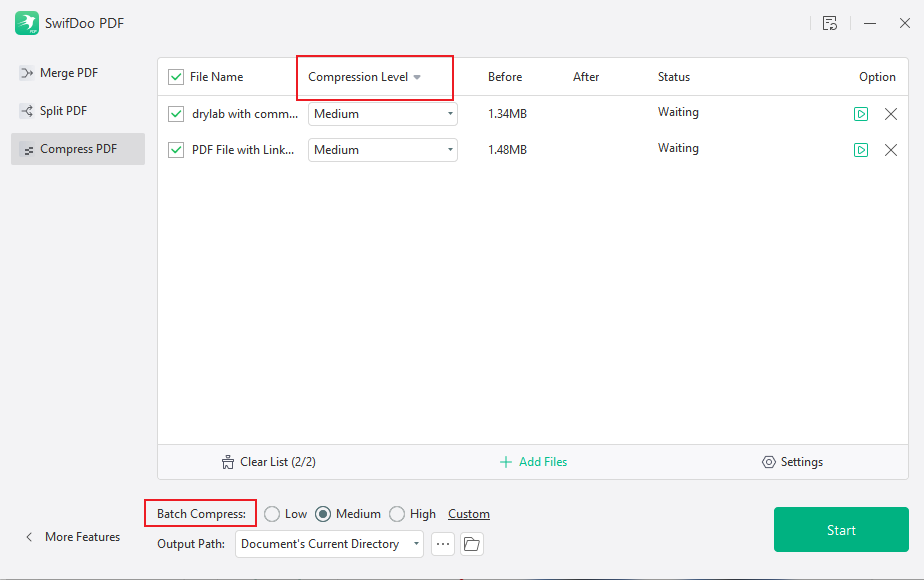
Step 4: Hit Start to initiate PDF compression.
Pros:
- Easy-to-use and fast, with a neat, intuitive design.
- Reduces PDF size without losing clarity and offers tools to merge, split, and sign documents.
- Supports compression for PDFs, images, Word files, and PowerPoint documents.
- Works offline for better security and privacy.
- A browser-based version is available for online compression.
Cons:
- SwifDoo PDF for Mac has fewer features than the Windows version.
Preview – Best Free PDF Compressor for Mac
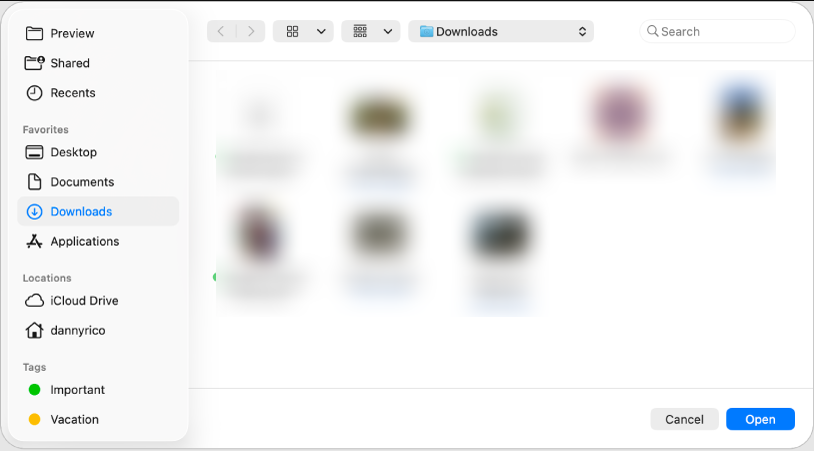
For Mac users, Preview is a built-in tool that lets you compress PDFs on Mac for free. It quickly reduces file sizes without extra software, making documents easier to share, store, or email while keeping them clear, simple, and accessible.
Pros:
- No installation required.
- Quick and easy to use.
- No watermarks added to compressed files.
- Ideal for small to medium PDFs.
- Fully free and integrated into macOS.
Cons:
- You cannot edit text already in a PDF.
- May freeze or lag when handling very large or complex PDF files.
JOPDF – Best Free PDF Compressor for Windows/Mac/Linux
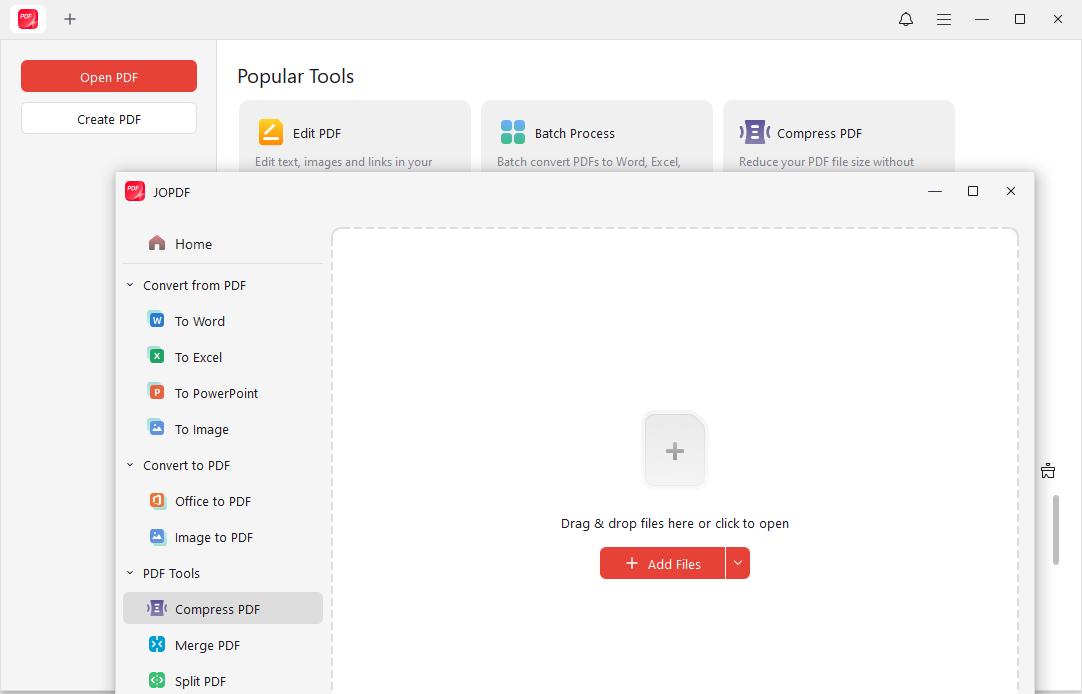
Available for Windows, macOS, and Linux, JOPDF is a 100% free PDF compressor. With this feature, you can batch compress PDFs and handle multiple files efficiently. Fast, easy to use, and cross-platform, this tool simplifies free PDF compression.
Pros:
- Features a simple, lightweight, and easy-to-use interface.
- Compatible with Windows, Mac, and Linux.
- Compress multiple PDFs at once with batch processing.
- Work offline to keep your files private and secure.
- Shrink PDFs while controlling quality.
Cons:
- Only basic advanced compression settings exist.
- Working with very large PDFs can be difficult.
iLovePDF – Best Free PDF Compressor Online
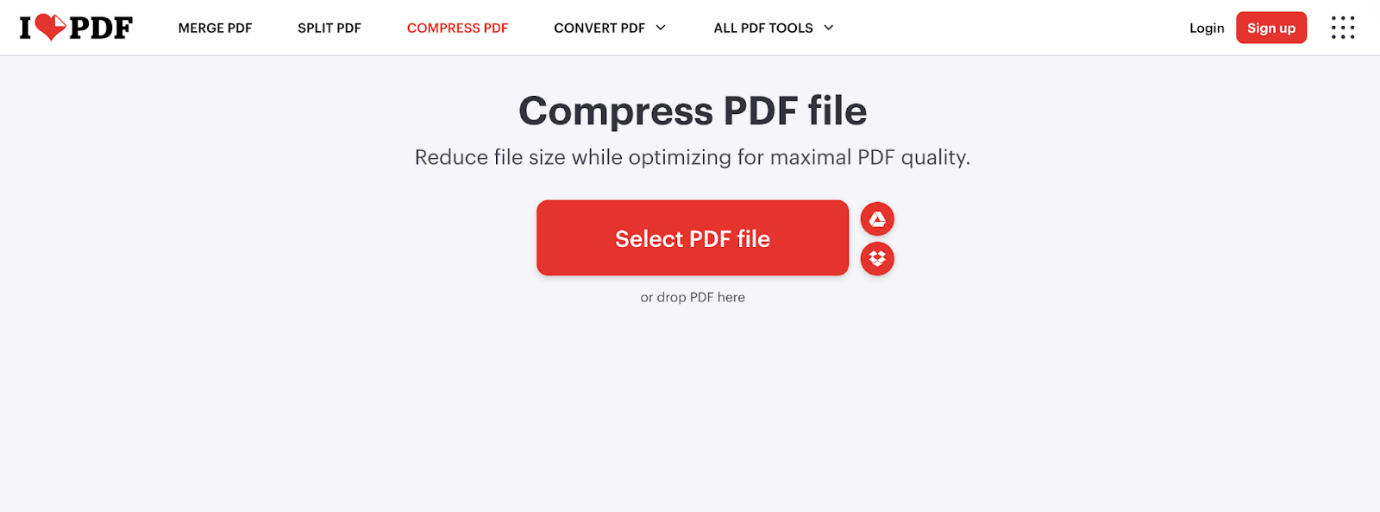
With iLovePDF, a free online PDF compressor with no registration, you can easily shrink PDFs on any device. You can easily reduce PDF size for email using this fast, web-based solution without downloading software.
Pros:
- Reduces file sizes for easier emailing and storage.
- Users can choose Extreme, Recommended, or Less compression levels.
- Most core tools are available to users free of charge.
- Uses HTTPS and deletes uploads to keep documents secure.
- Allows even free users to batch process multiple files.
Cons:
- The free version is limited to 2 files per task.
- High compression may lower text and image quality.
Smallpdf – Best for Simple PDF Size Reduction
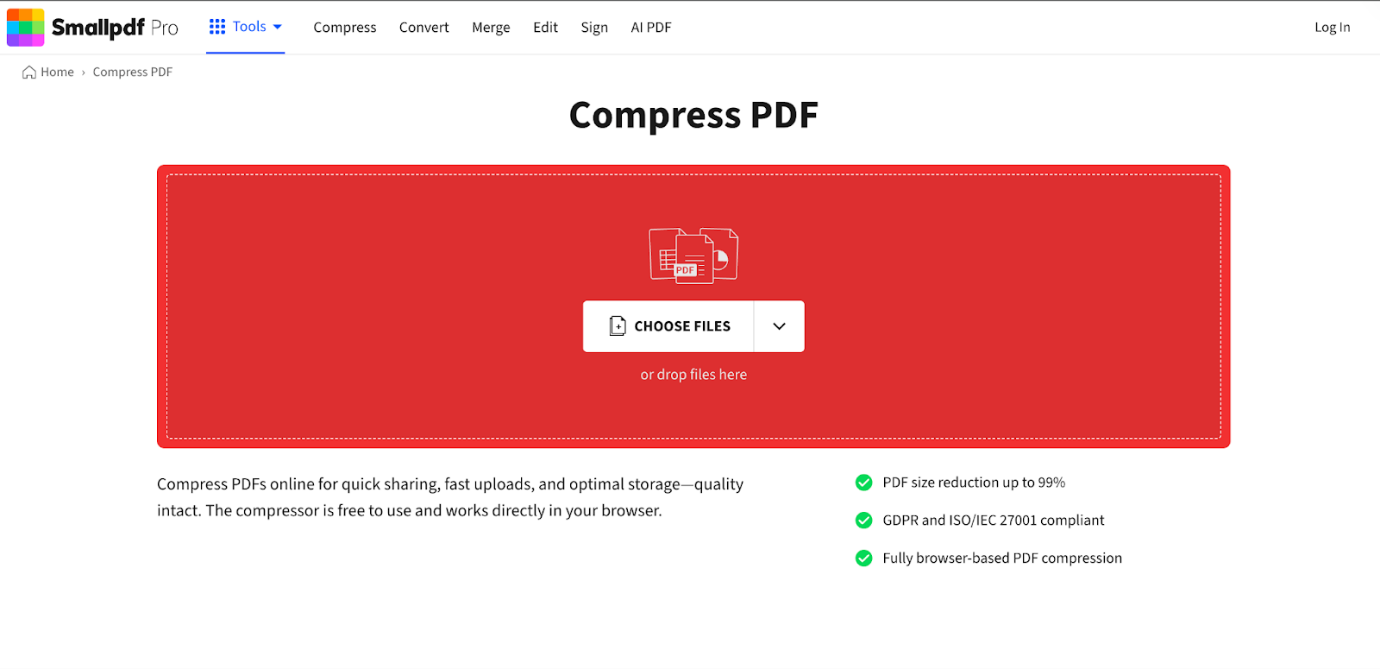
Smallpdf is an easy online PDF compressor that reduces file sizes fast with no installation required. Great for straightforward PDF compression, it reduces file size for easy sharing and storage while maintaining quality.
Pros:
- Highly intuitive, simple interface that makes it easy for new users to navigate.
- "Strong Compression" reduces file size by up to 75% while keeping files readable.
- Works on Windows, Mac, or Linux via a browser, no installation needed.
- Connects directly to Google Drive and Dropbox.
- Files are encrypted and deleted after one hour.
Cons:
- High compression levels can slightly lower image quality.
- The Pro version may be expensive for occasional users.
Adobe Acrobat Online – Most Trusted Brand
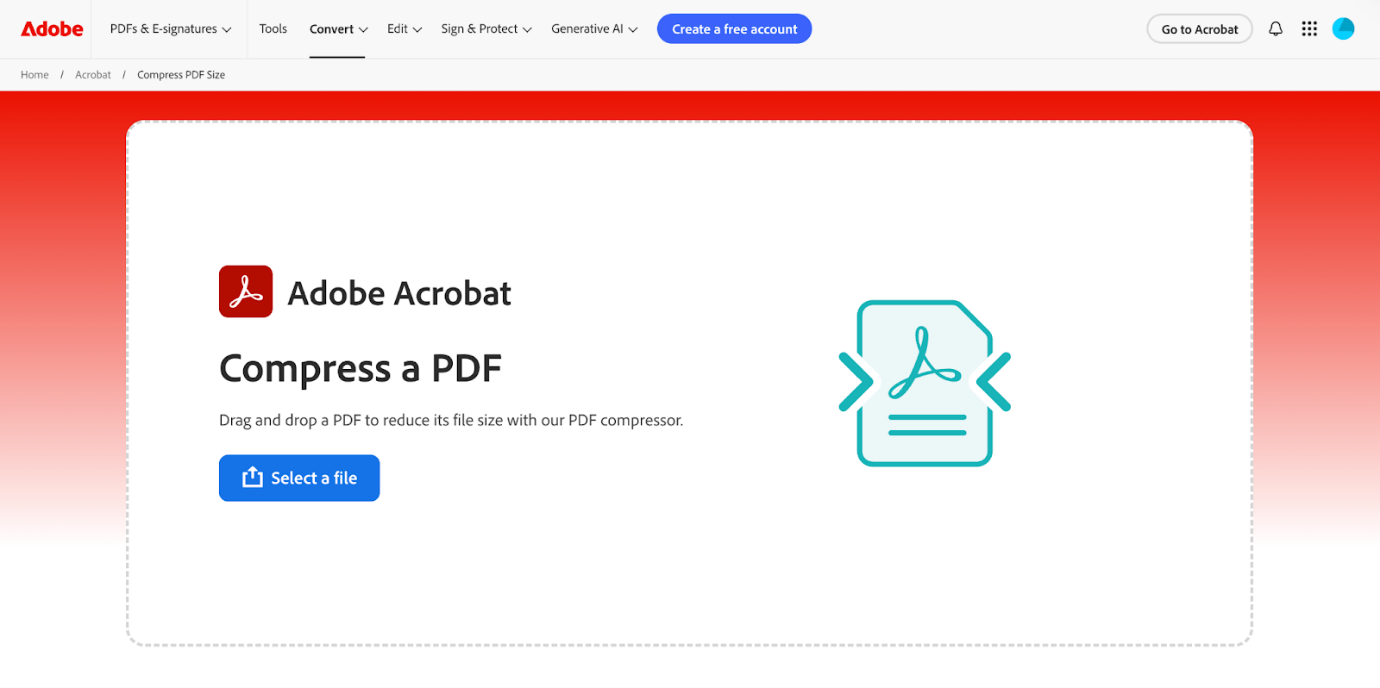
Adobe Acrobat Online is a dependable solution for professional PDF compression, trusted by millions around the world. It enables users to quickly reduce PDF file size in Adobe while maintaining document quality. With efficient tools and a clean interface, Adobe Acrobat Online helps keep your PDFs clear, structured, and professional.
Pros:
- Shrink large PDFs by optimizing images and stripping metadata without losing clarity.
- Drag and drop PDFs in any browser—no installation required.
- Files are processed securely and automatically deleted.
- The tool can handle PDF files up to 2 GB.
- Uses OCR to make text searchable in scanned PDFs.
Cons:
- The free plan includes basic compression and limited usage.
- Complicated PDFs may not compress well, which can reduce image quality.
How to Choose the Best Free PDF Compressor
The right free PDF compressor will vary based on your needs, including performance, compression level, and simplicity. Check this quick guide to decide which option fits you best.
- For students: SwifDoo PDF, JOPDF, or Smallpdf — simple, steady, and suitable for frequent use.
- For businesses: Adobe Acrobat Online and SwifDoo PDF — reliable, secure, and ideal for business use.
- For occasional users: iLovePDF, Smallpdf, or Preview — free and easy tools with no installation required.
- For batch processing: SwifDoo PDF, JOPDF, or Smallpdf — capable of processing several files simultaneously.
- For large PDFs (50MB+): SwifDoo PDF, Adobe Acrobat Online, or Smallpdf — built to manage big files efficiently.
Final Verdict
The best free PDF compressor varies with your requirements and how you plan to use it. Tools such as SwifDoo PDF, Smallpdf, and Adobe Acrobat Online help you compress PDFs without affecting quality. Selecting the right one lets you handle PDFs smoothly and save space.



