1. SwifDoo PDF
Best for: Students and professionals who rely on an AI PDF text remover to edit and clean documents quickly.
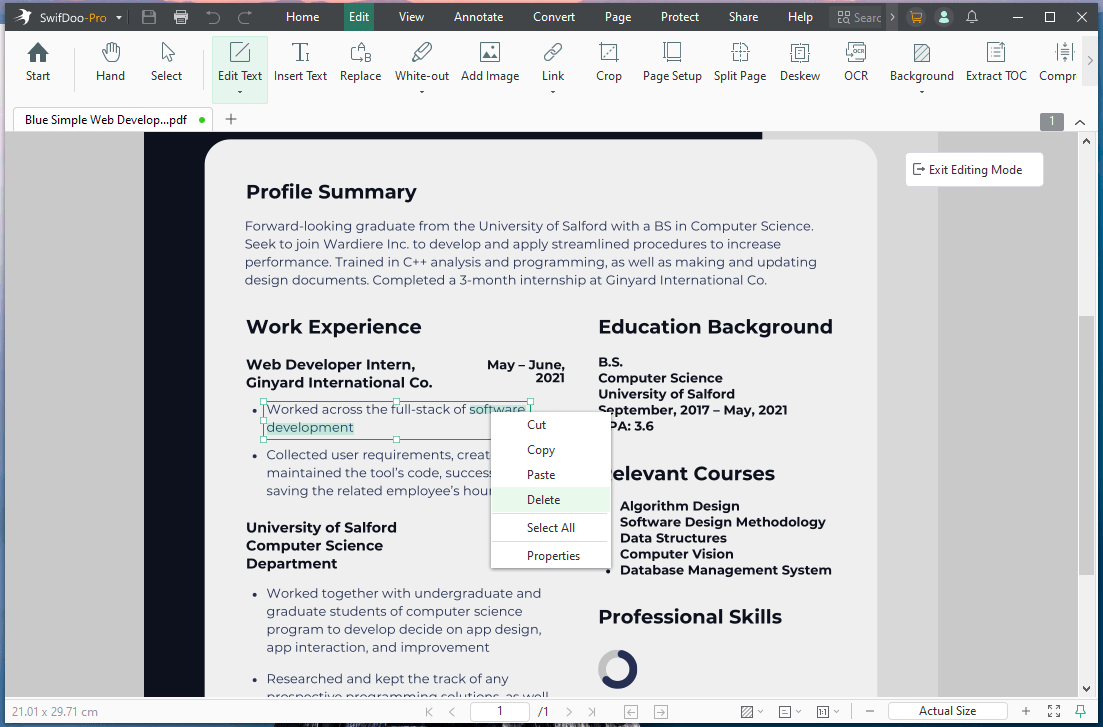
SwifDoo PDF is a powerful desktop PDF editor and text remover that lets users quickly delete, edit, or redact text in PDF files. It offers simple tools for correcting content and managing documents.
With its built-in OCR feature, users can also remove text from scanned PDF files. The software supports accurate text selection and redaction for better document control. In addition to text removal, SwifDoo PDF also provides annotation, conversion, and other useful PDF management features.
2. Adobe Acrobat
Best for: Individuals or businesses that manage many PDFs and need advanced features like OCR, document redaction, and electronic signatures.
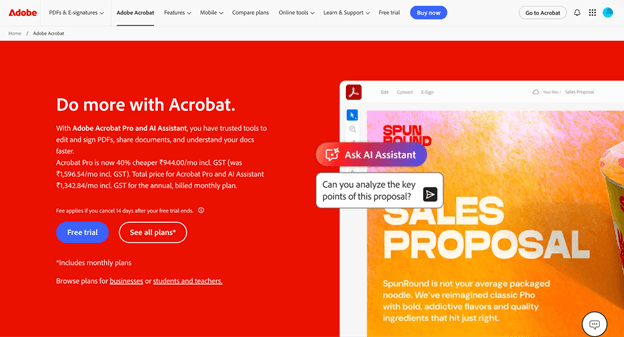
Adobe Acrobat serves as a powerful PDF text remover and adder for editing and organizing PDF files. It provides precise tools to delete, replace, or modify text directly in a PDF file. It also allows users to redact a PDF and securely erase confidential details.
The software offers precise editing controls to correct content and protect private data. It also includes annotation tools, file conversion options, and easy document sharing, making it a dependable choice for professional PDF tasks.
3. Lumin PDF
Best for: Individuals, small businesses, and educational institutions that want to edit, sign, and collaborate on PDFs online without installing heavy software.
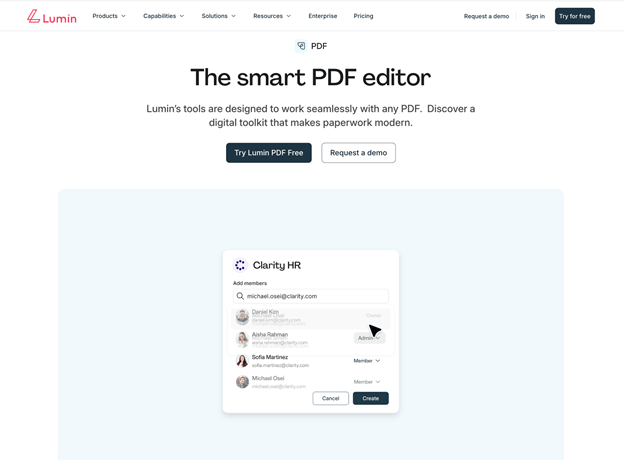
Lumin PDF is a web-based PDF editing tool that works well as an online PDF text remover for quick document cleanup. It lets users delete, replace, or change text in a PDF directly in the browser without installing software.
The editor allows you to highlight unwanted text, cover it, or modify the wording while keeping the original layout intact. With its simple interface and cloud access, Lumin PDF is a convenient option for students, teams, and professionals who need fast text-editing and removal features.
4. HiPDF
Best for: Students, professionals, and remote workers who want fast document editing and management without installing any software.
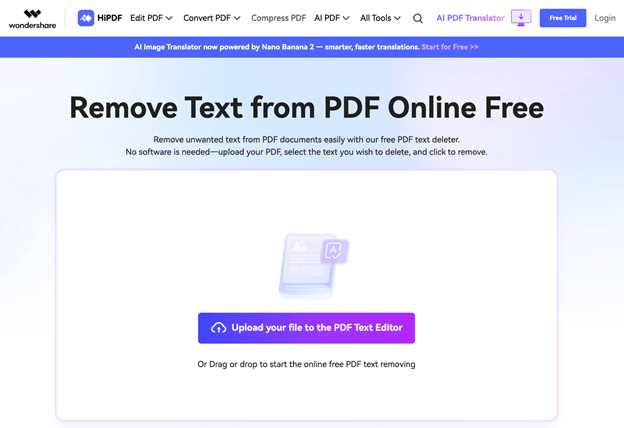
HiPDF is a flexible online platform that makes PDF editing and management easier. It includes a reliable free PDF text remover that helps users quickly erase unwanted text or hide sensitive information.
The tool also works as a practical PDF editor for students, making it easy to replace words and update document content. With quick uploads and smooth processing, HiPDF allows users to refine and clean up PDFs efficiently, making it a useful option.
5. AvePDF
Best for: Businesses and professionals requiring online solutions to process and secure PDFs without installing programs.
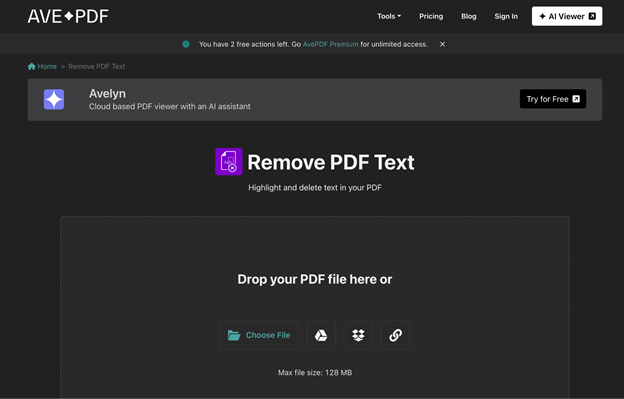
AvePDF is a comprehensive online PDF toolkit that includes useful features for removing or modifying text within documents. It allows users to erase unwanted text, redact sensitive information, or replace content to improve document clarity.
As a browser-based tool, it allows users to edit files from any device instantly. Thanks to its easy-to-use interface and secure processing, AvePDF helps users clean up PDFs quickly, making it an effective text remover.
6. Evernote
Best for: Individuals and small teams wanting a clear system for gathering, storing, and quickly accessing information.
Evernote is a productivity and note-taking platform that also offers helpful tools for managing and editing PDF documents. Users can highlight, add notes, and delete or conceal unwanted text while keeping files organized within notes.
Built-in editing and markup tools simplify PDF cleanup and help users focus on key information. Thanks to cloud syncing, Evernote helps users update and organize PDFs efficiently, serving as a useful text remover tool.
7. iLovePDF
Best for: Those who need a fast, user-friendly, and budget-friendly tool for everyday PDF work, including students and professionals.
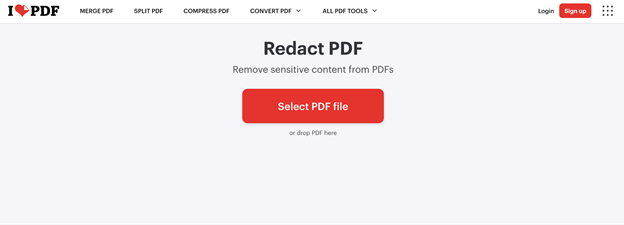
iLovePDF is a popular online PDF text remover and editor that makes managing and editing PDF documents simple. It allows for straightforward removal of text, redaction of private information, and direct content updates in a document.
The platform works entirely in the browser, allowing quick uploads and fast processing without installing software. iLovePDF’s easy-to-use interface and complete set of PDF tools make editing, organizing, and refining documents simple.
Conclusion
Selecting a PDF text remover depends on your document editing demands, security considerations, and preferred workflow. While a few tools enable quick edits in the browser, others provide more comprehensive features for managing documents professionally.
By reviewing the options listed, you can select a tool that fits both your tasks and budget. Try out these tools, explore their features, and pick the remover that makes editing documents quicker and easier. Hope this guide is helpful.