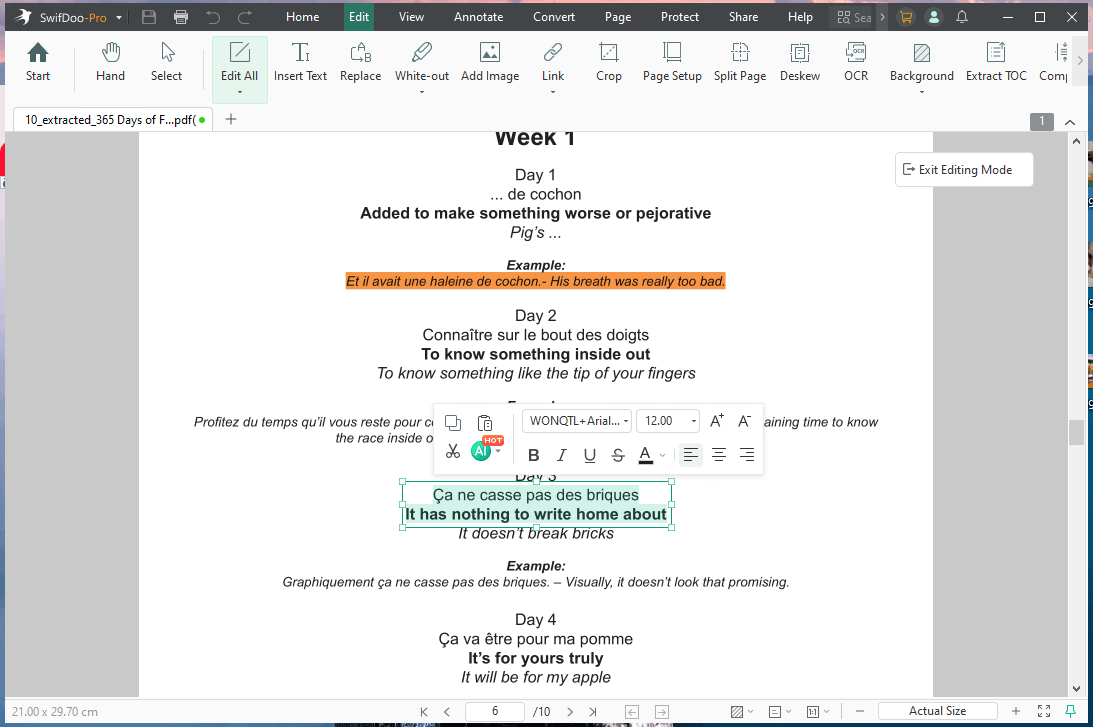
1. SwifDoo PDF
Among the best PDF editors for Windows 11, SwifDoo PDF allows effortless editing of text, images, and pages, making PDF management simple.
Leveraging SwifDoo AI, it provides intelligent features and functionality, including precise PDF summarization, accurate translation, content extraction, and analysis, and chat with PDFs for interactive document queries, making PDF management faster and smarter.
Click to get SwifDoo PDF and give it a try.
Best For
- Easily modify text, images, and add comments.
- Effortlessly chat with PDF to get quick answers.
- Streamline workflows with smart AI-powered PDF tools.
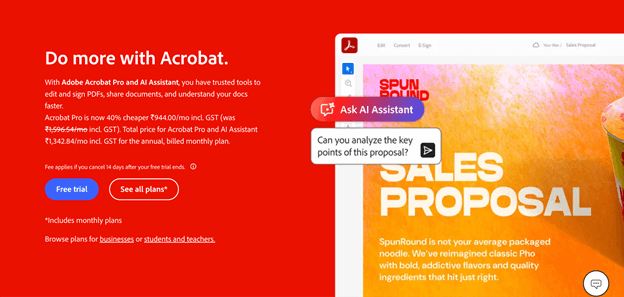
2. Adobe Acrobat Pro
Adobe Acrobat Pro is a professional, feature-rich, and widely trusted PDF editor that enables users to edit, annotate, add security, and fine-tune PDFs for specific printing and display to manage them efficiently.
It provides the ability to edit text, images, and pages, convert PDFs to different formats, and safely share files. This makes it suitable for both personal and professional use.
Best For
- Helps users quickly batch edit PDFs.
- Protect PDFs with passwords and permissions.
- Perfect for business and office workflows.
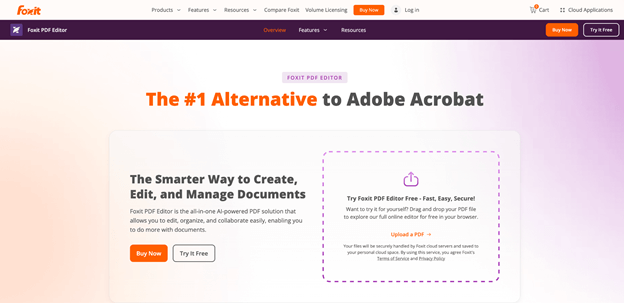
3. Foxit PDF Editor
Foxit PDF Editor is an AI-powered solution for editing, organizing, and more on Windows. It helps accelerate business-wide productivity by eliminating document friction that slows workflows.
Microsoft Office-style interface for editing PDF documents allows users to modify text, images, and page layouts directly. Users can even reliably convert files to and from PDF without losing formatting, and do more to create flawless PDFs.
Best For
- Enable real-time collaboration.
- Protect sensitive data.
- Effortlessly merge, split, and organize documents.
4. PDF Pro
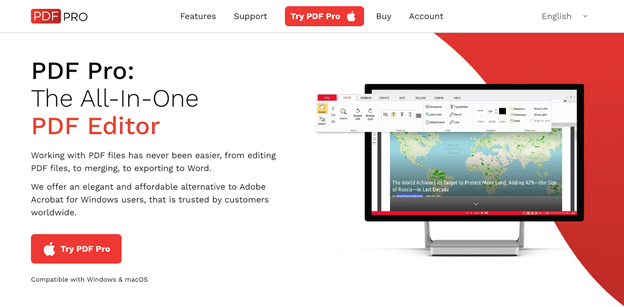
PDF Pro is a feature-rich PDF editor that supports editing, conversion, creation, and OCR efficiently. It lets users edit text and modify existing text in images, scanned documents, and PDFs. Users can also edit or rearrange pages, combine files, and add annotations or protective features like passwords and digital signatures.
PDF Pro streamlines document handling, customization, and workflows for both academic and professional purposes, improving productivity.
Best For
- PDF editor for students to edit study materials and lecture notes.
- Quickly convert images or scans into editable text.
- Simplify documents to make them easier to organize and manage.
5. PDF24 Creator
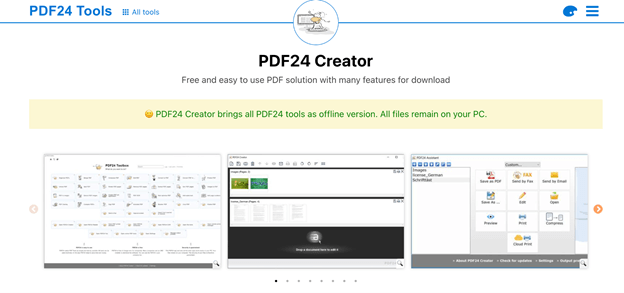
Among the best free PDF editors for Windows, PDF24 Creator enables seamless creation, editing, and conversion of PDF files. The software allows editing pages, merging and splitting files, reordering, extracting pages, compressing, and securing documents. This makes it a reliable choice for personal, educational, and light professional use.
Best For
- Free PDF editing with no limits.
- Edit, convert, merge, and split PDF files.
- Add, remove, extract, rotate, reorder, and shift PDF pages effortlessly.
6. PDF Candy
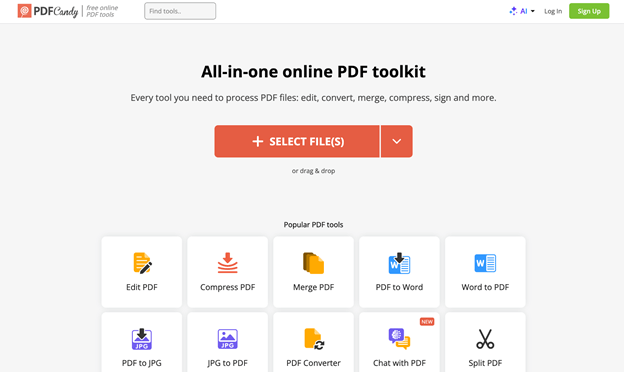
Recognized as one of the best free PDF editors for Windows, PDF Candy lets users edit, convert, merge, split, and compress PDFs. You can change or add text and adjust formatting as needed. Its intuitive interface and online accessibility make it ideal for users who need reliable PDF editing at no cost.
Best For
- OCR capability and secure processing.
- Convert multiple files together.
- Set new font size, color, and alignment, replace or delete entire paragraphs.
7. pdfFiller
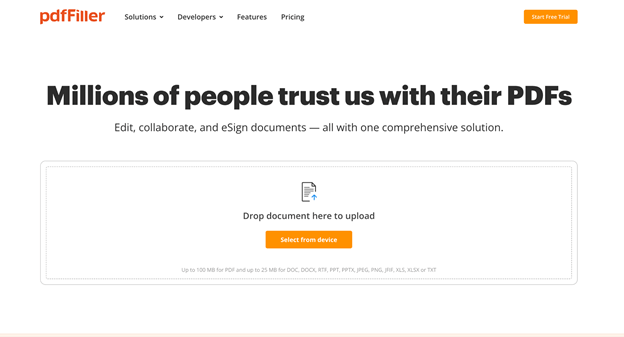
Lastly, we have pdfFiller. It is a cloud-based PDF editor that lets users edit, annotate, sign, and share PDFs on Windows. From adding comments, shapes, and images to searching text in documents, pdfFiller makes everything quick and simple.
It also offers form-filling, collaboration tools, and secure storage, making it ideal for both personal and professional document management.
Best For
- Work on documents from any device.
- Manage PDFs quickly—edit, merge, rearrange, compress, and convert.
- Make PDF sharing and team collaboration fast and efficient.
How to Choose the Best PDF Editor for You
Now that you know which PDF editors stand out, the next step is selecting the right one for you. Picking the right PDF editor comes down to your workflow, required tools, and budget. These are the key points to consider when selecting the right option.
✅ Features and Tools: Ensure the editor offers editing, annotation, conversion, and form-filling capabilities that fit your workflow.
✅ Performance and Speed: Using a fast, lightweight editor saves time, especially when handling large documents.
✅ Security: Always verify password protection, encryption, and safe management of confidential or sensitive files.
✅ Compatibility: Ensure it works with your Windows version and supports the file formats you need.
✅ Pricing: Look at both free and paid versions, as well as subscription models, to stay within your budget.
✅ Customer Support: Having dependable support helps solve problems quickly and keeps your work on track.
Final Wrap Up
Finding the best PDF editor for Windows depends on what you need—editing, annotating, converting, or protecting your documents. Using the right tool lets you streamline your workflow, save time, and manage PDFs efficiently.
Evaluate your priorities, explore available options, and select a PDF editor that simplifies your daily workflow and boosts productivity. Anyhow, you can try yourselfy to find the best one!