


What Is a DOCX to PDF Converter?
A DOCX to PDF converter is a tool that converts Word documents to PDF while preserving the original layout and formatting. To clarify, what is a DOCX file? It refers to an editable Microsoft Word document. If you wonder what a PDF file is, it is a fixed-layout document made for consistent viewing and secure sharing.
DOCX vs PDF: Primary Differences
Before selecting a format, you should be aware of how DOCX and PDF serve different purposes. Each format serves a specific purpose, determined by whether your main goal is editing or sharing.
- DOCX: Fully editable and flexible. During document editing and creation, this format is preferred for its flexibility and collaborative features. It provides an easy way to edit text, images, and document design.
- PDF: Fixed layout and universal compatibility. This format comes into play when a document is complete and ready for professional use or printing. Documents retain their fixed layout, providing uniform viewing across different devices and systems.
Why Convert DOCX to PDF?
Knowing why convert DOCX to PDF helps you decide the best way to share and store documents. Among the benefits of converting DOCX to PDF are uniform appearance, easy sharing, and improved document security.
Here are some possible reasons to convert DOCX to PDF.
- Preserving Formatting: PDFs secure fonts, layouts, images, and spacing, ensuring documents remain unchanged across different systems.
- Universal Compatibility: PDFs are widely accessible, allowing you to open them on most devices without needing special software.
- Better for Email and Printing: PDFs often have reduced file sizes and preserve original design, making them suitable for emailing and printing professionally.
- Enhanced Security: PDFs allow you to set passwords, manage permissions, and apply digital signatures for protection.
Top 6 DOCX to PDF Converters
Deciding on the best DOCX to PDF converter can be difficult, given the wide variety of tools, and the best choice often varies by workflow. Discover 6 of the best offline and online DOCX to PDF converters in this section to find the most suitable option.
Offline DOCX to PDF Converters
#1. SwifDoo PDF
Supported OS: Windows PC, macOS, iOS, and Android phones.
Best for: Offline DOCX to PDF conversion that delivers speed, efficiency, and professional PDF editing tools.
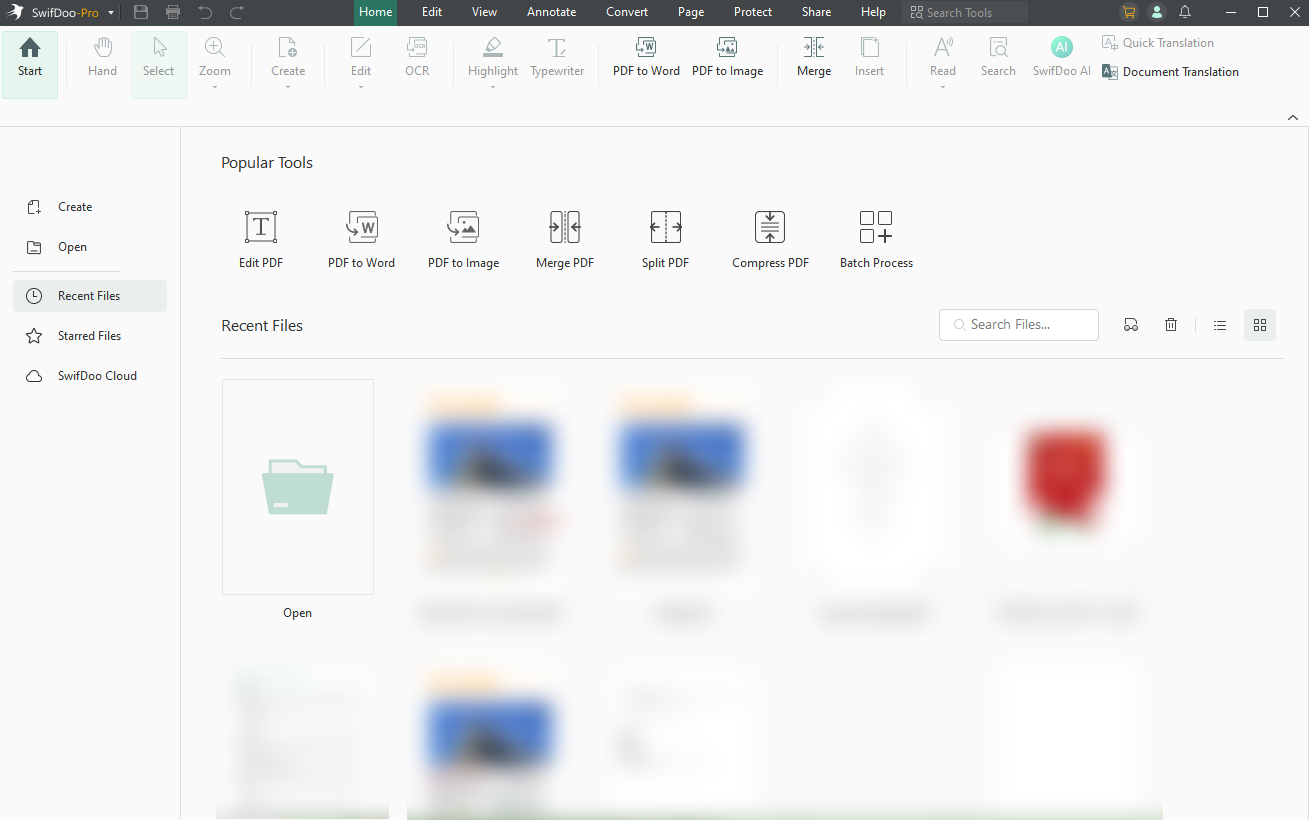
Designed for offline workflows, SwifDoo PDF helps you convert DOCX to PDF without internet quickly and securely. With this feature, you can batch convert Word (DOCX and DOC) to PDF quickly and manage several documents simultaneously. You can also protect PDFs with a password to prevent unauthorized use while preserving the original document design.
#2. Adobe Acrobat Pro
Supported OS: Supports both Windows and macOS, featuring complete desktop functionality and cloud connectivity.
Best for: Advanced users needing reliable DOCX to PDF conversion combined with strong security and compliance tools.
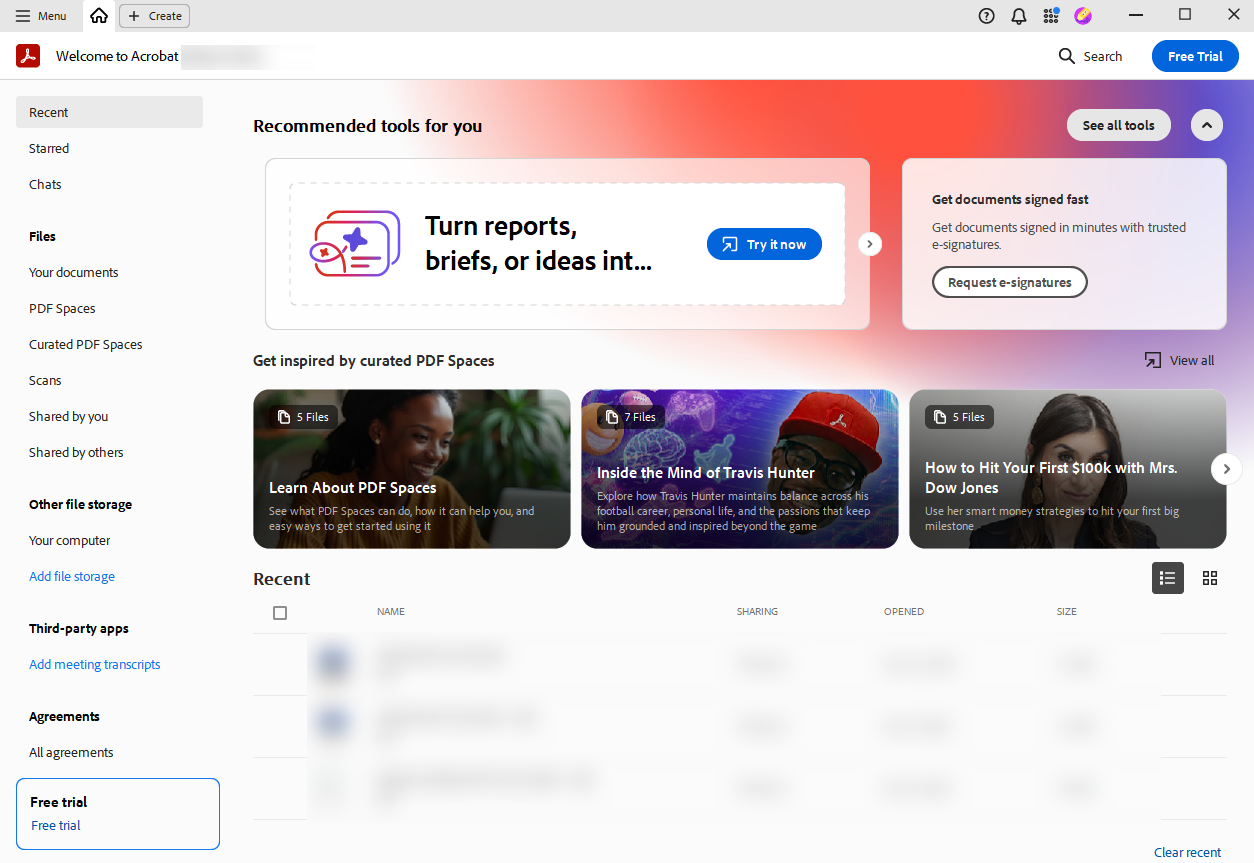
Adobe Acrobat Pro is a professional PDF converter that produces high-quality results when turning Word documents into PDFs. It enables users to convert Word to PDF without losing formatting, keeping every element exactly as in Word. With powerful tools, it allows users to edit, combine, and secure PDFs, providing an all-in-one document management solution.
#3. Microsoft Word
Supported OS: Windows, macOS, and web versions are offered through Microsoft 365 subscriptions.
Best for: Users who want to convert DOCX to PDF directly while editing documents in Word.
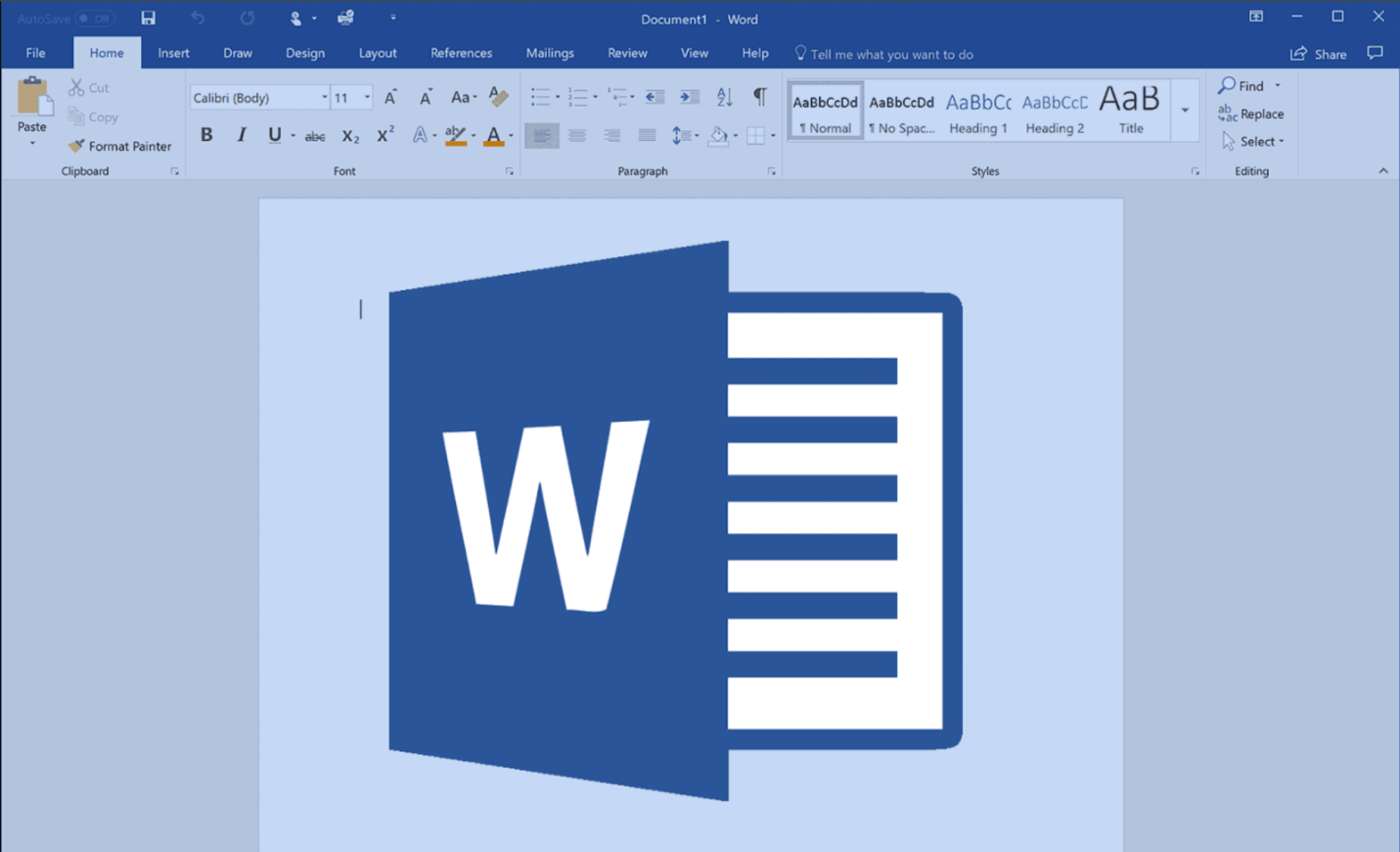
Microsoft Word is a reliable free DOCX to PDF converter that lets users export Word documents directly to PDF. It preserves the original formatting, images, and layout, making it ideal for quick, simple conversions without additional software. Its built-in functionality makes it easy to create professional PDFs.
Online DOCX to PDF Converters
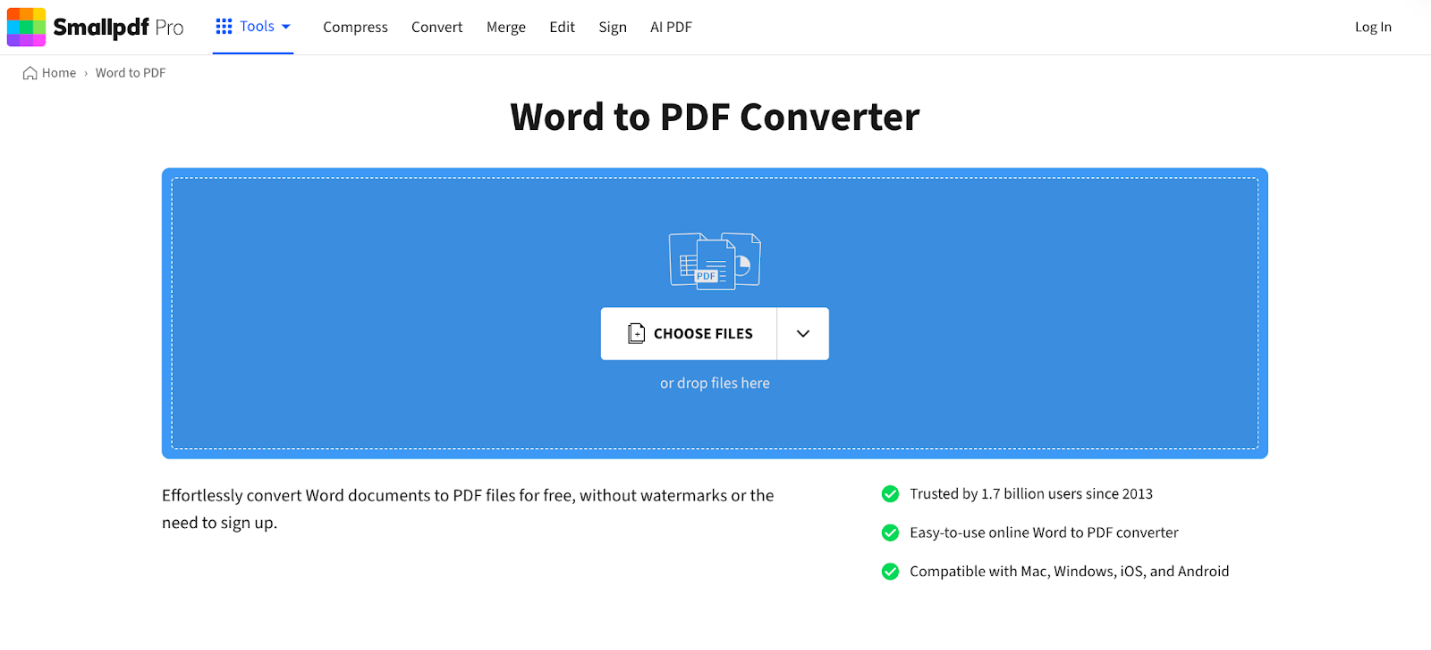
#1. Smallpdf
Supported OS: A browser-based solution that works on Windows, macOS, Linux, iOS, and Android.
Best for: Fast online DOCX to PDF conversions with no software installation or technical expertise required.
Smallpdf provides a smooth, efficient online DOCX to PDF converter for quick Word-to-PDF conversions. It carefully preserves all formatting, fonts, images, and layouts, making it an excellent choice for quick conversions without the need to install any additional software.
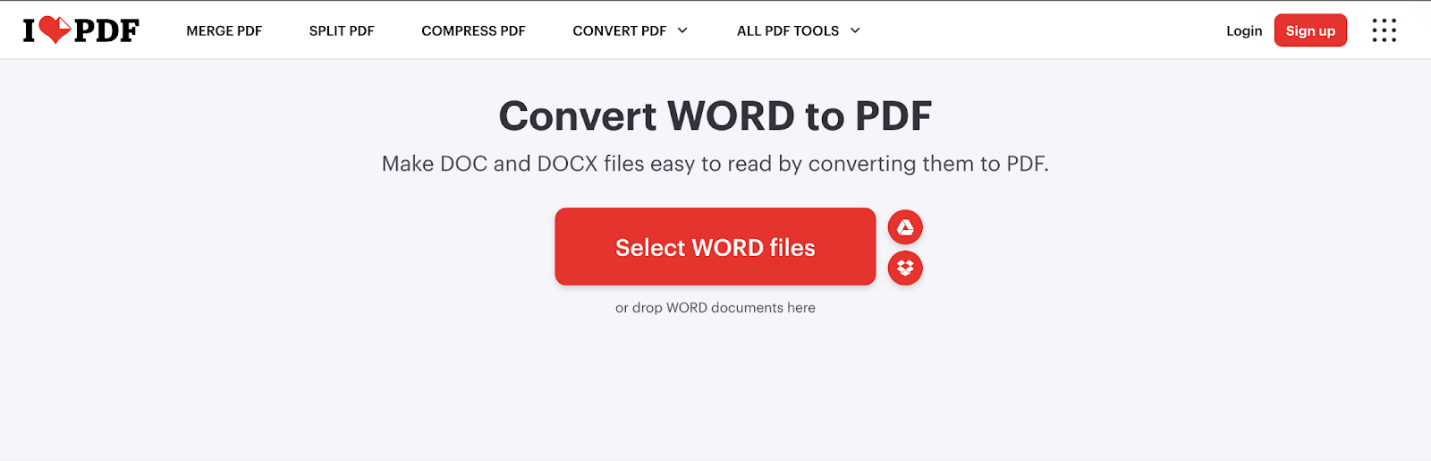
#2. iLovePDF
Supported OS: Web access combined with desktop apps for Windows, macOS, and mobile platforms.
Best for: Users who need a simple DOCX to PDF conversion with batch processing and basic PDF tools.
iLovePDF provides an easy solution to convert DOCX to PDF online for free, allowing users to quickly and efficiently change their Word files into PDF format. Formatting and layout remain intact, making conversions fast and effortless.
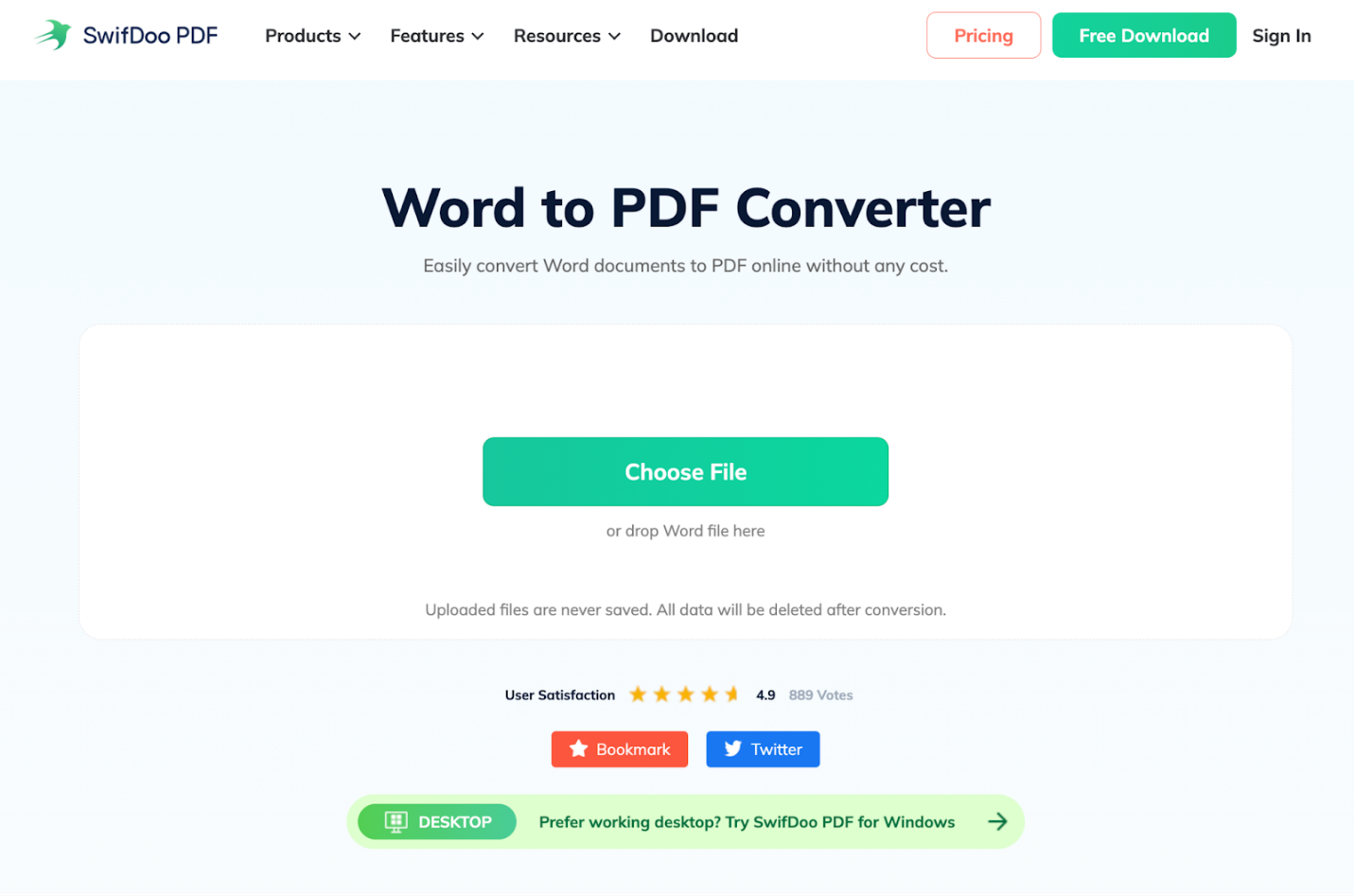
#3. SwifDoo PDF Online Converter
Supported OS: Runs on any device—Windows, macOS, Linux, iOS, or Android—through a web browser.
Best for: Users who want quick and secure online DOCX to PDF conversion without extra software.
SwifDoo PDF Online Converter has earned a reputation as one of the top online PDF converters for efficient document conversion. This tool enables fast DOCX to PDF conversion without requiring software installation. It guarantees precise formatting and quick, secure conversions straight from any web browser.
Comparison Table
Now that we’ve looked at each DOCX to PDF converter, understanding the differences can still be challenging. For easier understanding, here’s a table comparing platforms, features, pros, cons, and privacy, letting you quickly assess the strengths and weaknesses of each DOCX to PDF converter.
|
DOCX to PDF Converters |
Platforms |
Free |
Pros |
Cons |
Privacy |
|
SwifDoo PDF |
Windows, macOS, iOS, and Android phones |
Free trial available |
Quick, streamlined tool for comprehensive PDF editing and conversion |
Full features require a subscription |
Local conversion, strong privacy controls |
|
Adobe Acrobat Pro |
Windows and macOS |
No |
Professional tools, excellent compatibility |
High-priced subscription and steep learning demands |
Enterprise-level security and encryption |
|
Microsoft Word |
Windows, macOS, and Web |
Yes (basic) |
Converts directly during editing |
Limited PDF features compared to dedicated tools |
Depends on local file or cloud storage policies |
|
Smallpdf |
Web (All OS) |
Yes (limited) |
Very simple interface, quick online conversion |
Limited free use, needs internet |
Uploaded files are deleted after a short retention period |
|
iLovePDF |
Web, desktop, and mobile |
Yes (limited) |
Batch conversion, multiple PDF tools |
Some features behind a paywall |
Secure online processing with deletion policy |
|
SwifDoo PDF Online Converter |
Web (All OS) |
Yes (limited) |
No installation, fast online conversion |
Requires internet, limited advanced features |
HTTPS upload with temporary file retention |
How to Convert DOCX to PDF
Knowing how to convert DOCX to PDF on Windows, Mac, and online makes sharing and preserving documents much easier. In this section, we’ll show easy ways and tools to quickly convert Word documents into secure, universally compatible PDFs across devices.
How to Convert DOCX to PDF on Windows
Find out how to convert DOCX to PDF on Windows using SwifDoo PDF in a few clicks.
Step 1. Get SwifDoo PDF from the official website, complete the installation, and launch the program.
Step 2. Once you open the main interface, select Convert in the top menu, then choose Office to PDF in the secondary menu.
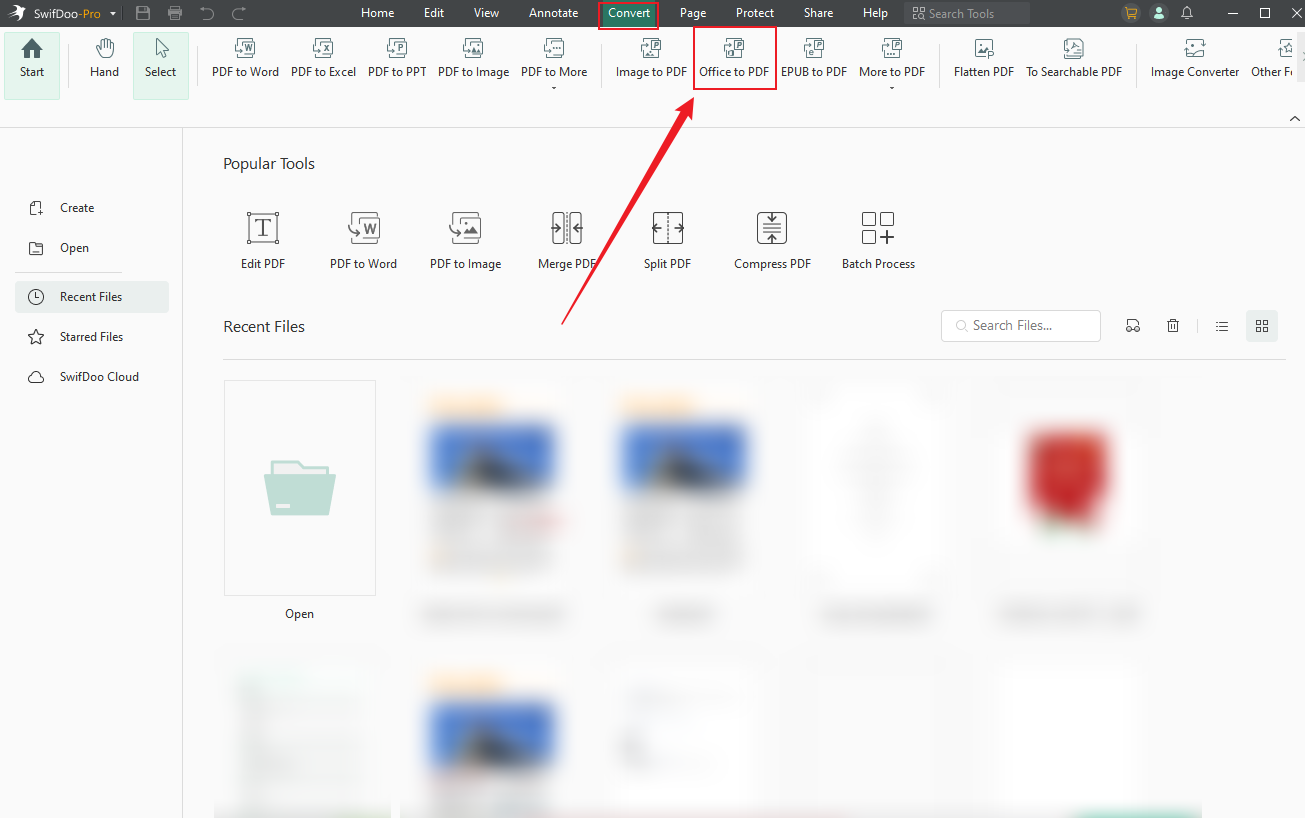
Step 3. Click Add Files to import all the preferred Word documents. If needed, you can add and convert multiple DOCX files to PDF.
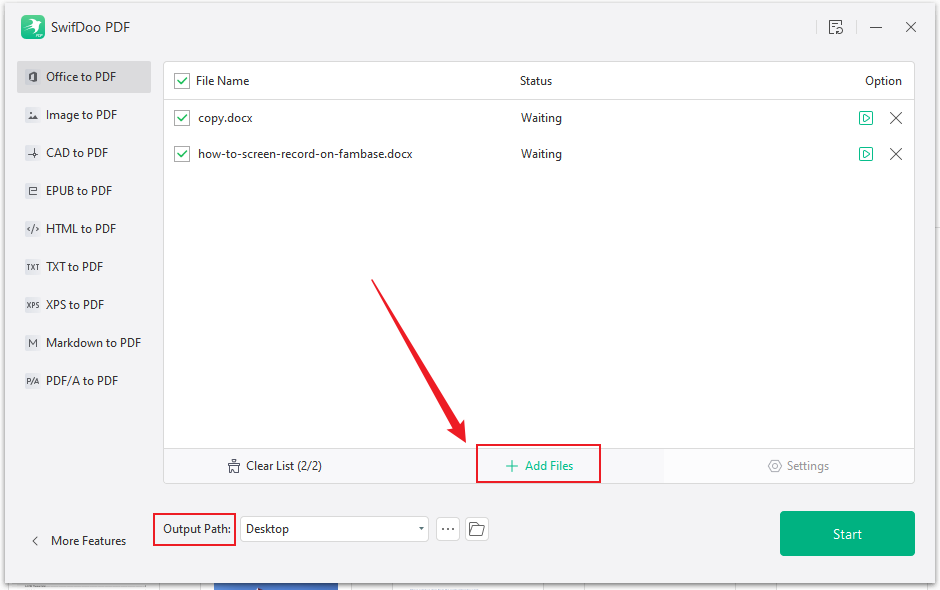
Step 4. Select an output path and tap Start to begin the conversion.
How to Convert DOCX to PDF on Mac
Learn how to convert DOCX to PDF on Mac using Adobe Acrobat Pro in a few clicks.
Step 1. Download and open Adobe Acrobat Pro on your Mac computer.
Step 2. Navigate to All tools in the top menu bar and choose Create a PDF. In the Create window that pops up, click Select a File.
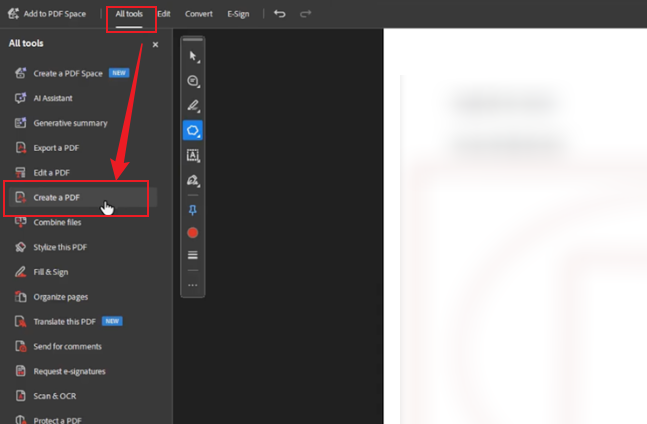
Step 3. Locate and open the Word document you want to convert to PDF.
Step 4. Once added, click Create a PDF. Acrobat reads your Word document and instantly creates a PDF. After the conversion, Adobe will automatically open the newly created PDF for review.
Once you are satisfied with the content layout, go to the File menu at the top and select Save to save the document to your desired location.
How to Convert DOCX to PDF Online
Explore how to convert DOCX to PDF online using Smallpdf in a few clicks.
Step 1. Open Smallpdf on your web browser. Select the Word to PDF tool from the listed options.
Step 2. Click Choose Files and add your desired Word document. Alternatively, drop your Word files directly into the program.
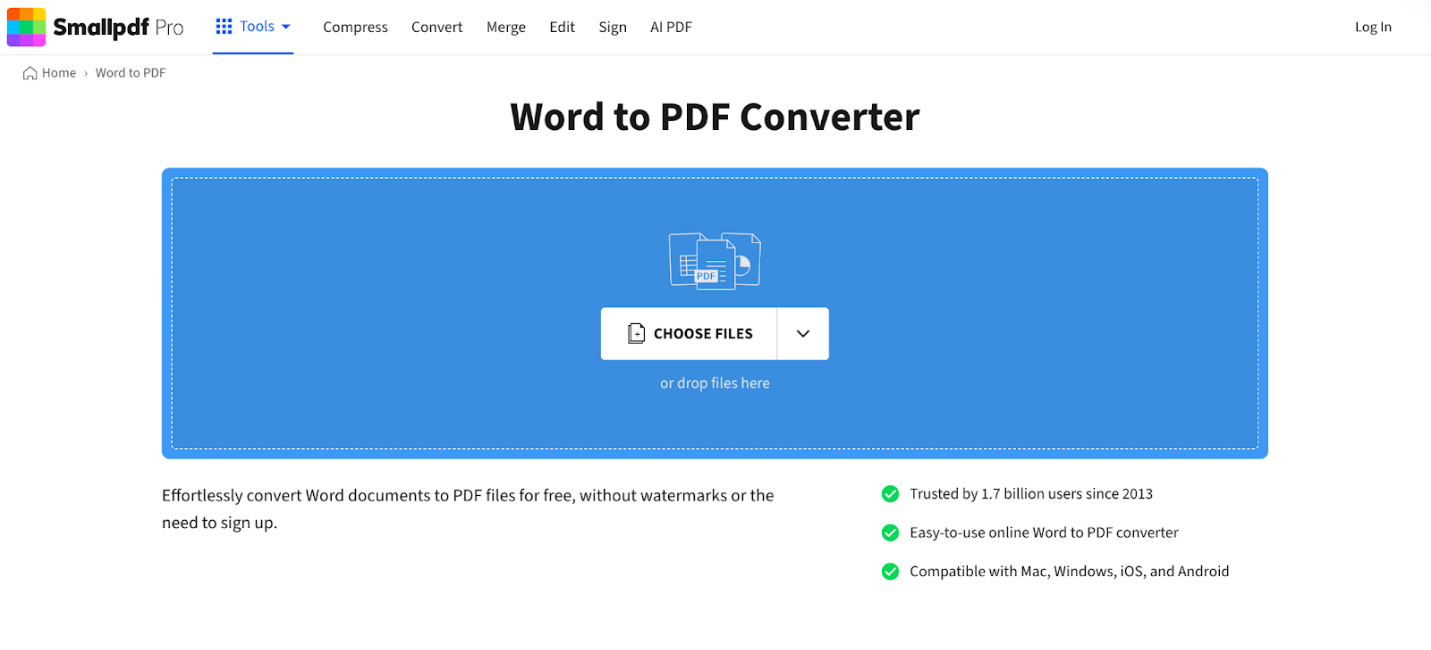
Within a few moments, Smallpdf will automatically convert the Word document to PDF.
Step 3. When the process is complete, select Download to save the converted PDF locally.
Final Verdict
Turning DOCX files into PDF has become a crucial task for students, professionals, and businesses. When choosing a DOCX to PDF converter recommendation, consider your workflow, platform, and whether you need offline processing or online convenience. We have listed the best DOCX to PDF converters for users seeking desktop and web-based options. Select the one that best suits your needs.



