


People search for text-to-PDF tools because they want ease, reliable formatting, and smooth sharing across devices and platforms. PDFs preserve layout, look professional, and are widely accepted, making conversion a daily need for students and professionals alike. While trying to convert text to PDF online free, you may encounter many tools, but very few guides help you choose the best one. This article aims to address this by highlighting secure, practical, and trustworthy options and the long-term document management needs today.
What Is an Online Text to PDF Converter
What is an online text to PDF converter? Many users search for this online. It functions entirely online, allowing users to convert text files or pasted content into PDFs immediately, without downloading software. It turns plain text files, such as TXT or DOCX, into a downloadable PDF file, allowing seamless sharing, printing, and formatting across devices.
The process used by most online text to PDF converters is easy to follow:
- Upload the text file - Upload your TXT or DOCX file, or paste your text directly into the converter using your browser.
- Adjust layout or formatting (optional) - When the tool allows, set page size, adjust margins, choose fonts, and select orientation.
- Convert and download the PDF - After hitting convert, your document is quickly transformed into a downloadable PDF.
How We Chose the Best Online Text to PDF Converters
To provide dependable guidance, I tested and reviewed popular tools based on actual user needs. This selection emphasizes speed, safety, and accessibility, ensuring you find the best solution for regular text-to-PDF needs.
- Ease of use.
The tool must offer a simple interface, easy-to-follow instructions, and minimal steps for conversion. No technical knowledge or extra setup should be needed.
- Formatting accuracy.
The PDF output needs to keep every aspect of the original text’s structure and spacing. Trusted tools keep your document intact, avoiding broken structures, missing fonts, or format shifts.
- Privacy and security.
Safe converters protect uploaded files with encryption and retain data only temporarily. This safeguards your text, keeping it private and secure.
- Free features.
The converter should include basic text-to-PDF functions without any charges. It’s important that free use comes without strict file restrictions or unexpected paywalls.
- Supports multiple devices.
A reliable converter works efficiently across desktops, tablets, and mobile platforms. Supporting desktops, tablets, and mobile devices makes the tool more versatile.
5 Best Online Text to PDF Converters
Discover the 5 best online text to PDF converters designed for effortless, accurate, and safe PDF creation. Each converter is assessed to guide you toward the most suitable solution for your text-to-PDF tasks.
#1. SwifDoo PDF Online Converter
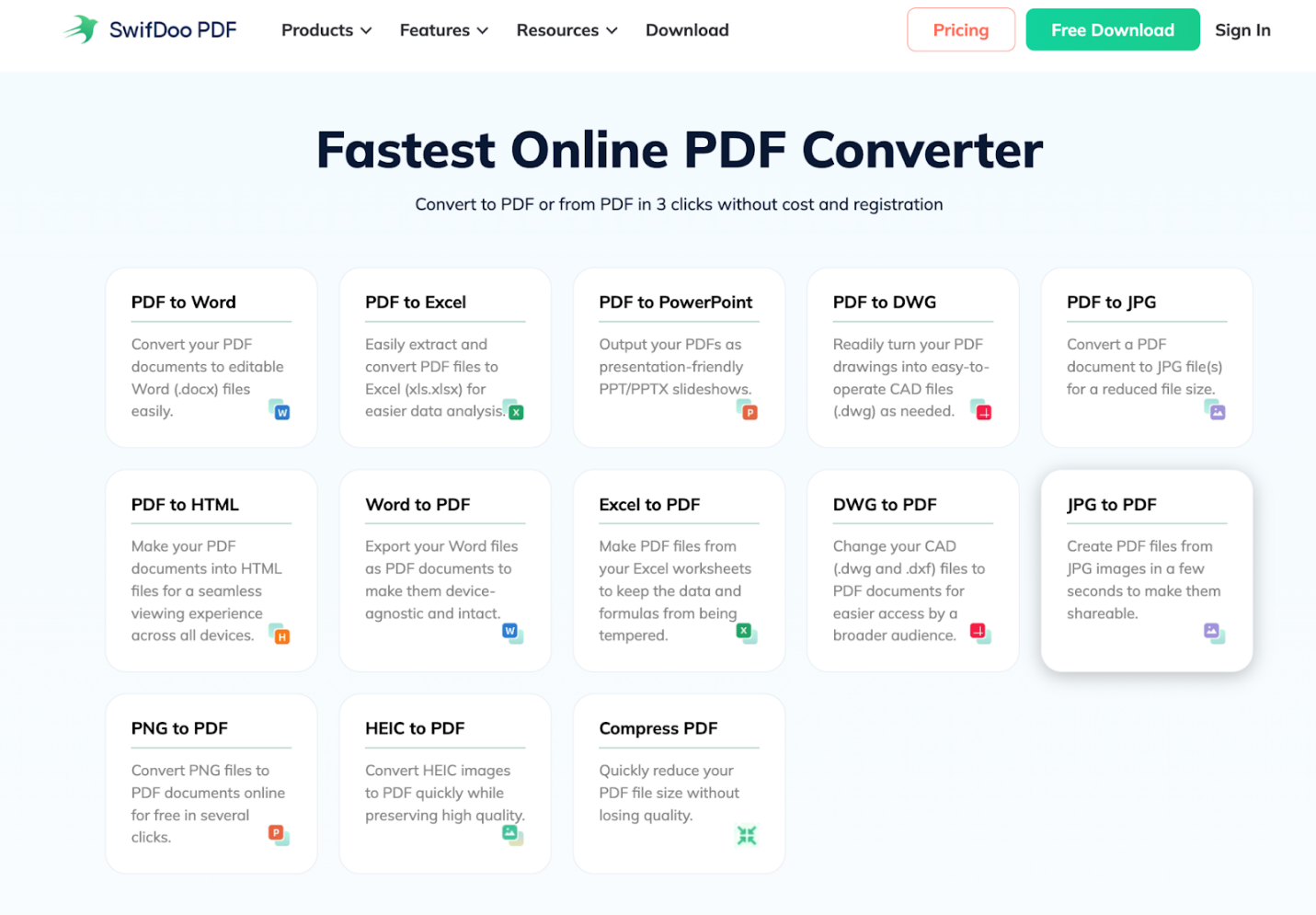
SwifDoo PDF Online Converter ranks among the best online text to PDF converters, providing quick, safe, and user-friendly functionality. As a free online text to PDF converter, it lets users convert DOC or DOCX to PDF for free while maintaining original formatting. Backed by the 265-bit SSL encryption technology, it ensures file privacy and safety. Beyond just converting text, this tool is a free online PDF converter with several PDF management features available together.
Pros of SwifDoo PDF:
- A lightweight, fast, and simple interface enables quick conversion and editing without complexity.
- Excellent for routine functions like editing text, combining or splitting files, and converting between common document formats and images.
- Equipped with OCR, it can extract and process text from scanned PDFs.
- Delivers a powerful suite of tools while remaining more affordable than high-end editors.
Cons of SwifDoo PDF:
- OCR may not always handle complex documents or hard-to-read text accurately.
Best for: All-in-one PDF management, secure text conversion, and professional document handling.
#2. CloudConvert
CloudConvert makes it simple to convert TXT to PDF anytime, anywhere. Supporting over 200 formats, it lets you convert audio, video, documents, ebooks, images, spreadsheets, and more beyond text files. CloudConvert handles most tasks quickly and even offers batch conversion options.

Pros of CloudConvert:
- Simple, intuitive interface for quick text-to-PDF conversion without downloads.
- Handles numerous input formats (DOCX, TXT, etc.) to PDF, plus many others.
- Maintains formatting and content integrity, with output quality comparable to native saving.
- Uses isolated containers for processing and deletes files quickly, boosting security.
Cons of CloudConvert:
- Lacks deep customization or advanced features found in dedicated desktop software.
- Struggles with very large files or high-demand periods, with unclear font handling.
Best for: Advanced format support, precise conversion control, and high-quality output accuracy.
#3. EzyToolz Text to PDF
EzyToolz Text to PDF is an easy-to-use online tool for rapid text-to-PDF conversion. It offers basic features that let you swiftly convert simple text files into neat, downloadable PDFs. As a result, EzyToolz Text to PDF is ideal for everyday text-to-PDF needs.

Pros of EzyToolz Text to PDF:
- Very simple, drag-and-drop interfaces that require no sign-up or software installation.
- Quick file conversion for basic text files directly in a web browser, accessible from any device.
- Easily import files from Google Drive or Dropbox, avoiding downloads and installations.
- Numerous tools handle multiple file formats, extending beyond just text files.
Cons of EzyToolz Text to PDF:
- Many free versions are cluttered with advertisements and slow down during intensive conversions.
- PDF compression or advanced formatting might not match premium tools.
Best for: Easy, no-frills conversion of text files to PDF quickly.
#4. OnlineNotepad TXT to PDF
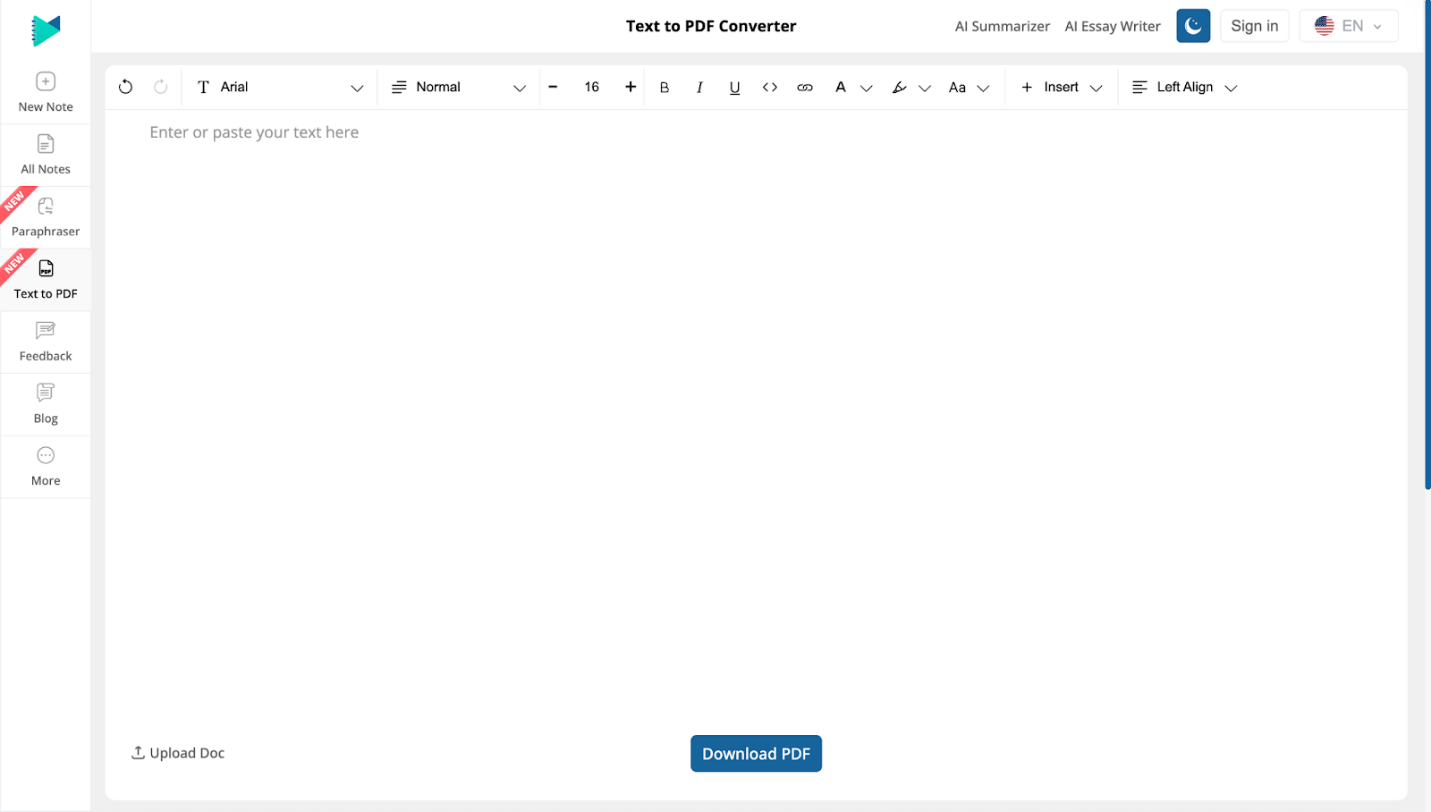
OnlineNotepad TXT to PDF offers a simple, all-in-browser method. You can use it to convert plain text into well-formatted PDF files without additional installations. With its straightforward notepad design, you can quickly type or paste content. Then export as a PDF in seconds, making it great for speedy, minimal conversions. This makes it a handy choice among the best online text to PDF converters for basic document needs.
Pros of OnlineNotepad TXT to PDF:
- Its minimalistic drag-and-drop or upload setup makes quick, basic conversions a breeze.
- Browser-based and device-friendly, letting you work on PCs, tablets, or phones without installation.
- Generally very fast for plain text and free for basic use.
- Good at keeping plain text intact across platforms.
Cons of OnlineNotepad TXT to PDF:
- Basic tools lack advanced PDF editing capabilities (e.g., images, complex layouts, and password protection).
- The free plan is limited, and storing sensitive files on third-party servers may be unsafe.
Best for: Instantly turn typed or edited text notes into PDF files.
#5. FreeConvert
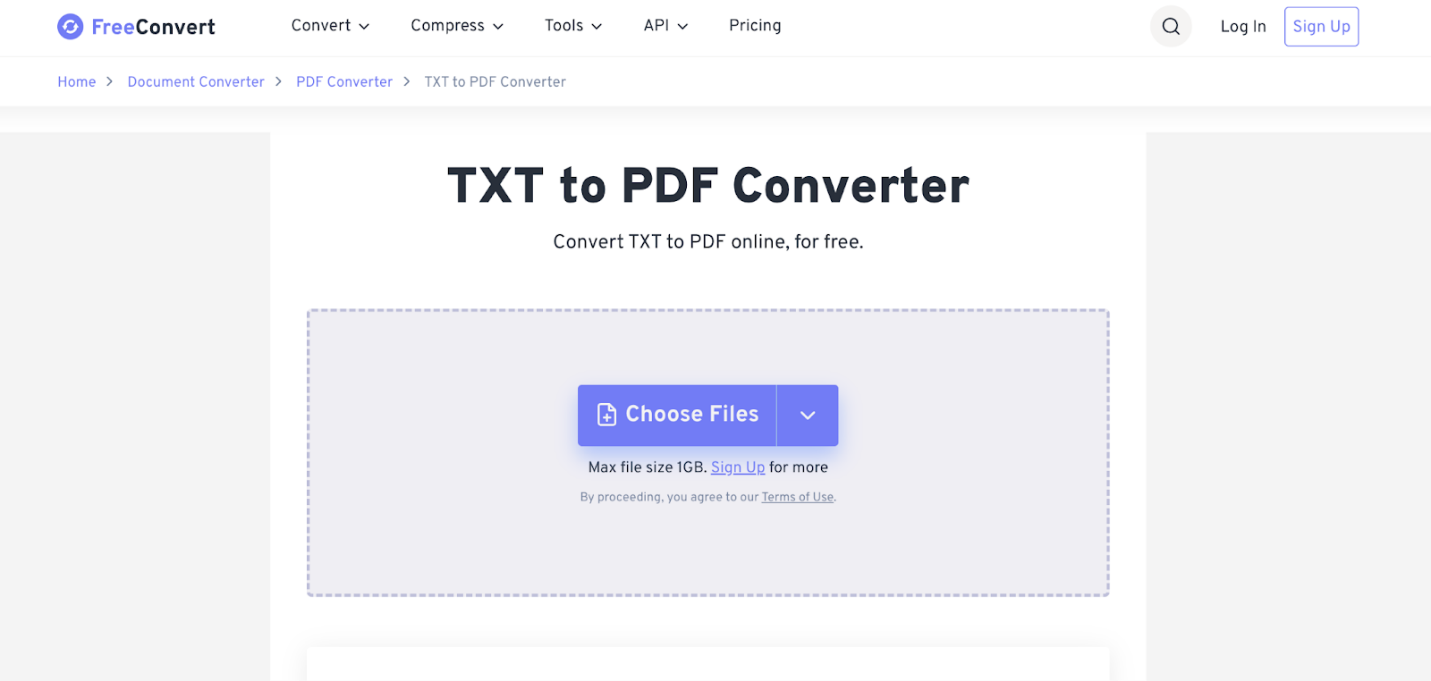
FreeConvert is an online conversion platform that lets you convert text to PDF online while working with various other file formats. With a clean layout and reliable functionality, converting text to PDFs is straightforward and efficient. As one of the best online text to PDF converters, FreeConvert balances simplicity with helpful customization options for everyday users.
Pros of FreeConvert:
- Simple drag-and-drop interface, works on any device (Windows, Mac, Linux, mobile) via web browser, and requires no installation.
- Handles many file types (like videos, audio, images, e-books) beyond just text, supporting over 1500 conversions.
- No software installation required, making it perfect for fast, occasional conversions.
- Utilizes 256-bit SSL and clears files in 4 hours, ensuring non-sensitive data remains private.
Cons of FreeConvert:
- Sensitive data can be at risk on third-party servers, even with encryption in place.
- Relies on “conversion minutes,” potentially limiting big or complicated files, but standard documents and images convert quickly.
Best for: Quick, versatile conversions with simple customization and the convenience of the cloud.
How to Convert Text to PDF Online
Online text-to-PDF conversion is fast and hassle-free using SwifDoo PDF Online Converter. Simply upload your TXT or DOCX file, adjust formatting if needed, and click convert. Within seconds, your polished PDF is ready to download, making text-to-PDF conversion easy for students, professionals, and everyday users alike.
Step-by-step instructions for how to convert text to PDF online with SwifDoo PDF Online Converter.
Step 1. Access SwifDoo PDF online Converter via your web browser.
Step 2. Navigate to and select the Word to PDF tab from the list.
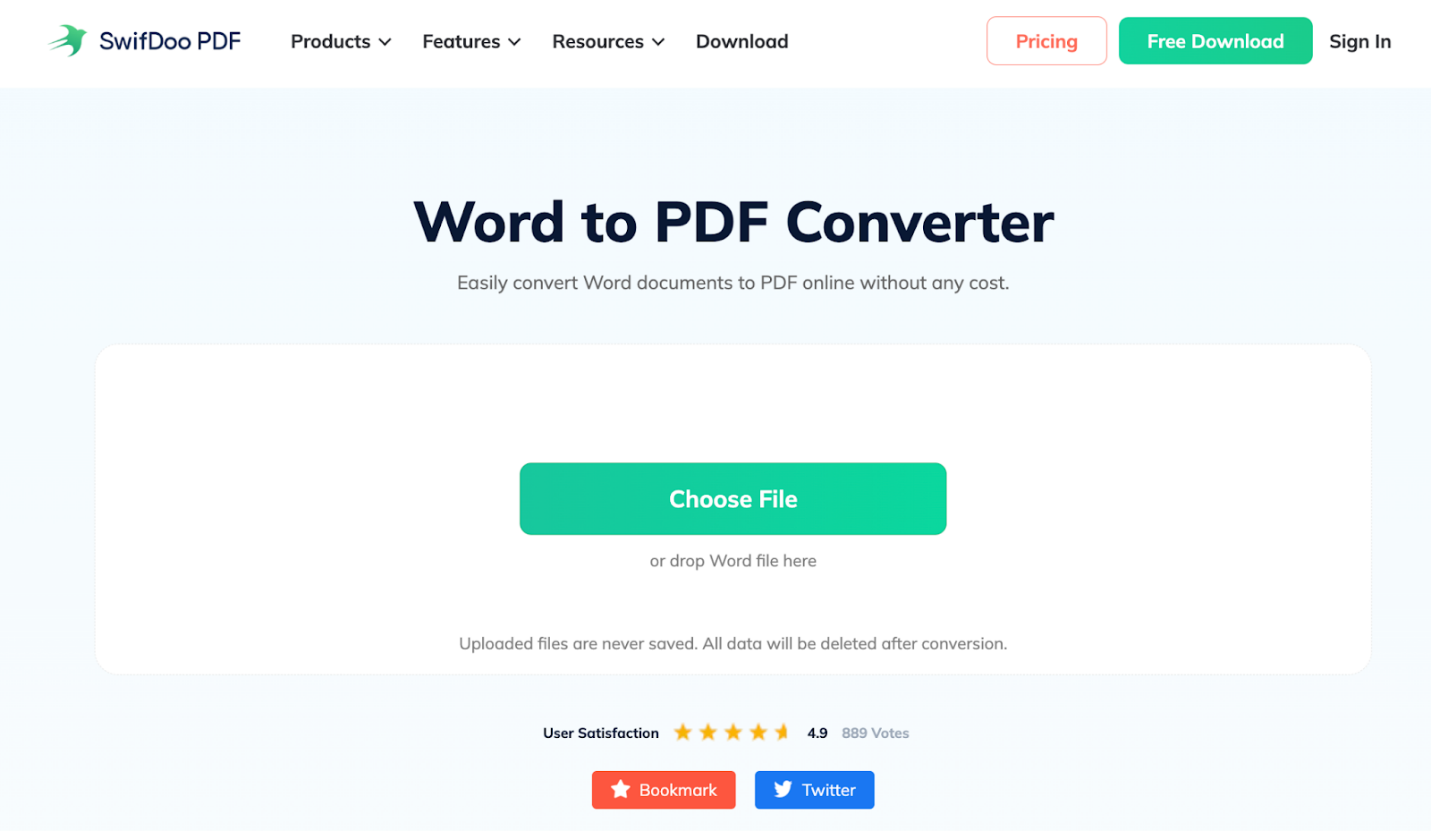
Step 3. Click “Choose File” to pick and upload your DOCX files. Alternatively, drop your Word file directly into the workspace.
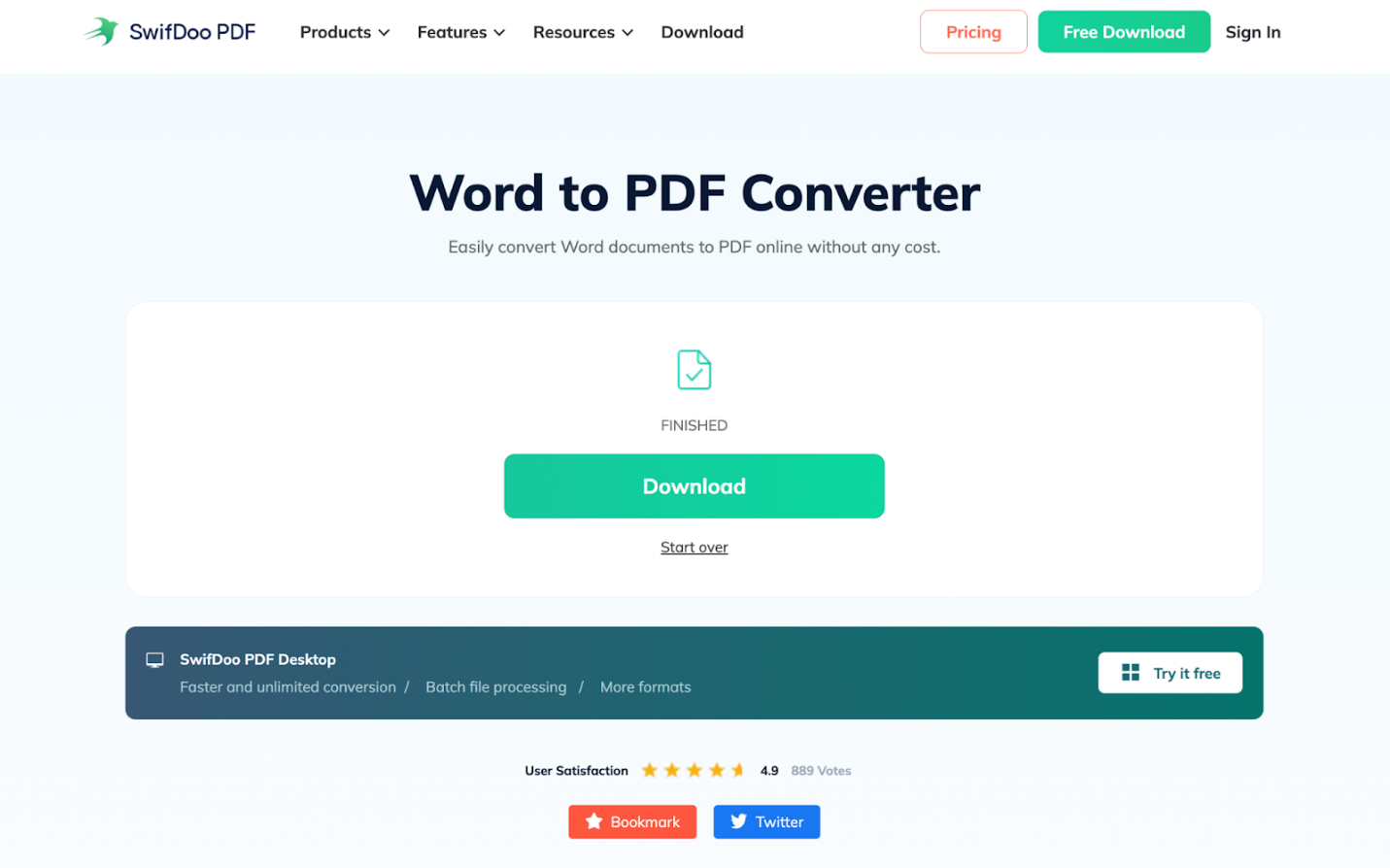
Step 4. As soon as SwifDoo analyzes and converts your document, click the Download button to download and save your converted PDF file.
Is It Safe to Convert Text to PDF Online?
Many people ask themselves, Is it safe to convert text to PDF online? The answer depends on the tool you choose. Reliable converters prevent unauthorized access and protect sensitive information, making online conversion both convenient and secure when you choose trusted platforms. Always check for SSL encryption and clear privacy policies before uploading files. A secure text to PDF converter online, such as SwifDoo PDF, uses encryption and avoids long-term file storage to protect your privacy.
Final Thoughts
Using the best online text to PDF converters makes document sharing easier while preserving layout and efficiency. No matter if you want a basic free solution or a powerful tool such as SwifDoo PDF Online Converter, text-to-PDF conversion remains fast, safe, and efficient. Picking the best converter ensures your files stay polished and viewable on all devices.



