


What Is OCR Invoice Scanning
OCR invoice scanning is a technology that can help translate different types of documents into editable and searchable data. It typically combines scanning hardware or document capture tools with OCR software for better accuracy.
Compared to traditional technology, invoice OCR also stands out for its particular benefits. For example:
#1. Save Time and Reduce Manual Work: Manual entry of invoice details is repetitive and prone to errors. By scanning invoices and extracting data automatically, teams can avoid hours of manual typing.
#2. Enhance Organization and Searchability: Digital documents are easier to organize and retrieve. Once invoices are scanned and indexed, you can quickly search for specific vendors, dates, amounts, or invoice numbers.
#3. Support Compliance and Audit Trails: Scanned invoices can be stored and edited with metadata and secure access controls, making them easier to produce during audits or regulatory reviews.
Is It Necessary to Export an Invoice into a PDF?
Why do we advocate using of PDF invoices? How to add an e-signature on your PDF invoices? You will find the answer in this passage.
READ MORE >Many people search for the best invoice scanning software that truly meets their needs. Different teams require different features. Some start with Excel or Google Sheets. While these tools organize invoice data, they lack built-in OCR, make errors easy, and offer limited post-scan options.
If you are unsure which software fits your needs, we tested 10 products for accuracy and usability. After examining features, pros, and cons, we selected six top invoice parsing solutions in 2026. These tools are reliable, fast, and worth trying.
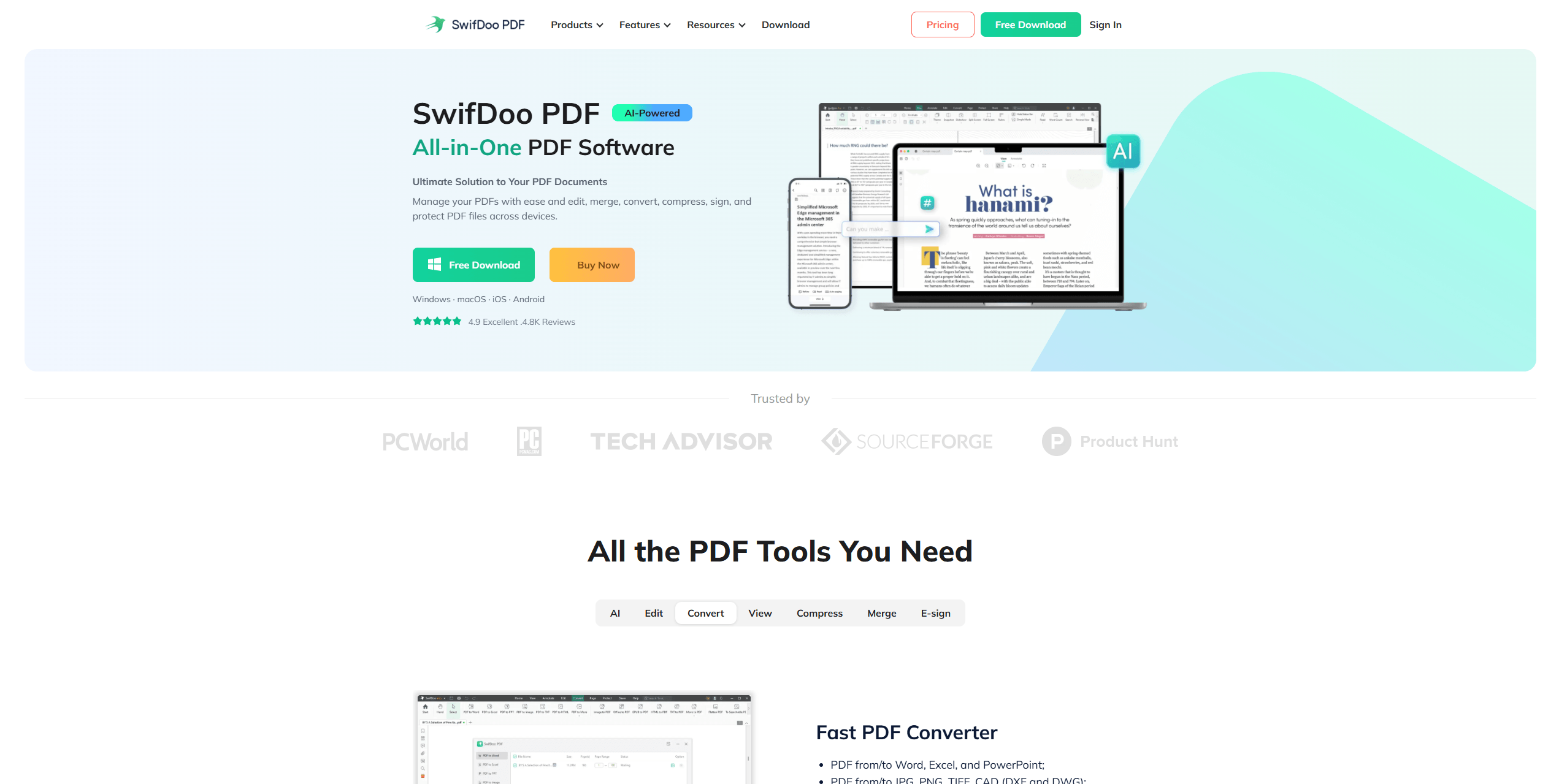
SwifDoo PDF
SwifDoo PDF is a lightweight PDF and OCR tool designed for small to medium-sized businesses. It supports OCR scanning, batch OCR processing, cloud integration, and multiple file formats. Its simple interface and affordable pricing make it one of the most user-friendly invoice capture software tools available.
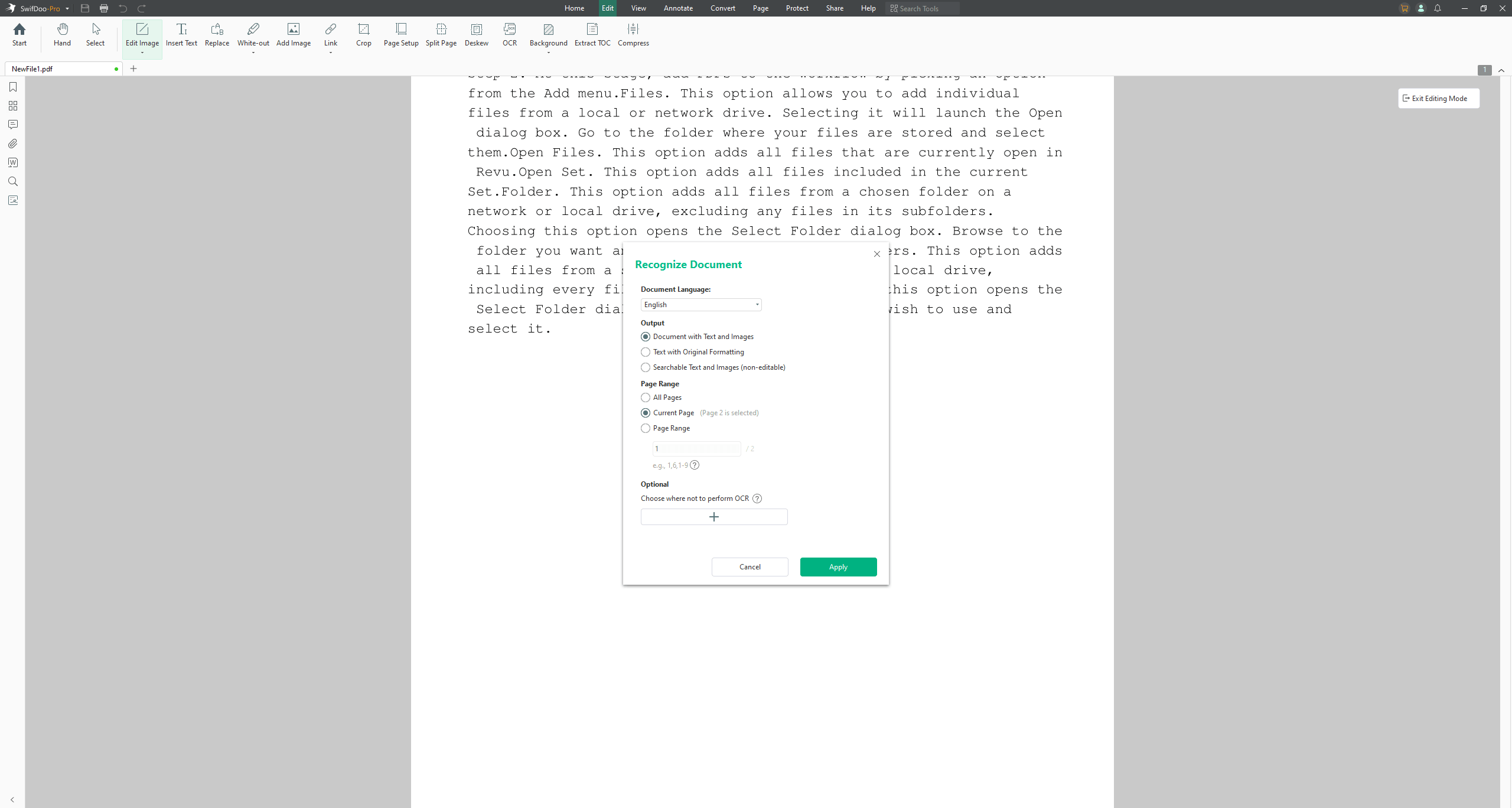
During testing, SwifDoo PDF consistently extracted invoice data with high accuracy, even from complex layouts and multi-line items. Compared to traditional methods, the workflow is much smoother, helping teams save time and reduce errors.
According to what we have collected from the user feedback, G2 users praise its speed and accuracy. Many users describe it as a “cost-effective OCR solution for small teams.” Reddit users report that even teams with limited technical expertise can implement it quickly, with minimal setup required for batch invoice processing. It's quite worth trying!
Here is why we most recommend SwifDoo PDF automated invoice scanning software.
-
SwifDoo PDF’s OCR tool provides fast and precise automated invoice parsing, even for multi-language invoices.
-
It offers a free trial and affordable pricing plans. Small businesses and startups can benefit from professional OCR capabilities without high costs.
-
Its intuitive interface allows any team to adopt it quickly without extensive training.
-
Organize multiple invoices into a single PDF, add annotations or comments, and secure sensitive data using encryption or passwords.
-
Available on Windows, macOS, and mobile, SwifDoo PDF helps ensure your invoices are accessible wherever you are.
-
Fast and accurate automated invoice OCR
-
Affordable compared to enterprise solutions
-
User-friendly, suitable for small teams
- Fewer ERP integrations compared to enterprise software.
Best For:
Small to medium businesses seeking reliable, affordable invoice scanning with accurate OCR.
Rillion
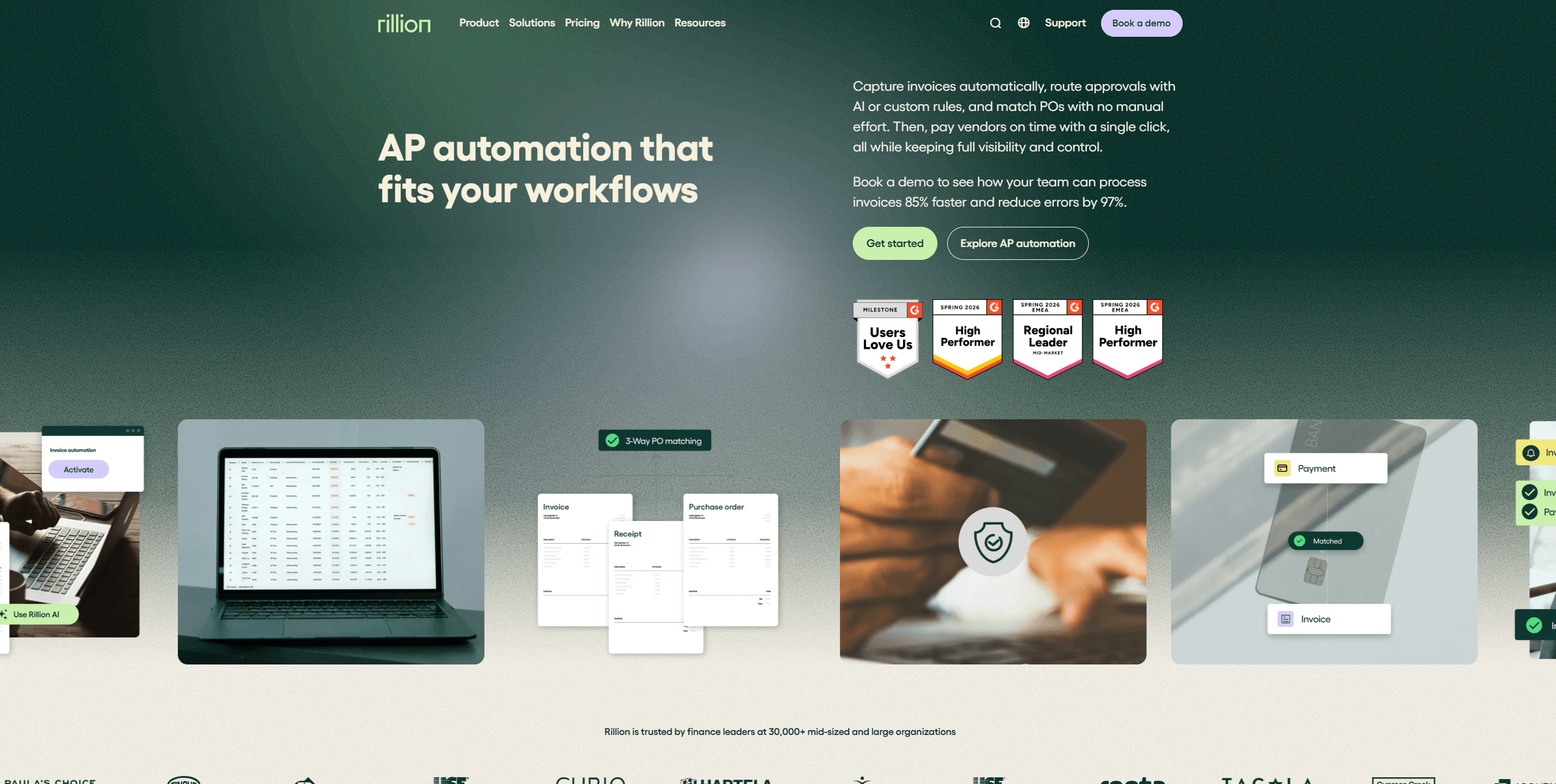
Rillion is a cloud-based platform built for enterprise-level invoice automation. It focuses on full invoice scanning and data capture, reducing the need for manual data entry. Its automation features and robust reporting make it suitable for large-scale operations where accuracy and workflow management are critical.
According to user feedback, Rillion’s invoice capture is reliable but the pricing is higher than some competitors. In this way, if you require large-scale operations, Rillion may be the best option.
Key Features
-
AI-driven invoice capture
-
Complex workflow management
-
Analytics and reporting
-
Customizable AI rules
-
High automation potential
-
Robust reporting tools
-
Limited free trial options
-
Premium pricing
Best For:
Enterprises that need full invoice scanning and data capture solutions.
Medius Capture
If you want to choose the best OCR software for a scaled business, try Medius Capture. This software specializes in automating financial processes for medium and large businesses, which means you can greatly automate the invoice approval workflows and also improve efficiency across finance departments.
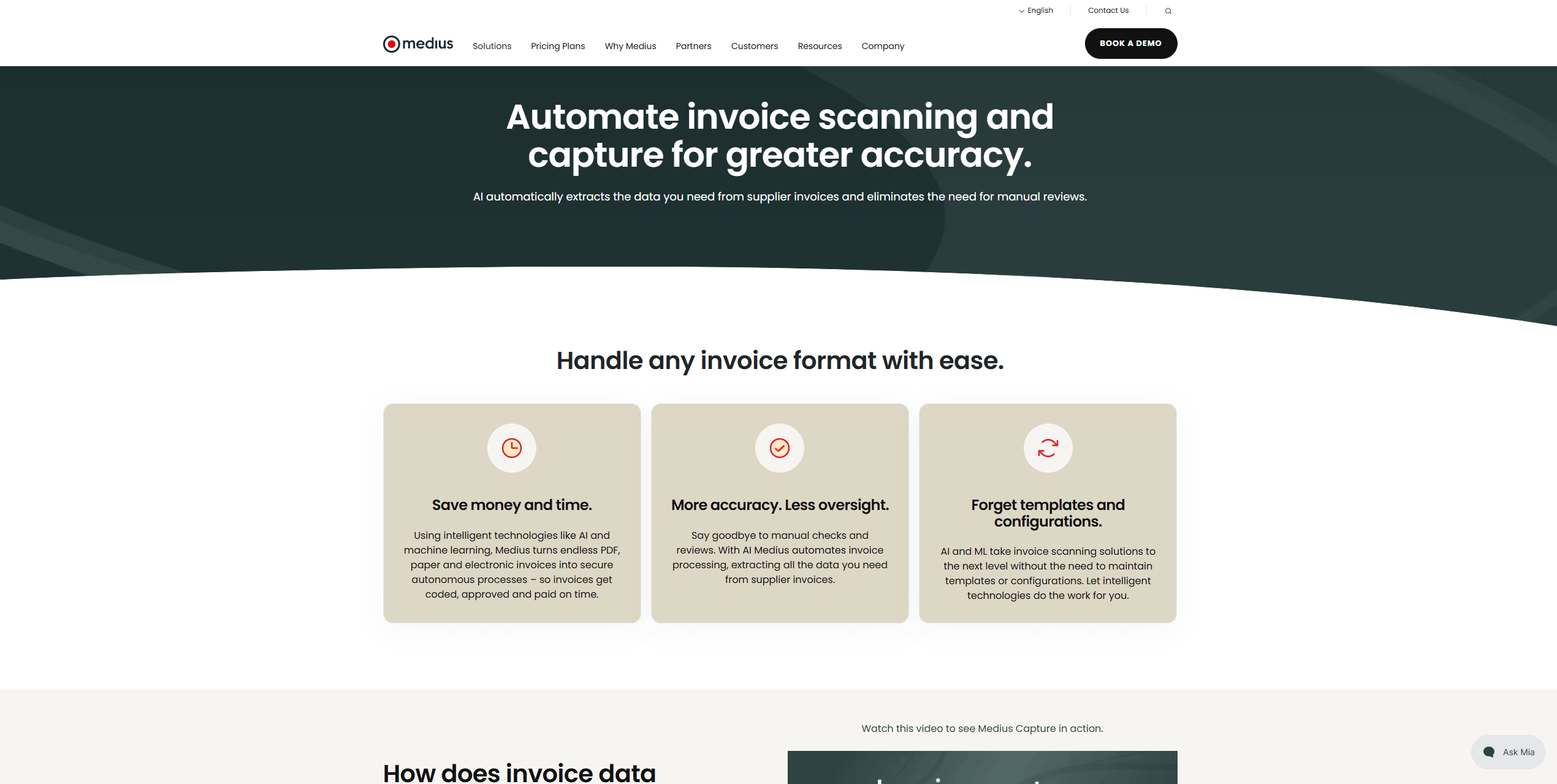
Users on Capterra highlight that Medius Capture requires some initial setup, but the long-term benefits, including accurate data extraction and scalable operations, make it worthwhile for growing enterprises looking to streamline invoice processing.
Key Features:
-
Advanced AI invoice automation
-
Automatic data extraction and validation
-
Supports complex invoice formats
-
Less manual work
-
Accurate OCR scanning
-
Scalable for growing enterprises
-
Higher pricing
-
Requires ERP integration setup
Best For:
Medium to large enterprises looking for AI for invoice processing.
Rossum
Rossum is an AI-driven, cloud-native platform that automates invoice scanning, data extraction, and validation. Its deep learning technology can help recognize diverse invoice layouts and formats, eliminating the need for manual data entry. This makes it ideal for businesses that process high volumes of invoices from multiple vendors.
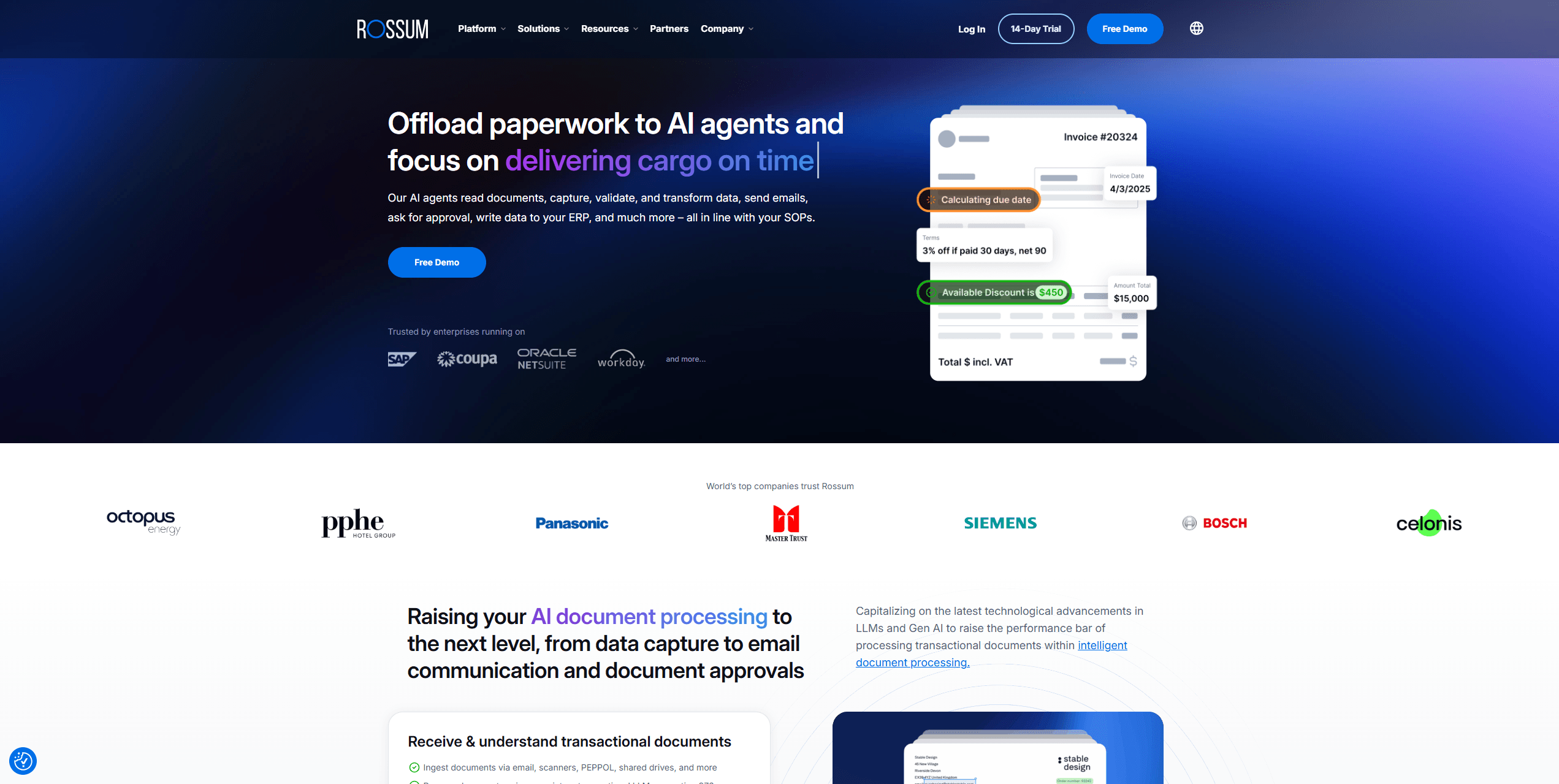
From the Reddit and G2 users, we got to know that Rossum reduces the time spent on manual reviews and integrates smoothly with accounting systems. While it offers excellent automation, some users note that advanced features may require a learning curve, and the cost is higher than simpler solutions.
Key Features:
-
AI-powered document capture and classification
-
Intelligent validation and workflow integration
-
E-invoicing
-
Cloud-based OCR invoice scanning
-
Integration with multiple accounting systems
-
Excellent for automated invoice workflows
-
Minimal manual corrections required
-
Expensive for small businesses
-
Learning curve for advanced features
Best For:
Businesses seeking the best OCR software for invoice processing with AI intelligence.
Nanonets
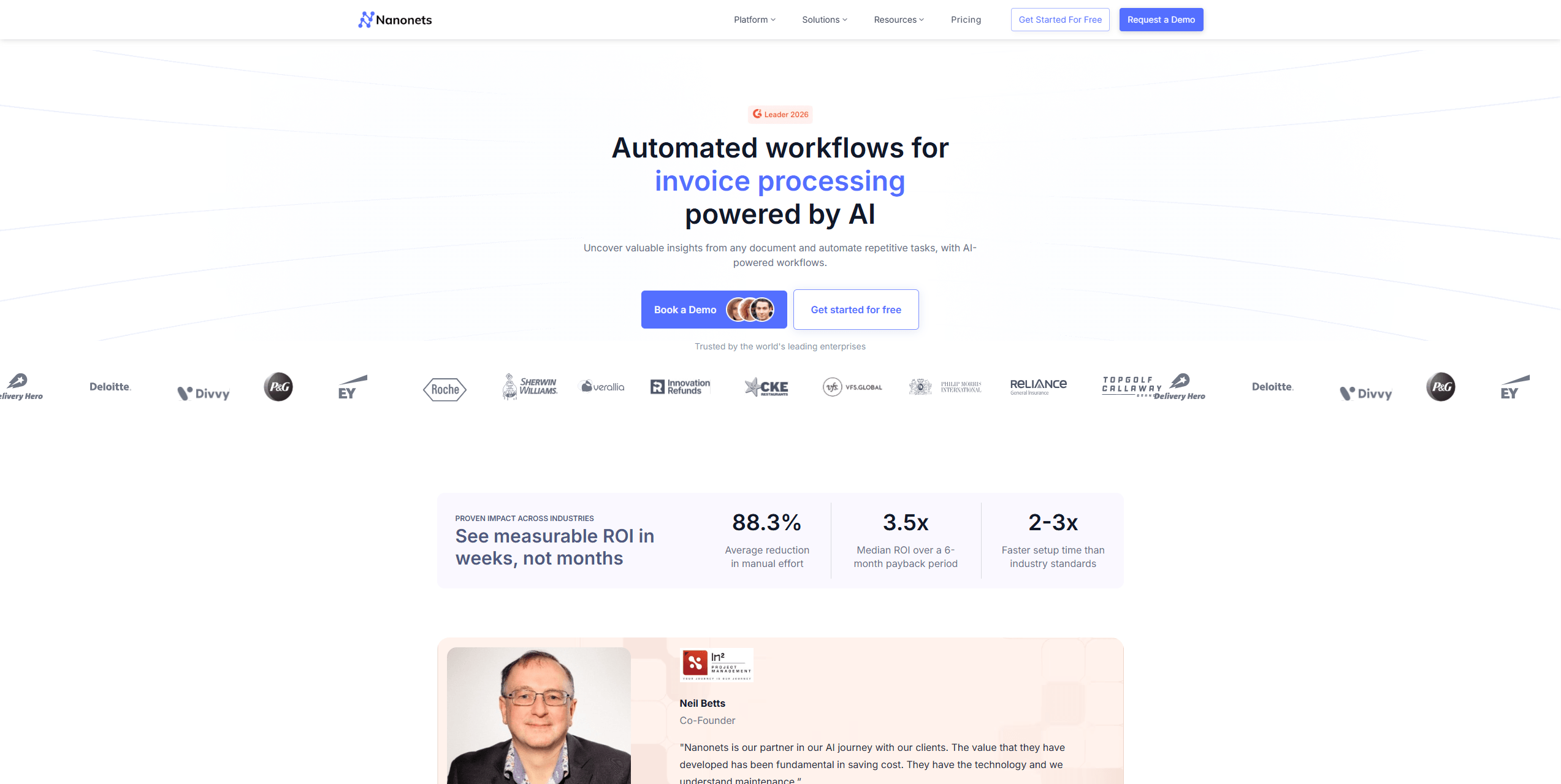
Nanonets provides AI-powered OCR invoice scanning with machine learning for automated categorization and API integration. It supports diverse invoice layouts and can be customized for enterprise workflows. We also find Reddit and G2 users praise Nanonets for its flexibility and AI capabilities. It's worth trying.
The platform requires some initial AI training, but once set up, it significantly reduces manual data entry and ensures consistent results. Its API-first architecture allows seamless integration with major ERP systems.
Key Features:
-
Machine learning-based OCR
-
Auto-categorization of invoice data
-
2-Way/3-Way Matching: Automatically checks invoices against Purchase Orders and GRNs.
-
API-First Architecture: Seamlessly pushes data into SAP, Oracle, or Microsoft Dynamics.
-
Extreme accuracy with handwritten or low-quality scans.
-
Flexible and scalable
-
High adaptability to various invoice formats
-
Reduced manual data entry
-
Handles massive volumes (millions of pages) with ease
-
Initial AI training required
-
Technical setup may be needed.
-
Higher price point, suited for mid-to-large enterprises.
Best For:
Businesses seeking customizable AI for invoice processing solutions with proven accuracy and workflow automation.
How to Create a PDF Invoice
PDF invoice is hardly modified or change without specific PDF editors. So how do we create a new PDF invoice? Keep reading.
READ MORE >BillBjorn
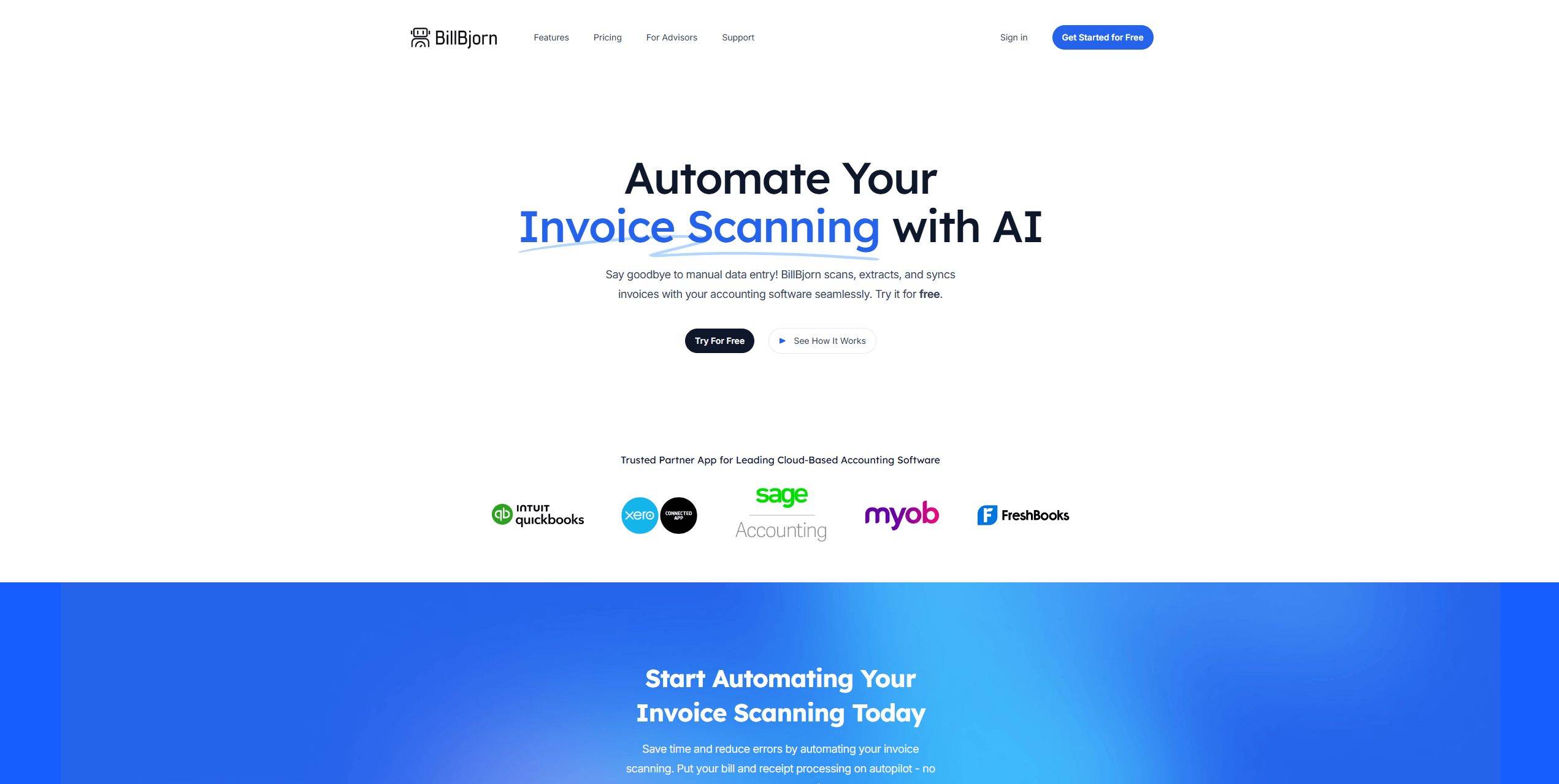
BillBjorn is designed for small to medium businesses and bookkeepers who need speed and simplicity in invoice scanning. Here are some key invoice scanning capabilities:
-
One-Click Sync: Designed primarily to feed data directly into accounting software like Xero, QuickBooks, and Sage.
-
Email Fetching: You can set up a dedicated BillBjorn email address; as soon as a vendor emails an invoice, it’s scanned and queued automatically.
-
Duplicate Detection: A robust engine flags if you've accidentally uploaded the same invoice twice, preventing double payments.
Key Features:
-
Automated data entry and verification
-
Accounting integration and fast processing
-
Automatically extracts vendor names, dates, amounts, and tax details from invoices.
-
Converts physical bills into digital data in seconds.
-
Provides accuracy control by allowing custom extraction rules.
-
Pricing may be high for small teams.
-
Limited ability to handle non-invoice documents
-
Less flexible API compared to Nanonets
Best For:
Global businesses requiring OCR invoice scanning with multi-language and multi-currency support.
Final Words
Adopting automated invoice scanning software is crucial for modern finance operations. From SwifDoo PDF’s affordability to Rossum’s AI-powered accuracy, choosing the right invoice capture software takes your workflow to the next level. Now download and install the SwifDoo PDF OCR tool and make your work easier.


