


Method 1: Use Chegg's Official Trial (The Only Guaranteed Method)
How to unblur Chegg? The first method is its official trial. Chegg doesn't always advertise a free trial, but when it's available, it's the only method that gives you full, unblurred access without any workarounds. If you need multiple Chegg answers free over a short period and feel OK with entering payment details, use Chegg’s free trial.
Note that you need to cancel before the trial ends. Besides, the trial isn’t available in some regions or periods. So, if you can’t unblur text on Chegg, try using a VPN or move to the next method.
- Guaranteed to work
- Full access
- No third-party risk
- Require payment details
- Limited window
- Easy to forget and get charged
How to Unblur Documents on Chegg?
Step 1: Create a Chegg account and start the trial if it's offered in your region.
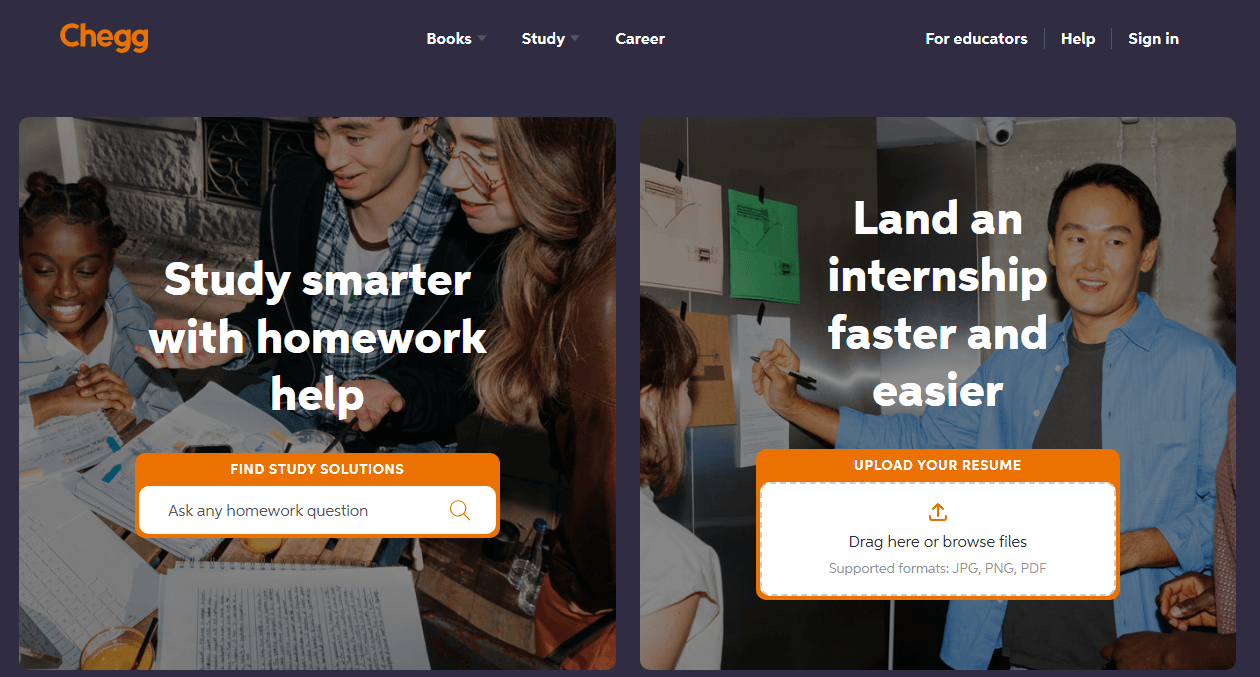
Step 2: Search for the questions you need and copy the answers into a document for later reference.
Step 3: Set a calendar reminder for one day before the trial ends. Chegg will auto-charge $19.95/month if you forget.
The 7 Best Chegg Alternatives in 2025: Websites like Chegg
Are you looking for the best Chegg alternative? Here are 7 websites like Chegg to explore study resources, online tutoring, and more to cater to your needs.
READ MORE >Method 2: Unblur Chegg Answers with Discord Bots
How to see Chegg answers free? Discord bots are the most reliable free way to get Chegg answers in 2026. Two servers stand out: StudyX Homework Help and DropOut University. Those Discord bots can provide a quick answer to a common textbook question. If you're already on Discord and don't mind imperfect matches, follow the next steps to see Chegg answers.
Step 1: Go to Chegg and copy the full question text (not just the URL).
Step 2: Join the StudyX Homework Help Discord server or visit the StudyX website. StudyX reports serving over 6 million students and offers a free tier with limited requests.
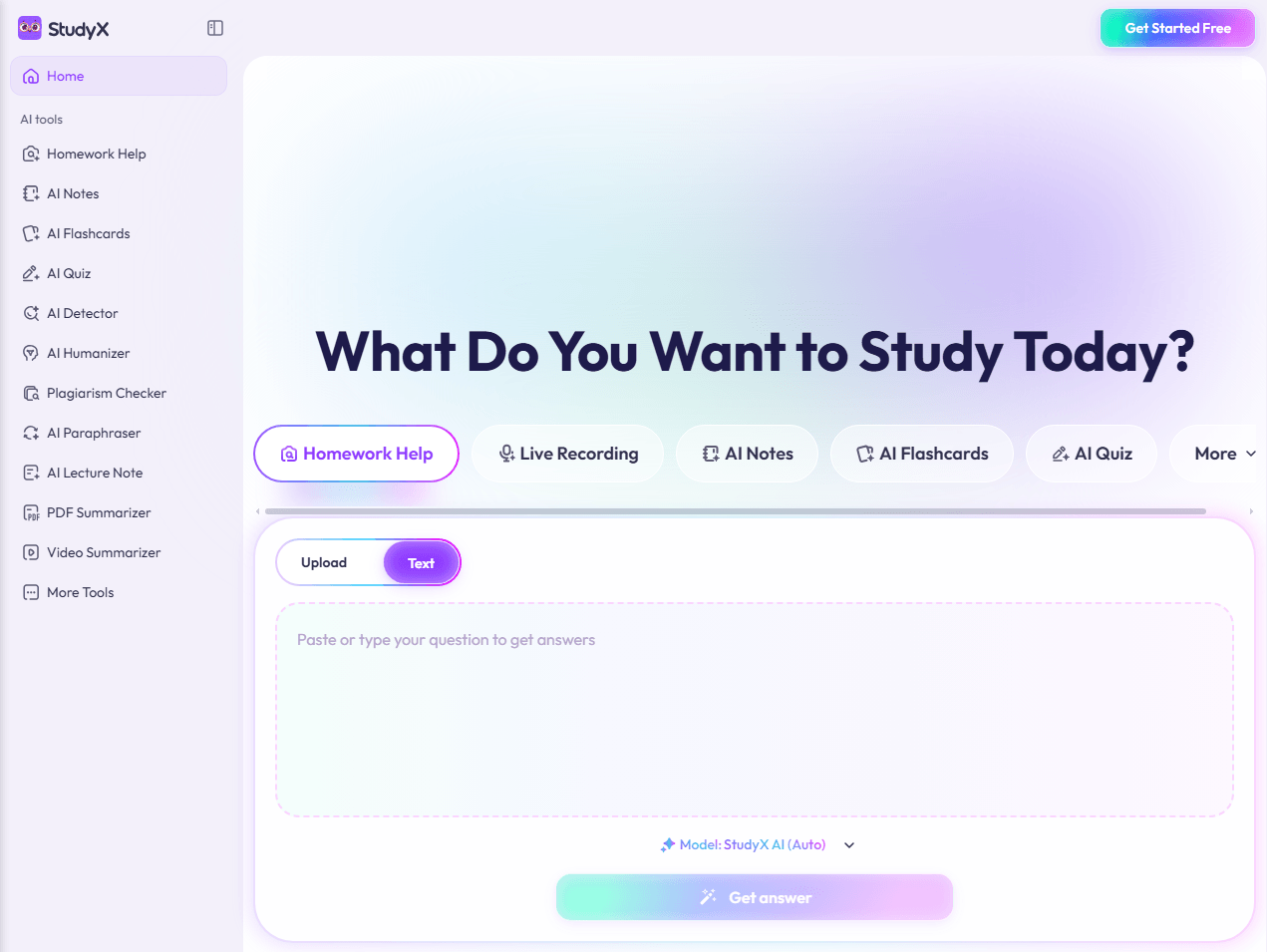
Alternatively, you can join the DropOut University server. According to Discord server tracking, it has around 1,093 members.
Step 3: Paste the question into the designated channel or search field.
Step 4: The bot fetches the answer and returns the Chegg text unblurred.
Method 3: Access Chegg Answers with Browser Extensions
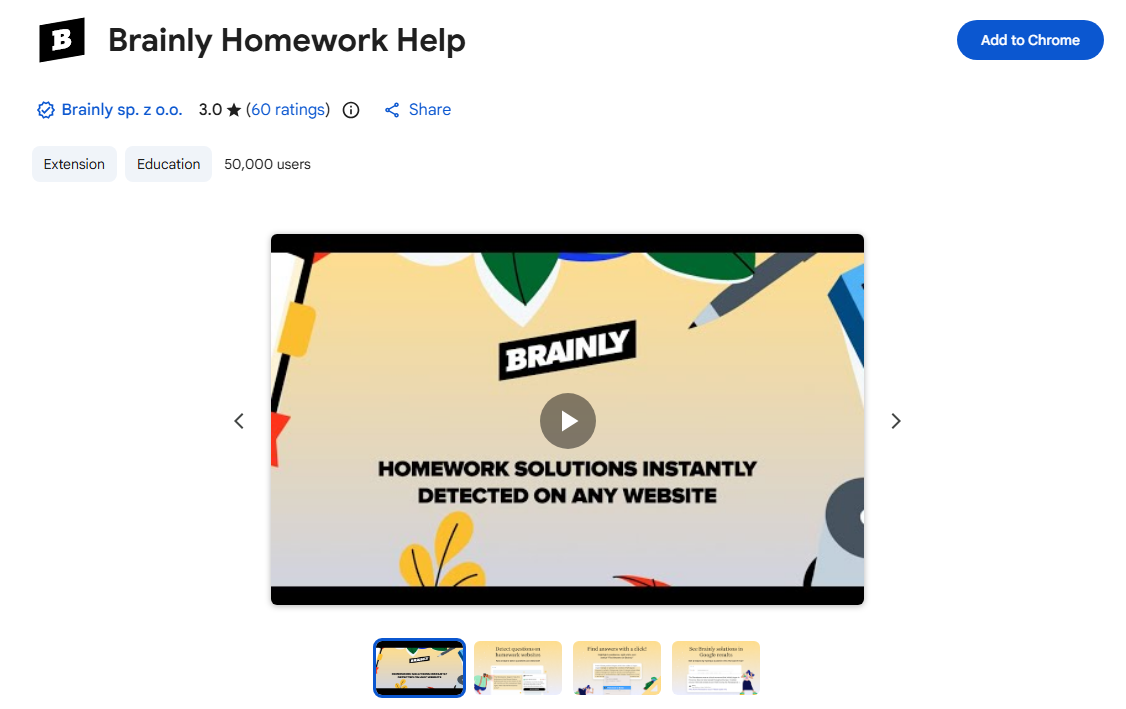
Brainly's Chrome extension is the safest free option to unblur Chegg, which doesn't involve sharing credentials or using Discord. The free Chegg answers may come from a different source.
We just found some community feedback for Brainly’s extension used to unblur Chegg documents:
Brainly's extension has over 50,000 users and advertises a knowledge base of over 250 million answers. However, user reviews on Chrome-Stats are mixed. The extension holds a 2.80 rating from 8 reviews, with complaints about usability and some users reporting they couldn't find the extension after installation. It works, but it's not universally loved.
Step 1: Install the Brainly Homework Help extension from the Chrome Web Store.
Step 2: Open a Chegg question page.
Step 3: Look for the Brainly answer displayed at the top or highlight the question and then use the right-click menu to "Find answer on Brainly."
Method 4: Use Homeworkify Alternatives to Unblur Chegg
Homeworkify was the go-to name for "unblur Chegg" for years. That era is over – the site shut down permanently in July 2024. That’s why people look for a Homeworkify alternative to unblur Chegg today. Now, let’s check the new “Unblur Chegg” options to replace Homeworkify.
- StudyX is the closest functional Homeworkify alternative – a question-answering bot and database, not a scraper. Independent reviews describe it as an "all-in-one AI assistant" with Discord integration and access to a large answer database.
- Reddit's r/CheggAnswers and r/FreeCheggAnswers are communities where users post Chegg question links and get free Chegg answers. Someone with a paid subscription may answer for free. It's not instant, but it works for one-off questions.
- AI tools like ChatGPT or Claude are a different path entirely. You paste the question, and the AI generates an answer. It's not Chegg's answer; it's a new answer. For understanding concepts, it's often better. Appscribed's roundup of Homeworkify alternatives lists Question AI, Tutorly.ai, and Jagoda AI as AI-driven options, but notes they generate answers rather than retrieving Chegg's originals.
![9 Best AI Tools for Students in 2025 [All Levels of Education]](https://img.swifdoo.com/image/best-ai-tools-for-students.webp)
9 Best AI Tools for Students in 2025 [All Levels of Education]
Are you looking for the best AI tools for students? Find the best AI learning and education tools to elevate students’ personalized experiences easily.
READ MORE >If you want to find the best Homeworkify alternatives to unblur Chegg, you need a mix of approaches rather than a single tool. One Reddit user described the ideal setup as "a mix: legal PDFs, AI for explanation, and Discord mentors."
You can use AI to understand the concept, use Discord bots for quick answer checks, and keep your own organized materials for revision.
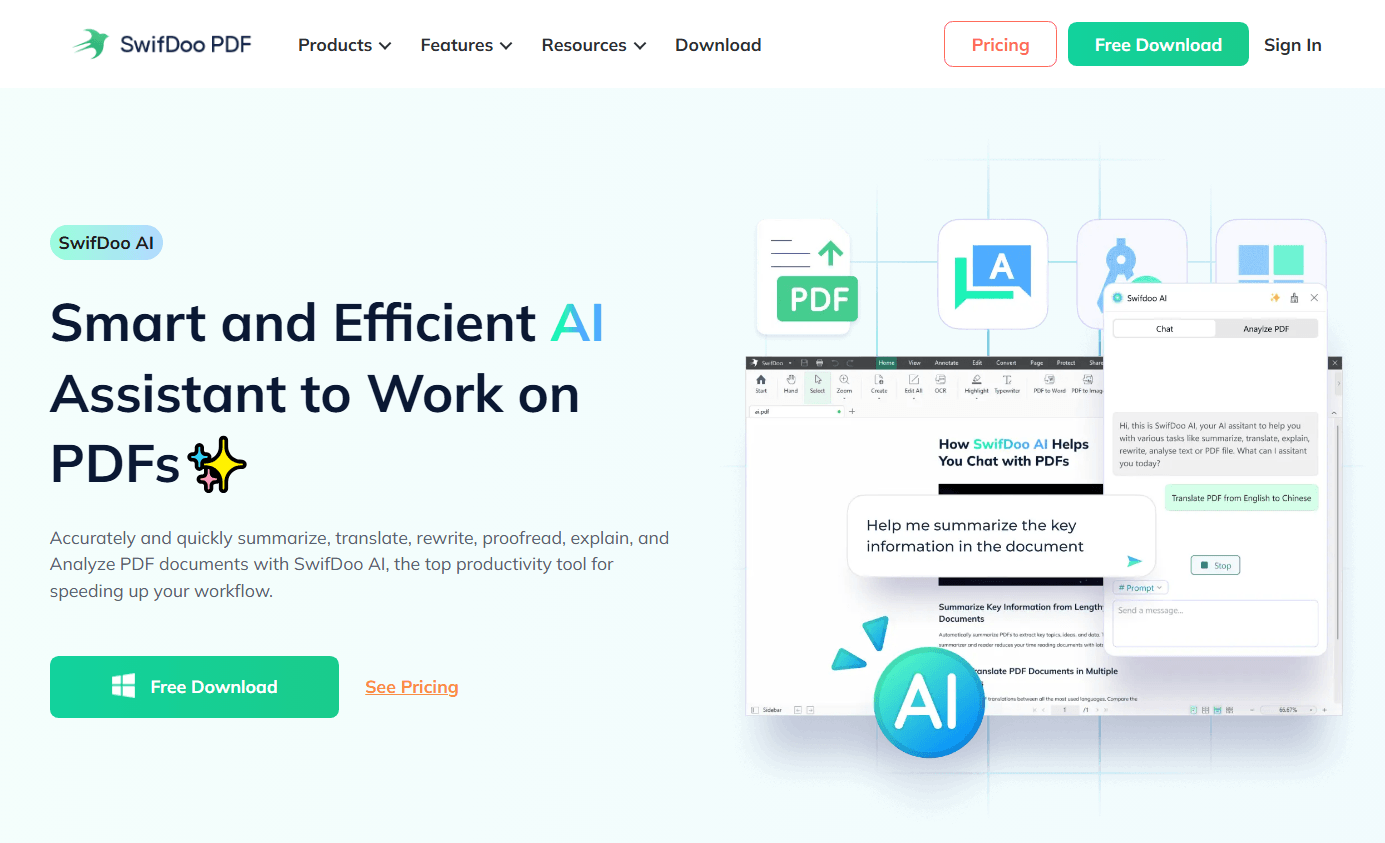
During this process, SwifDoo PDF helps you organize them. Its OCR feature converts scanned PDFs into searchable, editable text. You can merge multiple PDFs into one study packet, compress large files, and annotate with highlights. Most importantly, SwifDoo PDF is integrated with AI to help you understand and summarize the Chegg answers and files.
Method 5: Chegg Downloader and Unlocker Tools: What Still Exists
Are there any working Chegg downloader tools? Most of them are dead or risky. We just found something that claimed to be a working Chegg unlocker, and here’s the honest status.
- chegg-scraper (GitHub): A Python script that saves Chegg questions and answers as HTML. The project hasn't been updated in over two years, and ecosystem tracking notes it was last synced "over 2 years ago." The Cookie requirement means handing your session token to a script, equivalent to giving away your account.
- chegg-solutions-saver (GitHub): A C# scraper with similar functionality. Last updated over three years ago. Same Cookie requirement, same lack of maintenance.
- EinsteinBot (Discord): A Discord bot that once returned Chegg answers. Last updated about three years ago. It may still function intermittently, but it's not actively maintained.
- SUSCHEGG Unlocker (Chrome/Firefox): This one is not free. The Chrome Web Store listing states "Active subscription required - start at just $1!" and the extension hasn't been updated since January 7, 2024. It holds a 2-star rating from 72 reviews. It's a paid service masquerading as an "unlocker" in search results.
A Tip for Handling Chegg Downloaded Files
If you have downloaded Chegg PDF files, try SwifDoo PDF’s Analyse PDF feature especially. Of course, SwifDoo PDF provides basic PDF functions as we mentioned before, such as editing, compression, conversion, merging, and OCR, but here is a wonderful function to complete your Chegg study download process.
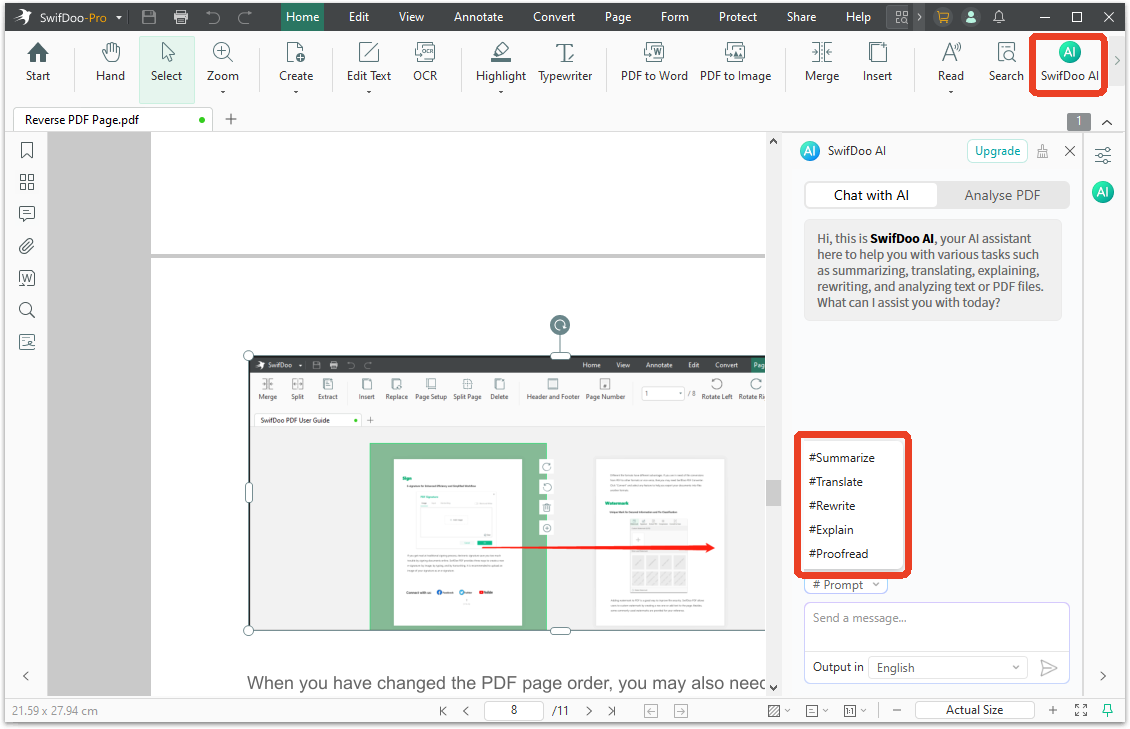
The PDF Analyze function extracts key points, themes, and specific information from the document automatically. For a downloaded answer file you're trying to study, that means you can get a summary of the solution's main steps without re-reading every line.
If a particular explanation still doesn't make sense, copy the confusing section and use the Explain prompt to break it down in simpler terms.
Is Chegg Unblur Safe? A Quick Reality Check
Is Chegg unblur safe? It depends. Some Chegg unlockers that ask for your Chegg Cookie are asking for the keys to your account. If the script is malicious or the developer's server is compromised, your session can be hijacked.
Chegg's Honor Code also explicitly prohibits using their answers to complete assignments without understanding the material, and accounts can be terminated for violations.
For the methods in this guide, the safest options are the ones that don't require your Chegg credentials: the official trial, StudyX, Brainly, and AI tools. Cookie-based Chegg downloader tools are the riskiest.
Conclusion
How to unblur Chegg in 2026? The above five methods can help you see Chegg answers for free. You can pick the method that matches your demands. The trial is safest if you can manage the cancellation. StudyX is the best free bet. Brainly is the safest free bet. And if you're saving study materials legally, SwifDoo PDF helps you keep them organized and searchable, without a Chegg login.


