


Google Messages comes pre-installed on many Android devices as the default SMS and RCS app, providing smooth texting, media sharing, and rich chat features. It works for most users, but others look for apps with advanced privacy controls, customizable features, or cross-platform support. This is why users are increasingly exploring Google Messages alternatives suited to their messaging needs.
Why Consider Google Messages Alternatives
Google Messages is a reliable choice for simple SMS. However, messaging apps have grown into powerful platforms with many advanced features. Consequently, many users turn to apps that deliver a secure and seamless communication experience. Here’s a list of the common reasons:
- Make voice and video calls directly in the app.
- Send messages on Android, iPhone, and desktop without SMS restrictions.
- Join large groups, explore channels, use bots, and share media easily with advanced features.
- Change themes, layouts, and chat settings to fit your style.
- Send bigger files without strict limits.
- Experience less advertising and reduced data tracking.
- Get full end-to-end encryption to keep messages safe and private.
5 Best Alternatives to Google Messages
If you’re looking for a change, numerous robust apps can serve as alternatives to your default messaging app. Here is a list of the five leading alternatives to Google Messages.
#1. WhatsApp
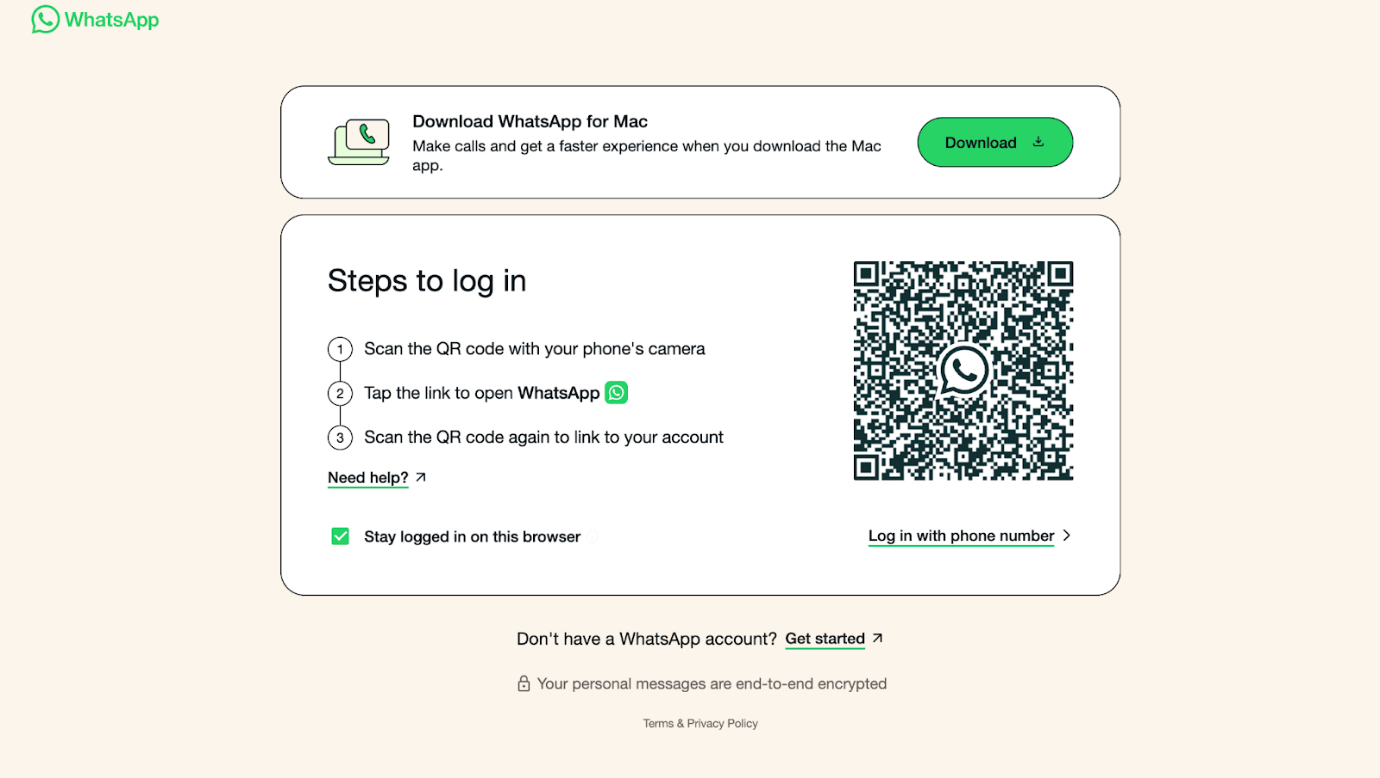
WhatsApp emerges as a secure Google Messages alternative for both messaging and calls. It offers free chats, calls, and group messaging. In addition, you can quickly and safely send PDFs on WhatsApp. Overall, many users see it as one of the messaging apps better than Google Messages.
Main Features of WhatsApp
- Chat with multiple people at once
- End-to-end encryption for messages, calls, and media
- Voice messaging and status updates
- Tailored chat backdrops, custom message alerts, and disappearing message options
- Extra account protection with two-step verification
Pros:
- Supports voice, video calls, and group chats
- Allows sharing of documents, photos, locations, and large files (up to 2 GB)
- Works on Android, iOS, and desktop
- Free messaging and calling over the internet
Cons:
- Requires a phone number to register
- Limited customization compared to some apps
#2. Telegram
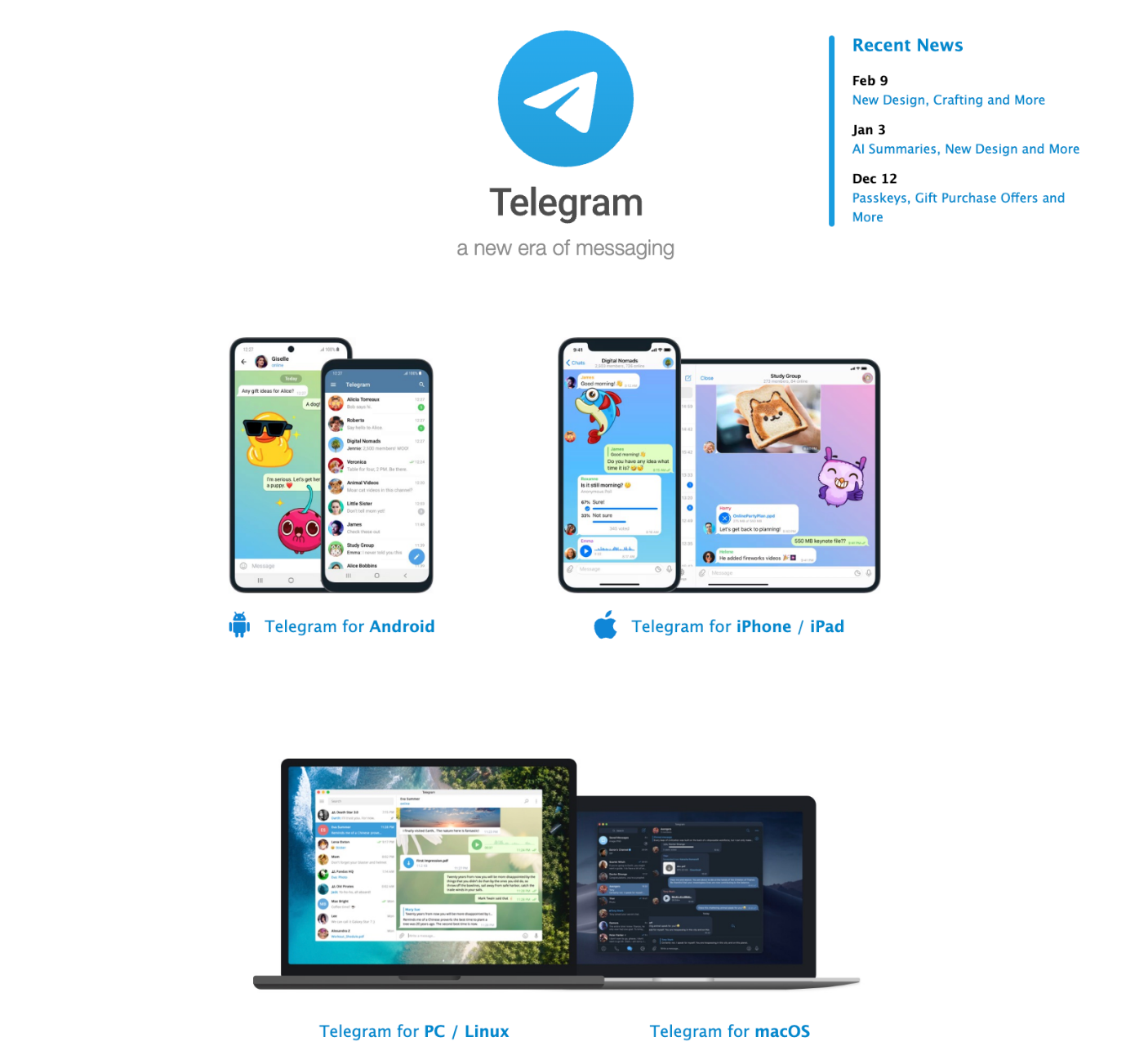
Telegram is a fast, easy-to-use messaging app used worldwide. It keeps your messages in the cloud so you can view them on any device. In addition, it supports large group chats and quick file sharing. Overall, users enjoy its speed and flexibility.
Key Features of Telegram
- Keep conversations up to date on all devices.
- Supports groups up to 200,000 members and unlimited channels.
- Include animated stickers, custom themes, voice messages, and video calls.
- Secret Chats offer end-to-end encryption only in that mode.
- Features automated bots, theme personalization, and call functions.
Pros:
- Store files in the cloud to free up device space
- Connect with large groups and channels easily.
- Transfer files up to 2GB in size
- Use across all your devices at the same time.
Cons:
- Might take time for new users to get used to
- End-to-end encryption is not enabled by default
#3. Signal
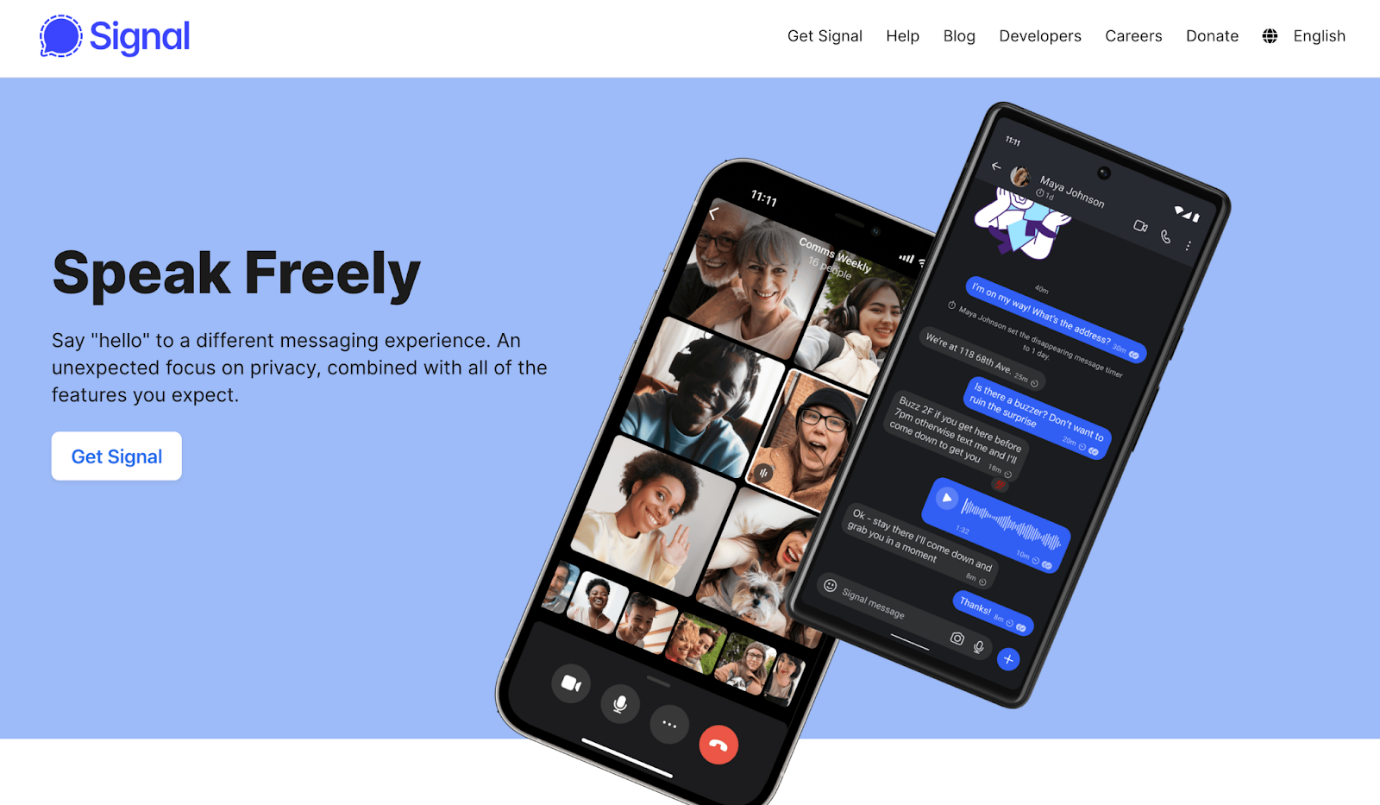
Signal is a secure and simple messaging app focused on privacy. It protects all chats and calls with end-to-end encryption by default. In addition, it collects very little user data. Therefore, many people choose it for safe, private, and distraction-free communication every day.
Top Features of Signal
- Saves data and keeps your chats ad-free
- Encrypts communications using the open-source Signal Protocol
- Restricts capturing screenshots on supported devices to protect privacy
- Supports high-quality voice and video calls
- Allows setting a timer for messages to vanish
Pros:
- Minimal storage app that works smoothly on phones, tablets, and desktops
- Supports groups with up to 1000 members
- Enjoy a clean, ad-free, and tracker-free experience
- Open-source, so you can see how it works
Cons:
- Smaller user base compared to popular apps
- Fewer social and entertainment features
#4. Facebook Messenger
A top messaging platform, Facebook Messenger connects with Facebook accounts. Message friends, call, video chat, and join group chats with ease. In addition, you can quickly send PDFs in Messenger, helping with work and everyday conversations.
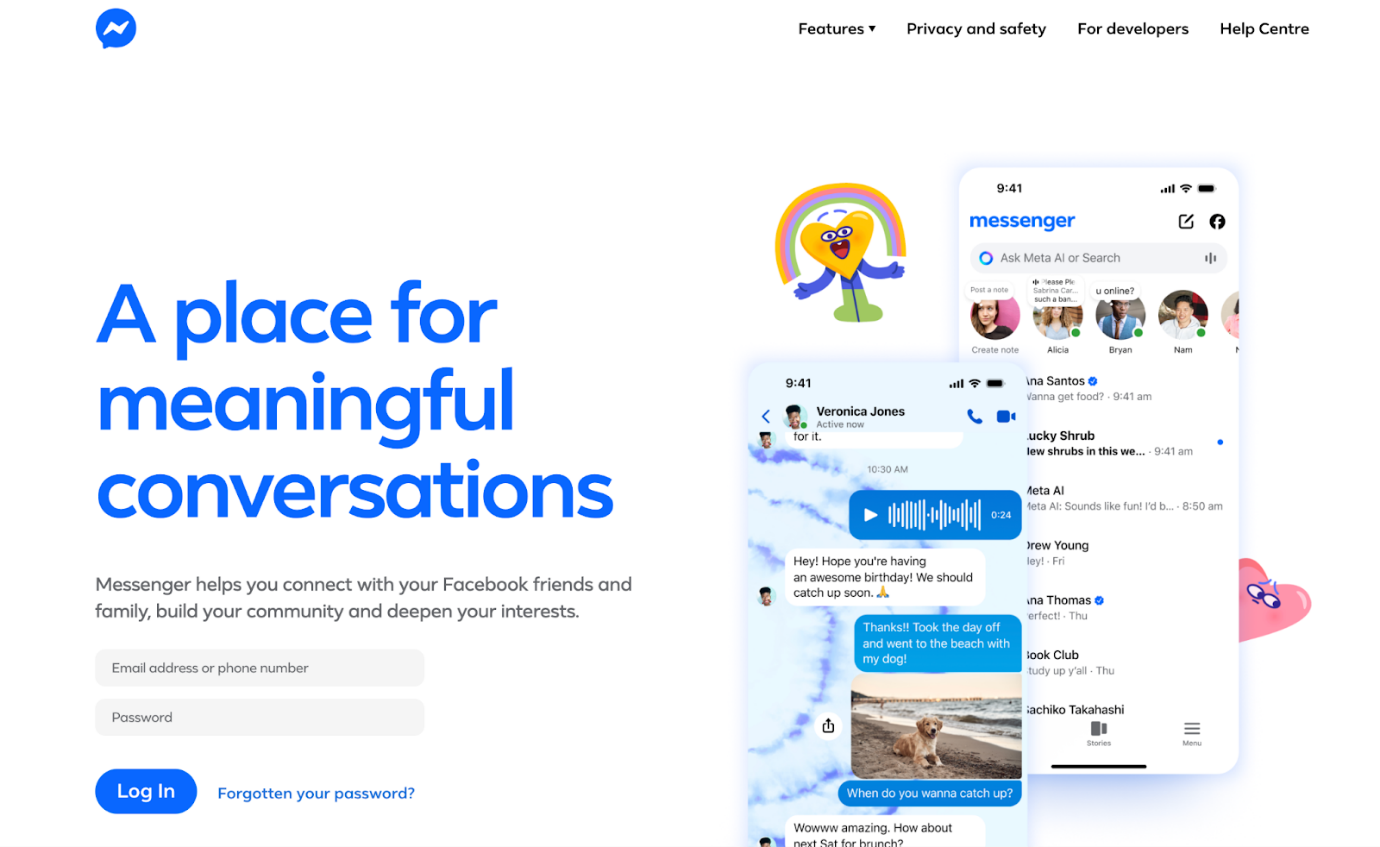
Several Features of Facebook Messenger
- Send messages fast and easily
- Quickly share media, stickers, audio, and files, including PDFs
- React with emojis to messages instantly
- Switch between Facebook accounts smoothly
- Supports games, location sharing, and QR codes for adding new connections
Pros:
- Free communication via the internet data
- Connects with over 2 billion active Facebook users
- Works as a standalone app for Android, iOS, and desktop
- Allows to view messages even when not connected to the internet
Cons:
- Contains ads and sponsored content
- Can consume more storage and data compared to lighter apps
#5. Viber
Viber is a reliable alternative to Google Messages for those seeking more than standard texting and RCS functions. It offers free text messaging, high-quality voice and video calls, group chats, and fun stickers across devices. With strong encryption and customizable conversations, Viber offers a secure, adaptable way to stay connected.
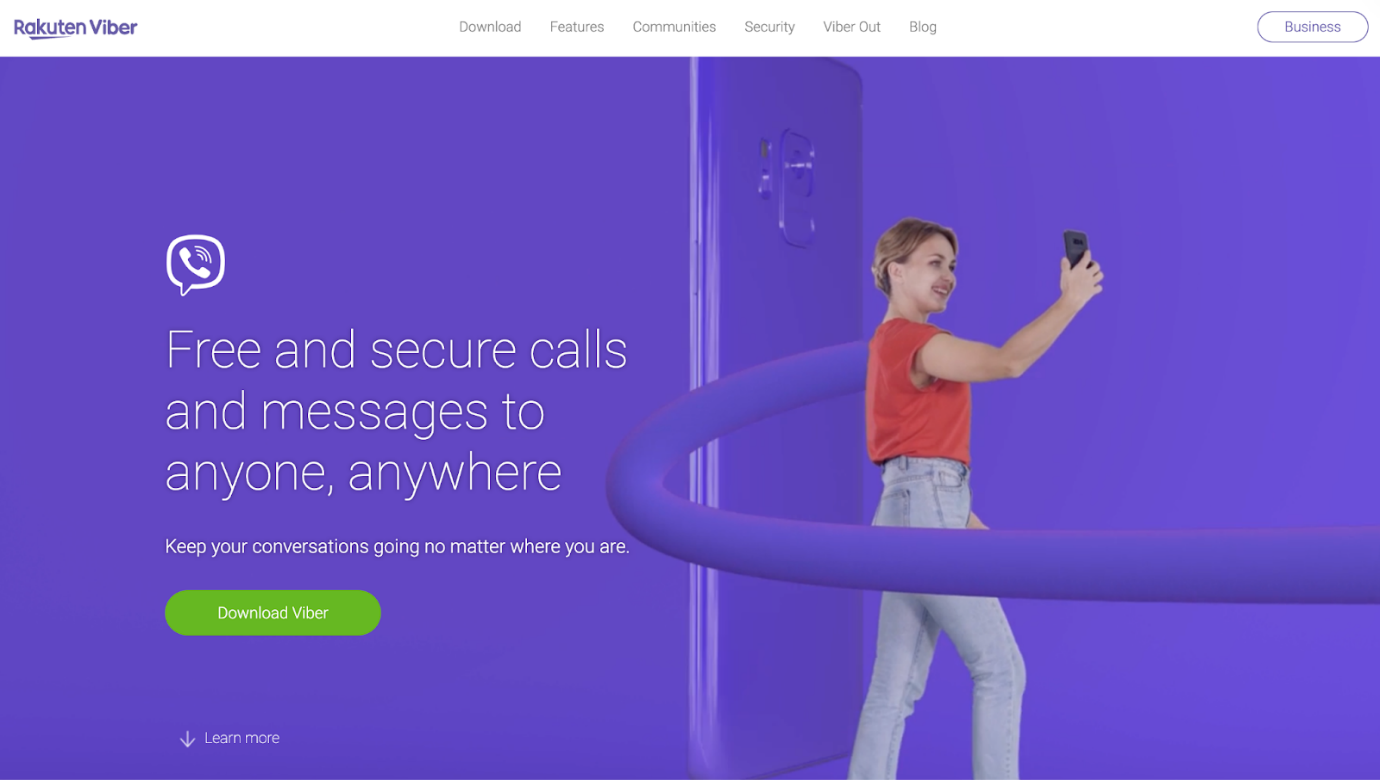
Major Features of Viber
- Large group chats (up to 250 members) and public Communities for broadcasting.
- File and media sharing (photos, videos, documents).
- Stickers, GIFs, and message reactions.
- Offers free, high-quality audio and video calls.
- Cross-platform support (Android, iOS, desktop).
Pros:
- Secures all connections with HTTPS, protecting your messages and data in transit
- Offers extra features beyond basic messaging
- Encryption in transit for business messages keeps communications secure
- Does not store messages on its servers, keeping your chats private
Cons:
- High battery consumption on phones
- Files are only accessible for 30 days, then become unusable
How to Choose the Right Alternative to Google Messages
The best Google Messages alternative varies based on your individual needs and preferences. Thus, keeping a few important factors in mind can help. The following practical tips can assist you in finding the right app for regular messaging needs.
- Prioritize Your “Why.”: Determine your key motivation for changing apps.
- Evaluate Features: Choose an app whose tools—bots, channels, file sharing, or a straightforward secure interface—fit your daily routines.
- Check Privacy Policies: For secure messaging, choose apps with built-in encryption and robust privacy features.
- Opt for Cross-Platform Support: Go for a cross‑platform messaging app to stay in touch across all your devices.
- Assess File Sharing Limits: Choose apps that make sharing documents or large PDFs easier.
- Evaluate Call Features: Select messaging apps that support voice and video calls for seamless interaction.
- Consider Customization Options: For a messaging experience that feels personal, choose apps with themes and chat customization.
Bottom Line
The best alternative to Google Messages varies according to your needs, from privacy and file transfers to managing group chats. Messaging apps such as WhatsApp, Telegram, Signal, Messenger, and Viber offer distinct features. By weighing privacy, ease of use, and tools, you can select an app for faster, safer, and easier messaging.



