Thanks to its deep integration with Word, Excel, Outlook, PowerPoint, and Windows, Copilot is a powerful productivity tool for both individuals and businesses. However, it is not a perfect AI assistant for everyone. Sometimes, you may need an AI assistant with stronger writing capabilities, better research features, or others. Fortunately, there are a variety of Copilot competitors that can meet your needs. In the following content, I will introduce you to the 6 best Copilot alternatives.
Quick Comparison of the Best Microsoft Copilot Alternatives
Before delving into the details of each Microsoft Copilot alternative, you can refer to the quick comparison table and make a quick choice.
|
AI Tool |
Best For |
Free Plan |
Starting Price |
Platform |
|
Claude |
Writing, reasoning, document analysis |
Yes |
Paid plan available |
Web, iOS, Android |
|
ChatGPT |
All-purpose AI assistant |
Yes |
Paid plan available |
Web, desktop, mobile |
|
Gemini |
Google Workspace productivity |
Yes |
Paid plan available |
Web, Android, iOS |
|
Perplexity |
AI-powered search and research |
Yes |
Paid plan available |
Web, iOS, Android |
|
GitHub Copilot |
Coding and software development |
Limited |
Paid |
Visual Studio Code, JetBrains, Neovim, Visual Studio |
|
Poe |
Access to multiple AI models |
Yes |
Paid plan available |
Web, iOS, Android |
The 6 Best Microsoft Copilot Alternatives
In this section, I’d like to introduce you to the 6 best Microsoft Copilot alternatives. Let’s check them one by one.
#1. Claude – Best Overall Microsoft Copilot Alternative

If you're looking for an AI assistant with exceptional reasoning, natural writing, and powerful document analysis, Claude is arguably the best alternative to Microsoft Copilot.
Claude is particularly good at understanding complex instructions and maintaining context across lengthy conversations. Claude vs Copilot: which one should you choose? You should make the choice based on your needs.
Key Features of Claude:
- Excellent long-form writing
- Advanced reasoning and problem-solving
- Large context window for lengthy documents
- PDF and document analysis
- Code generation and debugging
- File upload and summarization
Pros of Claude:
- Produces natural, human-like writing
- Handles large documents with ease
- Strong coding and technical explanations
- Great for brainstorming and editing
- Free plan available
Cons of Claude:
- No native Microsoft 365 integration
- No built-in AI image generation
- Some advanced models require a paid subscription
Why Choose Claude Over Copilot?
If you frequently work on writing, research, document analysis, or complex reasoning, Claude is the better choice than Copilot.
- Summarize PDFs
- Analyze PDFs
- Translate PDFs
- Edit PDFs
- Convert PDFs to and from various formats
- ...
Windows 11/10/8.1/7/XP
#2. ChatGPT – Best All-Around AI Assistant
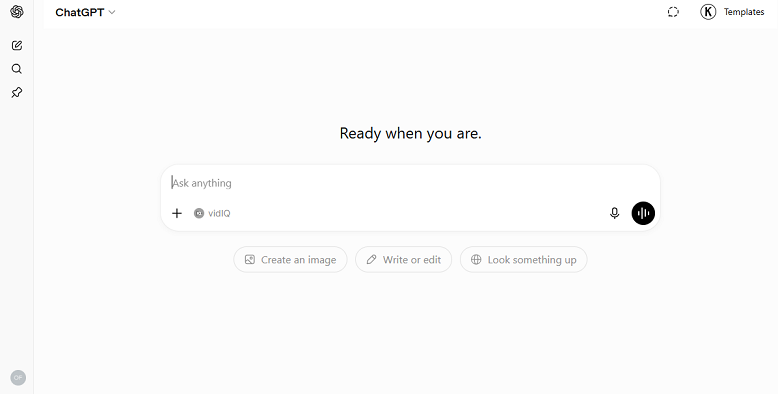
If you are looking for a versatile AI assistant that can handle almost anything, ChatGPT remains one of the strongest competitors to Copilot. It combines conversational AI with tools for writing, coding, brainstorming, data analysis, and web browsing.
Key Features of ChatGPT:
- High-quality writing assistance
- Coding support
- Supports generating images
- Allows browsing webs
- Analyzes data and documents
- Custom GPTs for specialized workflows
Pros of ChatGPT:
- Excellent all-purpose AI assistant
- Strong reasoning and coding abilities
- Wide range of built-in tools
- Available across web, desktop, and mobile
- Generous free version
Cons of ChatGPT:
- Some advanced features require a paid subscription
- Responses may vary depending on the selected model
Why Choose ChatGPT Over Copilot?
If you need an AI assistant that performs well on writing, coding, brainstorming, and productivity, ChatGPT is a good choice. However, if you rely on Microsoft 365, still use Copilot.
#3. Gemini – Best for Google Workspace Users
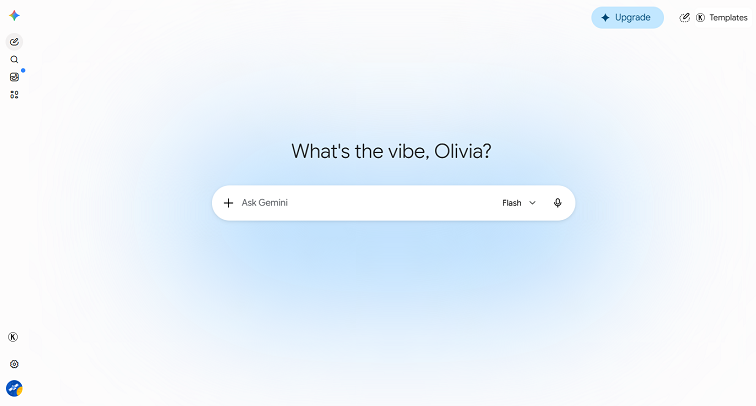
Built by Google, Gemini integrates naturally with Google Workspace. Hence, if your workflow centers on Gmail, Google Docs, Google Sheets, and Google Drive, Gemini is one of the best alternatives to Microsoft Copilot. It can help you draft emails, summarize PDFs and other documents, organize information, and answer questions directly within Google’s ecosystem.
Key Features of Gemini:
- Integrates with Google Workspace
- Supports real-time web information
- Offers writing and researching assistance
- Generates images
- Powerful coding assistant
- Analyzes files, images, videos, etc.
Pros of Gemini:
- Excellent for Google users
- Strong integration with Gmail, Docs, and other Google Workspace
- Fast access to current information
- Free version available
Cons of Gemini:
- Some advanced Workspace features require a subscription
Why Choose Gemini Over Copilot?
If you spend most of your time using Google Workspace instead of Microsoft Office, Gemini is the better option.
#4. Perplexity – Best AI Search and Research Assistant
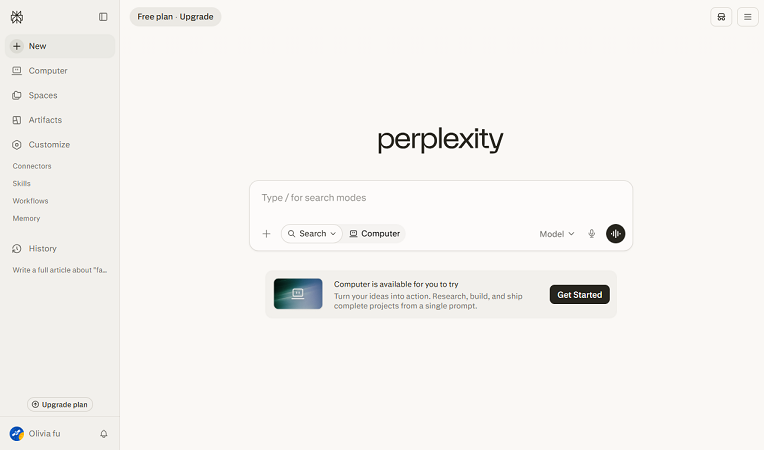
Unlike other Copilot alternatives, Perplexity is not a traditional AI chatbot. It focuses on delivering accurate answers backed by web sources. What’s more, it excels at searching the internet, summarizing information, and citing references, making it especially valuable for researchers, journalists, students, and professionals who need trustworthy information.
Key Features of Perplexity:
- Offers answers with clickable sources
- Allows uploading PDFs, images, and other files for summarization
- Offers voice search and assistant capabilities on the mobile app
- Image and video generation on Perplexity Pro plans
- Combines large language models with real-time web search
Pros of Perplexity:
- Excellent research capabilities
- Provides source references
- Fast access to current information
- Simple interface
- Strong free version
Cons of Perplexity:
- Less focused on creative writing
- Productivity features are more limited than Copilot
Why Choose Perplexity Over Copilot?
If your primary purpose is to find reliable information quickly rather than generating Office documents, Perplexity is the better choice.
#5. GitHub Copilot – Best for Developers
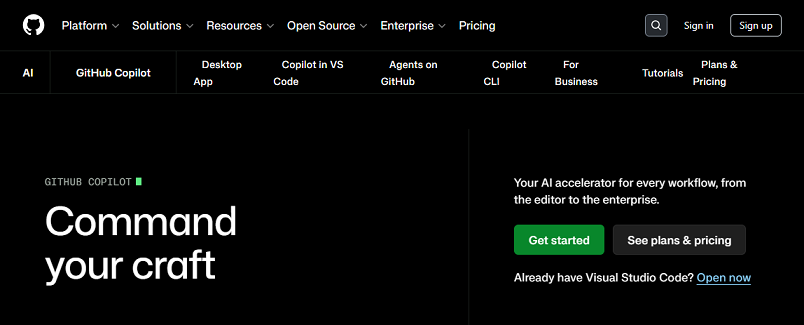
Although it shares the "Copilot" name, GitHub Copilot is a separate product specifically designed for software development. What’s more, it can directly integrate into popular code editors to provide real-time code suggestions, completions, and programming assistance.
Key Features of GitHub Copilot:
- Offers answers with clickable sources
- Allows uploading PDFs, images, and other files for summarization
- Offers voice search and assistant capabilities on the mobile app
- Image and video generation on Perplexity Pro plans
- Combines large language models with real-time web search
Pros of GitHub Copilot:
- Offers answers with clickable sources
- Allows uploading PDFs, images, and other files for summarization
- Offers voice search and assistant capabilities on the mobile app
- Image and video generation on Perplexity Pro plans
- Combines large language models with real-time web search
Cons of GitHub Copilot:
- Primarily useful for programmers
- Requires a subscription for most users
- Less suitable for general writing or research tasks
Why Choose GitHub Copilot Over Microsoft Copilot?
If your primary use case is coding, GitHub Copilot offers a much more specialized development experience. Meanwhile, its deep integration with IDEs allows developers to write, review, and refactor code far more efficiently than Copilot and other general-purpose productivity assistants.
#6. Poe – Best for Accessing Multiple AI Models
If you enjoy experimenting with different AI models rather than relying on a single assistant, Poe is an excellent alternative to Microsoft Copilot. It combines multiple AI models into a single interface, allowing you to switch between them depending on the task. Hence, it is easy to compare responses for writing, coding, or research without subscribing to multiple services.
Key Features of Poe:
- Access to multiple AI models
- AI chatbots for different purposes
- Fast, intuitive interface
- Cross-platform support
- Custom bot creation (supported plans)
Pros of Poe:
- Multiple AI models in one place
- Easy to compare responses
- Cross-platform ecosystem
- Multi-bot testing and prompt comparison
- Free plan available
Cons of Poe:
- Complex compute points system
- Lacks first-party native features
- Advanced features require a subscription
Why Choose Poe Over Copilot?
If you want flexibility rather than being tied to one AI model, Poe offers a unique experience that Microsoft Copilot doesn't.
Microsoft Copilot vs Its Top Alternatives
Among the 6 Copilot alternatives, Claude, ChatGPT, Gemini, and Perplexity are main competitors. Below is a comparison table of Copilot and its 4 main competitors.
|
Feature |
Copilot |
Claude |
ChatGPT |
Gemini |
Perplexity |
|
Writing |
⭐⭐⭐⭐☆ |
⭐⭐⭐⭐⭐ |
⭐⭐⭐⭐⭐ |
⭐⭐⭐⭐☆ |
⭐⭐⭐⭐☆ |
|
Reasoning |
⭐⭐⭐⭐☆ |
⭐⭐⭐⭐⭐ |
⭐⭐⭐⭐⭐ |
⭐⭐⭐⭐☆ |
⭐⭐⭐⭐☆ |
|
Coding |
⭐⭐⭐⭐☆ |
⭐⭐⭐⭐⭐ |
⭐⭐⭐⭐⭐ |
⭐⭐⭐⭐☆ |
⭐⭐⭐☆☆ |
|
Web Search |
⭐⭐⭐⭐⭐ |
⭐⭐⭐⭐☆ |
⭐⭐⭐⭐⭐ |
⭐⭐⭐⭐⭐ |
⭐⭐⭐⭐⭐ |
|
Document Analysis |
⭐⭐⭐⭐☆ |
⭐⭐⭐⭐⭐ |
⭐⭐⭐⭐⭐ |
⭐⭐⭐⭐☆ |
⭐⭐⭐⭐☆ |
|
Microsoft 365 Integration |
⭐⭐⭐⭐⭐ |
⭐☆☆☆☆ |
⭐⭐⭐☆☆ |
⭐⭐☆☆☆ |
⭐☆☆☆☆ |
|
Google Workspace Integration |
⭐⭐☆☆☆ |
⭐☆☆☆☆ |
⭐⭐⭐☆☆ |
⭐⭐⭐⭐⭐ |
⭐⭐☆☆☆ |
|
Best For |
Office productivity |
Writing & reasoning |
All-purpose AI |
Google users |
Research |
Conclusion
Microsoft Copilot is an excellent AI productivity assistant. However, it is far from the only option available. In the content above, I introduce you to 6 good alternatives to Copilot. You can select the right Copilot alternative based on your needs. Among them, Claude is the best overall alternative. If you often work with Google Workspace, Gemini can be the best choice. All in all, make the choice as needed.