1. NaturalReader
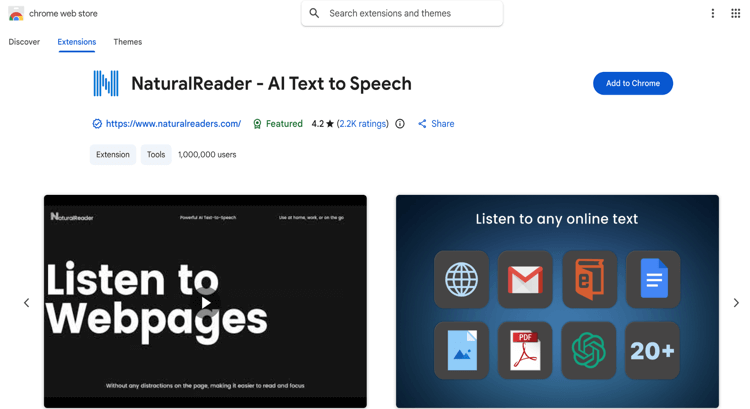
NaturalReader is an AI-powered free text-to-speech Chrome extension for Android/iOS mobile and Windows/Mac computers. The tool pairs an easy toolbar player with top-quality AI voice and a generous free tier. This popular AI text reader extension for Chrome also enables cross-device listening, working with its web and mobile apps for an enriching listening experience. With advanced neural voices, you can customize speed, pitch, and highlighting to suit your preferences.
Key Features:
- Works seamlessly on webpages, PDFs, Google Docs, and even the Kindle web reader.
- Provides 50 voice options in 20 languages, with free, premium, and plus tiers.
- Provides advanced compatibility with any website, Gmail, Outlook, Google Docs, PDFs, and Kindle Books.
- Enables you to download your file into MP3 audio so you can listen without a Wi-Fi connection or cellular service.
- User-friendly features to read and highlight words and do more in just one click.
2. Speechify
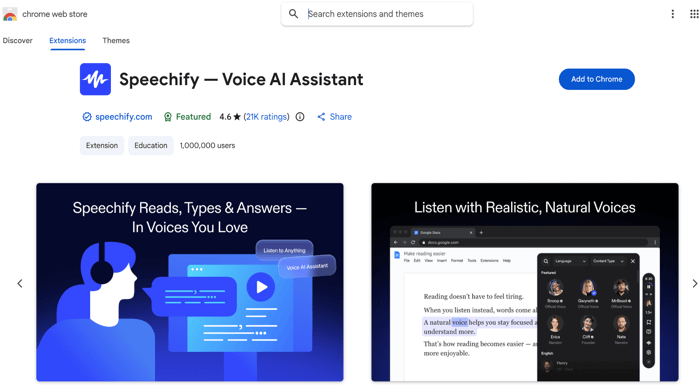
Speechify is yet another of the best free text-to-speech Chrome extensions. Speechify is free on Chrome for basic features like natural-sounding AI voices, speed control, and text highlighting. The floating player automatically appears when text is detected, so you can listen without switching tabs. Speechify can also estimate your read time, add shortcuts to listen, and help you sync and listen effortlessly across any device.
This text-to-speech Google extension fits perfectly into your workflow and lets you listen to anything.
Key Features:
- AI PDF voice reader with versatile options to help users customize their listening experience.
- Listen to emails, articles, Google Docs, and more seamlessly on Chrome.
- Provides lifelike AI voices that make listening more engaging, clear, and easy to understand.
- Enables adjusting the playback speed for a smoother, more personalized listening experience.
- Supports reading along with text highlighting, making it easier to stay engaged and improve comprehension.
3. Read Aloud: A Text-to-Speech Voice Reader
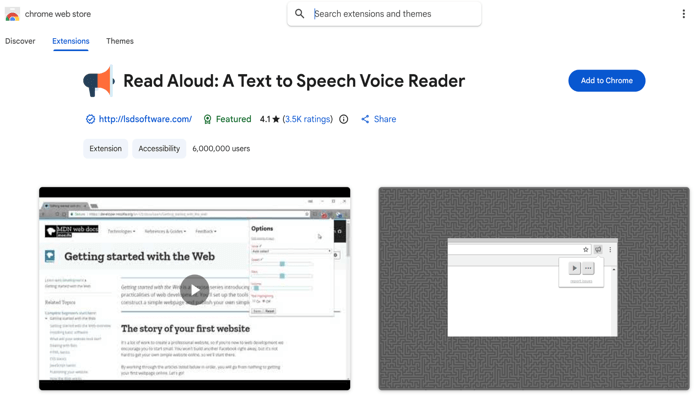
Read Aloud is an open-source, free text-to-speech reader Chrome extension that enables anyone to make changes. Whether you need to read PDFs, webpages, Google Docs, Google Play Books, Amazon Kindle, or EPUBs, Read Aloud handles everything. It can use built-in browser voices or connect to premium cloud engines like Google WaveNet, Amazon Polly, IBM Watson, Microsoft Azure, and even OpenAI.
You can also get the best text-to-speech Chrome extension's free version and bring your own API key.
Key Features:
- Enables you to read PDFs aloud with AI voices you can purchase from cloud providers.
- Provides multiple TTS voices, including external AI voice providers.
- Allows you to change the voice, reading speed, pitch, or enable text highlighting.
- Includes buttons to increase/decrease the size of the popup window, the font size, and toggle dark mode.
- Works on a variety of websites, including news sites, blogs, fan fiction, publications, textbooks, schools, and course materials.
4. Voice Out
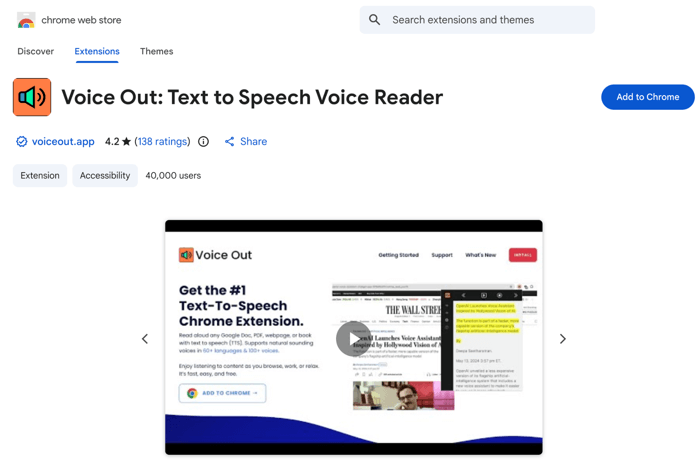
Voice Out is also the best free text-to-speech extension for Chrome with advanced technology. With support for more than 30 languages, it lets you read any webpage, article, official document, Google Doc, PDF, or book with 130 natural-sounding voices. Voice Out’s powerful AI technology automatically identifies and reads the main content on any webpage. You can even adjust the speed, pitch, and volume of the speech to match your personal or environmental needs.
Now, read aloud various documents with the Voice Out text-to-speech Chrome extension.
Key Features:
- Supports voices from Google, OpenAI, Microsoft, and Amazon, making it one of the best text-to-speech software.
- It lets users highlight the text for reading aloud in one click.
- Integrates seamlessly with all major text formats.
- Easy to activate in one click for direct use on any webpage.
- Enables you to tailor every reading to sync with your preferences.
5. @Voice Aloud Reader (TTS)
.png)
If you’re still looking for the best free read-aloud Chrome extension for text-to-speech, Voice Aloud Reader can catch your attention. It is one of the best Chrome text-to-speech extensions for reading technical documents and Open Text. It is also the best EPUB reader for Android, and the app reads PDF, DOC, DOCX, RTF, OpenOffice, and HTML files. Users appreciate Voice Aloud Reader for its user-friendly design, robust multilingual support, and seamless multitasking.
Key Features:
- It lets you read aloud everything on screen with the extension for Chrome for free.
- Offers unique voice-changing capabilities for dialog.
- Provides reliable performance for long documents.
- Supports background reading and listening while using other apps.
- Advanced features like customizable speech, sleep timer, and bookmarks & navigation.
6. ChatGPT Reader & Transcriber
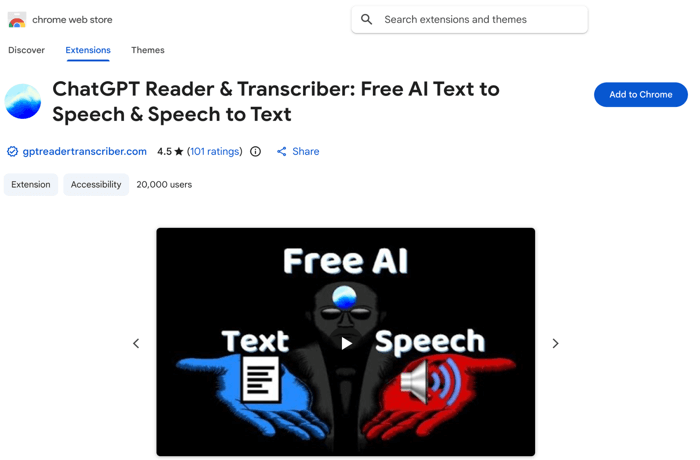
Lastly, we have the ChatGPT Reader & Transcriber Chrome extension to read text aloud instantly with ease. It is a free text-to-speech browser extension for Chrome, Firefox, and Edge that lets you save high-quality speech as an audio file for offline listening. Whether reading Google Docs, PDFs, EPUBs, or custom text, GPT Reader delivers natural speech instantly. Additionally, it leverages OpenAI’s voices to deliver clear, smooth, and natural-sounding narration.
Key Features:
- Versatile text-to-speech add-on for Chrome that enables Live transcription, File transcription, and download transcription for free.
- Allows you to adjust speed, pause, rewind, and play at your preferred pace.
- Save high-quality speech as an audio file for offline listening.
- Supports multiple inputs, such as pasting text or uploading documents.
- Read aloud any text instantly (supports web and file uploads).
A Bonus PDF Text-to-Speech Software for Windows
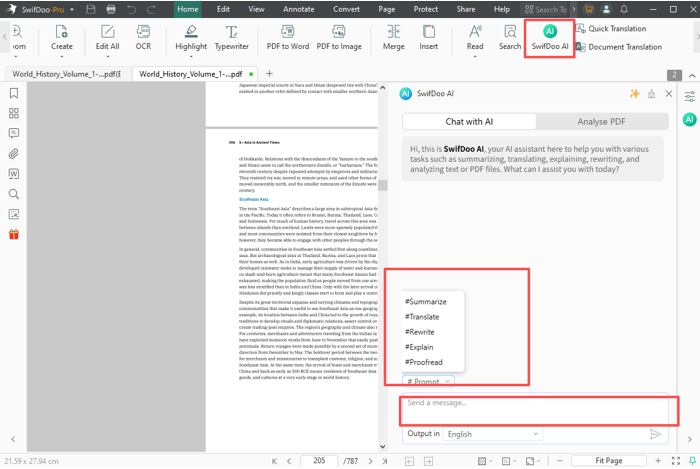
If you need more advanced document editing or a richer reading experience, using a PDF reader rather than a Google PDF text-to-speech Chrome extension is recommended. Desktop software provides enhanced control, customization, and seamless performance for larger or more complex files. SwifDoo PDF delivers unmatched efficiency and versatility for every user’s PDF needs.
SwifDoo PDF goes beyond simple text-to-speech, providing advanced tools for managing and reading PDFs. The app lets you annotate, edit, and organize documents seamlessly, and it includes a Chrome extension that reads text aloud. Its user-friendly interface makes it ideal for students, professionals, and anyone who works with PDFs daily. Overall, SwifDoo PDF enhances workflow and accessibility, making document interaction faster and more enjoyable.
Enhance your reading workflow by exploring the powerful features of SwifDoo PDF.
- Helps read PDFs aloud with natural-sounding voices and adjustable speed.
- Quickly make edits, add annotations, and highlight text while listening to improve retention.
- Easily convert PDFs into Word, Excel, or PowerPoint files.
- Add notes and bookmarks to highlight and track crucial parts of your document.
- Use bookmarks and notes to locate important parts of your document quickly.
- Protect documents with passwords and secure editing permissions.
Final Thoughts
A Chrome extension for reading text lets you listen to documents, articles, or books with ease. Whether using Speechify, @Voice Aloud Reader (TTS), Natural Reader, or ChatGPT text-to-speech Google Chrome extension, any text can be transformed into smooth, natural audio effortlessly. In 2025, anyone wanting easy, accessible text-to-speech will find these extensions essential. Boost your productivity and learning with the best text-to-speech tools!