1. Dia TTS
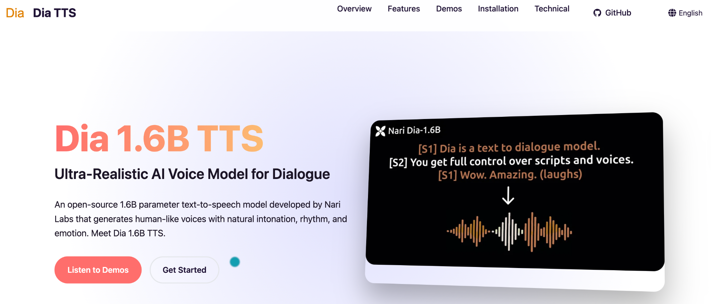
Dia, developed by Nari Labs, is a highly realistic open-source TTS model. This 1.6B parameter TTS model generates natural dialogues exclusively in the English language. Besides that, it supports multi-speaker speech generation. You can add nonverbal audio with different tags such as (laughs), (coughs), and (gasps).
So, for audiobook speech generation, Dia can definitely be a valuable tool. Undoubtedly, it is the best open-source text-to-speech model powered by AI, available for free. Ideal for audio dramas, podcasts, game dialogues, and conversation interfaces.
Pros:
- Entirely free open-source TTS model
- Produces natural audio with nonverbal cues and emotion
- Supports expressive and realistic multiple-speaker conversations
Cons:
- Does not generate consistent voices on its own
- Supports only the English language
- Nonverbal tags may lead to unpredictable or inconsistent results
2. Kokoro TTS
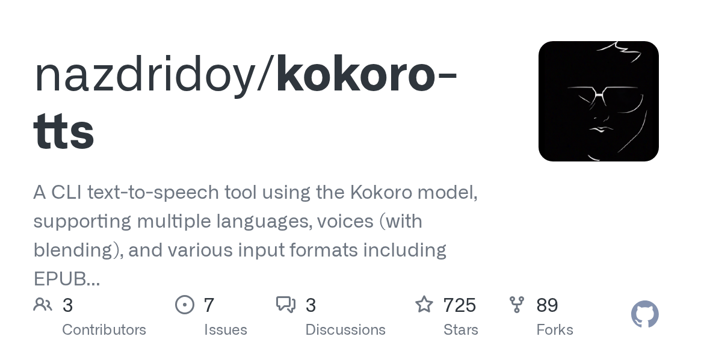
Kokoro is another indie-developed (by Hexgrad) best open-source TTS model with just 82M parameters. Kokoro is one of the open-source text-to-speech models available online, featuring a large library of natural-sounding voices. Despite being lightweight, it delivers high-quality speech at a faster and more economical run rate.
It is built on architectures such as StyleTTS2 and ISTFTNet. This makes it easier to avoid encoders and diffusion processes, resulting in a rapid synthesis. You can access it from its official website, Hugging Face, and other platforms to get started quickly.
Pros:
- Helps to read PDF files aloud for various projects
- Low footprint model with a low parameter count, works with minimal compute needs
- Efficient for cost-sensitive applications or edge deployment scenarios
Cons:
- Does not support voice cloning
- Offers poor naturalness compared to other (larger) models
- The decoder-only architecture limits expressive controls
3. Chatterbox
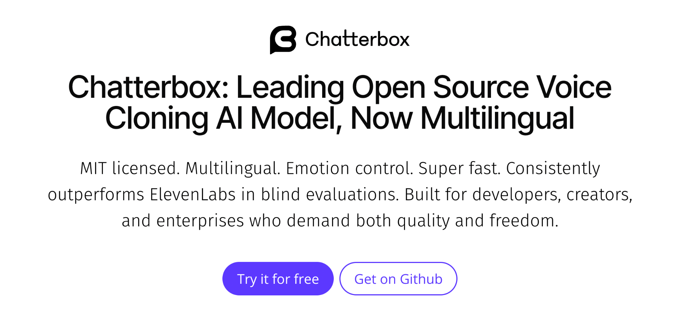
Chatterbox also stands out as one of the best free text-to-speech open-source models. Developed by Resemble AI, it is a small, fast, easy-to-use, and completely free TTS model. Built with a 500M Llama backbone, Chatterbox was trending at #1 among the TTS models on Hugging Face. This powerful open-source text-to-speech model and API support voice cloning.
It is trained on over 500K hours of cleaned audio. Chatterbox delivers natural speech quality and enables configurable expressiveness. Its impressive stability and responsiveness are highly talked about.
Pros:
- Open-source AI model text-to-speech with incredible community adoption
- Produces configurable, natural audio and supports strong voice cloning
- Has a low WER and excellent emotion exaggeration control
Cons:
- Traceable output concerning a privacy-sensitive application
- Requires adjusting specific parameters to fine-tune emotion exaggeration
- Audio output from Chatterbox is embedded with undetectable watermarks via PerTh
4. Mozilla TTS
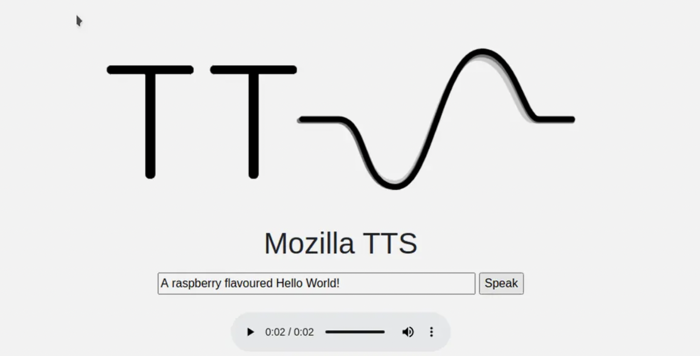
Mozilla TTS also manages to secure a decent place in our list of qualified AI voice text-to-speech open-source models. Developed by Mozilla Research, it is a deep learning based TTS engine. It was introduced to generate more natural, human-like speech. If you need to convert text to speech with the AI open-source system and engine, Mozilla TTS can be your excellent choice.
It relies on sophisticated neural networks, particularly seq2seq models, to process data. Set up your system with Python 3.8 or later, Git, and an audio processing library to get started.
Pros:
- Best TTS model to produce natural and realistic speech
- Available for free to all users, despite using advanced technology and employing neural networks
- Uses Tacotron 2 with WaveGlow to generate high-quality, natural audio
Cons:
- Limited language options compared to other TTS engines
- Requires some technical knowledge to use Mozilla TTS
- Struggle with unnatural prosody (rhythm and intonation) and may have issues pronouncing uncommon words
5. XTTS-v2
Developed by Coqui, XTTS-v2 is one of the most downloaded TTS models on Hugging Face. This free (TTS) text-to-speech model and API that is open source for all, lets you clone voices. It only requires a minimal input (a 6-second audio sample) to clone voices in different languages. This level of efficiency removes the requirement for extensive training datasets. Hence, it makes it ideal for voice cloning and multilingual speech generation.
Currently, it supports 17 languages, making it suitable for global use. Wonder what makes it one of the best text-to-speech models? It is its ability to replicate voice, emotional tone, and speaking style.
Pros:
- Open-source AI voice generator with a realistic and expressive speech synthesis
- Ensures streaming latency stays below 150ms for smooth, responsive performance
- Designed for voice cloning and producing speech in several languages
Cons:
- The model’s future relies solely on the open-source community
- Restricted for non-commercial use only due to its licensing terms
- In some cases, especially with similar input text, the output may inadvertently replicate the reference audio itself
Best Text to Speech PDF Reader: SwifDoo PDF
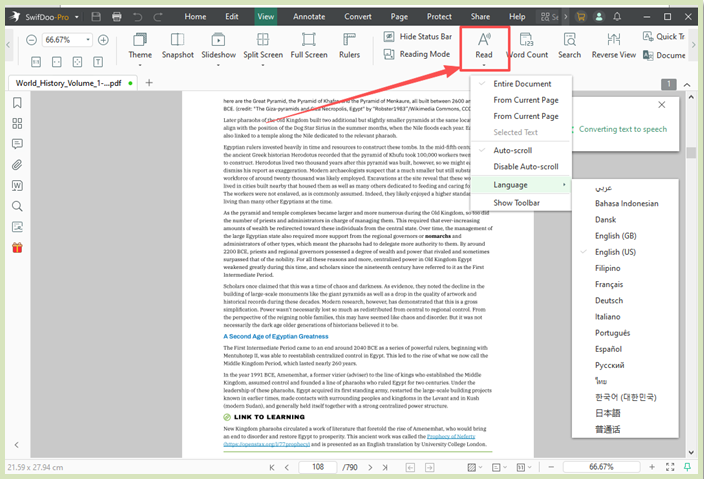
Open-source text-to-speech models offer many advantages. However, you cannot ignore their potential drawbacks and challenges. Most of these models are not entirely cost-free and often lack a dedicated customer support team. Some models may have incomplete or limited documentation. Additionally, security concerns, combined with scalability and performance issues, have always been a concern. Due to this, many users search for a reliable and trusted PDF reader and viewer.
People often work with PDF documents or read e-books in PDF format, and tired of looking at the screen, release your eyes with TTS SwifDoo PDF. It is an all-around PDF solution and emerges as the best text-to-speech software for PDF files. The software allows you to read a single page or an entire document aloud. Supporting over 100 languages, it enables you to translate and hear your text aloud in your preferred language. With SwifDoo PDF, you can pause and stop audio playback or adjust the pitch as desired.
Other notable features of SwifDoo PDF include:
- Read and view PDF files in various modes and themes
- Supports SwifDoo AI to read, summarize, and chat with PDFs for better productivity and workflow
- Edit and annotate documents to add bookmarks, hyperlinks, comments, or notes as needed
- Compress, merge, and split a single page or an entire document
- Convert PDF files and documents to/from other file formats, such as Word, PowerPoint presentations, CAD, Excel, etc.
Final Wrap Up
That’s all we have to offer on the open-source text-to-speech models. We have examined the top 5 models and highlighted their key advantages and disadvantages. Of course, you can evaluate their offerings and pick any based on your needs. However, if you target free open-source text-to-speech software tools but not development models, you can consider eSpeak, Coqui TTS, and MaryTTS.
As open-source tools and models have their respective limitations, consider using a reliable desktop-based TTS tool like SwifDoo PDF. Beyond the TTS feature, it works to manage all your PDF tasks effectively.