


Google Voice revolutionized how we handle digital communication by combining calling, texting, and voicemail into a single, streamlined platform. Yet, because communication needs vary, a single service may not satisfy all demands for businesses and individuals. Consequently, people often explore alternatives to Google Voice offering specialized tools, seamless integration, and enhanced flexibility. Helping them configure a communication setup that fits their particular requirements.
Why Consider Google Voice Alternatives
Google Voice serves many users well, yet it may fall short for certain communication needs. When features, device support, or international calling fall short, users are prompted to find other solutions. Looking into Google Voice alternatives allows individuals and businesses to discover tools that align more closely with their workflows.
Here are some more reasons to opt for Google Voice alternatives.
- Limited international calling options and rates.
- Lack of sophisticated business communication tools.
- Device and platform support restrictions.
- Lack of robust integration with third-party apps.
- Concerns over protecting sensitive communication data.
Explore these 7 best alternatives. They offer enhanced functionality and provide greater flexibility for managing calls and messages efficiently.
# OpenPhone (now Quo)
Best for: Solo entrepreneurs, small businesses, and teams wanting a simple, affordable, and cohesive communication setup.

OpenPhone (now Quo) is a renowned, user-friendly Google Voice alternative that has emerged as the best phone system for growth. All your calls, texts, and contacts are consolidated into one AI-driven shared platform. Quo enables your team to work in sync, respond efficiently, and ensure each customer feels important. You can further design custom call flows so that each call gets to the intended person.
Main Features of OpenPhone:
- Team threads, shared contacts, numbers, and inboxes ensure smooth communication handoffs.
- Integrates with Slack, HubSpot, and Salesforce to sync data and workflows.
- Offers local & toll-free numbers and AI-powered call summaries and transcriptions.
- Call routing (queues), call transfers, and auto-attendants (IVR menus).
Pros:
- Shows the team who’s working on tasks and collaborates.
- Quo’s AI streamlines notes, summaries, and tagging for calls.
Cons:
- May not scale for larger businesses due to limitations.
- Call quality, login, and assistance may sometimes be unreliable.
# Zoom Phone
Best for: Teams that rely on Zoom and want an all-inclusive communication platform.
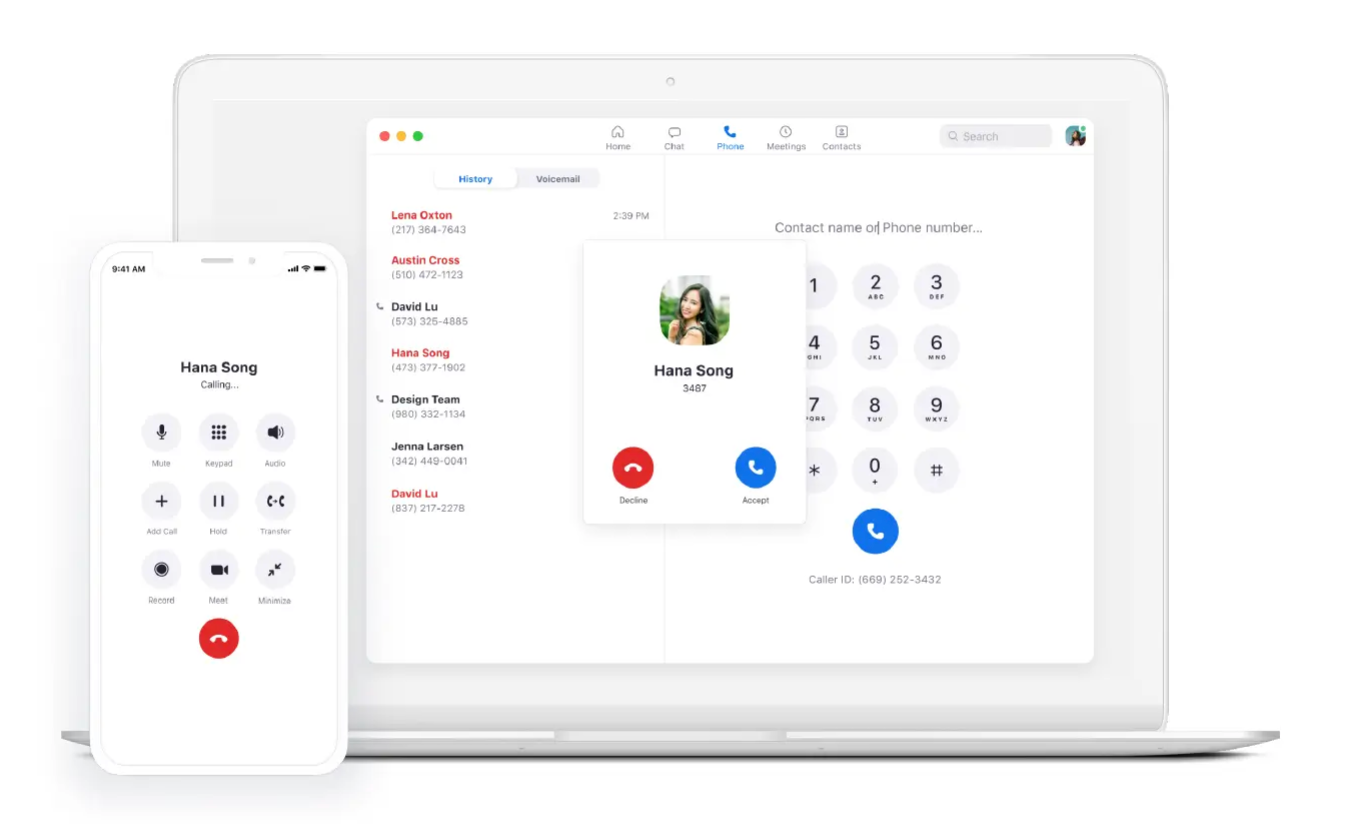
Zoom Phone provides a compelling alternative to Google Voice. By combining cloud-based VoIP technology with the Zoom platform, it allows users to make and receive calls as easily as they manage meetings.
Zoom Phone lets you call, text, and handle voicemails on any device using an internet connection. The great thing is that it works perfectly with video meetings and comes packed with business-friendly features like AI transcription, call recording, and powerful management tools.
Main Features of Zoom Phone:
- Lets you make and receive unlimited VoIP calls across the U.S. and Canada.
- Accessible across desktop, mobile devices, and web applications.
- Includes built-in team chat accessible straight from the dashboard.
- Call routing with IVR, ring groups, and queues automates calls.
Pros:
- User-friendly, simple, and spacious app interface.
- Automatically transcribes calls and voicemails, creating tasks.
Cons:
- Using video meetings requires an additional paid subscription.
- Certain advanced features, like real-time analytics, are missing.
# RingCentral
Best for: Growing organizations that need a robust, scalable VoIP solution with all the advanced features they require.
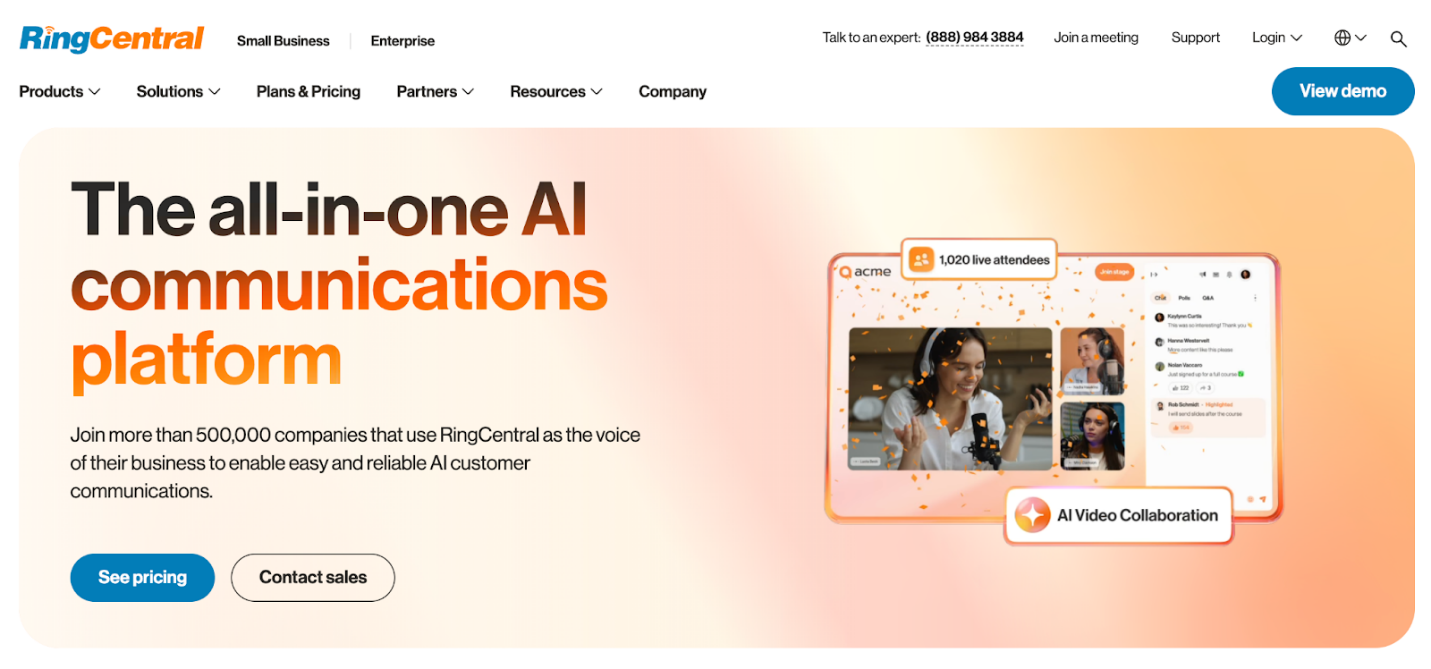
RingCentral is a reliable, all-in-one AI communication platform. It enables employees to handle calls, messages, and meetings with AI assistance across all devices. Its voicemail management lets you forward voicemails, reply with voice/text, and block AI spam. Plus, you also get admin controls with role-based access, customizable reporting, and global system management.
Main Features of RingCentral:
- A single interface for messages, video, and phone calls on desktop and mobile.
- Direct and group chats, file sharing, and task assignment.
- Supports meetings with screen sharing and 200+ participants.
- Full mobile functionality, including call switching and display.
Pros:
- Supports encryption, compliance, and AI spam blocking.
- Call summaries, transcription, spam, and analytics handled by AI.
Cons:
- Admin setup and IVR can be complex and time-consuming.
- Customer support can be unhelpful or slow for some.
# Dialpad
Best for: Small and medium-sized businesses looking for conversational insights and automation.

Dialpad is another AI-powered, instant, autonomous solution that handles thousands of customers simultaneously across devices. Dialpad has a wide range of exclusive features designed to enhance business communications.
Whether you need to communicate over voice, chat, SMS, email, or more, it offers a consistent experience for every touchpoint. Additionally, it includes call recording, voicemail transcription, auto attendant, ring groups, call routing, screen sharing, voice intelligence, and APIs for integration with other platforms.
Main Features of Dialpad:
- One of the best office productivity tools with a clean and intuitive interface and setup.
- Instant call and meeting transcription with actionable notes.
- Analyzes tone to determine customer satisfaction and needed actions.
- High-quality audio for calls and meetings with screen sharing.
Pros:
- Advanced AI, live transcriptions, sentiment, and call analytics.
- Call recording, call routing, call transfers, and proper internal collaboration tools.
Cons:
- Frequent call drops, latency, audio issues, and glitches.
- Customer support frequently slow, unhelpful, leaving issues open.
# TextNow
Best for: Small businesses that need cost-effective calling and messaging over Wi-Fi.
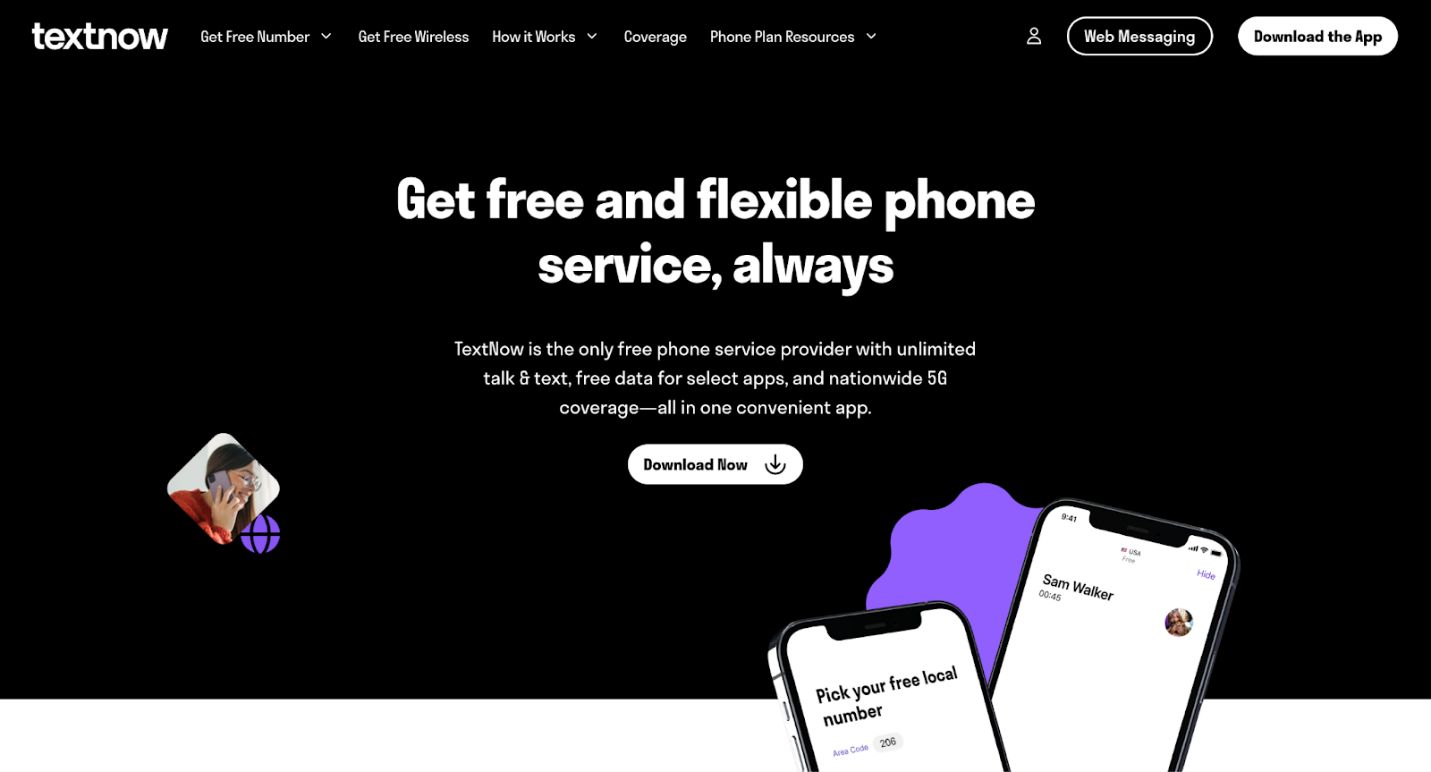
TextNow is another popular Google Voice alternative. Enjoy unlimited calling and messaging with this free Wi-Fi-based phone service, with the flexibility of optional 4G/5G SIM connectivity. The app also facilitates free calling and texting in the United States and Canada, accessible through web browsers or smartphone/tablet applications. TextNow is perfect for side hustles, second lines, or just staying in touch—without spending a dime.
Main Features of TextNow:
- Free phone number with unlimited Wi-Fi calls and texts.
- Provides a dedicated U.S./Canada number for personal or side use.
- Supports Wi-Fi calls/texts and optional 5G SIM usage.
- Allows free international texting and affordable international calling.
Pros:
- No fixed contracts or commitments are required for any plan.
- Your number can be used on multiple devices, including phones, tablets, and computers.
Cons:
- Free phone numbers can be taken away if inactive.
- Call quality may suffer, causing occasional missed calls.
# Grasshopper
Best for: Freelancers and solo entrepreneurs—stay connected, stay professional.
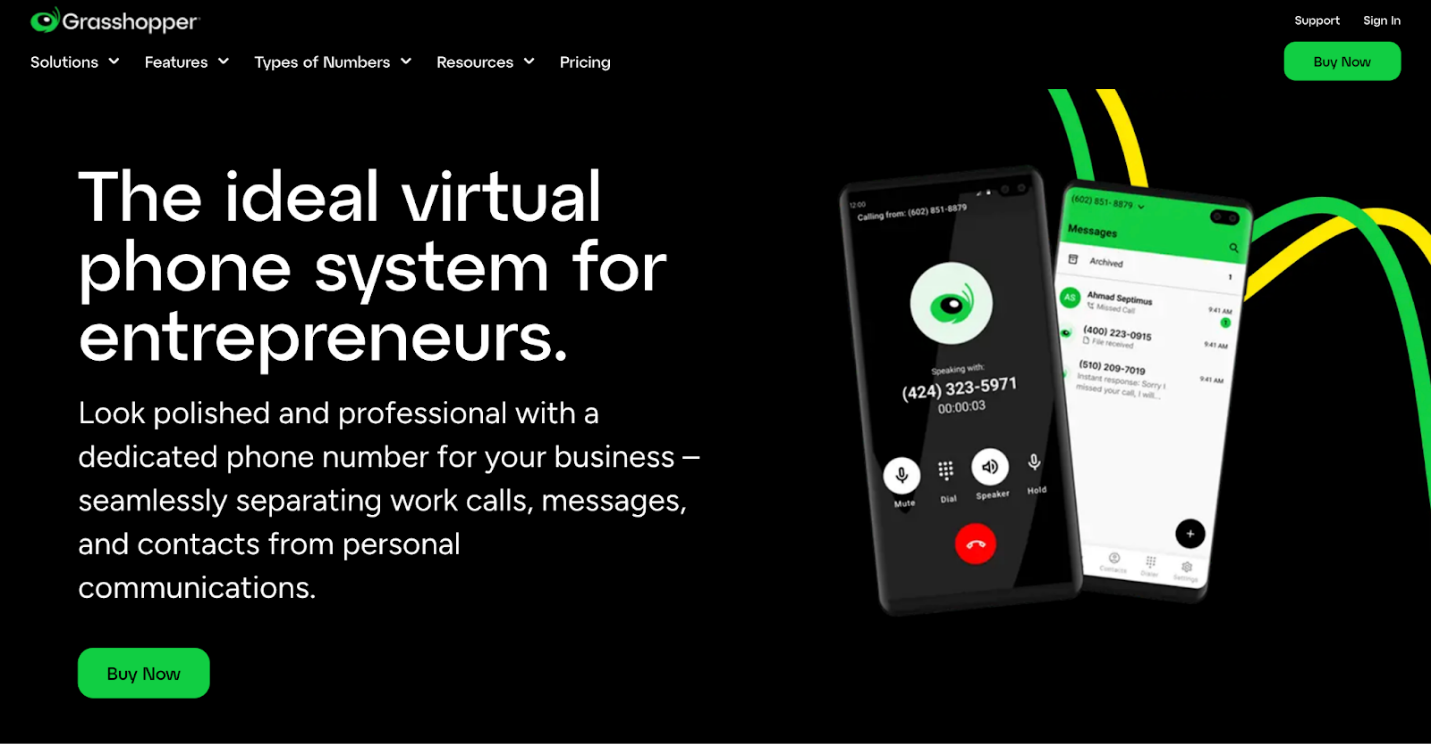
Grasshopper is a free Google Voice alternative that helps you stay connected with customers. Not only does it keep your private info safe, but it also makes you sound professional.
Unlike Google Voice, Grasshopper lets you choose from multiple business number types to fit your specific business needs. Additionally, Grasshopper offers a variety of business number options, including toll-free, vanity, and local numbers, so you can build your brand exactly the way you want.
Main Features of Grasshopper:
- Supports call forwarding, call screening, custom hold music, and caller ID.
- Allows real-time alerts, includes per-extension voicemail boxes, and forwards audio or text up to 15 emails.
- Supports SMS and MMS from both local and toll-free numbers, including group texts and media sharing.
- Supports a live 24/7, dedicated support for small businesses.
Pros:
- Clean and intuitive interface.
- Multiple extensions are available with higher cost plans.
Cons:
- Does not support call recording and integrations.
- Quite expensive (charges for standard features).
# Nextiva
Best for: Remote Teams looking forward to collaborating and staying connected from anywhere they are.

Nextiva steps up from Google Voice, making it a scalable solution for growing businesses needing more than just basic call management. It helps you transform the customer experience while enabling you to acquire, retain, and increase your customer base. Deliver seamless, personalized support across every channel and stay connected with customers anytime with Nextiva.
Main Features of Nextiva:
- Integrates voice, video, team chat, and SMS into one app, unlike Google Voice's more siloed approach.
- Connects easily to popular tools for better workflow integration.
- Built-in video meetings and file sharing capabilities.
- Comprehensive 24/7 live customer support for all business sizes.
Pros:
- Consistently clear calls and minimal dropped connections.
- Knowledgeable, friendly, and responsive 24/7 live support.
Cons:
- Contract terms opaque, auto-renewals, and undocumented sales promises.
- Text messaging may lack MMS, face delays, and setup challenges.
How to Choose the Right Alternative to Google Voice
Selecting the ideal Google Voice alternative means matching your communication needs with the features offered by each service. Because each platform offers different features, scalability, and pricing, prioritizing what aligns with your workflow is key. The right choice can boost productivity and connectivity for individuals and businesses alike.
Here are some professional tips for choosing the right Google Voice alternative.
- Check for call recording, voicemail transcription, and multi-device functionality.
- Evaluate pricing plans and ensure they match your budget and usage needs.
- Consider systems that connect with CRM, collaboration, and apps.
- Consider scalability if you expect your team or call volume to grow.
- Review security and privacy measures to protect sensitive communications.
- Check how reliable and accessible customer support is for issues.
- Look for trustworthy international calling features when operating globally.
Final Words
Checking out different communication tools can help you find the best Google Voice alternative that fits your personal or business needs. Every solution has its strengths, whether it’s cutting-edge features, smooth integrations, or unmatched flexibility. Assessing your priorities helps you choose a solution that optimizes your workflow and encourages long-term growth.



