1. SwifDoo PDF
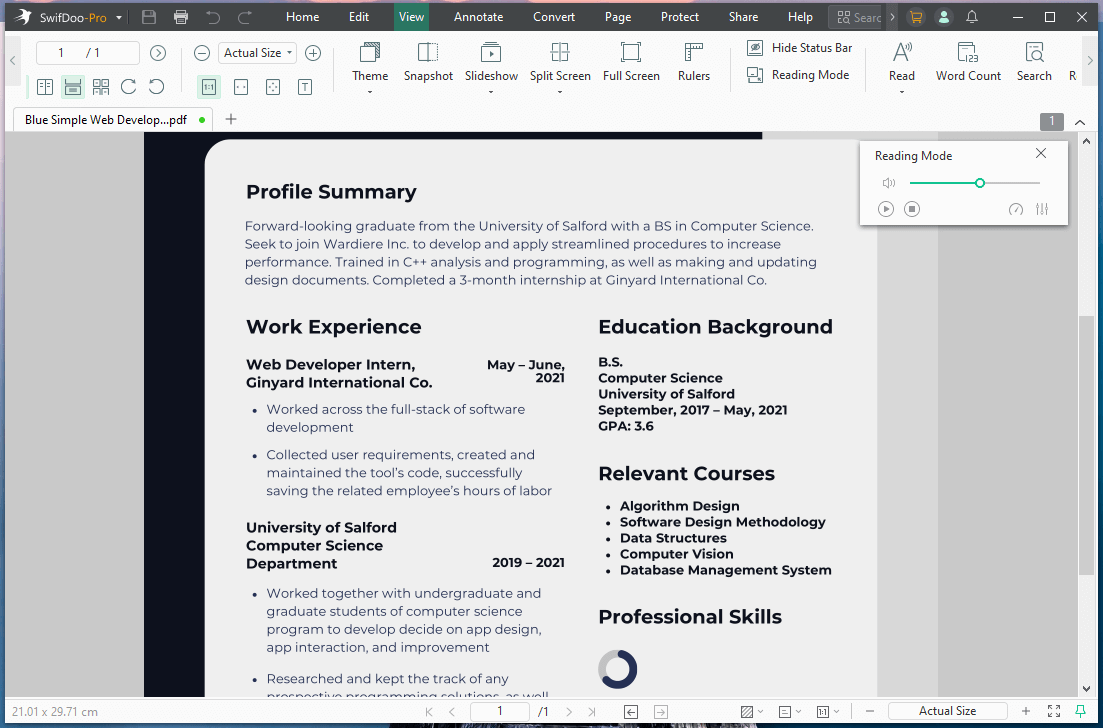
SwifDoo PDF is a robust, flexible application widely recognized as the best PDF reader for Windows. Its smooth reading and viewing features let you change themes and PDF display modes and read PDFs aloud.
With this PDF reader with OCR, you can easily work with a scanned document. Then, you can translate the current document into 100+ languages or search and replace text in PDFs. Additionally, enable text-to-speech to enhance your reading experience.
It also has a powerful AI tool called SwifDoo AI, which lets you quickly summarize, translate, and extract text, making it an intelligent, all-in-one PDF solution for casual and professional users alike.
Advantages:
- Leverages an AI PDF summarizer to explain complex documents in simple language.
- Fast page navigation, add bookmarks, thumbnails, zoom, and night mode.
- Edit, annotate, and overall PDF management and handling.
2. Adobe Acrobat Reader
Adobe Acrobat Reader is another competitive PDF reader for students and casual users. As the name suggests, it allows you to read PDFs on any device, including Windows, for the best viewing experience.
You can even annotate, add comments, shapes, and drawings in your PDF documents. While many advanced features are behind a paywall, it still remains the best free PDF reader for Windows.
Advantages:
- Manage PDF documents across different platforms.
- Free and easy to use, with a simple interface.
- Fill and sign documents without hassle.
3. WinZip PDF Pro
WinZip PDF Pro is a Windows-exclusive PDF reader that makes it easy to scroll, pan, zoom, and jump to pages to read and view documents. You can view pages in thumbnail view and even bookmark them.
With minimal hardware requirements, WinZip PDF Pro makes it easy to search on a page or an entire document to easily locate the exact section of text without wasting time.
Advantages:
- Reading and working with large PDF documents.
- Elegant interface with ease of use.
- Edit and manipulate documents.
4. Foxit PDF Reader
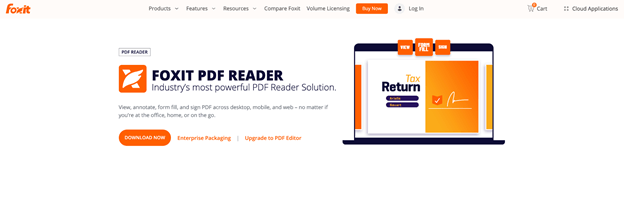
Foxit PDF Reader also emerges as the industry’s most powerful PDF reader solution. With this full-functioned PDF reader, you can have a consistent reading experience.
Foxit also leverages existing forms and workflows using standard PDF (AcroForms) and XFA (XML Forms Architecture) form-filling. Additional advanced features, such as editing, signing, annotation, and secure file sharing, give you greater control.
Advantages:
- Use for businesses due to integration with Microsoft Teams and Salesforce.
- Fast installation.
- Large-scale document management.
5. PDFgear
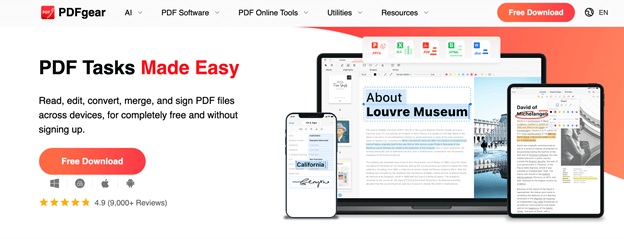
PDFgear, a versatile, web-based tool, is recognized as the best PDF reader for Windows. It lets you manage your PDFs directly in the browser, free and fast.
With online viewer functionality, your documents open in a unique book-like format, providing a natural, familiar reading experience. Plus, editing, annotating, and commenting on PDFs allows you to engage more effectively with your documents.
Advantages:
- No registration and no limits.
- Enhanced security and privacy.
- Edit, convert, sign, split, merge, compress, etc.
6. Smallpdf
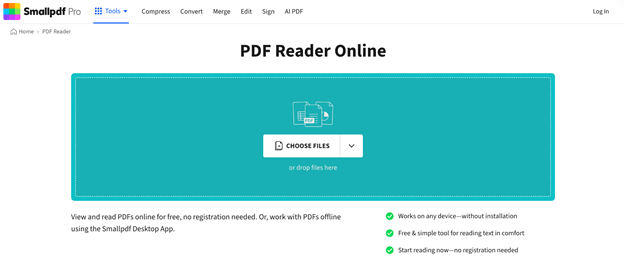
Smallpdf is also a renowned online PDF reader that lets you view and read PDFs for free, with no registration required. With a simple drag-and-drop interface, you can effortlessly view, manage, and organize all your PDFs.
As a basic PDF reader, you can also fill and markup PDFs, compress, and convert them to images or other file formats for effortless exports. You can also use the dedicated Smallpdf Windows desktop app to open and read PDFs on your PC.
Advantages:
- Secure connection (TLS encryption).
- Edit, annotate, and share PDFs with others.
- Free tool; no software installation required.
How to Choose the Best PDF Reader for You
Now that the six top PDF readers for Windows have been covered, understanding how to pick the right one for your needs is key. Your choice of tool depends on your particular requirements and individual preferences. Take a look at these key considerations:
✅ Text-to-Speech Capability – If you’d like your PDFs read aloud, look for dependable text-to-speech functionality.
✅ Speed and Performance – Look for a PDF reader that loads documents quickly while keeping your system running smoothly.
✅ User Interface – Look for a tool with a straightforward interface that complements your workflow.
✅ Compatibility – Verify that the PDF reader handles various file types, multimedia elements, and works well with your existing tools.
✅ Security and Privacy – Select readers that support encryption, password protection, and secure processing of private PDFs.
✅ Price – Look at free and paid options to see which meets your needs, and choose between a one-time purchase or subscription plan.
✅ User Reviews and Reputation – Check what users say to evaluate reliability, satisfaction, and performance before picking a PDF reader.
A Quick Wrap Up
Selecting the best PDF reader for Windows can significantly boost your productivity, whether you want to view, edit, annotate, or have PDFs read aloud. We have already shared the 6 top offline and free online choices for Windows users. By evaluating features, performance, usability, price, and user feedback, you can choose the tool that fits your workflow and makes PDF management easy!