Claude is one of the most capable AI chatbots available today, but it isn't necessarily the best choice for every user. Depending on your goals, you may benefit from an AI assistant with stronger integrations, broader multimodal capabilities, or specialized features. In other words, there are many reasons for looking for alternatives to Claude. In the following content, let’s explore the best Claude alternative.
Overview of the 6 Best Claude Alternatives
I have rounded up the 6 best Claude alternatives and prepared the following overview table for you. You can have a quick look. If you want to learn more about each AI tool, jump to the next part.
|
AI Tool |
Best For |
Free Access |
Paid Plans |
Platforms |
|
ChatGPT |
All-purpose writing, coding, and reasoning |
Yes |
Available |
Web, desktop, mobile |
|
Gemini |
Google Workspace users and multimodal tasks |
Yes |
Available |
Web, Android, iOS |
|
Microsoft Copilot |
Microsoft 365 productivity |
Yes |
Available |
Web, Windows, mobile |
|
Perplexity |
Search-backed research and fact-checking |
Yes |
Available |
Web, iOS, Android |
|
Meta AI |
Free everyday AI assistance |
Yes |
Free |
Web, Meta apps |
|
Grok |
Real-time information and trending topics |
Limited |
Available |
Web, mobile |
Top 6 Alternatives to Claude
Now let's explore the best Claude alternatives in detail.
ChatGPT
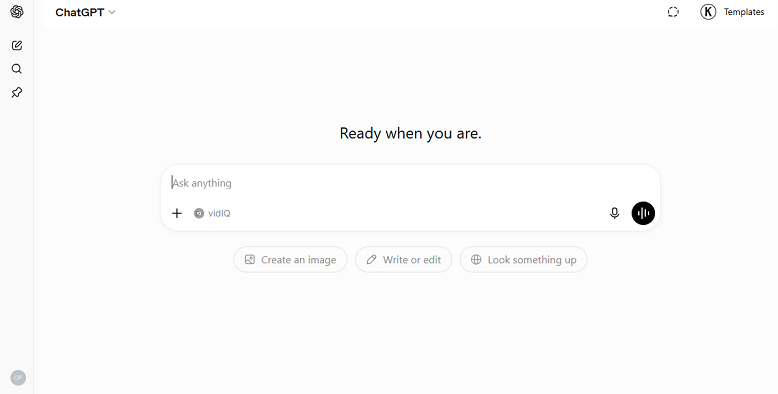
If you're looking for the closest all-around replacement for Claude, ChatGPT is the strongest choice. It combines excellent writing quality with advanced reasoning, coding assistance, image generation (on supported plans), web browsing, and data analysis. Unlike AI assistants that focus on a single area, ChatGPT performs well across a wide variety of tasks, making it ideal for both personal and professional use.
Key Features:
- It offers natural writing and editing support.
- It provides advanced coding assistance.
- It supports file uploads and document analysis.
- It includes data analysis tools.
- It can browse the web on supported plans.
- It can generate images on supported plans.
- It lets you create custom GPTs for specialized workflows.
Advantages:
- Excellent balance of writing, coding, and reasoning
- Large ecosystem of tools and integrations
- Available on web, desktop, and mobile
- Generous free plan
Limitations:
- Some advanced features require a paid subscription
- Response quality may vary depending on the selected model
Gemini
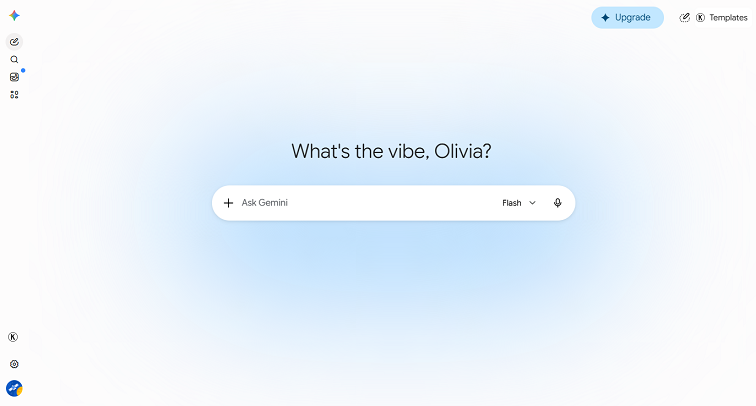
If most of your work happens in Gmail, Google Docs, Google Sheets, and Google Drive, Gemini is one of the best alternatives to Claude. Its deep integration with Google Workspace helps you draft emails, summarize documents, organize information, and collaborate more efficiently.
Learn Main Features of Gemini:
- It can create high-quality images and videos.
- It supports natural, real-time conversations.
- It can work directly inside Gmail, Docs, and other Google Workspace apps.
- It offers advanced reasoning and problem-solving capabilities.
Advantages:
- Seamless Google ecosystem integration
- Strong multimodal capabilities
- Free tier available
- Real-time information and search grounding
Limitations:
- Limited third-party integrations
- Context loss in long conversations
Microsoft Copilot
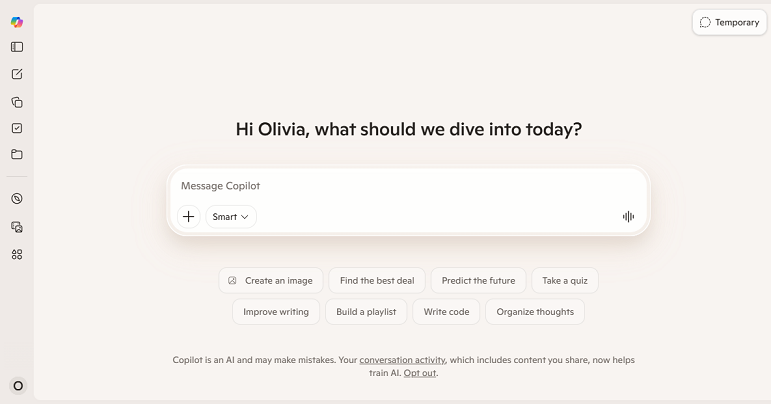
If you or your organization relies on Microsoft Office, Microsoft Copilot offers productivity features that Claude cannot match. It can directly work inside Word, Excel, and other Microsoft 365 apps to automate repetitive tasks and improve workplace efficiency.
Key Features:
- It integrates with Microsoft 365 apps.
- It helps draft documents.
- It analyzes spreadsheets.
- It summarizes emails.
- It generates presentations.
- It works with Windows.
Advantages:
- Outstanding Office integration
- Ideal for enterprise productivity
- Saves time on repetitive work
- Familiar interface for Microsoft users
Limitations:
- Best experience requires Microsoft 365
- Less flexible outside Microsoft's ecosystem
Perplexity
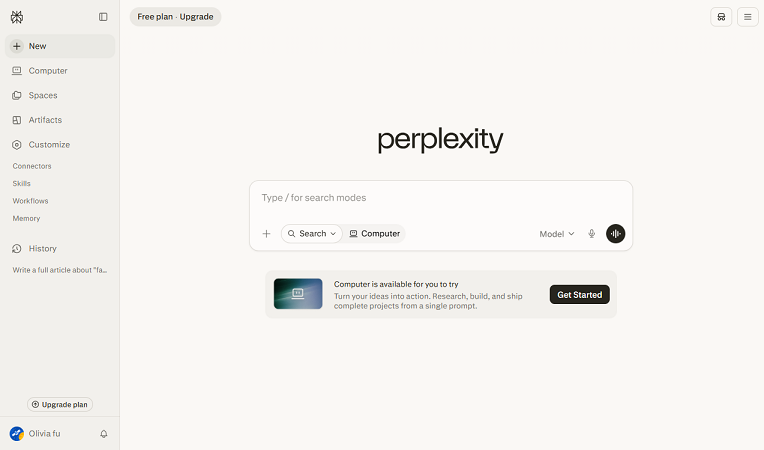
Perplexity is an outstanding Claude competitor if you need accurate answers with reliable sources. In addition to getting information from its internal knowledge, Perplexity also searches the web, summarizes information, and provides citations. Hence, it is quite suitable for handling research-heavy tasks.
Key Features:
- It performs AI-powered web search.
- It includes source citations.
- It creates research summaries.
- It supports file uploads.
- It allows follow-up questions.
- It delivers real-time information.
Pros:
- Excellent research assistant
- Transparent source references
- Current information
- Easy-to-use interface
- Strong free plan
Cons:
- Less focused on creative writing
- Fewer productivity integrations
Grok
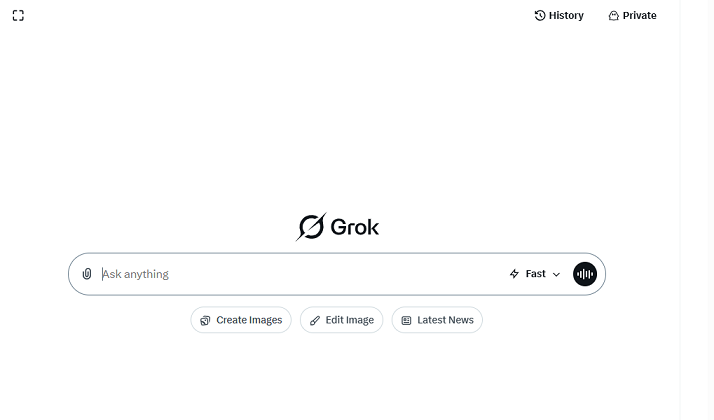
Grok is an AI assistant, deeply integrated into the X platform. Unlike traditional AI chatbots, Grok is designed to provide conversational responses with a distinct touch of wit and a rebellious streak. What’s more, it uses real-time access to user posts on X to deliver up-to-the-minute information on breaking news and trending topics.
Key Features:
- It provides real-time information to keep users updated.
- It delivers conversational AI responses in a natural style.
- It offers coding assistance for technical tasks.
- It supports content generation for writing needs.
- It helps with general productivity and everyday tasks.
Pros:
- Helpful for current events
- Natural conversational style
- Good reasoning capabilities
- Continually improving feature set
Cons:
- Some features require a paid subscription
- Smaller ecosystem than ChatGPT or Gemini
Meta AI
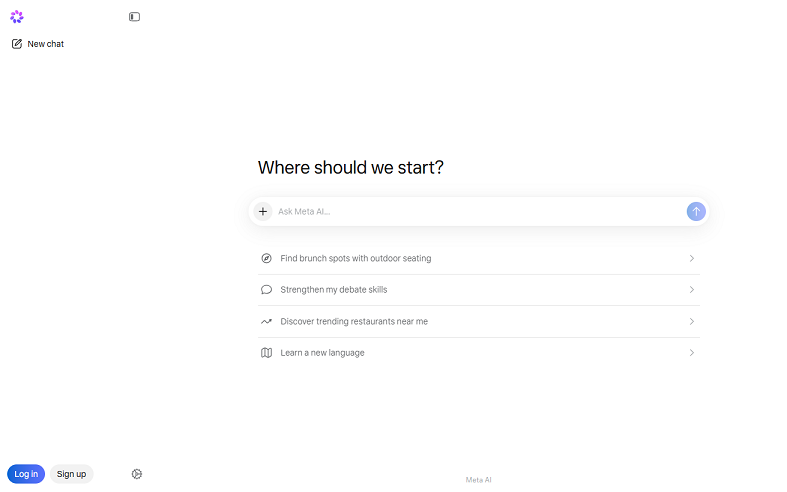
If you're looking for a free AI chatbot for everyday tasks, Meta AI is worth considering. Meanwhile, it is designed to answer questions, generate creative content, summarize information, and engage in natural conversations. Additionally, Meta AI can be seamlessly embedded into apps like WhatsApp, Instagram, Facebook, and Messenger.
Key Features:
- It provides fast conversational AI for everyday questions.
- It can brainstorm and generate ideas for writing.
- It can generate images for simple visual concepts.
- It integrates with Meta platforms.
- It offers basic writing help for content drafting.
Advantages:
- Completely free to use
- Easy to access
- Good for everyday questions
- Supports image generation
Limitations:
- Fewer advanced reasoning features than Claude
- Limited enterprise integrations
BONUS: Best AI-Powered PDF Editor to Edit and Summarize PDFs
If you work with PDFs regularly, SwifDoo PDF is a smart tool to consider. This lightweight platform combines PDF editing, conversion, annotation, and AI-powered assistance. Among its various features, SwifDoo AI is a standout one that can summarize, analyze, explain, proofread, rewrite, and translate PDFs. In addition, it allows you to chat with PDFs.
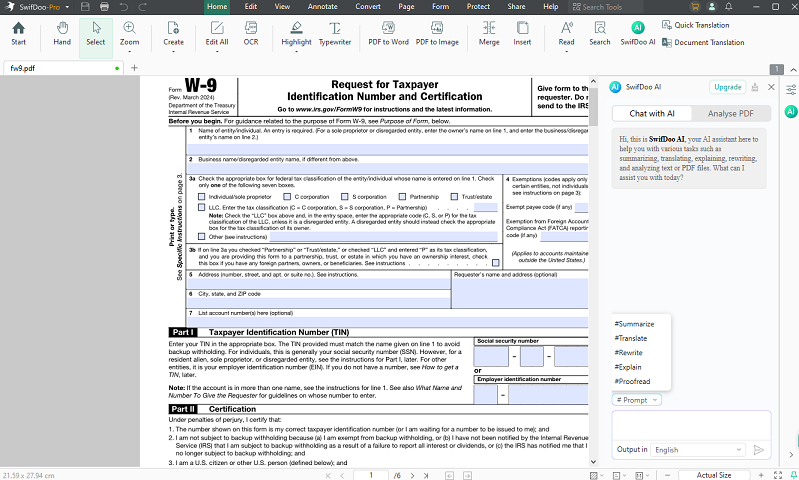
Highlighted Features of SwifDoo PDF:
- It uses SwifDoo AI to summarize, analyze, and explain PDFs.
- It lets you edit text, images, and pages directly in PDF files.
- It supports PDF conversion to and from common file formats.
- It includes annotation tools for highlighting, commenting, and marking up documents.
- It offers OCR for scanned PDFs.
- It helps compress, merge, split, and organize PDF files.
Final Words
If you are looking for an all-around replacement for Claude, ChatGPT is the first choice. Additionally, you can try other alternatives mentioned above. More importantly, you should select the Claude alternative based on your practical needs. If you also have the need for editing PDFs, consider SwifDoo PDF. At last, I hope this article can be helpful to you.