


What Is the Best eBook Reader?
The ideal eBook reader varies by user, so keep a few important factors in mind when choosing. We outline the important criteria below and compare the best apps to help you make the right choice.
- Device Compatibility
Pick an app that is compatible with your phone, tablet, and computer. Since users often move between devices, cross-platform support is essential. You might start reading on your phone during a trip and finish on your desktop. Look for apps that support iOS and Android and sync smoothly.
- Supported File Formats
Ensure the app is compatible with formats like EPUB, PDF, and MOBI. A dependable eBook reader should open different file types smoothly, including PDFs and EPUBs. The app should ideally support file conversion and DRM, allowing you to handle and read your purchased ebooks without restrictions.
- Reading Customization
Pick an eBook reader with customizable fonts, brightness, and themes to improve reading clarity. Tailored settings can minimize eye discomfort over time. Seek out options like night mode, customizable text size, line spacing, margins, and font styles to improve readability.
- Cloud Sync
Use an app that keeps your reading progress updated across devices, allowing effortless switching between phone, tablet, and computer. It should also update bookmarks, notes, and highlights across devices to maintain a seamless and consistent reading experience.
- Text-to-Speech
The app’s text-to-speech feature reads text aloud, reducing eye fatigue when your eyes need a break. This feature enhances accessibility while providing a simple audiobook experience. Pick apps that deliver smooth, lifelike voices for a more enjoyable and effortless listening experience.
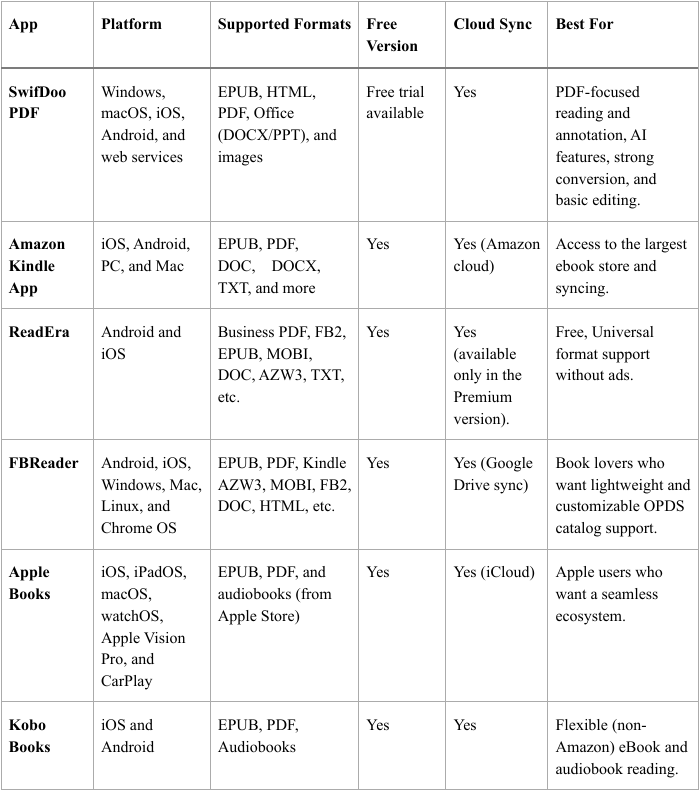
Quick Comparison Table of the Best eBook Readers
Before diving into each eBook reader app, take a quick look at this comparison to see how they differ. It breaks down key elements such as platform support, file formats, and unique features, allowing you to easily evaluate and select the right app.
#1. SwifDoo PDF
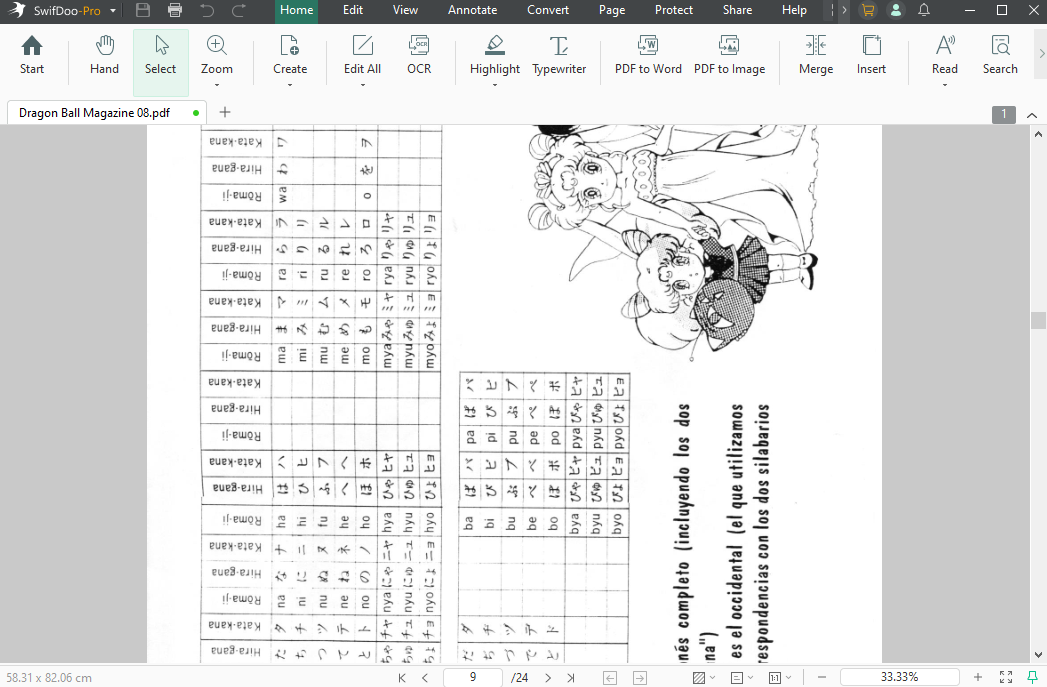
Supported OS: Windows, macOS, iOS, Android, and web services.
SwifDoo PDF stands out as the best ebook reader app for a smooth and enjoyable reading experience. The app lets you convert ebooks to PDF for improved compatibility and includes several viewing modes to fit your reading style. It also lets you listen to PDFs, translate text into different languages, and perform word counts, making it a flexible tool for both casual readers and professionals.
Key Features
- Include single page, facing pages, continuous scroll, and reverse view.
- Features a "no-ads" reading experience, dark mode, and various page viewing options.
- Includes highlighting, underlining, strikethrough, sticky notes, and shapes for taking notes in ebooks.
- Seamless conversion between PDF and EPUB and more formats for a better immersive reading experience.
- Text-to-Speech functionality enables to read PDF aloud with adjustable voice and speed.
Pros
- An all-in-one tool combines a PDF reader and a translator, along with editing and conversion features.
- Quickly translates the text or entire document into different languages.
- A fast, user-friendly interface that remains lightweight compared to heavier apps.
- Allows text recognition in scanned ebooks and documents using OCR.
Cons
- Offers minimal compatibility with EPUB and MOBI, as it mainly centers on PDFs.
Best for: Users who prefer a lightweight PDF reader and annotator with advanced features to improve eBook reading.
#2. Amazon Kindle App
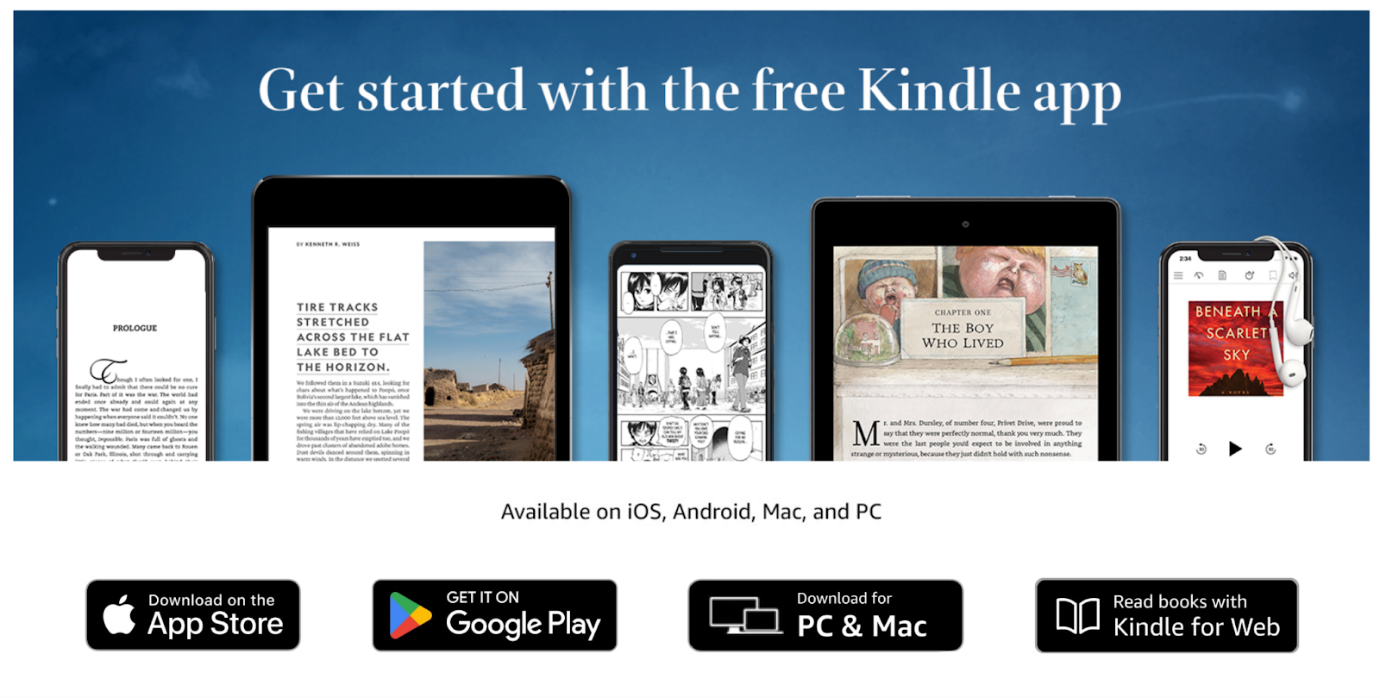
Supported OS: iOS, Android, PC, and Mac
The Amazon Kindle app is a well-known and widely preferred eBook reader that works seamlessly on all devices. It offers a large library, smooth cross-device syncing, and flexible reading settings. It remains one of the best comic book readers, providing vivid visuals and easy-to-use guided view support. It delivers a consistent, easy-to-navigate reading experience for both ebooks and comics.
Key Features
- Syncs last page, bookmarks, notes, and highlights across devices.
- Access to 1.5M+ ebooks, comics, and magazines with Kindle Unlimited and Prime Reading.
- Adjust fonts, size, style, spacing, brightness, and themes (white, black, sepia).
- Instant dictionary lookup, translation, and extra book info.
- Works with Audible, letting you switch easily between reading and listening.
Pros
- Intuitive interface paired with an extensive content library.
- Measures reading speed while monitoring progress.
- Customizable display settings with accessibility support.
- Adjustable viewing options and accessibility tools.
Cons
- Primarily restricts purchases to Amazon’s digital store.
- Has restricted format support relative to other readers.
Best for: Kindle ecosystem users, with seamless device sync and access to millions of books, comics, and manga.
#3. ReadEra
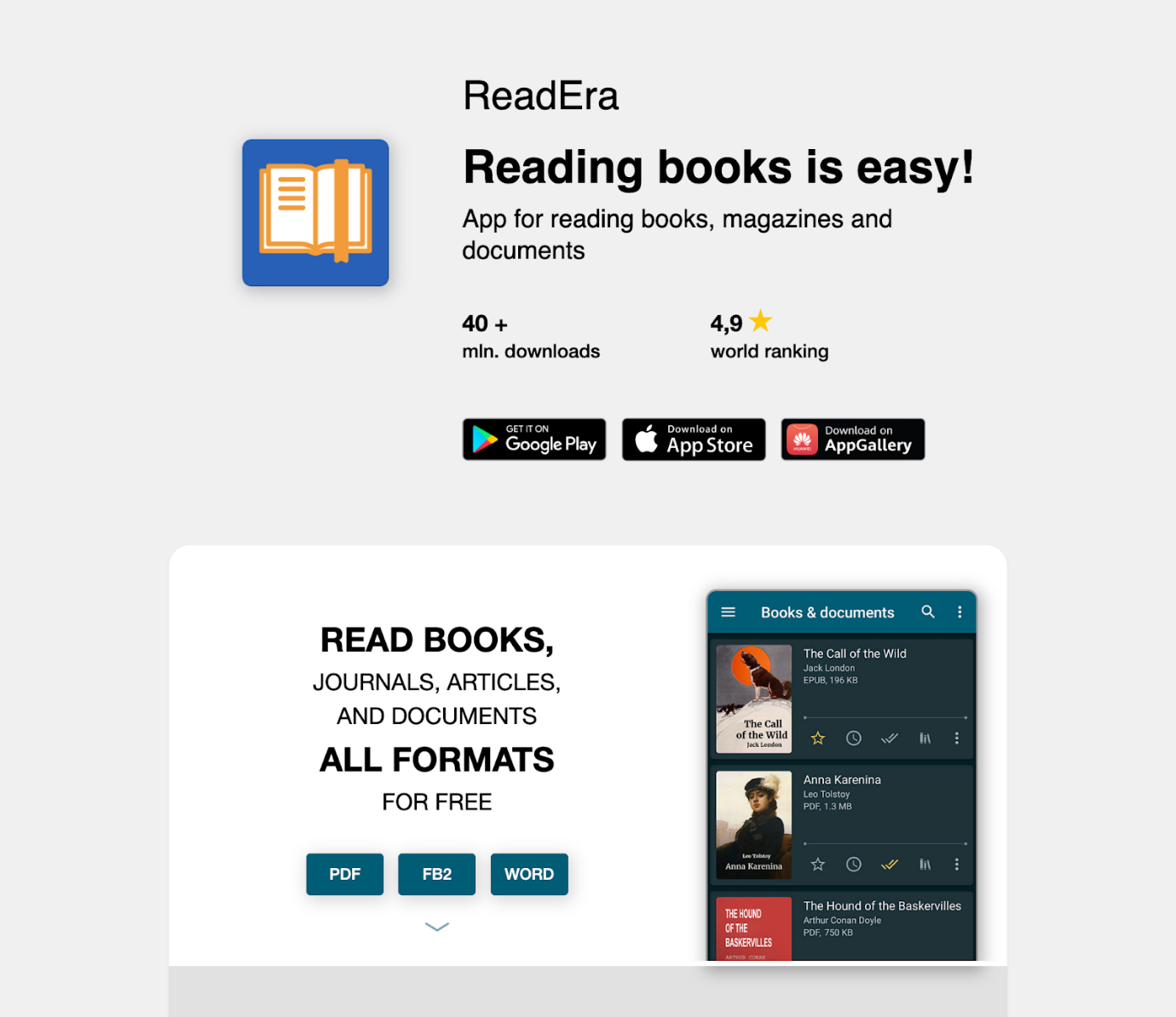
Supported OS: Android and iOS
ReadEra is a dependable eBook reader offering a smooth, ad-free reading experience. This versatile EPUB reader supports PDF, MOBI, and DOC formats. With offline access, intuitive navigation, and no registration needed, ReadEra provides a simple, efficient solution for hassle-free digital reading.
Key Features
- Adjust fonts, colors, themes, brightness, and page animations.
- Syncs library, reading progress, and bookmarks via Google Drive.
- Compatible with a variety of formats such as EPUB, Kindle, PDF, DOCX, FB2, TXT, ODT, and others.
- Fast word lookup with the help of external dictionary apps.
- Available in 30+ languages with hyphenation support.
Pros
- The main app is completely free, contains no ads, and does not require in-app purchases to unlock features.
- Excellent control over appearance and reading behavior.
- Works completely offline with no registration needed.
- Fast and consistent: Ensures documents load quickly and scroll smoothly.
Cons
- The design is often considered simple or "basic" compared to newer reading apps.
- Cloud syncing (Google Drive) requires purchasing the Premium version.
Best for: Readers who want a free, ad-free app with broad format compatibility and no sign-up needed.
#4. FBReader
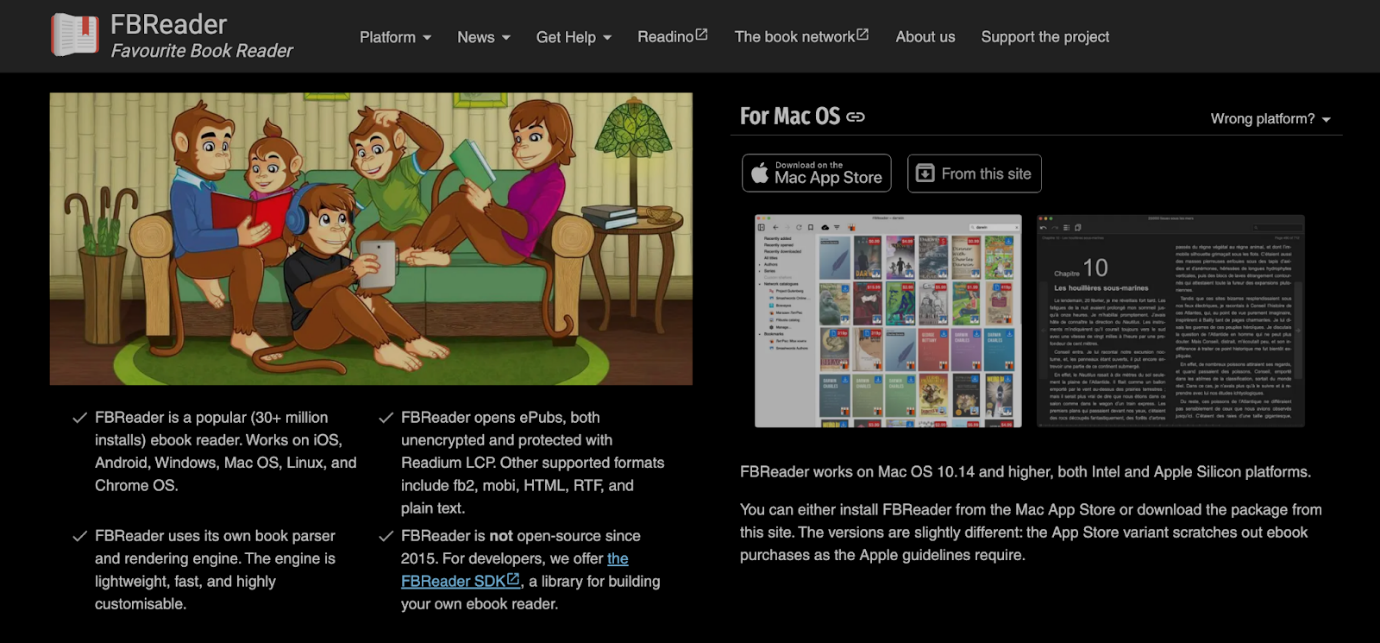
Supported OS: Android, iOS, Windows, Mac, Linux, and Chrome OS
FBReader is one of the best ebook reader apps for Android, providing a seamless, lightweight, and fully adaptable reading experience. Supporting EPUB, MOBI, FB2, and PDF, it includes font adjustments, themes, day/night modes, library organization, and cross-device syncing for an effortless reading experience on any device.
Key Features
- Reads ePub (ePub3), Kindle AZW3, FB2, PDF (plugin/Premium), MOBI, RTF, HTML, and TXT
- Allows adjusting fonts, text size, layouts, backgrounds, themes, and brightness with swipe controls.
- Provides advanced navigation options, with phrase search and straightforward bookmark handling.
- Supports OPDS for browsing and downloading ebooks directly.
- Comes with an integrated dictionary, text-to-speech, and hyphenation in 24 languages.
Pros
- Highly flexible layout, day/night modes, and color settings.
- Cross-platform cloud sync compatibility, enabling seamless transitions.
- Features strong tools for efficiently managing, organizing, and searching vast collections.
- Includes a free plan and an affordably priced premium version with additional features.
Cons
- Night mode simply reverses colors rather than enhancing readability.
- The free iOS version has limitations, including a 10-book library limit and no built-in dictionary support (until a premium purchase).
Best for: Anyone looking for a free, ad-free e-reader with broad format support and no sign-up needed.
#5. Apple Books
Supported OS: iOS, iPadOS, macOS, watchOS, Apple Vision Pro, and CarPlay
Apple Books is the best eBook reader app for iPhone, delivering a smooth reading and listening experience. Supporting eBooks, PDFs, and audiobooks, it includes adjustable fonts, themes, bookmarks, and a built-in dictionary. With a vast library, curated recommendations, and easy switching between reading and listening, it ranks among the best audiobook apps.
Key Features
- Excellent support for EPUB3, PDF, and Apple audiobooks.
- Sync bookmarks, notes, and highlights across iPhone, iPad, and Mac via iCloud.
- Offers font, size, and background color changes (including auto-night theme), along with scrolling or page-turn views.
- Comes with an in-app store featuring handpicked books, sample chapters, and reading-based suggestions.
- Provides an in-app marketplace with handpicked titles, free previews, and personalized reading suggestions.
Pros
- Features a clean, elegant reading experience with superior text formatting.
- Available on all Apple devices without requiring a new account or subscription.
- Excellent for importing, organizing, and reading PDFs and third-party EPUB files.
- Allows sharing purchases with up to five family members.
Cons
- Only works on Apple devices.
- Fewer formatting font options compared to the Kindle app.
Best for: Users looking for a free, built-in reading app for EPUBs, PDFs, and audiobooks with smooth Apple ecosystem support.
#6. Kobo Books
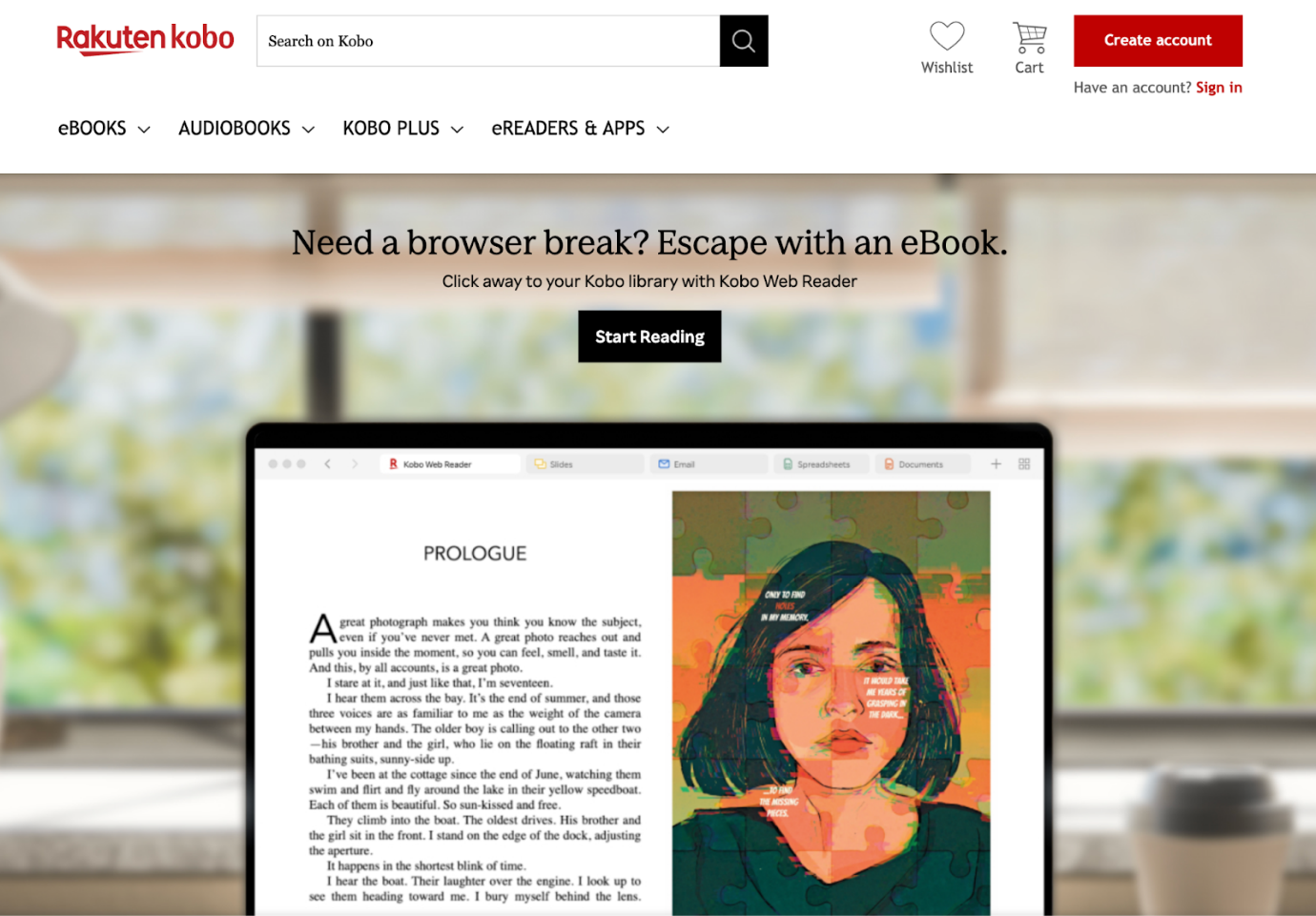
Supported OS: iOS and Android
Recognized as one of the best EPUB readers for Android, Kobo Books ensures a smooth and flexible reading experience. With EPUB, PDF, and audiobook compatibility, it includes adjustable fonts, themes, and night mode. Featuring synchronized libraries, personalized reading suggestions, and a huge selection of titles, it serves as an excellent alternative to Kindle.
Key Features
- Reads EPUB, PDF, MOBI, CBZ, CBR, and other formats, making it easy to read content from various sources.
- With built-in library access, you can borrow eBooks via OverDrive/Libby without leaving the app.
- Provides detailed analytics on reading speed, pages turned, and time remaining in chapters.
- High-end models (e.g., Kobo Libra Colour) offer color E Ink screens and stylus support for highlighting and taking notes.
- Store articles from the web and read them later inside the app.
Pros
- Easily supports sideloading and EPUB files, giving users more flexibility and reducing vendor lock-in.
- Supports page-turn buttons, waterproofing, and color displays.
- Built-in Libby/OverDrive offers a smoother experience for library patrons.
- Offers full control over layout, fonts, and dark mode for a comfortable, ad-free reading experience.
Cons
- Performance may occasionally lag, with download speeds slower than Kindle for some users.
- Kobo’s selection is narrower than Amazon’s, particularly for indie and self-published titles.
Best for: Readers who want adaptable reading settings, support for open formats, and smooth library access over a restrictive platform.
Final Verdict
Selecting the best ebook reader app involves considering format compatibility, customizable reading settings, cross-device syncing, and library access. Whether you enjoy EPUBs, PDFs, or audiobooks, there’s a solution for Android, iPhone, or desktop users. From simple, lightweight apps to feature-packed platforms, the right choice improves your reading experience. Discover the options now and choose the best ebook reader app that perfectly suits your reading habits.



