How to Get Microsoft Office for Free
If you hope to save money without giving up key productivity tools, there are legitimate options worth learning about. This section highlights four trustworthy ways to get Microsoft Office for free, helping you work, study, or collaborate without spending on a subscription.
1. Use Microsoft 365 Online
One of the quickest ways to get Microsoft Office for free is via Microsoft 365 Online. Microsoft provides free, browser-based versions of Word, Excel, and PowerPoint that run in Edge or Chrome. You only need a free Microsoft account.
Although advanced desktop features are missing, these tools enable users to work with everyday documents, spreadsheets, and presentations online from anywhere with a stable internet connection.
Below is how to activate Microsoft 365 for free:
Step 1. Visit Microsoft 365 on your preferred web browser.
Step 2. Select Sign in to access the free Office version.
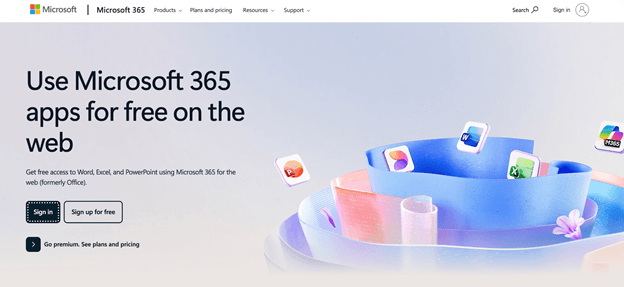
Step 3. Log in to your Microsoft account or create one for free.
Step 4. Select the web versions of Word, Excel, PowerPoint, and other apps you want to use and save your work in the cloud with OneDrive.
2. Use Microsoft Apps
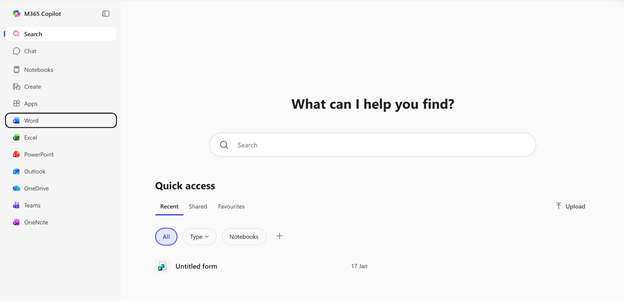
Another reliable way to get Microsoft Office for free is by using Microsoft’s mobile applications. Users can edit documents for free in Microsoft Office on devices with screens smaller than 10.1 inches, including smartphones, tablets, and iPads.
The Word, Excel, and PowerPoint apps can be used on both Android and iOS devices, so you can create, edit, and share files without paying. This option is ideal for users who primarily use mobile devices and need Office tools on the go.
3. Microsoft 365 Education
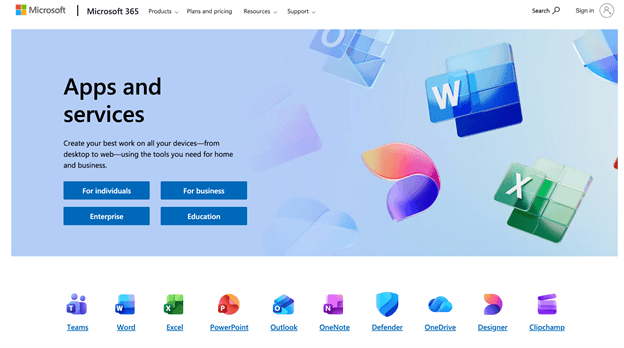
Microsoft 365 Education provides a reliable way to access Microsoft Office for free, ideal for teachers and students. Microsoft often provides free access to Office apps, including Word, Excel, PowerPoint, and OneNote, to eligible educational institutions.
This version is well-suited for academic work, collaboration, and remote learning, with no subscription cost. It is one of the most reliable and legal ways for students to save on Microsoft Office.
Discover how to get student discount for Microsoft Office and access Word, Excel, and PowerPoint at a lower cost.
Step 1. Visit Microsoft Education online and sign up with your official school or university email address to claim the student discount.
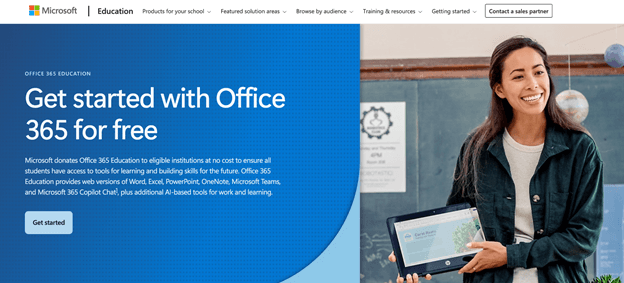
Step 2. Microsoft will review your eligibility. Once approved, you can use Office apps such as Word, Excel, and PowerPoint for free—or at a greatly reduced price if the full desktop version is included.
4. Find a Free Microsoft Office Product Key from Internet
Beyond the options mentioned, you may be tempted to hunt online for a free Microsoft Office 365 product key to use the suite. Although some sites promise free Office keys, you should exercise caution: using unofficial keys, key generators, or pirated downloads is illegal and could compromise your safety. They may result in malware infections, account suspensions, or legal consequences.
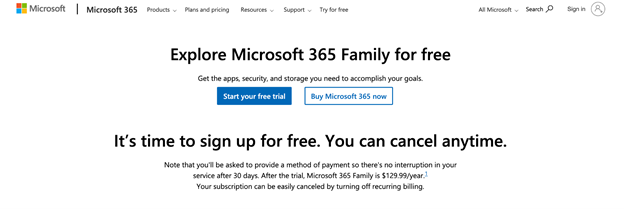
Instead, you can look for legitimate offers such as free trials from Microsoft or promotional keys from trusted partners. Microsoft offers, from time to time, a 1‑month free trial of Microsoft 365, which includes complete access to Office apps and a legal method to use the software before buying. Always refrain from unverified keys and use only official sources for your protection and security.
How to Get Microsoft Office for Cheap
Students, home users, and professionals may explore cheaper Microsoft Office options when free versions or trials don’t meet their requirements for tools and offline use. In this section, we’ll discover how to buy Microsoft Office for cheap.
1. Use Microsoft 365 Family plan
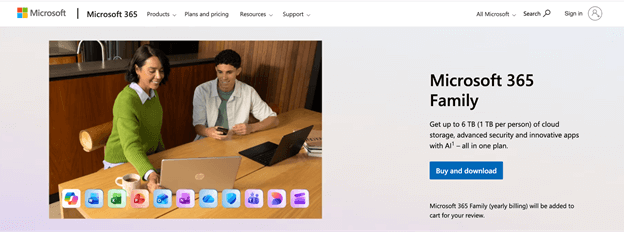
An effective way to buy Microsoft Office for cheap is by opting for the Microsoft 365 Family subscription, which allows multiple users. It provides full desktop apps like Word, Excel, and PowerPoint for up to six people, each with 1 TB of OneDrive storage.
Sharing the plan significantly lowers the per-person cost while giving offline access, updates, and security—making it an affordable, feature-rich option for families, students, and small groups.
2. Buy Microsoft from Legitimate Resellers
Another way is to use certified resellers, which can be more affordable than buying straight from Microsoft. Certified resellers offer authentic Office licenses, such as Microsoft 365 and Office 2021, frequently at a discount compared to Microsoft’s official pricing.
Using certified resellers allows you to receive authentic, legally compliant Office software with full support, installation, and activation, offering a safe and affordable method to get all Office apps.
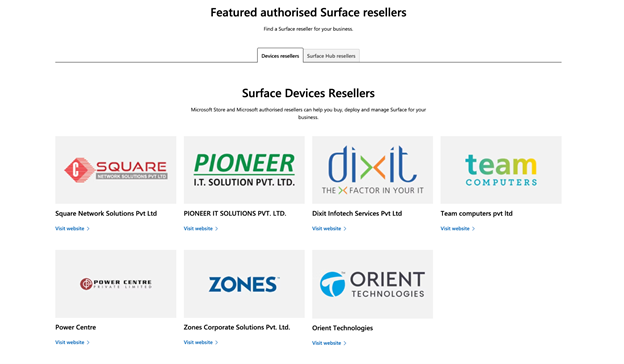
The following are trusted, authorized resellers offering Microsoft products, including Software, 365, and Surface:
- CDW
- Insight
- SHI International
- Connection
- Zones
- Softchoice
- ConvergeOne
- Compugen
- MBS (Mac Business Solutions)
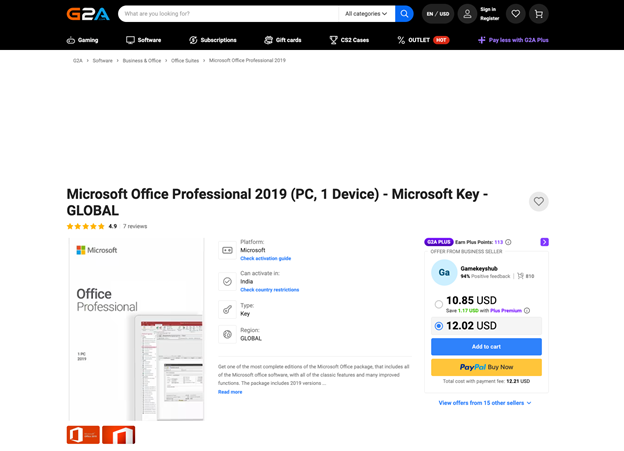
3. Buy Microsoft Office from G2A, Kinguin, or eBay
Those asking where can I buy Microsoft Office for cheap sometimes look at marketplaces like G2A, Kinguin, or eBay for options. While discounted Office keys are available on these platforms, beware: many are corporate “Volume License” (VL) keys and may not be valid long-term. Microsoft has the authority to deactivate these keys at any moment, rendering them unreliable.
While such keys may be acceptable for a burner laptop or casual use, they’re not recommended for businesses or critical work that depends on uptime and stable access to Office apps.
Try Free Alternatives (If You Can’t Pay)
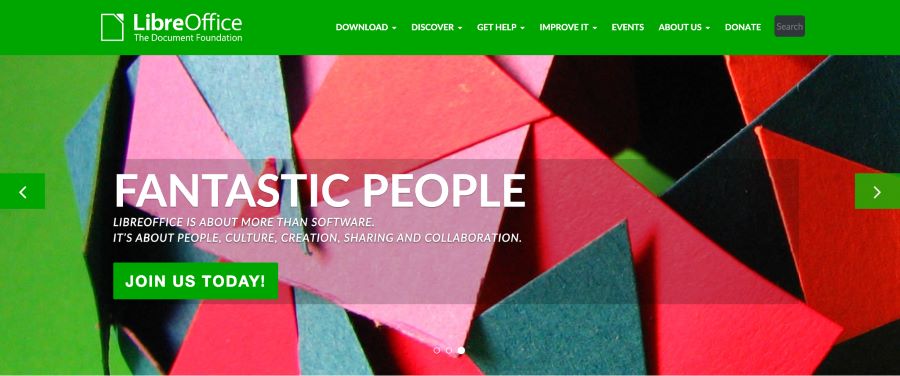
If buying Microsoft Office isn’t feasible, don’t worry—there are trustworthy free alternatives that let you create, edit, and share documents, spreadsheets, and presentations at no cost. These alternatives don’t have every advanced Microsoft Office function, yet they handle most personal, academic, and casual work needs with ease.
Here, we’ll introduce a handful of the best free productivity suites that users can try without spending a dime.
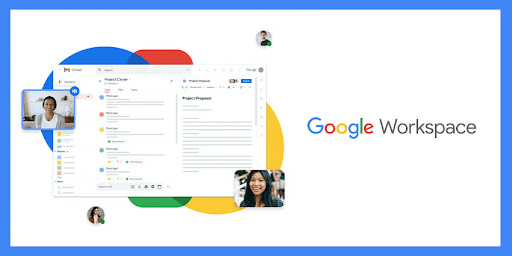
✅ Google Workspace – Cloud-enabled productivity apps like Google Docs, Sheets, and Slides, available from any device with online access. Perfect for teams, they enable simultaneous editing and collaborative work. Compare Guide: Google Workspace vs Office 365.
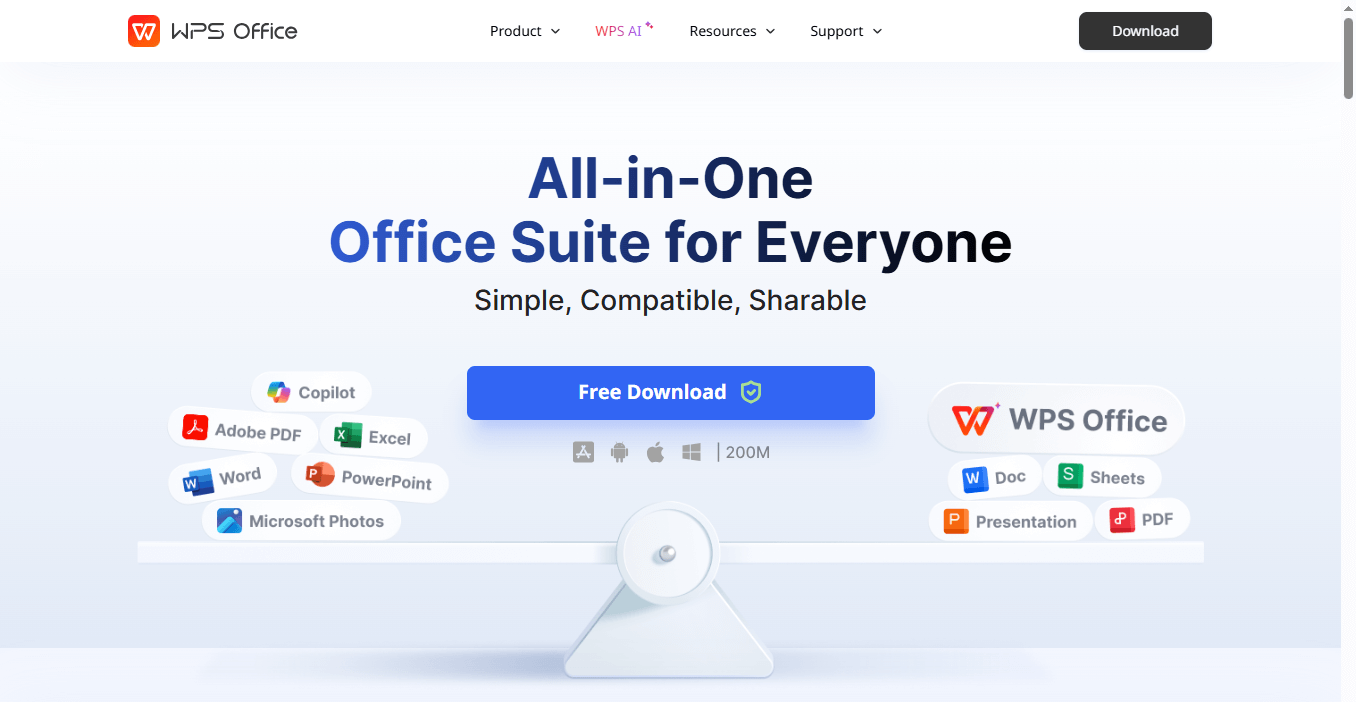
✅ WPS Office – A fast, Microsoft-compatible productivity suite, perfect for efficient document editing and creation. It works on Windows, macOS, and mobile devices.
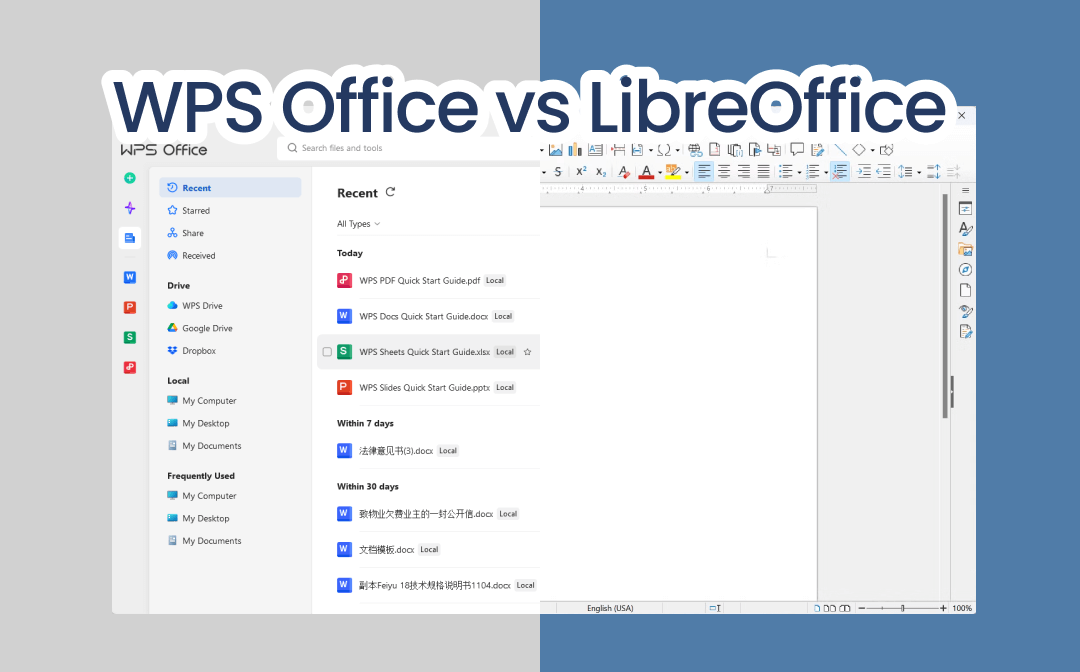
WPS Office vs LibreOffice: Which Is Better for You?
Want to learn about the WPS Office vs LibreOffice? Click this guide to learn about every attribute and difference between these two tools.
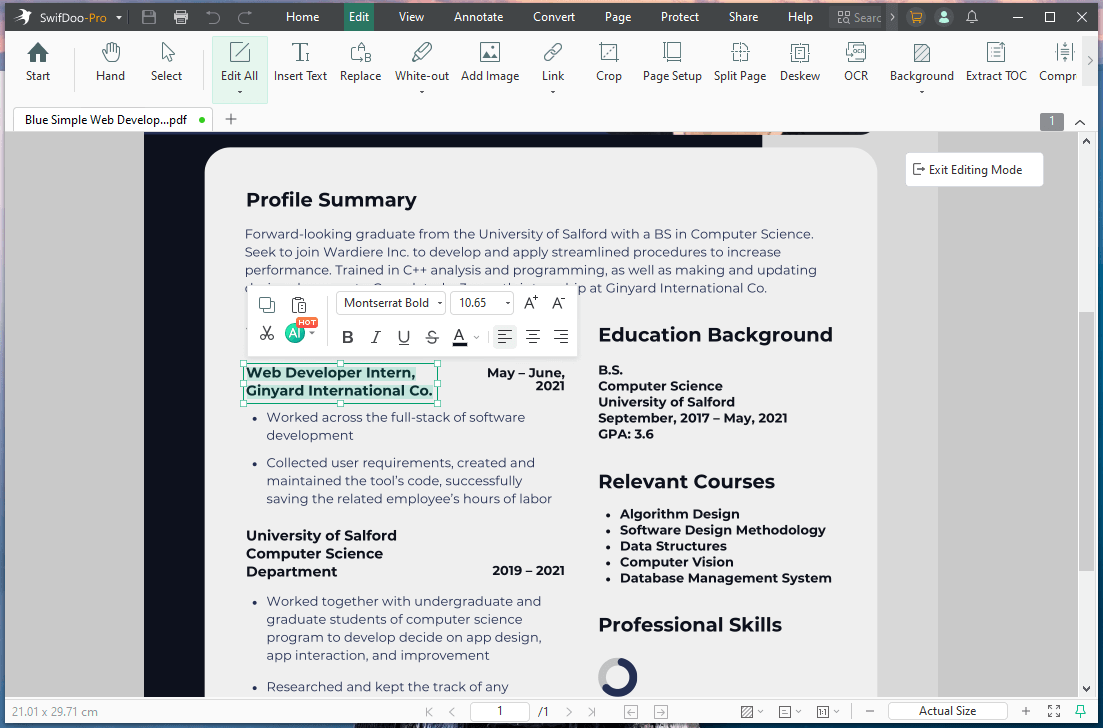
READ MORE >If PDF tasks are part of your workflow, you can try SwifDoo PDF—a comprehensive, user-friendly, and powerful tool for editing, viewing, converting, and managing PDF files efficiently. SwifDoo PDF is a helpful companion for users who need more than just word processing or spreadsheets, enabling you to manage PDF tasks efficiently.
Final Wrap Up
Whether your aim is to get Microsoft Office for free or to buy Microsoft Office for cheap, a range of choices is available to suit different users and budgets. If your goal is how to get Microsoft Office for cheap, there are several trustworthy and legal approaches to achieve it.
Explore free choices such as Microsoft 365 Online, Education plans, and mobile apps, or select cost-effective options like the Microsoft 365 Family plan and authorized resellers. Even free alternatives like LibreOffice, Google Workspace, or WPS Office can meet most productivity needs. These options help you stay productive without overspending.