1. NaturalReader
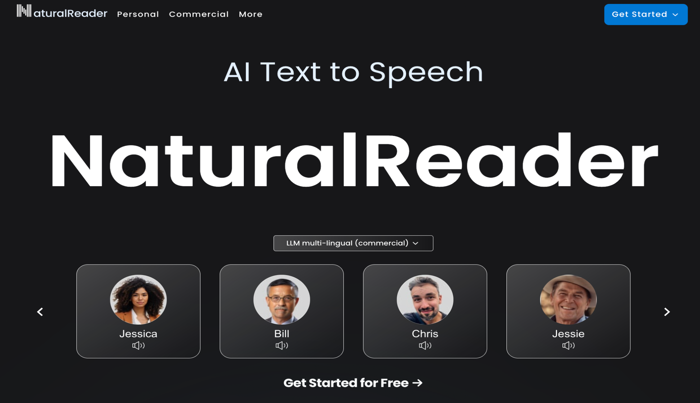
NaturalReader is one of the best AI PDF voice readers available online for free. It features super-realistic LLM AI voices, making it easy for users to generate voiceovers from text. With this powerful tool, you can turn PDFs into realistic voice output, ideal for hands-free access to content. Users can just upload their PDF files. And NaturalReader’s AI voice technology will read them aloud.
Perfect for YouTube, training, e-learning, audiobooks, and more, it’s one of the top apps that will read PDFs to you for free with professional-quality voiceovers.
Pros
- An AI voice PDF reader with the facility of using non-AI voice options as well.
- Provides 200+ AI male and female voices with multiple styles.
- The audio reader functionality works with PDF, TXT, and 20+ file formats
Cons
- The maximum speed may not meet the requirements of all users.
- The free version has only basic features and an expensive subscription fee.
2. Speechify
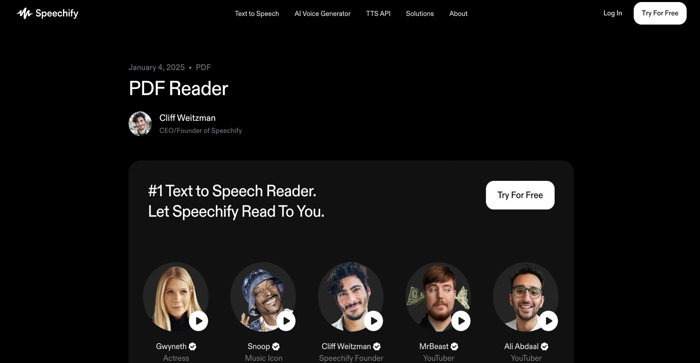
Speechify is a leading AI PDF voice reader app known for its helpful features, natural-sounding AI voices, and simple interface. It allows users to listen to PDFs with the AI voice reader. And transform text into clear, engaging speech. More than just a reader, Speechify Studio includes advanced capabilities like AI-generated voices, voice cloning, dubbing, and voice-changing tools.
With its versatile options, users can easily customize their listening experience. No matter the purpose— study, work, or leisure —Speechify delivers a smooth and effective PDF listening experience.
Pros
- Smoothly read PDFs aloud in over 30 languages.
- Natural-sounding, high-speed, and customizable AI voices.
- Allows adjusting the voice type, pitch, and reading speed.
Cons
- Naturalness is inconsistent among the free voice selections.
- Speech settings lack advanced configuration options.
3. NoteGPT
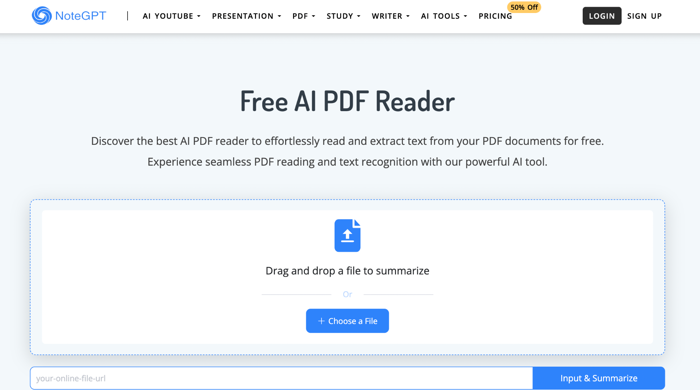
A top choice for productivity, NoteGPT is an AI PDF reader that can convert PDF to voice and summarize PDF content for free. It not only narrates your files with natural AI voices but also generates short summaries to simplify key information. It can handle both standard PDFs and scanned documents. The OCR capabilities of this tool ensure accurate text extraction from scanned pages.
If you need to listen to lengthy PDFs, NoteGPT stands out as one of the best AI PDF voice readers. NoteGPT offers a convenient and efficient solution for all your PDF needs.
Pros
- The PDF reader offers realistic, clone, and simulated AI voices for free access.
- Free AI voice generator, PDF reader, PDF summarizer, and PDF translator.
- Extract and read text from your PDF documents for free.
Cons
- Lacks advanced features suitable for professional settings.
- Summary accuracy can be inconsistent and may miss nuanced details or context.
Best PDF Voice Reader with AI Power: SwifDoo PDF
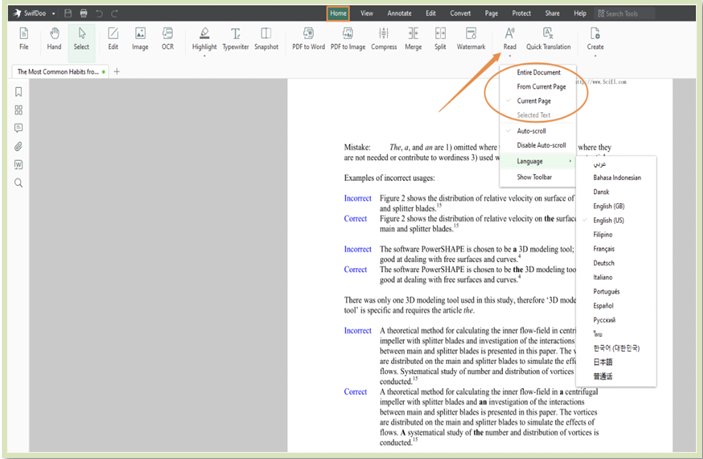
SwifDoo PDF is an all-around PDF viewer, reader, and editor software with AI features. This text-to-speech software for PDF files quickly transforms PDF text into audio. And read the whole document out loud. Supporting over 100 languages, you can translate the document into your desired language and choose a voice to read aloud the selected text or the entire document.
It also leverages SwifDoo AI to handle all advanced PDF management tasks. Harnessing the power of AI, it can summarize, rewrite, proofread, analyze, and perform many other tasks.
Some outstanding features of SwifDoo PDF are:
- Create, view, and read PDF files in various themes and styles
- Edit and annotate files/documents to tailor them for personalized results
- Quickly convert PDF to speech with a free trial without a credit card
- Sign and password-protect PDF files to avoid unauthorized access
- Convert, compress, merge/split pages or entire document
Final Wrap Up
Finally, we have come to the conclusion. Here, we have discussed the best AI voice reader for PDF documents. Considering each one’s pros and cons, you can choose NaturalReader, Speechify, or NoteGPT. However, if you are seeking a trusted and reliable PDF voice reader with AI power, SwifDoo PDF can be your best bet. SwifDoo PDF’s user-friendly and intuitive interface simplifies handling large PDFs with ease. It offers all PDF-related options to manage tasks effectively.